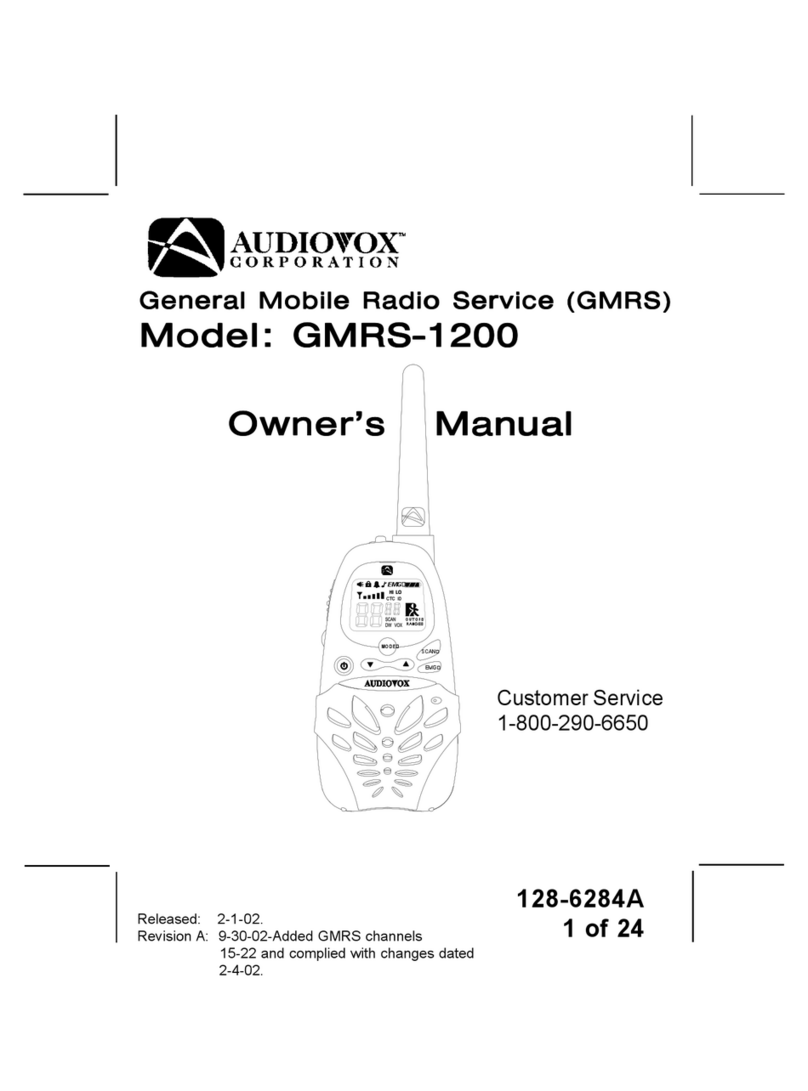
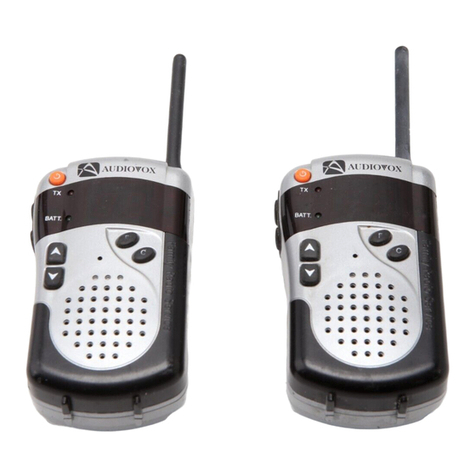
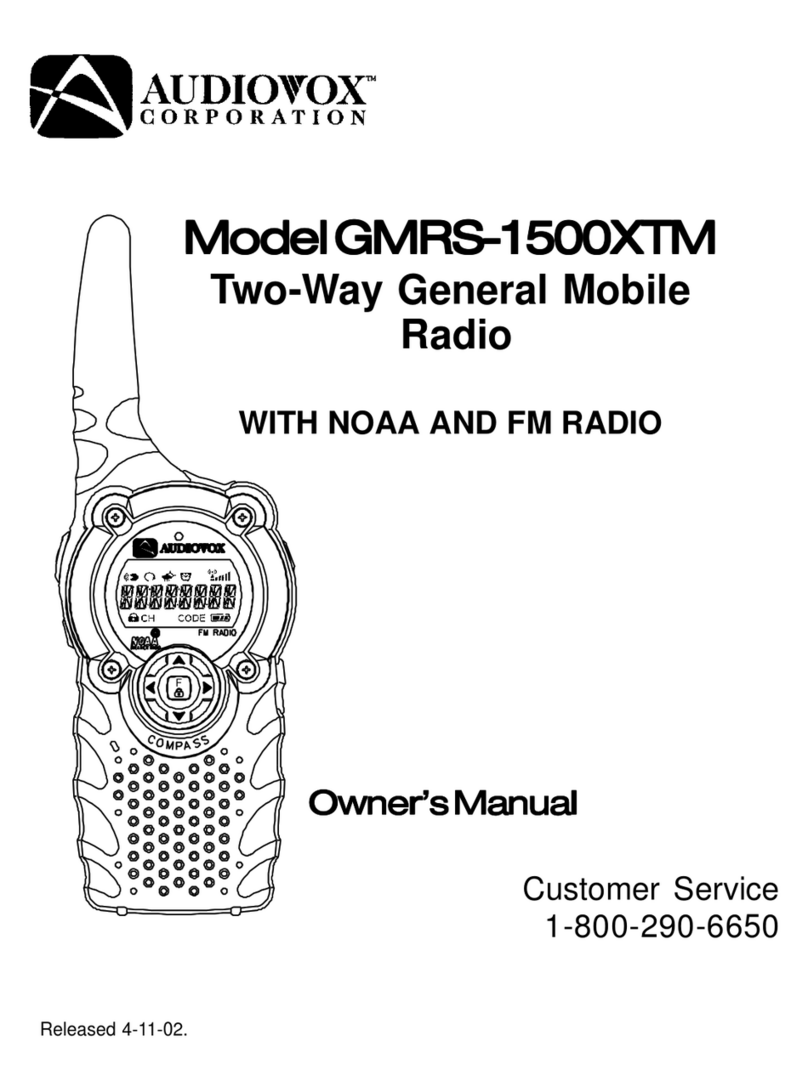
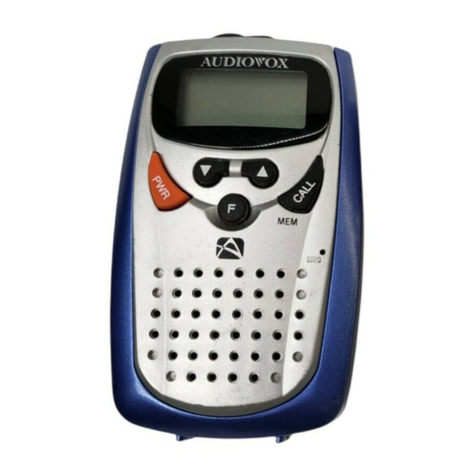
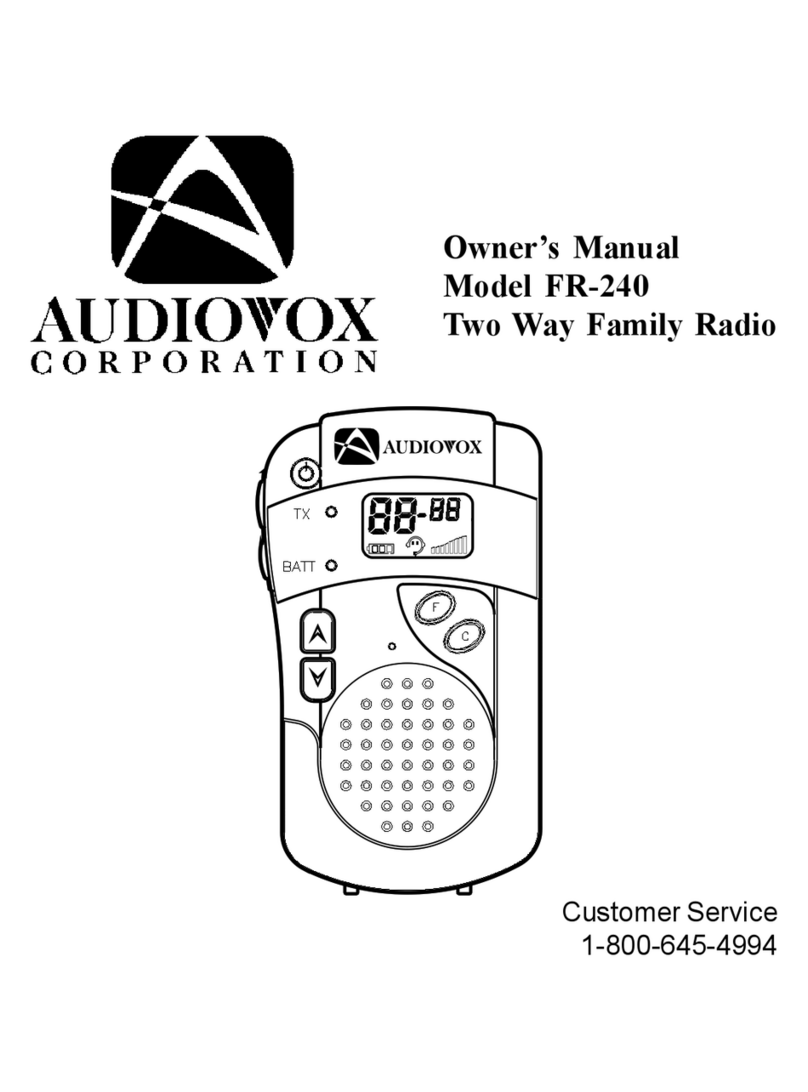
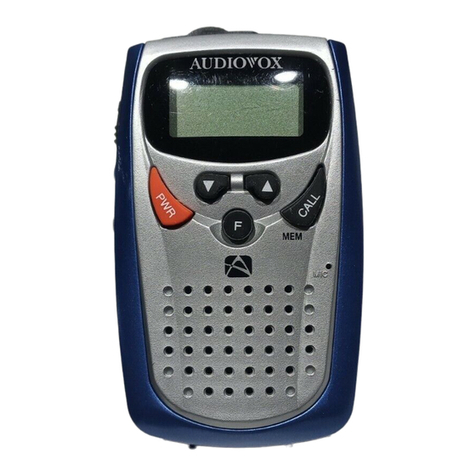
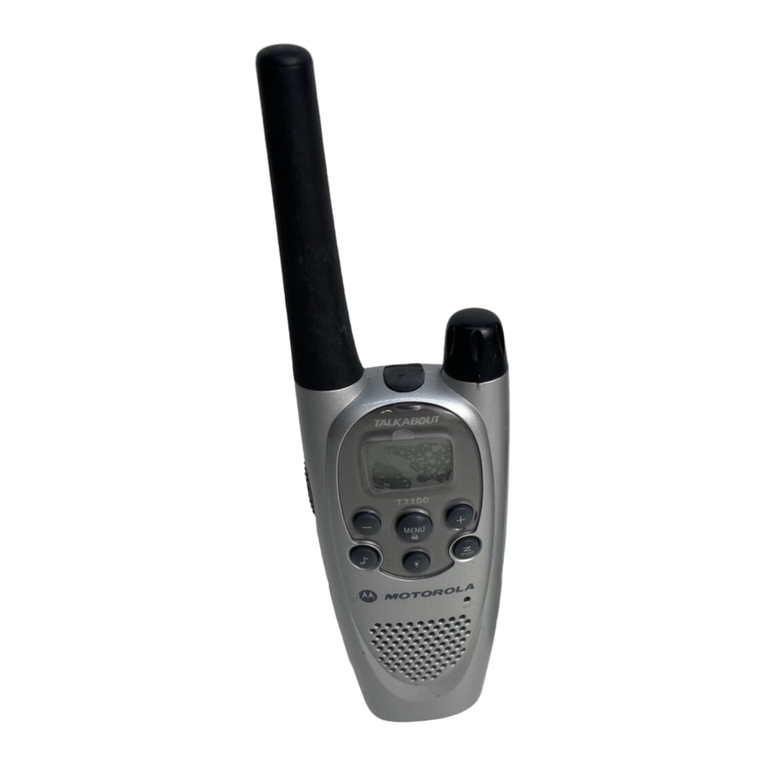
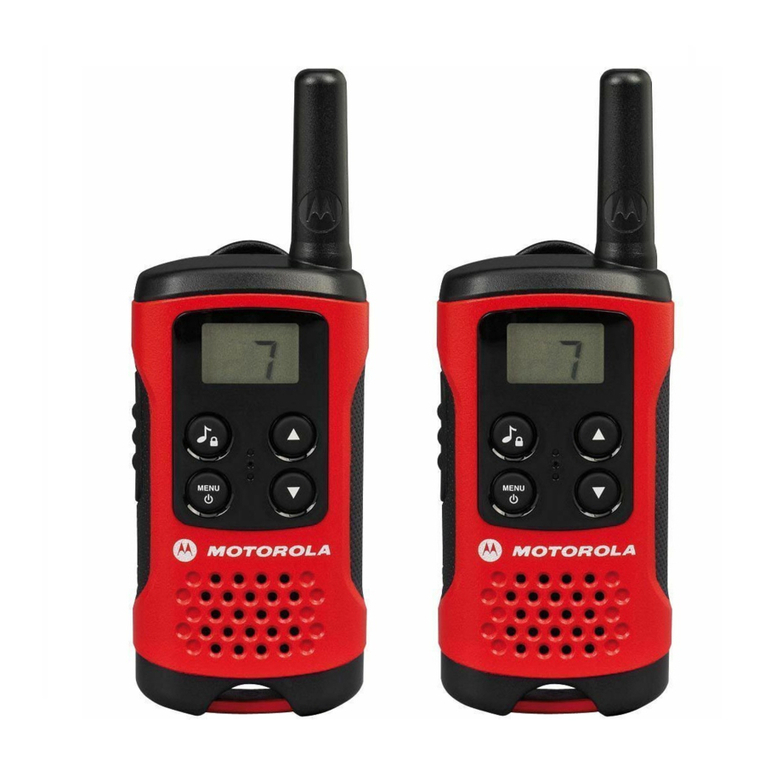
Function Select (F) Button
PressingtheFunctionbuttonwillallowselectionoffrequencychannels,aswell
as selection of the various unit functions. Each press permits selection of the
desired channel (1–14), up to 38 CTCSS channel codes, beep tone, scan,
VOX and Dual Watch functions. This button also activates the Key lock
featurewhen pressed and held formore than2 seconds.
Channel and CTCSS Selection
Pressfunction button untillarge two-digitchannel displayflashes. PressUp
()orDown( )buttons toselect desiredchannel (1–14).To selectaCTCSS
channel code, press function button until small two-digit display flashes.
Then press Up or Down button to select desiredcode (1-38)in that channel.
The CTCSS primary code feature allows you to ignore transmissions from
other transceivers that are using the same channel. However, the same
codemust alsobe selectedonthosetransceiverswithwhichyoudesirecom-
munication. In addition, thisfeature does notprevent others fromlistening to
your transmissions.
Beep Confirmation Tones
WhenevertheUp/DownorFunction(F)select button is pressed,thespeaker
will sound a beep tone to confirm each press, provided the key tone
feature is enabled. The unit will also transmit a beep tone sequence
after each transmission to signal the receiving party that transmission
has ended. This tone is called a “Roger Beep”. To disable the key tones
and “RogerBeep”, pressFunction button untilthe Beep Tone iconflashes.
Then press Up ( ) or Down ( ) buttons until the icon disappears. No beep
tonesshould be heard. Toenable thekey tones and“Roger Beep”, proceed
as before, until Beep Tone icon appears flashing. Then press Up ( ) or
Down( )button. Thekeytone icon willremaindisplayed and beep tone will
beheard. When increasing the volume or channelnumber, the tone will be
higherthanwhen decreasing thevolume or channelnumber.
Channel Scanning
Pressfunction buttonrepeatedly untilthe SCAN iconflashes. Press theUp
-10-
FUNCTIONS