Operating Your Remote Access2
System
Remote Controls
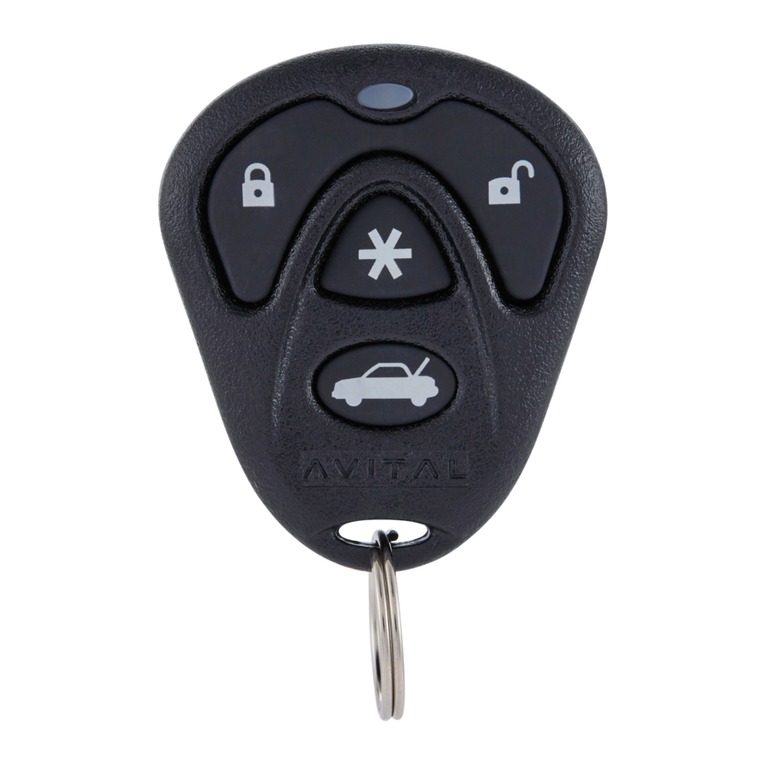
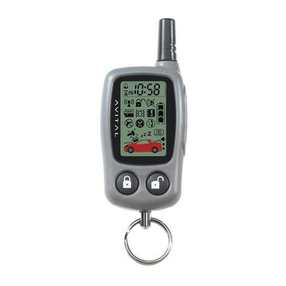
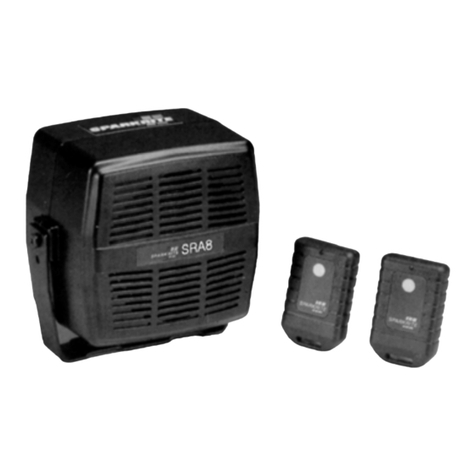
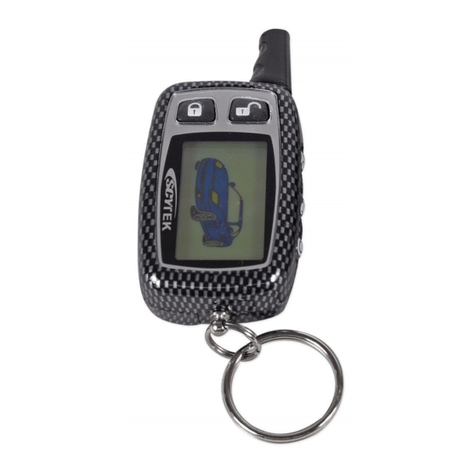
Included with your system are two AviGlo™ 4-button/9-channel remote
controls. Once exposed to light, the AviGlo remote control buttons will glow,
making the buttons visible in the dark.
Your remote control (remote) is a miniature transmitter powered by a small +12
volt battery. Obstructions, electrical or radio interference, weather conditions,
window tint or a weak battery can reduce this range. Your remote is the key to
your system and can be used to lock and unlock your doors, "pop" your trunk,
control a remote engine starter or other optional accessories
Your system can accept up to four Avital remote controls. Additional remote
controls and remote control batteries can be purchased from any authorized
Avital dealer, or by calling Avital Technologies toll-free at 1-800-253-0334
(within the U.S.) or 1-847-215-2233.
To Lock the Doors
Press the remote control LOCK button for 1-2 seconds. The doors will lock,
the parking lights will flash twice and the dash mounted LED will blink slowly.
If the optional panic feature was connected, the horn or siren will sound two
times. This feature can be programmed ON or OFF. (See "Programming Table
for System Features" on page 8.) If the optional starter disable relay was added,
the starter will be disabled.
To Unlock the Doors
Press the remote control UNLOCKbutton for 1-2 seconds. The doors will
unlock, the interior lights will turn on, the parking lights will flash once and
the dash mounted LED will turn off. If the optional panic feature was
connected, the horn or siren will sound one time. If the optional starter disable
was added, it will disengage allowing you to start the vehicle.
Two-Stage Unlock
If the optional two stage unlock feature was installed, press the UNLOCK
button for 1-2 seconds. The driver door only will unlock. Within 3 seconds,
press the UNLOCKbutton again and the passenger doors will unlock.
User-Programmable Ignition-Controlled Door Lock/Unlock
For the ultimate in security and convenience, the Remote Access2
will
automatically lock the doors when the ignition key is turned "ON" or the
engine is started, and the doors will unlock when the ignition key is turned
"OFF." This feature can be programmed ON or OFF. (See "Programming Table
for System Features" on page 8.)
4
RA2 Owner's Manual Rev. B - 0499