2.3 First steps, switching on and off
Right after arrival in your home the OVATION MA8.2 might be cold (depending on the weather
outside during transport). In this case we recommend that after unpacking and placing it in
your room you let it "acclimatize" without mains connection for at least one hour .
Connect the power supply socket (10) with a suitable power cord to the mains and set the mains
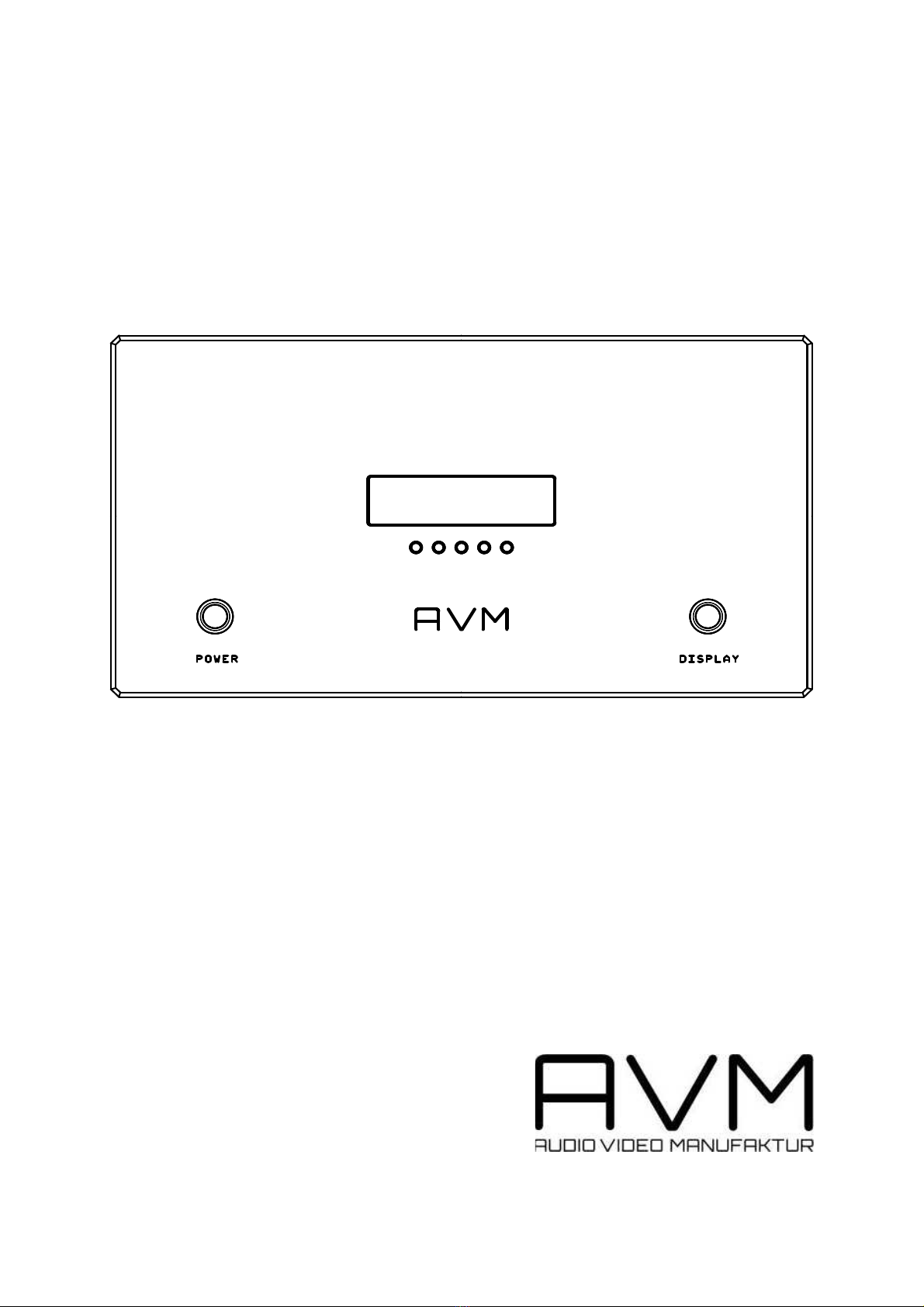
switch (1) to on (push once). The unit performs a self test while the AMP logo scrolls into the display
(2). After a few seconds the unit will switch on *). The mains switch has a fluorescent ring around.
While the unit is operating this ring will light up in bright blue. When the unit is switched to stand by
(see 3.2 SET OPERATING MODE) the ring will be dimmed but still softly lit.
During this procedure you will hear clicks in short succession from the switching relays of the driver
stage and supply unit. When this initial check is passed, switch off the amp at the mains switch (1,
push once). Now the unit is ready to be connected to your hi fi set.
*) Depending on previous settings it might be that the amp goes to standby after the initial self test.
This is the case if previously one of the operating modes "auto", "remote" or "trigger" was selected. In
this case press the button 3c in the middle under the display and select "permanent" using button 3d.
Then press button 3c again to exit the menu.
2.4 Connection of the pre amplifier
Audio Signal
Your OVATION MA8.2 is equipped with both an RCA-cinch and XLR input socket (7, 8) which can be
used as desired. Merely connect the pre amplifier with the relevant cable.
Trigger Signal
If you use the AMP pre mk2 as preamplifier the trigger Signal is sent trough the AF cable with no
additional connection necessary. If you use other preamplifiers that are equipped with trigger outputs
then connect the trigger input of the mono (9) via a suitable cable to the preamp's trigger output.
2.5 Connection of the loudspeakers
IMPORTANT NOTES
The OVATION MA8.2 has balanced speaker outputs. That means that not only the red marked
plus connectors (6) but also the minus connectors (5) conduct signal voltage. Do not connect
any of the terminals to case or input ground. This can damage your amplifier or the rest of your
hi fi set.
The OVATION MA8.2 is a very powerful amplifier. It can deliver up to 120 Volts peak to the
loudspeaker. So do not touch the speaker connectors while the unit operates. If you want to
change or reconnect speaker cables we recommend that you switch the unit off before doing
that. Keep little children or pets away from the speaker cables and connectors while the
OVATION MA8.2 is operating.
The OVATION MA8.2 is equipped with 2 pairs of output clips so that bi-wiring connection of the
loudspeakers is possible without any problems. Only use loudspeaker cable of good quality and with
sufficient diameter to connect your loudspeaker to the output clips (5, 6). Take care of the correct
polarity when connecting. The red marked output clip (6) must be connected to the red loudspeaker
clip or marked with a plus sign. Right and left channels must be the same polarity.