manuals.online logo
Brands
  1. Home
  2. •
  3. Brands
  4. •
  5. Bakers Pride
  6. •
  7. Oven
  8. •
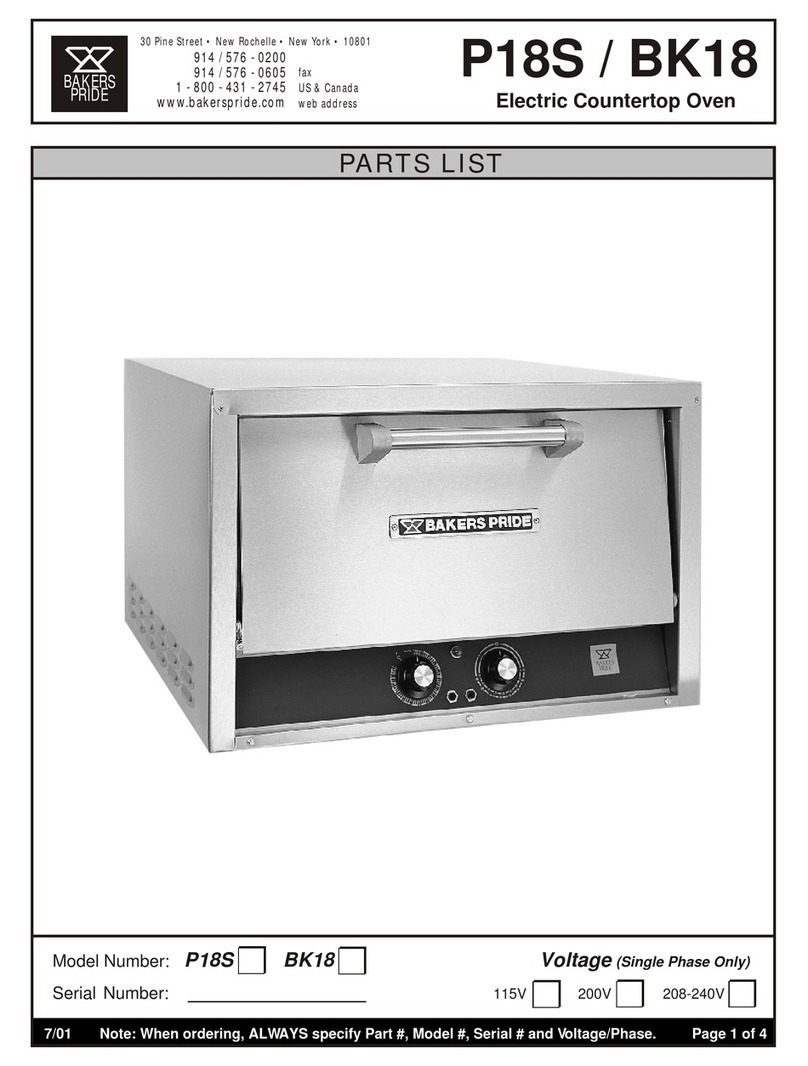
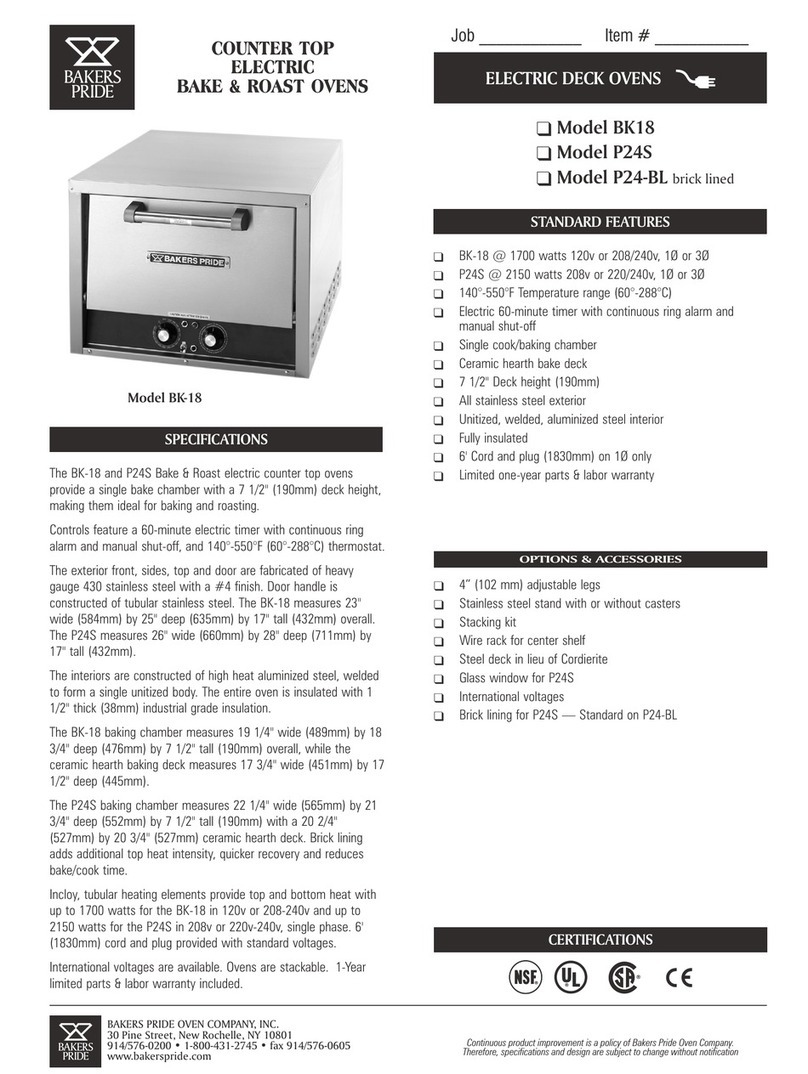
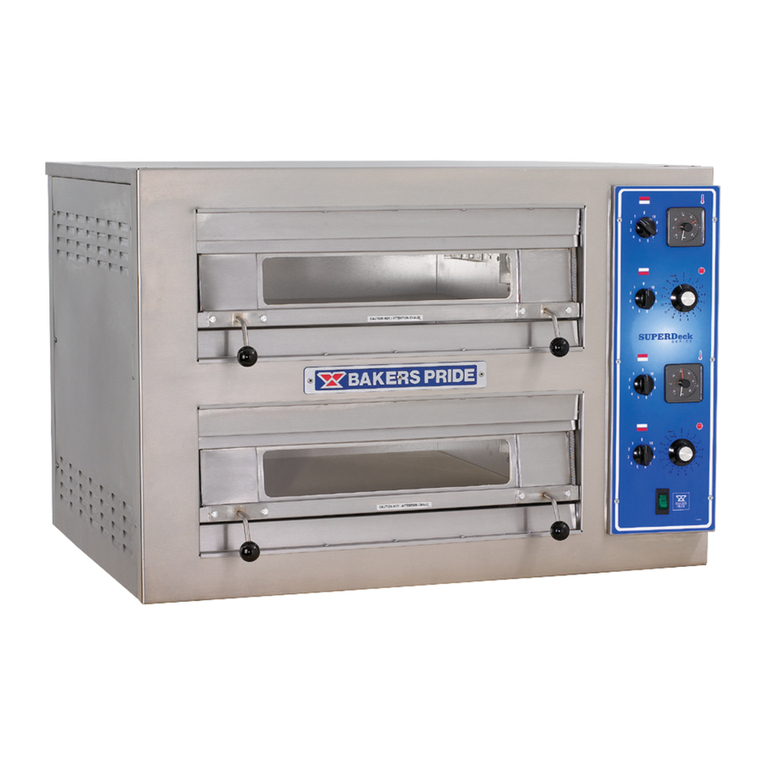
  9. Bakers Pride EB User manual

Bakers Pride EB User manual

This manual suits for next models

23

Other Bakers Pride Oven manuals

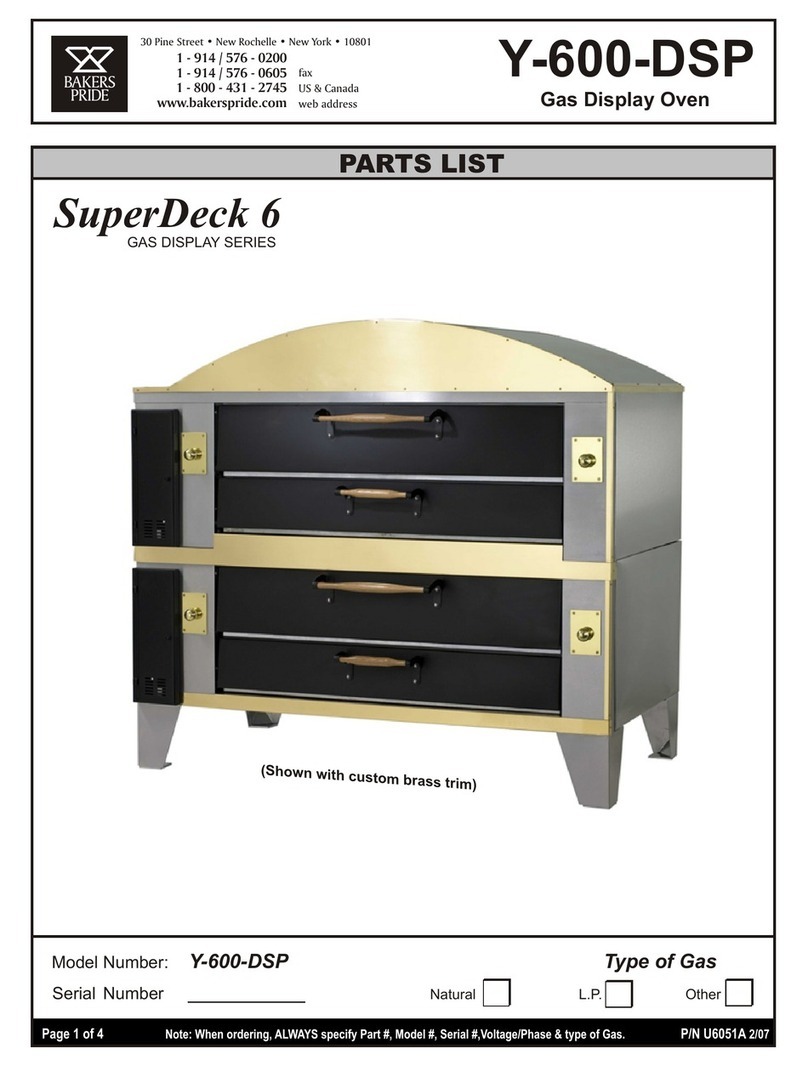
Bakers Pride SUPER DECK Y-600 User manual

Bakers Pride

Bakers Pride SUPER DECK Y-600 User manual

Bakers Pride GP-51 Series User manual

Bakers Pride

Bakers Pride GP-51 Series User manual

Bakers Pride P-44S User manual

Bakers Pride

Bakers Pride P-44S User manual

Bakers Pride Convection-Flo 101 User manual

Bakers Pride

Bakers Pride Convection-Flo 101 User manual

Bakers Pride D-250 DSP Double Use and care manual

Bakers Pride

Bakers Pride D-250 DSP Double Use and care manual

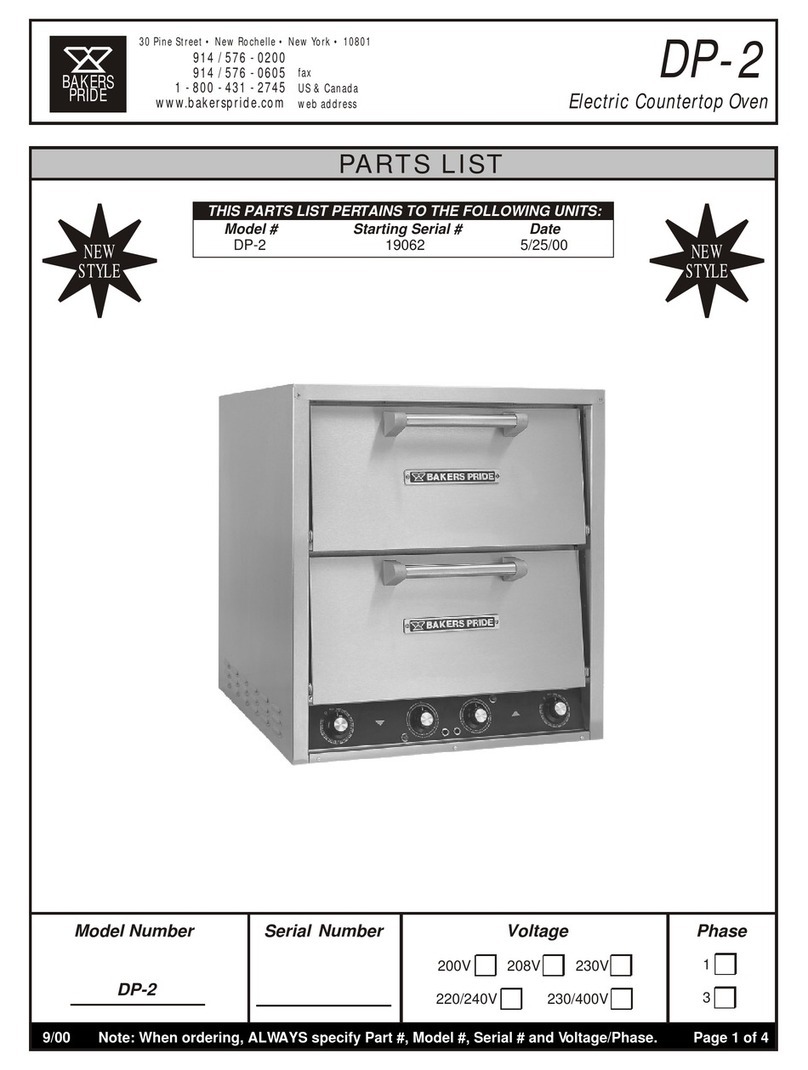
Bakers Pride DP-2 User manual

Bakers Pride

Bakers Pride DP-2 User manual

Bakers Pride VHVA-1620-E1 User manual

Bakers Pride

Bakers Pride VHVA-1620-E1 User manual

Bakers Pride GP-52 Double User manual

Bakers Pride

Bakers Pride GP-52 Double User manual

Bakers Pride BK-18 User manual

Bakers Pride

Bakers Pride BK-18 User manual

Bakers Pride BK-18 User manual

Bakers Pride

Bakers Pride BK-18 User manual

Bakers Pride EP-2-2828 Single User manual

Bakers Pride

Bakers Pride EP-2-2828 Single User manual

Bakers Pride APC-18-2 User manual

Bakers Pride

Bakers Pride APC-18-2 User manual

Bakers Pride APC-18 User manual

Bakers Pride

Bakers Pride APC-18 User manual

Bakers Pride 301 User manual

Bakers Pride

Bakers Pride 301 User manual

Bakers Pride V600 User manual

Bakers Pride

Bakers Pride V600 User manual

Bakers Pride FC-816 User manual

Bakers Pride

Bakers Pride FC-816 User manual

Bakers Pride SUPER DECK Y-600 User manual

Bakers Pride

Bakers Pride SUPER DECK Y-600 User manual

Bakers Pride DS-805 Single Manual

Bakers Pride

Bakers Pride DS-805 Single Manual

Bakers Pride Cyclone CO11-E User manual

Bakers Pride

Bakers Pride Cyclone CO11-E User manual

Bakers Pride P-22S User manual

Bakers Pride

Bakers Pride P-22S User manual

Bakers Pride Cyclone SERIES User manual

Bakers Pride

Bakers Pride Cyclone SERIES User manual

Bakers Pride P-44S Quick start guide

Bakers Pride

Bakers Pride P-44S Quick start guide

Bakers Pride BK-18 Quick start guide

Bakers Pride

Bakers Pride BK-18 Quick start guide

Bakers Pride SUPER DECK Y-600 User manual

Bakers Pride

Bakers Pride SUPER DECK Y-600 User manual

Popular Oven manuals by other brands

Brandt FC 222 user manual

Brandt

Brandt FC 222 user manual

aumate TOA20M04N-1E instruction manual

aumate

aumate TOA20M04N-1E instruction manual

Maytag CWE4100AC - 24" Single Electric Wall Oven Dimension Guide

Maytag

Maytag CWE4100AC - 24" Single Electric Wall Oven Dimension Guide

Kernau KBO 1076 S PT B instruction manual

Kernau

Kernau KBO 1076 S PT B instruction manual

Bosch HB 37 N Series User manual and installation instructions

Bosch

Bosch HB 37 N Series User manual and installation instructions

Electrolux EOD5420AA user manual

Electrolux

Electrolux EOD5420AA user manual

Mx Onda MX-HC2183 instruction manual

Mx Onda

Mx Onda MX-HC2183 instruction manual

Daewoo F6EV19SM2 Service manual

Daewoo

Daewoo F6EV19SM2 Service manual

Blodgett MT3870 Specifications

Blodgett

Blodgett MT3870 Specifications

GE ZET2F owner's manual

GE

GE ZET2F owner's manual

GE JK3000DF3WW owner's manual

GE

GE JK3000DF3WW owner's manual

eka EKF 523 NT Operating and instruction manual

eka

eka EKF 523 NT Operating and instruction manual

AEG Electrolux E3191-5 user manual

AEG Electrolux

AEG Electrolux E3191-5 user manual

Pratica Rocket Express quick start guide

Pratica

Pratica Rocket Express quick start guide

Viking Professional VGSO260T user guide

Viking

Viking Professional VGSO260T user guide

FM RX203 instruction manual

FM

FM RX203 instruction manual

Bosch HBN331 9B Series instruction manual

Bosch

Bosch HBN331 9B Series instruction manual

NEFF B95M42N0MK Instructions for use

NEFF

NEFF B95M42N0MK Instructions for use

manuals.online logo
manuals.online logoBrands
  • About & Mission
  • Contact us
  • Privacy Policy
  • Terms and Conditions

Copyright 2025 Manuals.Online. All Rights Reserved.
UL
R
LISTEDLISTED
COMMERCIAL ELECTRIC
COOKING APPLIANCE
US
C
BAKERS PRIDE OVEN CO., INC.
30 Pine Street
New Rochelle, NY 10801
(914) 576-0200 Phone (800) 431-2745 US & Canada
(914) 576-0605 Fax www.bakerspride.com Web Address
INSTALLATION AND OPERATING INSTRUCTIONS
FLOOR MODEL
ELECTRIC DECK OVENS
INTENDED FOR OTHER THAN HOUSEHOLD USE
Models: EP, EB, ER
RETAIN THIS MANUAL FOR FUTURE REFERENCE
OVEN MUST BE KEPT CLEAR OF COMBUSTIBLES AT ALL TIMES
P/N U4190A 9/07
1
ANSI/NSF 4
This equipment has been engineered to provide you with year round dependable service when used
according to the instructions in this manual and standard commercial kitchen practices.
WARNING: Improper installation, adjustment, alteration, service or maintenance
can cause property damage, injury or death. Read the Installation, Operating and
Maintenance Instructions thoroughly before installing or servicing this equipment.
! !
FOR YOUR SAFETY: Do not store or use gasoline or other flammable vapors and
liquids in the vicinity of this or any other appliance.
! !
WARNING: Initial heating of oven may generate smoke or fumes and must be
done in a well-ventilated area. Overexposure to smoke or fumes may cause
nausea or dizziness.
! !
Note: Only Pizza or Bread can have direct contact with ceramic decks. All other food products must be
placed in a pan or container to avoid direct contact with ceramic decks.
2
INDEX
INSTALLATION INSTRUCTIONS
SECTION ITEM PAGE
1 Receiving 3
2 Location and Minimum Clearances 3
3 Installation 3
4 Stacking 5
5 Steam Option 5
6 Installation of Decks 6
7 Electrical Connection 7
8 System Check 8
9 Initial Start-Up 9
OPERATING INSTRUCTIONS
SECTION ITEM PAGE
1 General Baking 9
2 General Baking Tips 9
3 Special Features 10
4 Cleaning 10
5 Service and Trouble Shooting 11
6 Rating Plate 11
7 Wiring Diagrams 12-15
8 Warranty 16
Attachment: Parts List EP, EB & ER Series, Large Electric Deck Ovens
3
INSTALLATION INSTRUCTIONS
MODELS COVERED
MODEL NUMBER OF ELEMENTS TOTAL KW PHASE
EP1(2,3)-8-3836 8 elements per Deck 8 kw per Deck 1 or 3 phase
EP1(2,3)-8-5736 12 elements per Deck 12 kw per Deck 1 or 3 phase
EB1(2,3)-8-3836 8 elements per Deck 8 kw per Deck 1 or 3 phase
EB1(2,3)-8-5736 12 elements per Deck 12 kw per Deck 1 or 3 phase
ER1(2,3)-12-3836 8 elements per Deck 8 kw per Deck 1 or 3 phase
ER1(2,3)-12-5736 12 elements per Deck 12 kw per Deck 1 or 3 phase
1. RECEIVING
2. LOCATION AND MINIMUM CLEARANCES
Adequate air space must be provided for proper venting of the controls and provisions must be made for venting of the
cooking vapors. The Oven must be installed in a well-ventilated area and following minimum clearances must be
maintained at all times:
Ovens can be installed with “Zero” clearances (back and sides) from combustible and non-combustible materials.
The Ovens may be installed on combustible Flooring if mounted on the Legs provided. Keep the area around your
oven free and clear of all combustible materials.
3. INSTALLATION
Place the oven and parts as close to the area of final installation before uncrating. Your oven is packed sitting on its
back. Leave it on its back while unpacking. The pallet may be left under the oven for convenience in further handling.
Unpack carefully to avoid damage to the oven. If concealed damage is discovered, follow the instructions detailed in
section 1 above.
a) Legs are shipped in a separate carton complete with mounting bolts and washers. Firmly bolt two legs (in case
of casters, the two with the brakes must be used here) to the upper two corners (front) of the oven as it rests on
the pallet. Note: (See fig. # 1).
b) Using sufficient help, tilt the oven forward and lower it down so that the two front legs come to rest on the floor.
(See fig. 2)
WARNING: In case of casters, the brakes must be firmly applied and in a locked position before proceeding
with the next step, in order to prevent the oven from rolling away while lifting the back. It is advisable to have a
person in front of each caster leg, bracing his foot firmly against the casters.
c) Using proper lifting equipment, raise the back of the oven to a height slightly more than the height of the legs,
remove the pallet and the rest of the packing material and place a sturdy support under the back side. (See fig.
#3)
d) Mount the two back legs and firmly tighten the bolts, then lift the back of the oven somewhat and remove the
support.
e) Provide a suitable restraining chain or cable to securely tether the appliance to the building structure. The
restraining chain or cable should be of such length that it will stop movement of the appliance BEFORE there is
any strain on the power supply cable.
Read the notice on the outside carton regarding damage in transit. “CONCEALED DAMAGE”, damage discovered
after opening the crate(s), must be reported immediately to the carrier. The carrier will perform an inspection of the
damage and furnish forms for the consignee's claim against the carrier. Retain all packing material - including outer
carton until the inspection has been completed.
4
f) Move the oven to its final location (in case of casters, release the brakes, then reapply once in position),
maintaining the minimum distances specified in section 2. Above.
g) Remove all loose parts and packages from the oven interior.
h) Insert the short piece of tapered pipe supplied (see fig. 4) into the hole at the top, located near the left rear
corner of the oven (see fig. 5A). Turn it to the desired direction, mark the location of the holes and drill three
1/8” diameter holes, then secure it with the screws supplied for that purpose. This pipe is to prevent accidental
closure of the vent opening by items stored on top of the oven.
Figure #3
BAKERS PRIDE
Figure #2
Figure #1
Figure #4
Flue Diverter
Warning Label
Warning
Label
Left Rear Leg
w/Caster &
Restraining Plate
Restraining
Plate
5
4. STACKING
These ovens can be stacked up to three high. Each unit is built exactly the same, so it does not matter in what order
they are stacked. However, in case of a mix of 8” and 12” deck heights, it is advisable to place the higher deck(s) on the
top, e.g.: mount the legs to one of the lower decks.
Once the unit with the legs is in place (in case of casters make sure the brakes are on), with the proper lifting equipment
gently place the next oven on top of the first one and line up the back and sides with each other. (If the ovens came with
Steam Option, read section 5. below before proceeding). Once the two ovens are properly stacked, install the stacking
brackets as per instructions supplied with the kit. In case of a third unit, gently place the oven on top of the second one,
line up the back and sides, then connect to the stacking brackets.
5. STEAM OPTION
If this option has been ordered and supplied, remove the control panel(s) and left access cover(s) to gain access to the
steam plumbing as follows:
a) Remove all screws and vent knob from the control panel. Loosen the set screw on the thermostat knob and
remove it. Pull the control panel out at the bottom, then down and out from the vent rod. Slip the right flange
hole of the control panel back onto the vent rod, then replace the vent knob to keep the control panel in an
open and secure position. (See fig. 5l)
b) Remove all screws from the left access panel, then pull it forward and out of the oven.
c) After the internal pipe connections have been completed as per instructions below, follow the instructions
supplied by the manufacturer of the steam generator and the manufacturer of the steam trap for final hook up
to the steam supply.
Stacked ovens
a) In all but the top oven, punch four 1 1/2” diameter holes in each of the top covers, utilizing the 1/8 locating
holes. (See fig. 5b)
b) Loosen the upper pipe union(s) and remove the upper part(s) from all but the top oven. (See fig. 5c).
c) Raise the left side of the upper unit and place a piece of wood or similar material to keep a 1” to 1 1/2” space
between the two ovens.
d) Insert the connecting pipe, small end up, (see fig. 5d) through the access opening of the lower unit and screw it
into the lower pipe union of the upper oven, leaving a space between the lower union sections identical to the
space between the two ovens.
e) Lift the upper unit, remove the spacer and carefully lower it until the two union parts in the lower oven meet.
Adjust the height of the connecting pipe, if necessary, to have a perfect match at the lower union, then tighten
the lower union.
WARNING: It is very important to have a good match at the lower union before tightening it. If the connecting
pipe is too long or too short, this will put undue stress on the pipe joints and could cause failure of these
components and property damage or injuries as well.
f) At the end, insert the connecting pipe, small end up, through the appropriate opening at the base of the bottom
unit and screw it into the lower pipe union.
Single Oven
Insert the connecting pipe, small end up, through the appropriate opening of the base and screw it into the lower pipe
union. (See fig. 5e)
6
a
b
c
d
e
g
h
j
f
il
k
Figure #5
6. INSTALLATION OF DECKS
Steel Decks
Steel Decks for Bake and Roast Application are factory installed and no further installation is required.
Ceramic Decks
Ceramic Decks for Pizza Application are shipped in a separate carton. Depending on the model, two (see fig. 6a) or
three slabs (see fig 7a) are provided with each oven. This material is heavy and fragile and should be handled
carefully.
a) Depending on the model, three or four deck supports (metal channels) have to be inserted in the oven, front to
back, flanges down and flat side up. (See fig. 5f).
b) Slide one slab into the bake chamber along the deck supports on the left side, lower the front end carefully to
avoid chipping of the deck corners, then push tightly against the left oven wall.
c) Repeat the above for the second (and third) slab, pushing it as tightly as possible against the previous one to
prevent any gaps.
d) With a long hook or similar tool, reach in and pull all of the slabs as far to the front as possible. Insert one (or
two) of the wedges in the back and one at the right side of the oven (see figs. 6b & 7b) and tap them down
lightly.
7
Figure #6
6a
6b Figure #7
7a
7b
CAUTION
Overexposure to smoke or fumes may cause nausea and dizziness.
Be sure the oven is placed in a well ventilated area.
! !
7. ELECTRICAL CONNECTION
General Instructions
a) Only a licensed electrician should make the electrical connections.
b) Make sure electrical supply corresponds with that specified on the rating plate.
c) Only use copper conductors rated at 90°C suitably sized for the electric current drawn.
d) All pole disconnect(s) must be provided by the installer.
e) When installed, unit must be electrically grounded in accordance with the local codes and/or the latest edition
of the National Electrical Code ANSI/NFPA No. 70 in USA or Canadian Electrical Code, CSA Standard C22.1,
Part 1 in Canada.
f) FOR CE UNITS: The appliance must be connected by an earthing cable to all other units in the complete
installation and thence to an independent earth connection in compliance with EN 60335-1 and/or local codes.
If flexible line cordage is used to connect the equipment, it should be a minimum of H07RN-F type conforming
to EN60335-1 and/or local codes.
Field Connections
a) Remove all screws and vent knob from the control panel(s). Pull control panel out at the bottom, then down and
out from the vent rod. Slip the right flange hole of the control panel back onto the vent rod, then replace the vent
knob to keep the control panel in an open and secure position.
b) Remove all screws from the left access panel(s), then pull forward and out of the oven.
Stacked ovens only!
In all but the top oven, punch four 1 1/2” diameter holes in each of the top covers, utilizing the 1/8 locating
holes. (See fig. 5b)
Power Supply
KW L1 (amp) L3 (amp) L2 (amp) N (amp) KW L1 (amp) L3 (amp) L2 (amp) N (amp)
8.0 38.6 38.6 208 (1) 12.0 57.8 57.8
8.0 21.0 25.0 21.0 208 (3) 12.0 33.5 33.3 33.5
7.3 - 8.7 33.3 - 36.3 33.3 - 36.3 220-240 (1) 11.0 - 13.0 50.0 - 54.6 50.0 - 54.6
7.3 - 8.7 18.0 - 19.7 21.5 - 23.5 18.0 - 19.7 220-240 (3) 11.0 - 13.0 29.0 - 31.6 28.9 - 31.5 29.0 - 31.6
7.3 - 8.7 16.7 - 18.2 16.7 - 18.2 440-480 (1) 11.0 - 13.0 25.0 - 27.3 25.0 - 27.3
7.3 - 8.7 9.0 - 10.0 10.8 - 11.8 9.0 - 10.0 440-480 (3) 11.0 - 13.0 14.5 - 15.8 14.4 - 15.7 14.5 - 15.8
8.0 35.0 35.0 400-Y (1) 12.0 52.3 52.3
8.0 8.8 13.0 13.0 4.2 400-Y (3) 12.0 17.5 17.4 17.4 0.1
E(PBR) - 3836 - 8(12) Power and Current per Deck E(PBR) - 5736 - 8(12) Power and Current per Deck
NOTE: EACH OVEN REQUIRES A SEPARATE CONNECTION !
Volts (Phase)
8
c) Feed power cable (supplied by the customer) through the access hole at the left side (see fig 5g) or at the
bottom (see fig. 5h) of the oven and pull the cable to the front of the oven where it may be attached to the
opening in the oven frame. See fig. 5i).
d) Following the appropriate wiring diagram conforming to the rating plate, connect the power supply leads to the
field wiring terminal block (see fig. 5j). The ground wire should be connected to the grounding lug (see fig. 5k)
attached to the oven frame.
e) For single phase 2-wire or three phase 3-wire supplies, the controlling branch circuit is designed to operate at
208-240 volts AC and is pre-wired at the factory between L1 and L2 of the field wiring terminal block.
f) For three phase 4-wire 230/400 Volts AC 50hz supplies, the controlling branch circuit is designed to operate at
230 volts AC and is pre-wired at the factory between L1 and N of the field wiring terminal block.
g) Make sure all connections are tight, then replace the access cover(s) and control panel(s).
8. SYSTEM CHECK
a) Flip up oven light switch. Oven lights will go on, and off as the switch is pushed down again.
b) Set the Top (right) and Bottom (left) Heat switches to “O” (off).
c) Turn the Thermostat knob to 300°F (150°C). Nothing should happen.
d) Turn the Top (right) heat switch counter-clockwise to “5” . The top amber indicator lamp will illuminate, the right
contactor will be activated and the top heating elements will be energized. After some time these items will
start to cycle on and off.
e) Turn the Top (right) heat switch clock wise to “10” (high). The top amber indicator lamp will illuminate, the right
contactor will be activated and the top heating elements will be energized and all should stay that way until the
heat switch is turned back to “0” again or the preset temperature has been reached.
f) Repeat d) and e) above with the Bottom (left) Heat switch. The results should be the same as above, except
this time it will be the bottom indicator lamp, the left contactor and the bottom heating elements.
Ovens with Timer Option
Turn the timer knob clockwise past the “0” and set a time of 2 minutes. At the end of 2 minutes, the timer knob will be at
“0”, you will hear the buzzer and see the green indicator lamp on, and all three will stay that way until you turn the timer
knob counter-clockwise to “O” to switch them off, or turn the knob clockwise for more time and repeat the above with
the same or a different setting.
Ovens with Steam Option
Never activate the steam timer when the oven is cold, since the steam will immediately condense and turn to
water.
a) The steam timer can be adjusted from 1 to 60 seconds and has been factory set for 3-5 seconds. To change
this time, insert a small screw driver through the 1/4” diameter hole below the steam switches and turn the
timer shaft clockwise to increase or counter-clockwise to decrease this time delay setting.
b) Press both steam switches simultaneously. The red indicator lamp will illuminate, the solenoid coil will be
activated and the solenoid valve will open and allow steam to enter the baking chamber for the duration of the
selected time. After that period, the power to the red indicator lamp and solenoid coil will be cut off and the
solenoid valve will shut down the flow of steam to the oven.
WARNING: Never open the door while the red indicator lamp is on and steam is being injected into the oven,
since exposure to live steam can cause serious injuries.
9
CAUTION
Overexposure to smoke or fumes may cause nausea and dizziness.
Be sure the oven is placed in a well ventilated area.
! !
9. INITIAL START-UP
After installation, your oven will need a few hours to evaporate the moisture in the deck and in the insulation and to burn
off the thin coat of oil on the sheet metal parts. The following steps must be completed before your new oven is ready for
use:
a) Place the oven in a well ventilated area in order to deal with the ensuing smoke and smell.
b) Open the oven door and make sure the oven cavity is empty and that the decks are properly installed (see
section 6. above).
c) Close the oven door and set the temperature knob to 300°F (150°C) for about an hour or so.
d) After that, increase the temperature to 500°F (260°C) for at least another hour or until all the smoke and fumes
have disappeared. This procedure will remove most of the moisture and help insure good bake results.
OPERATING INSTRUCTIONS
1. GENERAL BAKING
NOTE: Only Pizza and Bread products can have direct contact with the Ceramic Deck. All other food
products must be placed in a metal pan or porcelain dish to avoid direct contact with the ceramic deck.
Pizza can be baked on the deck, on a screen or in a pan. When you determine the combination of method, ingredients
and temperature that results in the right bake for your crust, sauce and cheese combination and your customer's taste,
mark and keep it.
Deck baking refers to baking Pizza directly on the deck. Generally it is a thin product that requires temperature of at
least 550°F (290°C).
Screen baking refers to baking Pizza on a screen. The screen lifts the Pizza off the deck. The screen may be removed
near the end of the bake time to give the bottom of the Pizza a crispier crust and a darker color. Bake temperatures
range from 500°F (260°C) to 550°F (290°C).
Pan baking refers to baking Pizza in pans. Crusts can be thick or thin and toppings range from light to heavy. Bake
temperatures for pan baking range from 450°F (235°C) to 500°F (260°C).
2. GENERAL BAKING TIPS
a) At day's end, turn the thermostat to the “O” (off) position to conserve energy, leaving the Top and Bottom Heat
controls set for next day's operation.
b) In the morning, preheat for one hour at 50°F (30°C) lower than your baking temperature with the vent closed
(pushed all the way in) for a faster recovery.
c) 15 to 20 minutes before loading the oven, raise the thermostat setting to your baking temperature and make
sure the Top and Bottom Heat switches are set correctly for the product you intend to bake.
d) Check the bottom color of the Pie and reduce the Top Heat once you notice the bottoms to get very light. This
will make the bottom elements come on more often, helping to maintain the desired color.
e) When the oven has not been used for a while, there is a tendency for the bake deck to get very hot.
Consequently, when it is slow and the oven idling, set the thermostat at least 50°F (30°C) lower than your
normal baking temperature. Then, when you put in a pizza, increase the thermostat to the normal setting,
providing the quick extra top heat required to balance the bottom heat. At the end of the bake, the thermostat
should then be turned down to the lower setting before the deck gets too hot again.
10
f) Frequently scrape and brush off decks to remove burnt residue which can cause an 'off' flavor and an increase
in the bake time.
g) Heavily topped Pizza or Pan Pizza require lower bake temperatures and longer bake times as compared to a
regular thin Pizza with light toppings.
h) Bubbles in fresh dough indicate an under-proofed or cold product. Allow the dough balls to proof in a warm
area and to double in size before baking.
I) Any type of Pan or Screen may be used in this oven. When choosing pans, be sure to pick a pan which is
closest in height of your product.
NOTE: Dark colored pans and screens transfer heat better than light colored aluminum pans or screens. The
latter ones must be seasoned before use. To do this, apply a heavy coating of cooking oil inside and out and
bake in oven at 500°F (260°C) for about an hour or until all smoke has gone.
3. SPECIAL FEATURES
Heating Elements:
For a more even heat distribution, these ovens have evenly spaced u-shaped heating elements throughout that are
either “ALL ON” or “ALL OFF”, depending on the temperature setting and the Top and Bottom Heat selections made.
Infinite Switches:
To better control the ratio of Top and Bottom Heat, these ovens have two heat selector switches, one controlling the Top
Heat, the other controlling the Bottom Heat. Each allows a setting from #1 (low = 20% on/80% off) through #9 (80%
on/20% off) to #10 (high = 100% on).
In order to maximize the potential of the oven and to get maximum power, both heat selector switches should be set to
#10 (high). This will be the best setting most of the time for most of the products. However, if, after some experimenting,
one of the two proves to be too hot, only that one should be reduced while the other one stays on high. There is no need
to reduce both at the same time. If less heat is required, lower the thermostat setting.
Optional Timer:
Upon request, an electric timer is provided to give an audible, continuous signal at the end of a preset time up to 60
minutes (72 minutes with 50Hz supply) on Bake Ovens and up to 5 hours (6 hours with 50Hz supply) on Roast Ovens,
NOTE: The Timer does not control the heating elements.
4. CLEANING
Oven Exterior: CLEAN ONLY WHEN THE OVEN IS COLD.
a) Deposits of baked-on splatter and grease, or discoloration may be removed with the stainless steel cleaner
sample supplied or by using any commercial cleaner recommended for stainless steel. Bakers Pride offers a
stainless steel cleaner made expressly for this purpose. Always rub with the grains and apply very light
pressure. Rinse well
b) A thin coat of light oil will add to the appearance of the oven.
Oven Interior: (including Steel Deck) CLEAN ONLY WHEN THE OVEN IS COLD.
Use only the detergent solutions and cleaners that meet the national and / or local codes. Clean the steel deck, the
ceiling and the walls of the baking chamber with a mild soap and water solution. Do not use oven cleaners, caustic
solutions or mechanical means as they will damage the interior aluminized surfaces.
Ceramic Bake Decks: HEAVY AND FRAGILE! HANDLE CAREFULLY!
a) The bake decks should be cleaned by using a long-handled scraper and stiff wire brush. At the end of each
day, turn the thermostat up to its maximum setting and let the oven sit at that temperature for at least ½ hour.
This will burn off the food spilled onto the baking decks during the day's production and turn it into ash. This ash
can be brushed off the next day before turning the oven on.
b) The ceramic bake decks should be scraped and brushed during the day also to help keep them clean. To
remove excessive crumbs or carbon, the baking decks and the oven cavity may be vacuumed when the oven
is cold.