4.4 Resetting the system
The system has to be reset to re-identify
the ID module in the following situations.
1) Replace the ID module;
2) Interchange the positions of the ID
modules and sensors;
Or, if the display continues to show some
incomprehensible codes or “---”, or the
data does not refresh, you may press the reset button on the
back of the display to restart.
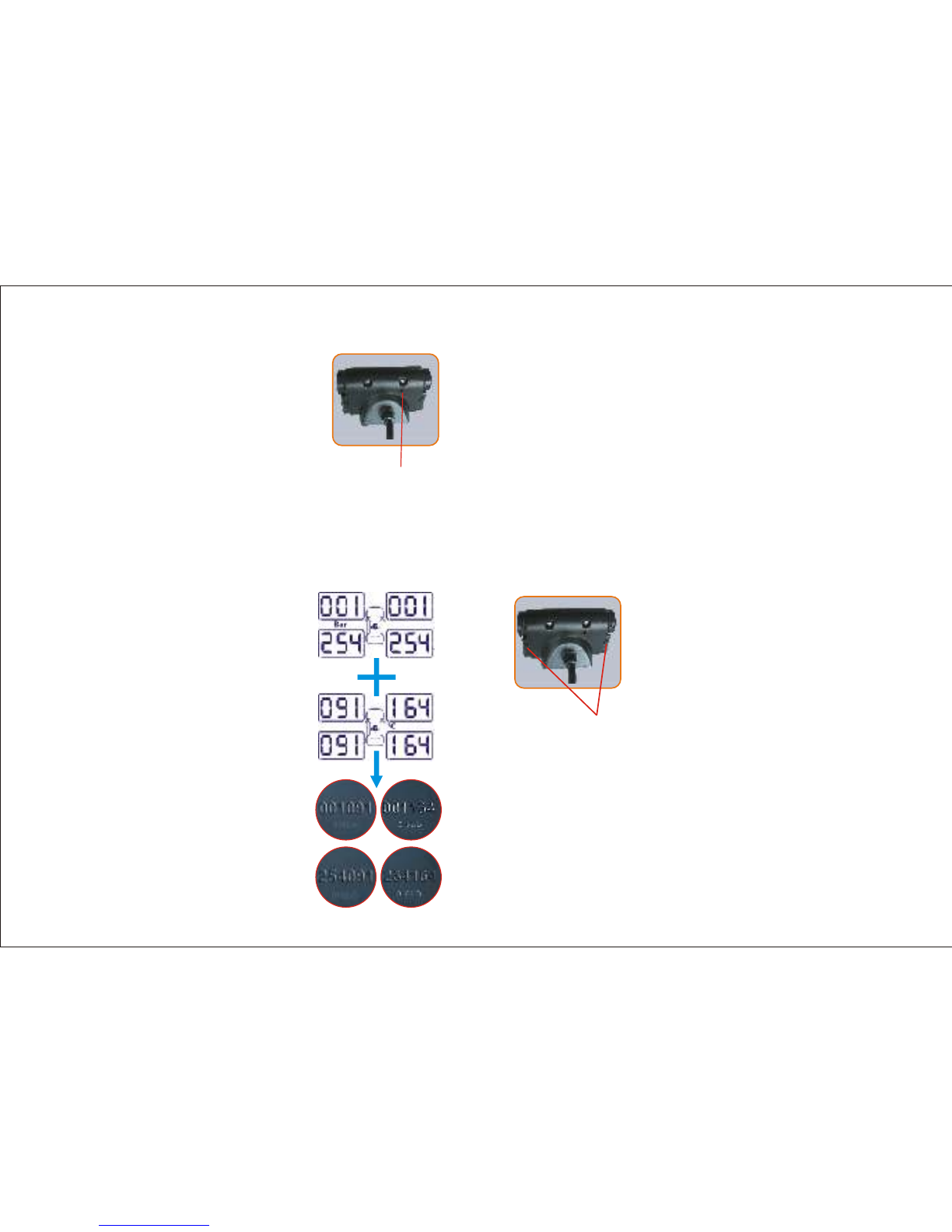
If the 6-digit ID number shown on the display matches the
corresponding 6-digit ID number on the ID module, the
system is working Properly. Otherwise it isn't. In this case,
pull out the ID module and put it back properly. If the
problem still exists, the sensor and its ID module need to be
replaced.
Press and hold the button again for 3 seconds and the
system will resume normal working condition.
RE-SETKey
1514
4.5 ID Module checkout
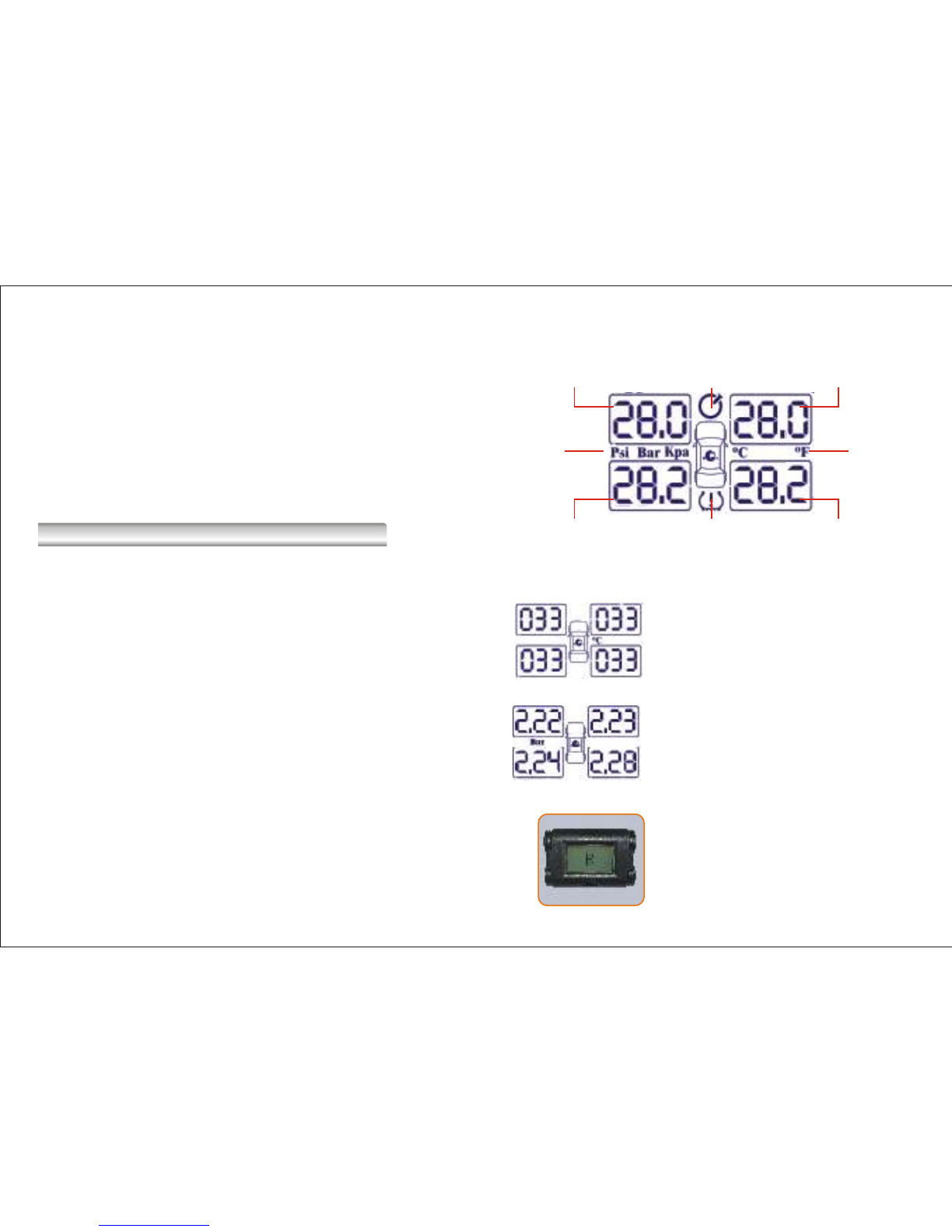
If you see one or more “---”on display,
ID module may not be properly plugged
into the display. Press and hold the
button on the display for 3 seconds and
the system will begin the checkout
process. Each ID module has a 6-digit
ID code. The display will show the first 3
digits. Press again and it will show the
last 3 digits.
Important:
When plugging the ID module into the display, make sure the
“needle plugs”on the ID module line up with the slot form
on the side of the display. Otherwise the ID module could be
damaged when plugged in by force.
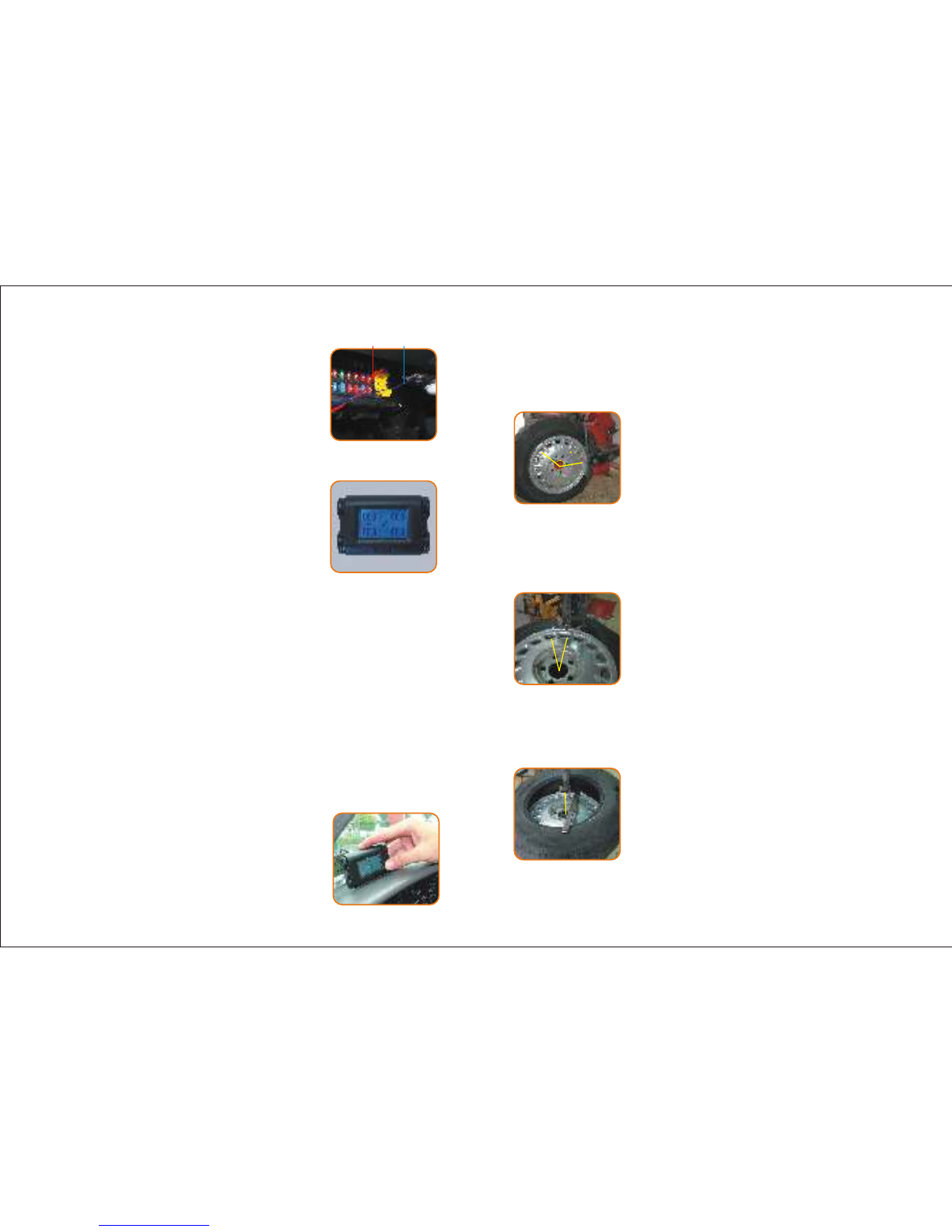
Holding key
Before pulling out the ID module, firmly
push the holding key on the back of the
display. Otherwise the ID module may
be damaged.