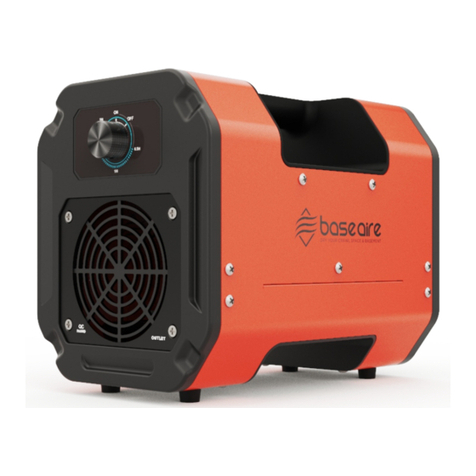
2OperationState Description Of SwitchThe default power-on is the shutdown state, at this time only the 4 borders shown in the figure below are lit (the LCD backlight is turned off after 30s of inactivity).After pressing the "POWER" key to turn on the machine, the default state is the HOLD working state, that is, it keeps running according to the set gear.When setting the timing "CLOCK", a file of 30 minutes, cycle between 00:00 and 02:00, that is, set the running time as the corresponding working time. When CLOCK is valid, HOLD is off and CLOCK is on.Note: When "PERIOD" is not set, PERIOD does not light, at this time it is a single scheduled shutdown.When the button "PERIOD" is set, it switches between 0, 12, and 24. 0 is invalid.12 hours means that the cycle will run again according to the time set by CLOCK after 12 hours of shutdown, which is equivalent to the cycle function.GearsThe default gear for starting is 1 gear, and the fan and ozone are 5 gears.The fan has no thyristor speed regulation, the delay after detecting the zero crossing determines the size of the gear.Ozone is PWM modulated, 16-18K range, 16K is the largest gear, 18K is the smallest.Place the Baseaire UVC3 Pro ozone machine in the center of the room.Make sure that the equipment and connecting cables are not damaged.Connect the power cable and connect the device to the power source. Observe the technical parameters.Set the timer to the required run time.Then turn on the device. The display panel will light up. The cleaning cycle will begin immediately. Once the preset time has passed, the Baseaire UVC3 Pro ozone machine will automatically shut down.1.2.3.4.5.1.2.3.1.1.2.3.Generally, ozone will automatically decompose into oxygen in about an hour. If a person stays indoors for a long time, it is generally subject to not being able to smell the strong ozone smell.Overall WorkflowWhen performing odor neutralization and cleaning cycles, follow the steps below