manuals.online logo
Brands
  1. Home
  2. •
  3. Brands
  4. •
  5. Behringer
  6. •
  7. Headphones
  8. •
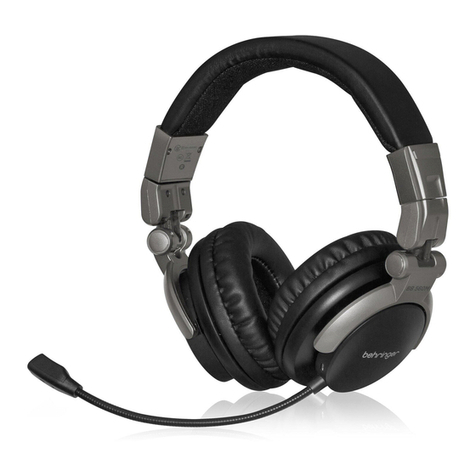
  9. Behringer HLC660U User manual

Behringer HLC660U User manual

Other Behringer Headphones manuals

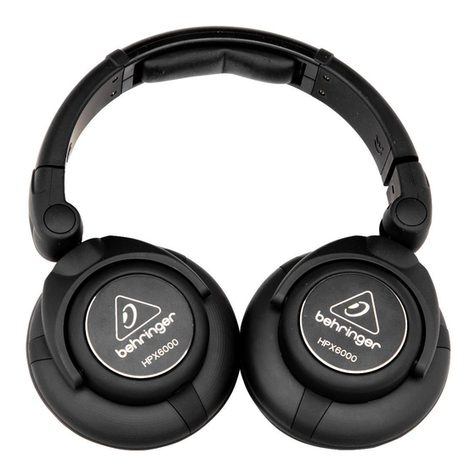
Behringer HPX6000 User manual

Behringer

Behringer HPX6000 User manual

Behringer BB 560M User manual

Behringer

Behringer BB 560M User manual

Behringer HC 2000BNC User manual

Behringer

Behringer HC 2000BNC User manual

Behringer HLC 660M User manual

Behringer

Behringer HLC 660M User manual

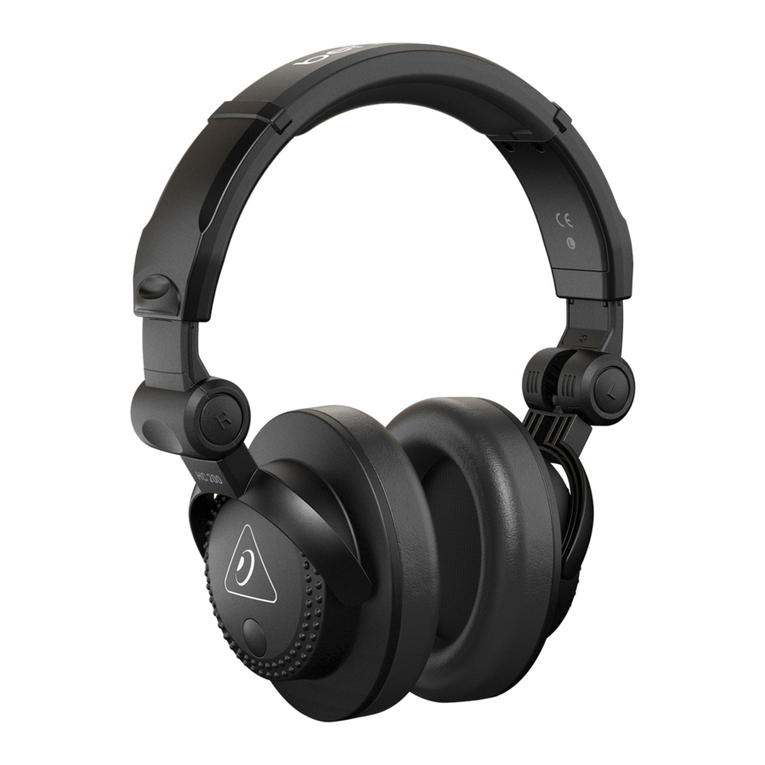
Behringer HC 200 User manual

Behringer

Behringer HC 200 User manual

Behringer HPM1100 User manual

Behringer

Behringer HPM1100 User manual

Behringer HEADPHONES HPM1000 User manual

Behringer

Behringer HEADPHONES HPM1000 User manual

Behringer HC 2000 User manual

Behringer

Behringer HC 2000 User manual

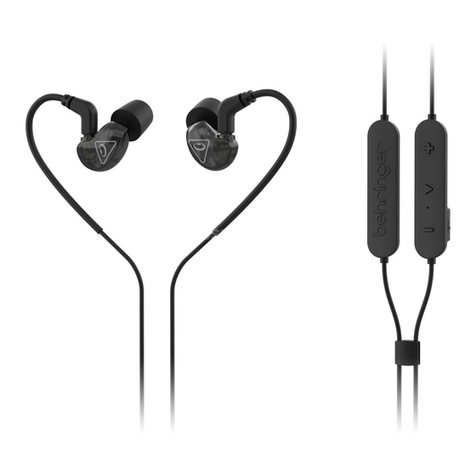
Behringer LIVE BUDS User manual

Behringer

Behringer LIVE BUDS User manual

Behringer HEADPHONES HPS3000 User manual

Behringer

Behringer HEADPHONES HPS3000 User manual

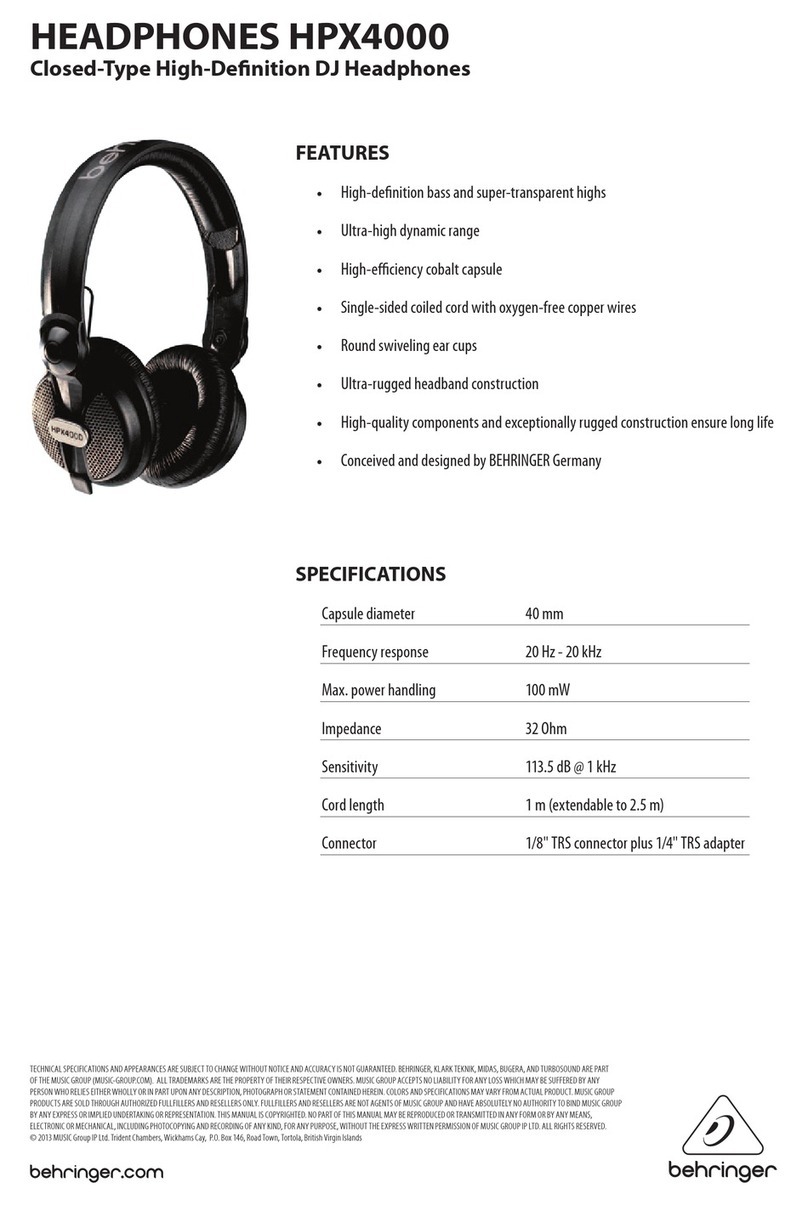
Behringer HPX4000 User manual

Behringer

Behringer HPX4000 User manual

Behringer NC-6602 User manual

Behringer

Behringer NC-6602 User manual

Behringer HO 66 User manual

Behringer

Behringer HO 66 User manual

Behringer SD251-BT User manual

Behringer

Behringer SD251-BT User manual

Behringer BB 560M User manual

Behringer

Behringer BB 560M User manual

Behringer HEADPHONES HPX2000 User manual

Behringer

Behringer HEADPHONES HPX2000 User manual

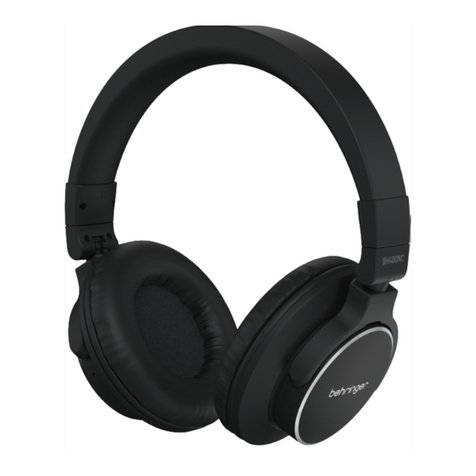
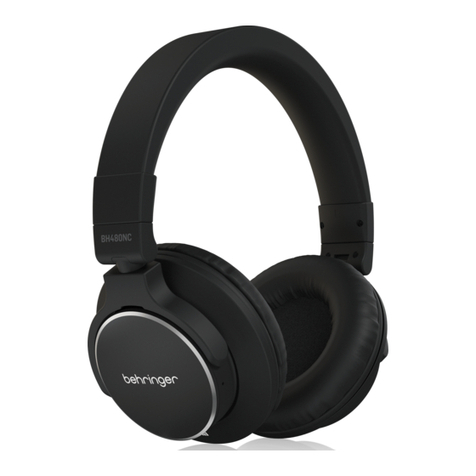
Behringer BH480NC User manual

Behringer

Behringer BH480NC User manual

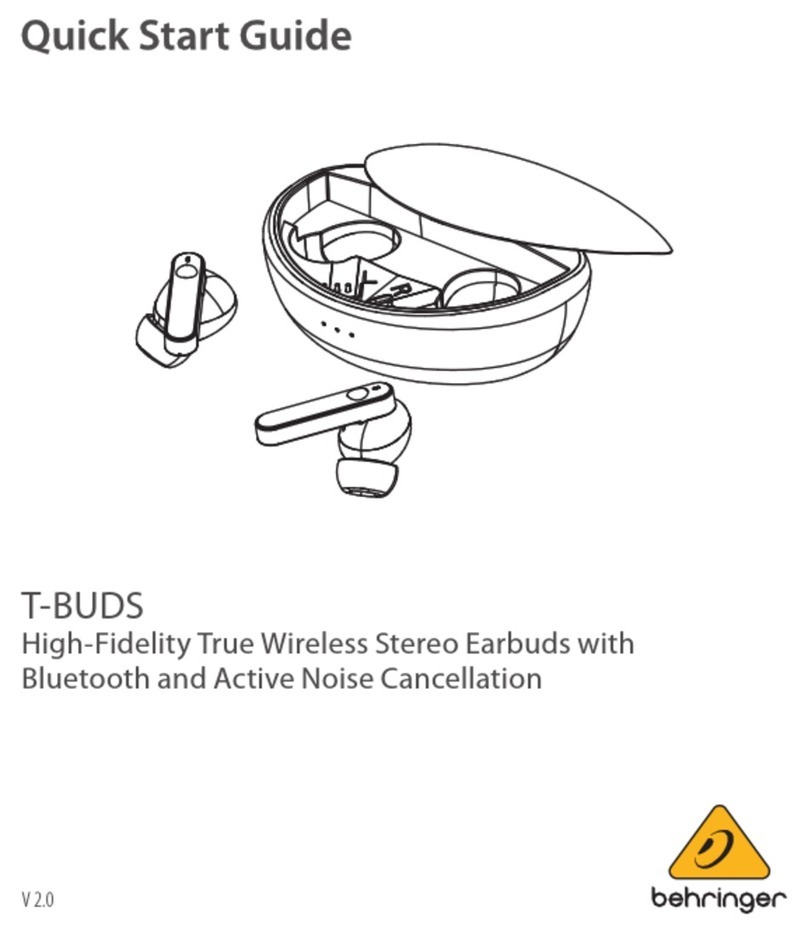
Behringer T-BUDS User manual

Behringer

Behringer T-BUDS User manual

Behringer BH470NC User manual

Behringer

Behringer BH470NC User manual

Behringer SD251-BT User manual

Behringer

Behringer SD251-BT User manual

Behringer DJ Headphones HPX6000 User manual

Behringer

Behringer DJ Headphones HPX6000 User manual

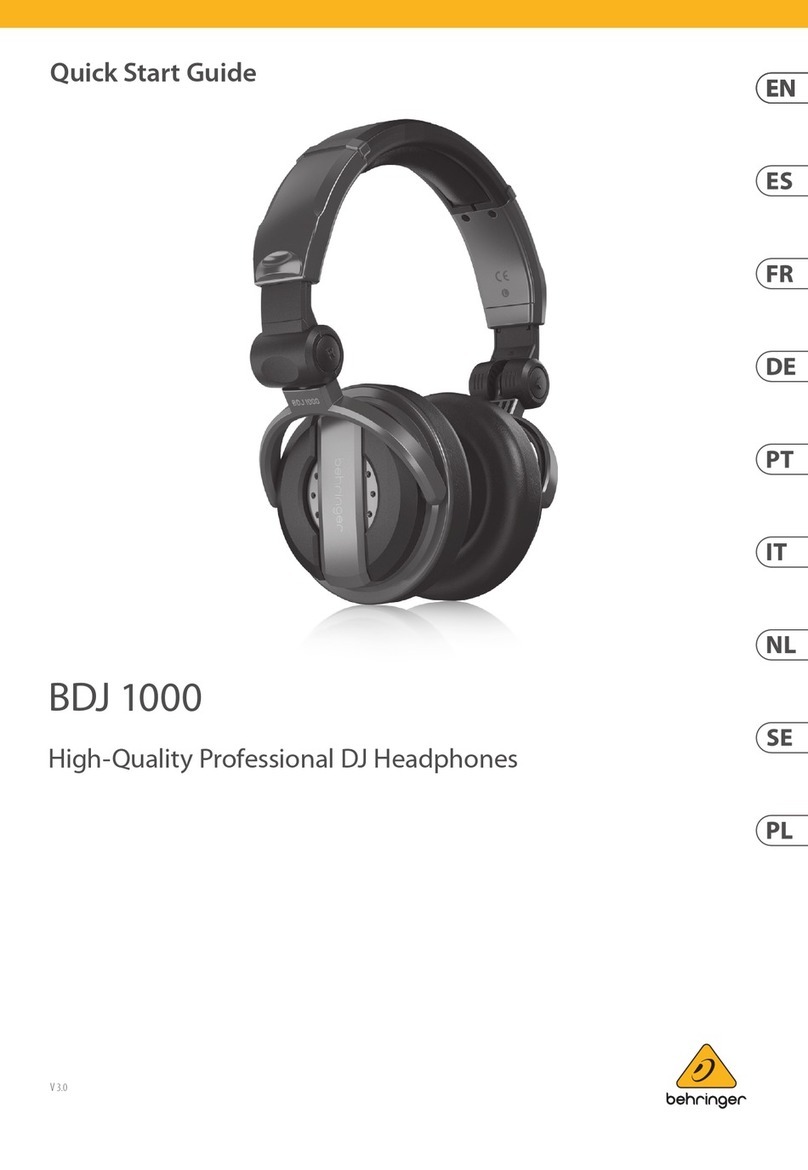
Behringer BDJ 1000 User manual

Behringer

Behringer BDJ 1000 User manual

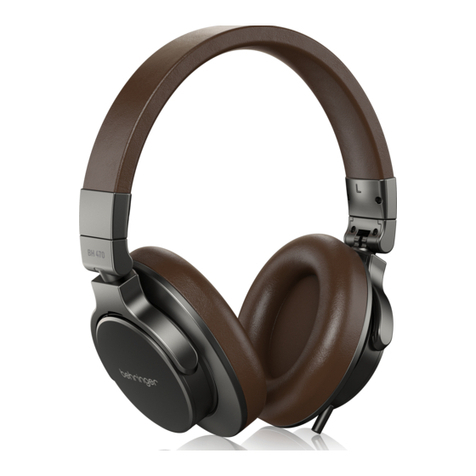
Behringer BH 470 User manual

Behringer

Behringer BH 470 User manual

Behringer HPX4000 Configuration guide

Behringer

Behringer HPX4000 Configuration guide

Popular Headphones manuals by other brands

Bose SoundSport owner's guide

Bose

Bose SoundSport owner's guide

Renkforce RF-WH-150 operating instructions

Renkforce

Renkforce RF-WH-150 operating instructions

Blu ARIA POD+ quick guide

Blu

Blu ARIA POD+ quick guide

Jabra Elite Active 45e Get started

Jabra

Jabra Elite Active 45e Get started

Denver TWE-36MK2 user manual

Denver

Denver TWE-36MK2 user manual

Grandstream Networks GUV3060 quick start guide

Grandstream Networks

Grandstream Networks GUV3060 quick start guide

iMoshion TWS In-Ear Headset user manual

iMoshion

iMoshion TWS In-Ear Headset user manual

Sven AP-B250MV user manual

Sven

Sven AP-B250MV user manual

BUXTON BTW 3800 user manual

BUXTON

BUXTON BTW 3800 user manual

HiFuture Voyager user manual

HiFuture

HiFuture Voyager user manual

Philips UpBeat SHB2505 user manual

Philips

Philips UpBeat SHB2505 user manual

Denon AH-C260 owner's manual

Denon

Denon AH-C260 owner's manual

WATSON KH2130B instruction manual

WATSON

WATSON KH2130B instruction manual

Pure Acoustics Golf TWS20 user manual

Pure Acoustics

Pure Acoustics Golf TWS20 user manual

Srhythm Soulmate Series user manual

Srhythm

Srhythm Soulmate Series user manual

Motorola Talkabout MHP71 user manual

Motorola

Motorola Talkabout MHP71 user manual

Sony MDR-NC8 Specifications

Sony

Sony MDR-NC8 Specifications

AUSounds AU-Stream quick start guide

AUSounds

AUSounds AU-Stream quick start guide

manuals.online logo
manuals.online logoBrands
  • About & Mission
  • Contact us
  • Privacy Policy
  • Terms and Conditions

Copyright 2025 Manuals.Online. All Rights Reserved.

Quick Start Guide
HLC660U
USB Stereo Headphones with Built-In Microphone
Features
•• Professional headphone with microphone system
for podcasting, gaming and conferencing
•• “Plug and play”for easy setup on your desktop computer,
laptop and other USB-enabled audio devices
•• Extra-large 53 mm dynamic drivers deliver wide
frequency response (20 Hz - 20 kHz) with deep, rich bass
and detailed highs
•• Over-ear circumaural design with ultra-soft ear cups and
fully adjustable, cushioned headband
•• Closed-back design ensures consistent listening environment
with exceptional sound isolation
•• Combines high-quality, noise-reducing headphones with a
super-responsive microphone for excellent vocal clarity
•• Inline volume and mic mute selector for convenient controls
•• Extra-long 6.5 ft (2 m) cable for exible sitting
distance comfort
•• Flexible boom mic design for smooth and easy adjustments
HLC660U
V 1.0
Mic on/o
switch
V
olume
control
IMPORTANT SAFETY INFORMATION
1. Read these instructions.
2. Keep these instructions.
3. Heed all warnings.
4. Follow all instructions.
5. Do not use this apparatus near water.
6. Clean only with dry cloth.
7. Do not throw this product in the re, to avoid explosion.
8. Do not expose this product to bright sunshine for a long time.
9. Do not disassemble or modify this product.
10.Please store this product in a clean and dry environment.
11. WARNING! To prevent possible hearing damage, do not listen
at high volume levels for long periods.
Specication
Driver unit 53 mm
Impedance 32 Ohm
Sensitivity 96 dB (±3 dB)
Frequency response 20 Hz - 20 kHz
Mic sensitivity -40 dB (±3 dB) @ 1 kHz,
0 dB = 1 V/Pa
Mic response 30 Hz - 15 kHz
Directivity Omni-directional
Plug USB Type A
Cable 2 m cable
Volume control, mic on/o switch
Note: Operation AmbientTemperature up to 45ºC
FEDERAL COMMUNICATIONS
COMMISSION COMPLIANCE
INFORMATION
Responsible Party Name: Music Tribe Commercial NV Inc.
Address: 901 Grier Drive
Las Vegas, NV 89118
USA
Phone Number: +1 747 237 5033
HLC660U

This equipment has been tested and found to comply with the
limits for a Class B digital device, pursuant to part 15 of the FCC
Rules. These limits are designed to provide reasonable protection
against harmful interference in a residential installation. This
equipment generates, uses and can radiate radio frequency energy
and, if not installed and used in accordance with the instructions,
may cause harmful interference to radio communications.
However, there is no guarantee that interference will not occur
in a particular installation. If this equipment does cause harmful
interference to radio or television reception, which can be
determined by turning the equipment o and on, the user is
encouraged to try to correct the interference by one or more of the
following measures:
•• Reorient or relocate the receiving antenna.
•• Increase the separation between the equipment and receiver.
•• Connect the equipment into an outlet on a circuit dierent
from that to which the receiver is connected.
Consult the dealer or an experienced radio/TV technician for help.
This device complies with Part 15 of the FCC rules. Operation is
subject to the following two conditions:
(1) this device may not cause harmful interference, and
(2) this device must accept any interference received, including
interference that may cause undesired operation.
Important information:
Changes or modications to the equipment not expressly approved
by Music Tribe can void the user’s authority to use the equipment.
LEGAL DISCLAIMER
Music Tribe accepts no liability for any loss which may be
suered by any person who relies either wholly or in part
upon any description, photograph, or statement contained
herein. Technical specications, appearances and other
information are subject to change without notice. All
trademarks are the property of their respective owners.
Midas, Klark Teknik, Lab Gruppen, Lake,Tannoy, Turbosound,
TC Electronic, TC Helicon, Behringer, Bugera, Auratone
and Coolaudio are trademarks or registered trademarks of
Music Tribe Global Brands Ltd. © Music Tribe Global Brands
Ltd. 2020 All rights reserved.
LIMITED WARRANTY
For the applicable warranty terms and conditions and
additional information regarding Music Tribe’s Limited
Warranty, please see complete details online at musictribe.
com/warranty.
HLC660U