manuals.online logo
Brands
  1. Home
  2. •
  3. Brands
  4. •
  5. Behringer
  6. •
  7. Music Mixer
  8. •
  9. Behringer CP3A-M User manual

Behringer CP3A-M User manual

Other manuals for CP3A-M

1

Other Behringer Music Mixer manuals

Behringer Pro Mixer DX626 User manual

Behringer

Behringer Pro Mixer DX626 User manual

Behringer EURORACK UB1622FX-PRO User manual

Behringer

Behringer EURORACK UB1622FX-PRO User manual

Behringer XENYX QX1204USB User manual

Behringer

Behringer XENYX QX1204USB User manual

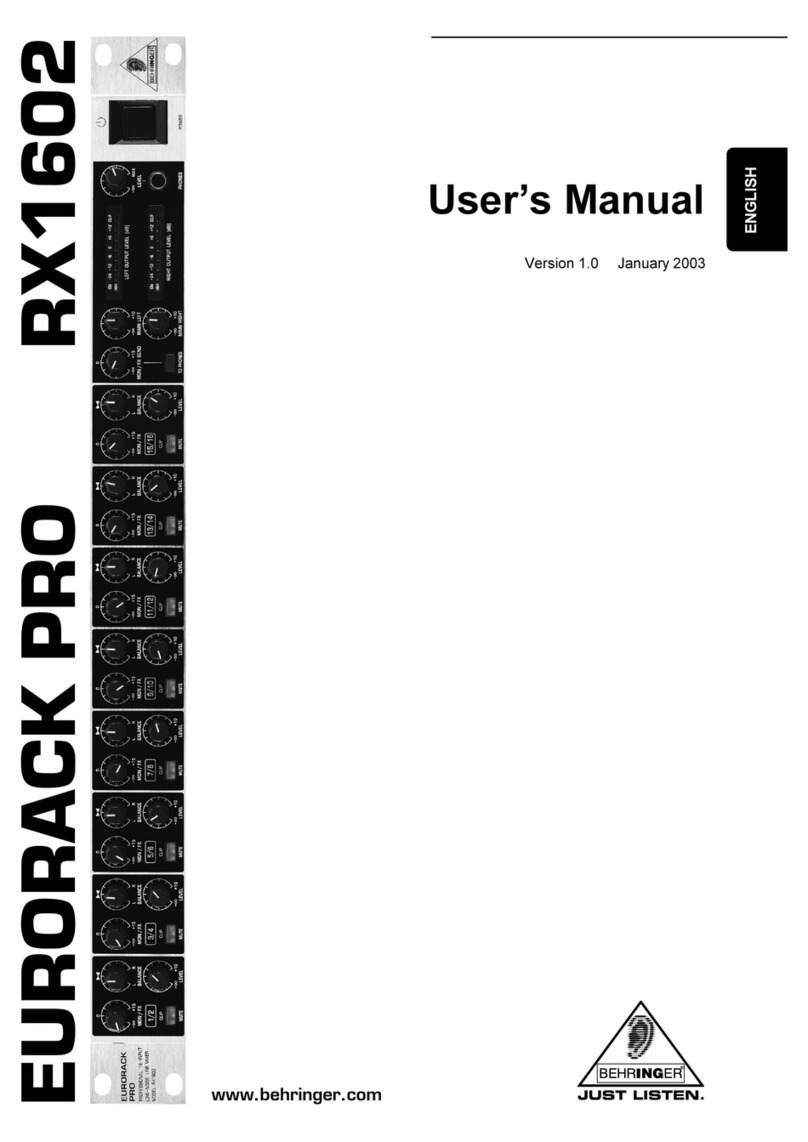
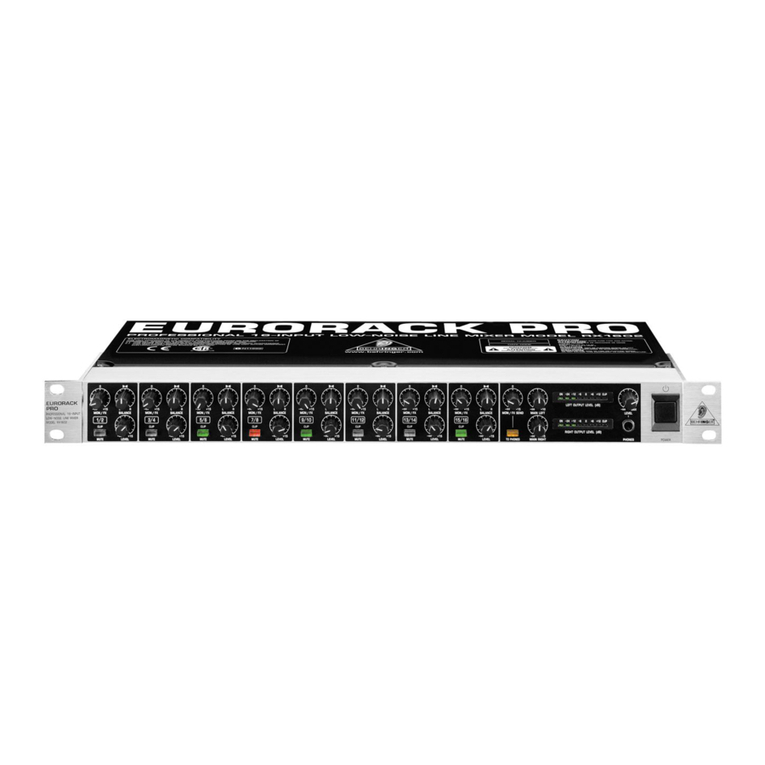
Behringer RX1602 User manual

Behringer

Behringer RX1602 User manual

Behringer Eurorack UBB1002 User manual

Behringer

Behringer Eurorack UBB1002 User manual

Behringer MINIFEX FEX800 User manual

Behringer

Behringer MINIFEX FEX800 User manual

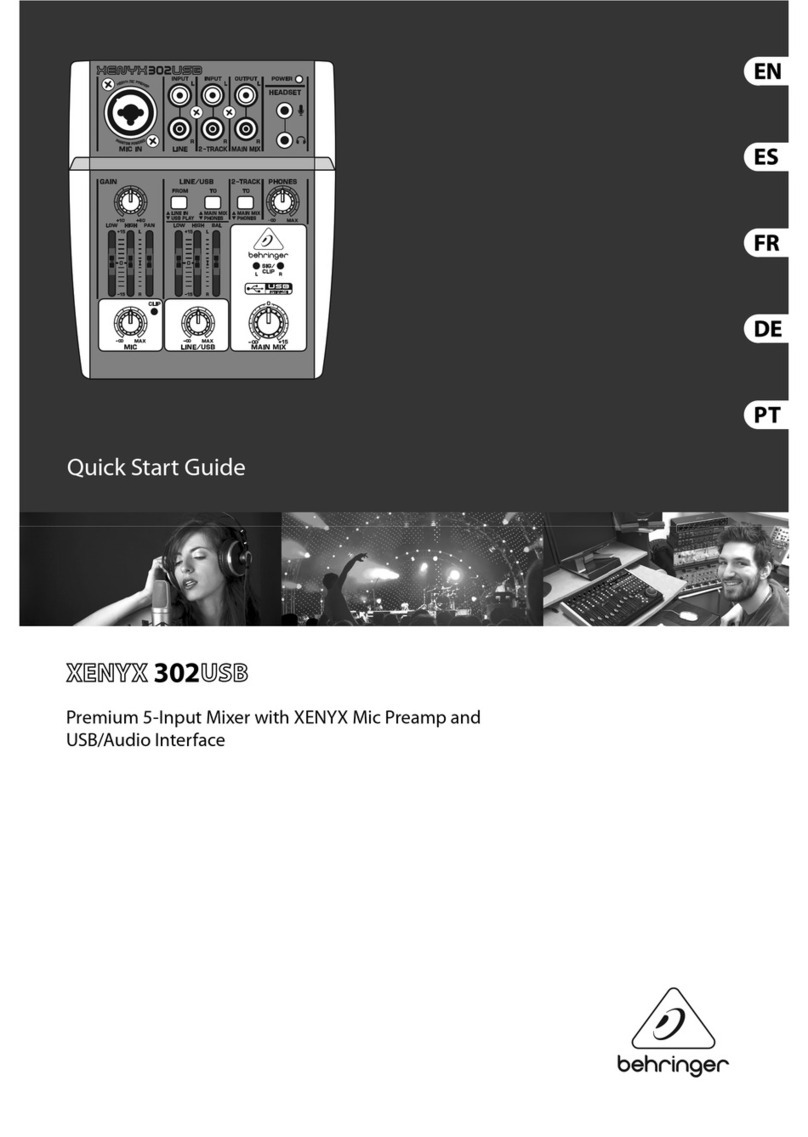
Behringer XENYX 302USB User manual

Behringer

Behringer XENYX 302USB User manual

Behringer Eurorack User manual

Behringer

Behringer Eurorack User manual

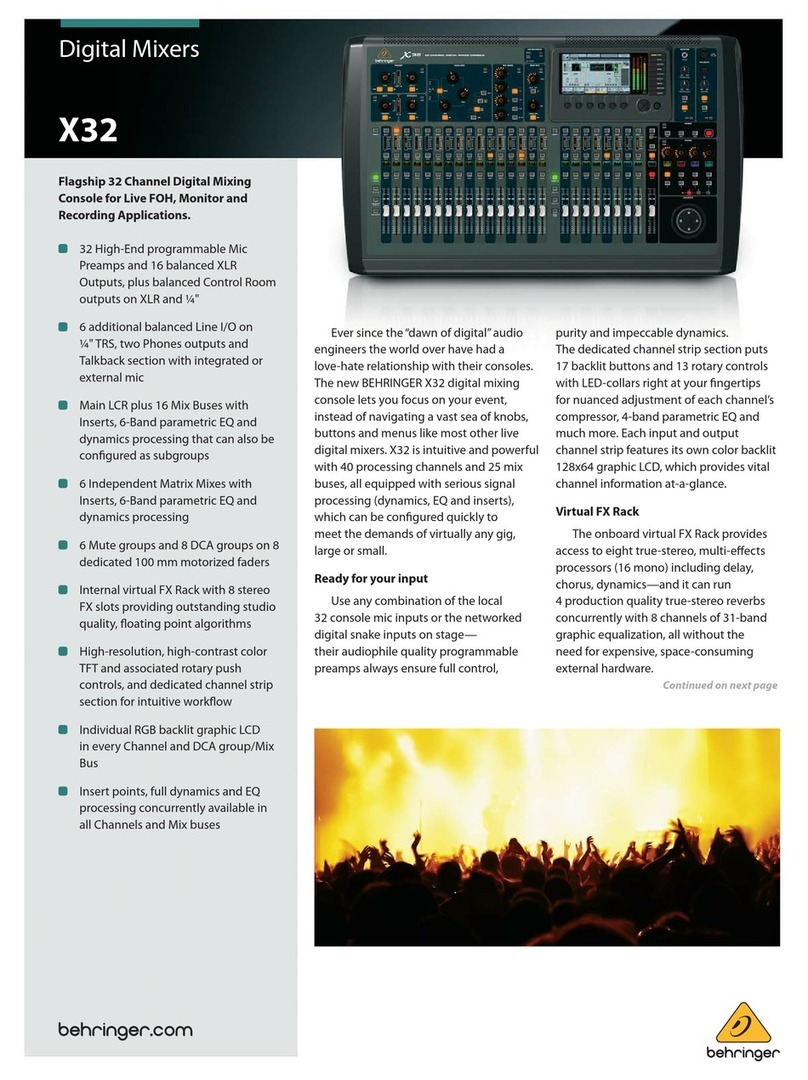
Behringer X32 DIGITAL MIXER User manual

Behringer

Behringer X32 DIGITAL MIXER User manual

Behringer Xenyx XL1600 User manual

Behringer

Behringer Xenyx XL1600 User manual

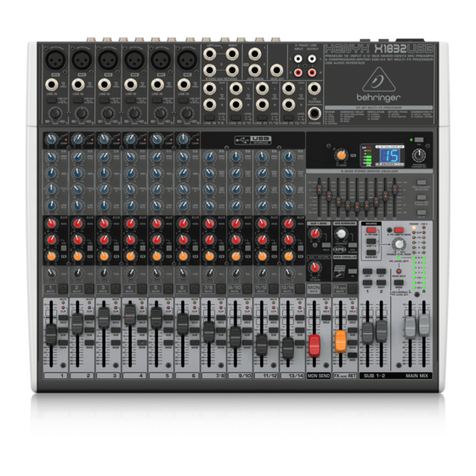
Behringer XENYX X1832USB User manual

Behringer

Behringer XENYX X1832USB User manual

Behringer EURORACK UB1002FX User manual

Behringer

Behringer EURORACK UB1002FX User manual

Behringer Eurorack MX2642A User manual

Behringer

Behringer Eurorack MX2642A User manual

Behringer EURORACK UB1204-PRO User manual

Behringer

Behringer EURORACK UB1204-PRO User manual

Behringer EURORACK UBB1002 User manual

Behringer

Behringer EURORACK UBB1002 User manual

Behringer eurorack MXB1002 User manual

Behringer

Behringer eurorack MXB1002 User manual

Behringer CHORUS ORCHESTRA CO600 Quick start guide

Behringer

Behringer CHORUS ORCHESTRA CO600 Quick start guide

Behringer Eurorack MXB1002 User manual

Behringer

Behringer Eurorack MXB1002 User manual

Behringer PRO MIXER DJX700 User manual

Behringer

Behringer PRO MIXER DJX700 User manual

Behringer WING User manual

Behringer

Behringer WING User manual

Behringer DIGITAL MIXER X32 PRODUCER User manual

Behringer

Behringer DIGITAL MIXER X32 PRODUCER User manual

Behringer XENYX QX1202USB User manual

Behringer

Behringer XENYX QX1202USB User manual

Behringer VINTAGE TUBE MONSTER VT999 Installation instructions

Behringer

Behringer VINTAGE TUBE MONSTER VT999 Installation instructions

Behringer XENYX QX1204USB User manual

Behringer

Behringer XENYX QX1204USB User manual

Popular Music Mixer manuals by other brands

Denon DN-HC5000 - Serato ITCH Hardware/Software... Service manual

Denon

Denon DN-HC5000 - Serato ITCH Hardware/Software... Service manual

Yamaha WC42260 owner's manual

Yamaha

Yamaha WC42260 owner's manual

Vertiv KMMLED156 Quick installation guide

Vertiv

Vertiv KMMLED156 Quick installation guide

Yamaha EMX3000 user manual

Yamaha

Yamaha EMX3000 user manual

Mackie Onyx Analogue Mixer brochure

Mackie

Mackie Onyx Analogue Mixer brochure

Peavey S-32 Sanctuary Series Operation guide

Peavey

Peavey S-32 Sanctuary Series Operation guide

Rane MP 4 Operator's manual

Rane

Rane MP 4 Operator's manual

True T9 Touchscreen Console owner's manual

True

True T9 Touchscreen Console owner's manual

Studiomaster Air Pro 24 instruction manual

Studiomaster

Studiomaster Air Pro 24 instruction manual

Yamaha MV802 owner's manual

Yamaha

Yamaha MV802 owner's manual

Roland SoundCanvas SC-8820 owner's manual

Roland

Roland SoundCanvas SC-8820 owner's manual

Roland M-160 owner's manual

Roland

Roland M-160 owner's manual

Yamaha MR1642 Operation manual

Yamaha

Yamaha MR1642 Operation manual

Pioneer DJM 909 - Battle Mixer W/Effects operating instructions

Pioneer

Pioneer DJM 909 - Battle Mixer W/Effects operating instructions

Veeder-Root TLS-350 Series System setup manual

Veeder-Root

Veeder-Root TLS-350 Series System setup manual

Alto APM80.QUAD user manual

Alto

Alto APM80.QUAD user manual

Omnitronic PM-211 user manual

Omnitronic

Omnitronic PM-211 user manual

SoundCraft B400 user guide

SoundCraft

SoundCraft B400 user guide

manuals.online logo
manuals.online logoBrands
  • About & Mission
  • Contact us
  • Privacy Policy
  • Terms and Conditions

Copyright 2025 Manuals.Online. All Rights Reserved.

Quick Start Guide
CP3A-M MIXER
Legendary Analog Mixer/Utility
Module for Eurorack
Controls
(1) CHANNEL INPUTS connect the incoming signals via
cables with 3.5 mm TS connectors.
(2) CHANNEL GAIN knobs adjust the input volume for the
CHANNEL INPUTS.
(3) MULTIPLE connections act as a patchbay so that copies of
the input signals can be routed out to other modules for
further processing.
(4) OUTPUTS connections send out the mixer module’s nal,
summed signal. The OUTPUTS section features two sets of
output jacks with negative and positive polarity.
(5) MASTER GAIN controls the nal volume at the
OUTPUTS jacks.
Power Connection
The CP3A-M MIXER comes with the required power cable for
connecting to a standard Eurorack power supply system. Follow
these steps to connect power to the module. It is easier to make
these connections before the module has been mounted into
a rack case.
1. Turn the power supply or rack case power o and
disconnect the power cable.
2. Insert the 16-pin connector on the power cable into the
socket on the power supply or rack case. The connector has
a tab that will align with the gap in the socket, so it cannot
be inserted incorrectly. If the power supply does not have
a keyed socket, be sure to orient pin 1 (-12 V) with the red
stripe on the cable.
3. Insert the 10-pin connector into the socket on the back of
the module. The connector has a tab that will align with the
socket for correct orientation.
4. After both ends of the power cable have been securely
attached, you may mount the module in a case and turn on
the power supply.
Installation
The necessary screws are included with the module for mounting
in a Eurorack case. Connect the power cable before mounting.
Depending on the rack case, there may be a series of xed holes
spaced 2 HP apart along the length of the case, or a track that
allows individual threaded plates to slide along the length
of the case. The free-moving threaded plates allow precise
positioning of the module, but each plate should be positioned in
the approximate relation to the mounting holes in your module
before attaching the screws.
Hold the module against the Eurorack rails so that each of the
mounting holes are aligned with a threaded rail or threaded
plate. Attach the screws part way to start, which will allow
small adjustments to the positioning while you get them all
aligned. After the nal position has been established, tighten the
screws down.
(1)
(3)
(4)
(5)
(2)

Specications
Controls
Channel gain 4 x rotary knob
Maximum input level +14 dBu
Master gain 1 x rotary knob
Maximum output level +14 dBu
Signal Connections
Inputs 4 x 3.5 mm TS jack, mono
Impedance 10 kΩ unbalanced
Multiple 8 x 3.5 mm TS jack, mono
Arrangement 2 sets of 4 parallel jacks,
passive
Compatibility CV and audio signals
Outputs 4 x 3.5 mm TS jack, mono
Impedance 220 Ω to 5 kΩ, unbalanced
Output noise < -85 dBu, 22 Hz - 22 kHz
Power
Power supply Eurorack
Current draw 30 mA (+12 V),
30 mA (-12 V)

Physical
Dimensions (H x W x D) 129 x 71 x 35 mm
(5.1 x 2.8 x 1.4")
Rack units 14 HP
Weight 0.16 kg (0.35 lbs)
LEGAL DISCLAIMER
Music Tribe accepts no liability for any loss which may be suered by any
person who relies either wholly or in part upon any description, photograph,
or statement contained herein. Technical specications, appearances and
other information are subject to change without notice. All trademarks are the
property of their respective owners. Midas, KlarkTeknik, Lab Gruppen, Lake,
Tannoy,Turbosound, TC Electronic, TC Helicon, Behringer, Bugera, Auratone
and Coolaudio are trademarks or registered trademarks of MusicTribe
Global Brands Ltd. © Music Tribe Global Brands Ltd. 2019 All rights reserved.
LIMITED WARRANTY
For the applicable warranty terms and conditions and additional information
regarding MusicTribe’s Limited Warranty, please see complete details online
at musictribe.com/warranty.
Zhongshan Eurotec Electronics Limited
No. 10Wanmei Road, South China Modern Chinese Medicine Park,
Nanlang Town, 528451, Zhongshan City, Guangdong Province, China