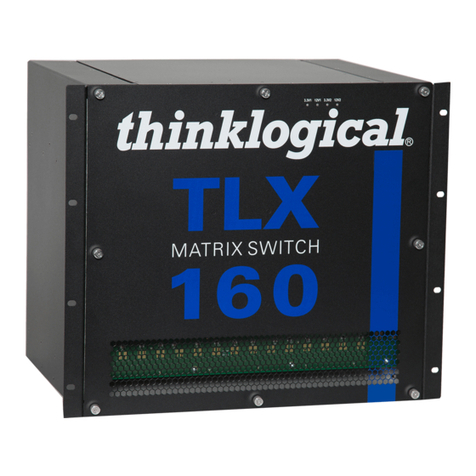
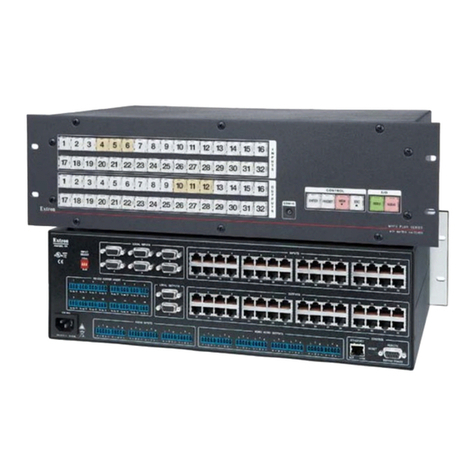
Page iii
TLX640 Matrix Switch Product Manual thinklogical Rev. H, February 2020
Table of Contents
PREFACE................................................................................................................................................v
About Thinklogical®.................................................................................................................................. v
About This Product Manual......................................................................................................................1
Note and Warning Symbols..................................................................................................................1
Class 1 Laser Information....................................................................................................................1
SECTION 1: THE TLX SYSTEM FEATURES .........................................................................................2
The TLX640 Design.................................................................................................................................3
Power Supply Modules ............................................................................................................................4
The Controller Cards................................................................................................................................4
The Processor.....................................................................................................................................5
The Network Interfaces........................................................................................................................5
SNMP Support.....................................................................................................................................6
NTP Support........................................................................................................................................6
System Log File Support .....................................................................................................................7
Serial/RS-232 Interfaces......................................................................................................................7
The Interconnect Module .........................................................................................................................7
The Fan Tray Module...............................................................................................................................7
Alarms...............................................................................................................................................8
The Input/Output Cards............................................................................................................................8
Port Numbering................................................................................................................................8
The Swich Card Modules....................................................................................................................... 10
TLX640 Features...................................................................................................................................10
Status LEDs...................................................................................................................................11
Product Compatability....................................................................................................................12
Technical Specifications.................................................................................................................12
SECTION 2: SET-UP AND INSTALLATION......................................................................................... 13
Contents................................................................................................................................................13
Unpacking the TLX640 ..........................................................................................................................13
Connecting to the TLX640 .....................................................................................................................14
Ethernet Control.............................................................................................................................14
TLX640 DIP Switch Settings ..........................................................................................................14
Redundancy and Network Requirements.......................................................................................14
External Control CPU Minimum Requirements...............................................................................15
Pluggable SFP+ Modules...............................................................................................................15
LC-Type Fiber-Optic Cable............................................................................................................. 16
TLX Extender Fiber-Optic Cable Configurations.............................................................................17
TLX Extender CATx Cable Configurations......................................................................................18
Input/Output Cards.................................................................................................................................19
Routing Thinklogical Extenders through the TLX640......................................................................20
Connecting to a Receiver...............................................................................................................20
Connecting to a Tranmitter.............................................................................................................20
Connecting to a Control CPU......................................................................................................... 21
Firmware................................................................................................................................................22
On Screen Display (OSD) - Firmware Option..................................................................................22
Order Of Installation Events...................................................................................................................22
Updates.................................................................................................................................................22
Safely Remove an Active Control Card or Shut Down of the System.....................................................22
How to Install and Replace Modules......................................................................................................23
How to Install and Replace an Input/Output Card............................................................................ 23
How to Install and Replace an Interconnect Module........................................................................24