5
• BROWN/WHITE WIRE - Horn output (-)
500mA. Connect to an optional relay to
activate the vehicle’s horn when the alarm is
triggered.
• BLACK/WHITE WIRE - Dome Light
output (-) 500mA. Connect to an optional
relay to activate the vehicle’s dome light.
• ORANGE WIRE - Armed Output (-)
500mA. The ORANGE wire provides a
ground when the unit is armed to activate a
circuit disable relay or other device (i.e.
window control module, etc.).
• GRAY WIRE - Auxiliary output (-) 500mA.
Connect to a relay for an optional feature
such as trunk release, etc.
• WHITE WIRE - Parking Light output (+/-)
10A relay. Connect to the vehicle’s parking
light wire. If the vehicle’s parking light circuit
exceeds 10 amps a relay is required. For
vehicle’s with independent left and right
parking light circuits, the parking light wires
must be connected using diodes to keep the
circuits separate. Make sure to set the
proper polarity for the internal relay jumper
before connecting the main harness. NOTE:
Do not connect the WHITE wire to the
vehicle’s headlight circuit.
Starter Defeat Connectors
Using a volt/ohm meter locate the starter
wire (normally a heavier gauge wire) at the
ignition switch.This wire will show +12V only
during cranking. When this wire is cut the
vehicle will be unable to start. Cut the
BROWN starter disable wire (with the two
female connectors), and connect one side to
the vehicle’s starter wire coming from the
key switch. Connect the other BROWN wire
to the wire going to the starter. Plug the
female connectors on the BROWN wires to
the .250 male spade lugs on the module.With
the BROWN wires connected to the
module, the vehicle should be able to start.
Plug in Connectors
3-Pin White Door Lock Connector: Plug-in
connector port for door lock harness or
optional door lock relay module.
• BLUE WIRE - unlock output (-) 500mA.
• RED WIRE - +12V output (+) 300mA for
relay modules, or inverters. Do NOTuse as a
power source for door lock relays.
• GREEN WIRE - lock output (-) 500mA.
2-Pin Red Connector: Plug-in connector
port for LED. Mount LED in an area where it
may be easily seen from either side of the
vehicle.
2-Pin Blue Connector: Plug-in connector
port for valet switch. Mount switch in an area
that is easily accessible from the driver’s seat.
4-Pin White Connector: Plug-in connector
port for dual stage shock sensor.
Entering Programming
To enter System Programming:
1. Turn on ignition.
2. Within 5 seconds, press valet switch 5
times.
• The siren will emit a long chirp, to
indicate entering program mode.
3. Press the valet switch the number times
equal to the desired feature.
• The siren will chirp each time the valet
switch is pressed. A long chirp is equal
to 5 presses. (Example: step 7 = 1 long
chirp and 2 short chirps.)
4. Within 5 seconds, press the transmitter
button corresponding to the desired
operating mode for that feature.
• The siren will chirp to indicate the
setting.
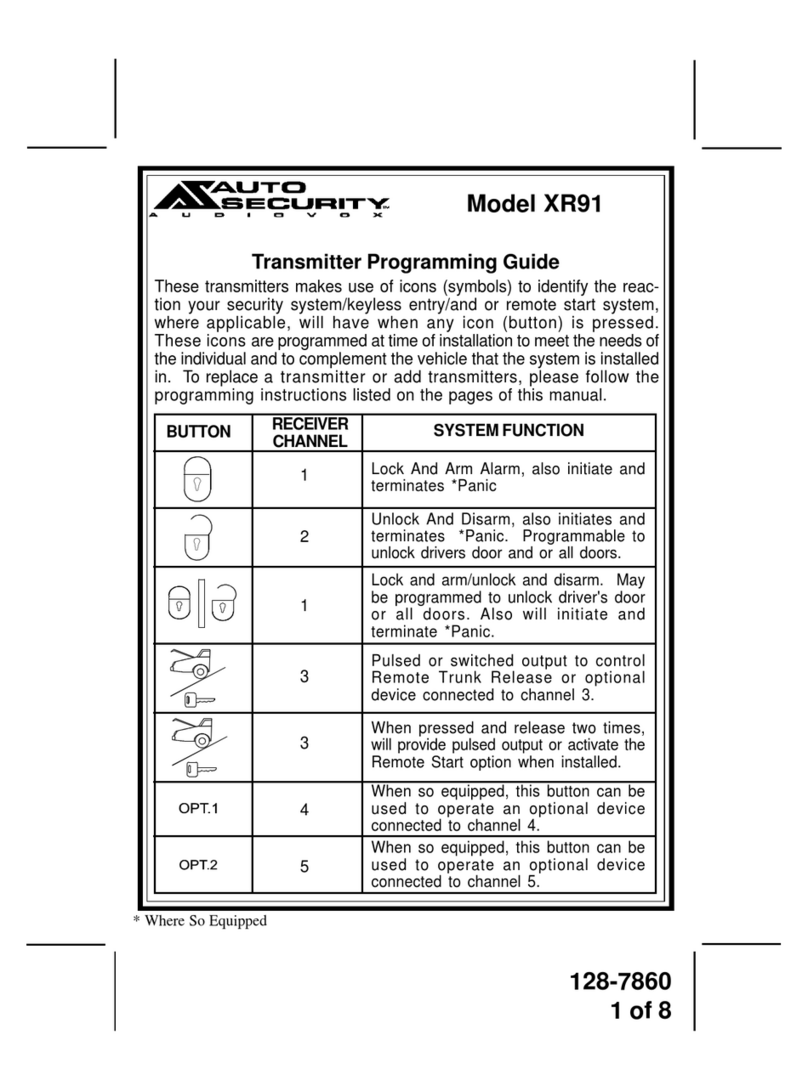
One chirp = Button 1
Two chirps = Button 2
Three chirps = Button 3
5. Turn off ignition to save changes.