7
WEAR PERSONAL PROTECTIVE EQUIPMENT
• Wear safety glasses according to En166
• Use protective masks in accordance with En149
• Use other types of proper personal protective equipment, depending on the type of work involved.
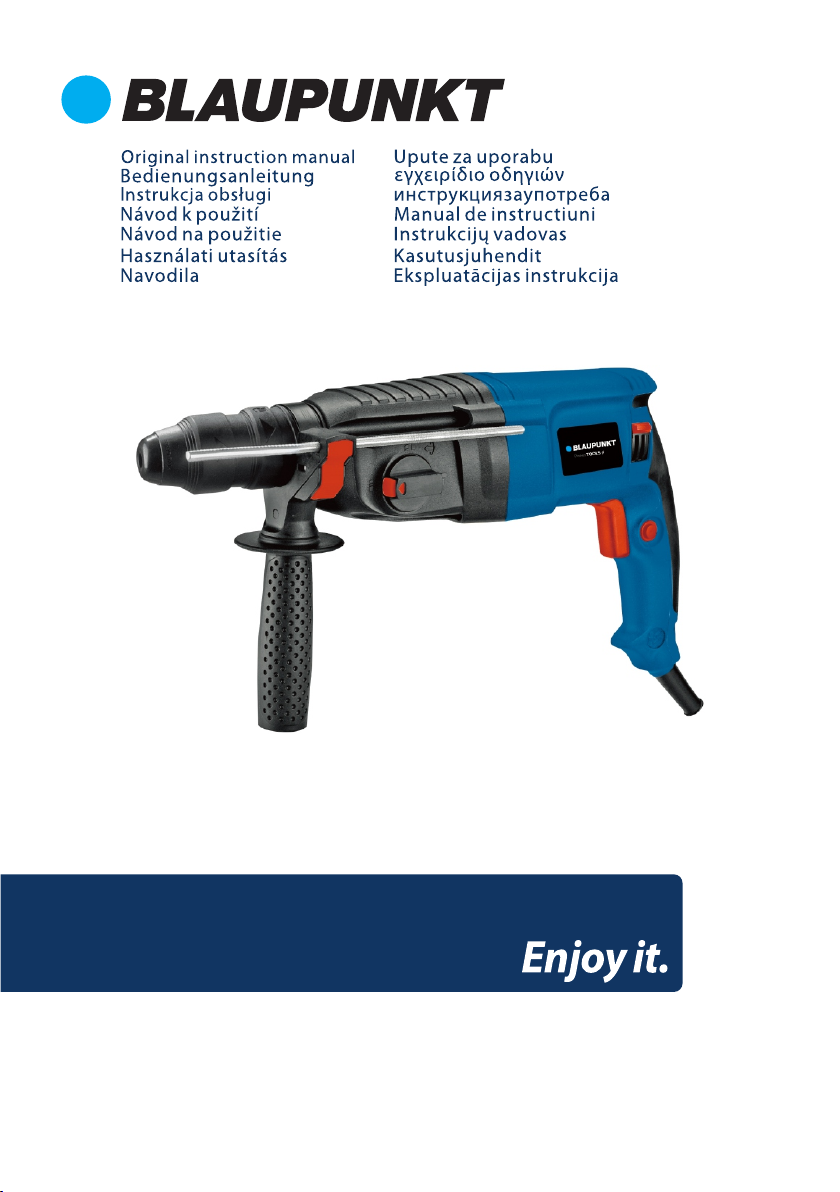
Description of the device
Preparing the Device for Operation
Note: While installing or replacing the work tool, the device should be disconnected from the power
source.
1. Select the appropriate tool chuck (conventional or SDS-Plus). Insert the work tool chuck (1, 2) into
the mounting (3) by pulling the release ring (4). To remove the tool chuck, pull out the release ring
and remove the chuck from the mounting.
2. Install the additional chuck.
3. The following work tools can be mounted in the SDS-Plus chuck: SDS-Plus drill bits, and SDS-Plus
chisels and picks. Standard drills for drilling in wood and metal materials can be used in the
conventional chuck.
4. To mount a drill bit or other SDS-Plus tools in the chuck, first gently clean the inside of the chuck,
apply some grease on the inside of the chuck, and then insert the tool into the chuck by turning it
gently. The drill bit will lock automatically. To check that the drill bit is seated correctly and locked in
place, pull the work tool towards you.
5. To insert the work tool into the self-clamping chuck, loosen the chuck by opening the hole by
holding the chuck base and turning the clamping ring counter-clockwise.
6. Insert the work tool (drill bit) into the chuck and tighten it with the clamping ring by turning it
clockwise.
Installing the Depth Gauge
To install the depth gauge, loosen the additional chuck mounting. Insert the gauge, adjusting its
position to the expected depth of the hole and the length of the drill.
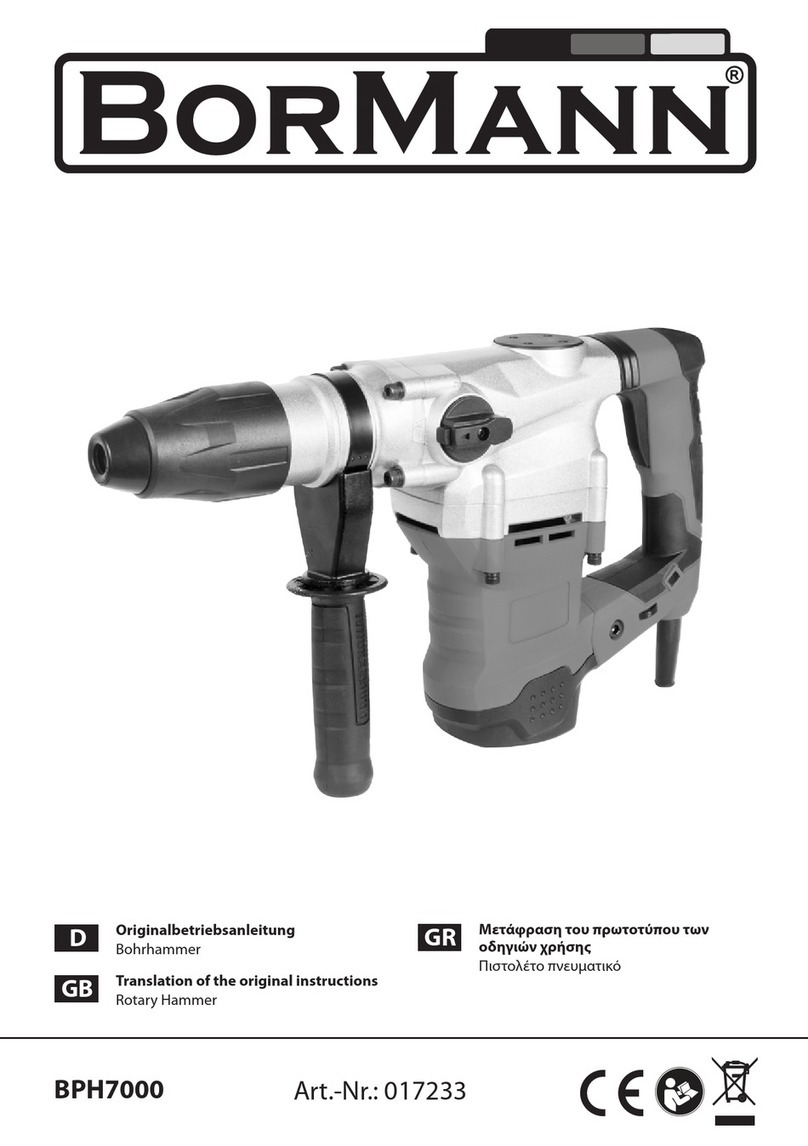
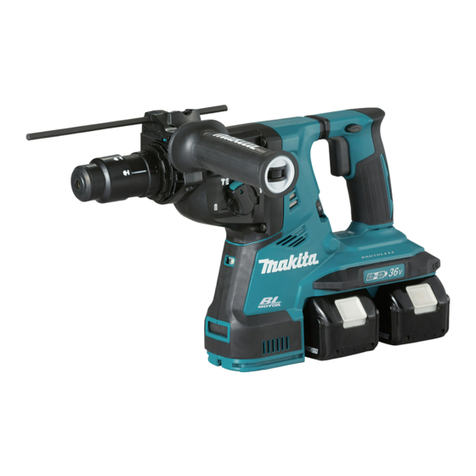
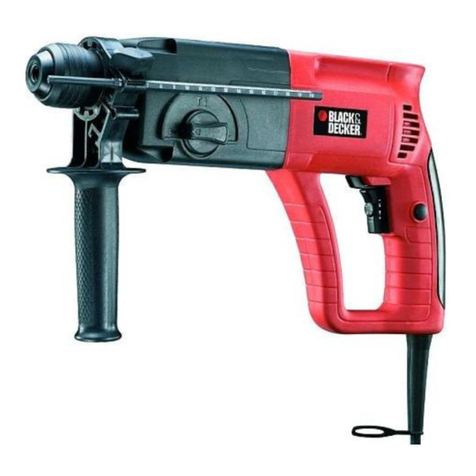
1. SDS-Plus work tool chuck
2. Standard work tool chuck
3. Work tool chuck mounting
4. Work tool chuck release ring
5. Rotation direction switch
6. Switch lock button
7. Operating mode knob
8. Additional handle(front)
RH3010