
Blue Tiger Black Box User manual

If you have any questions please call us at 1-800-935-1165 Blue Tiger USA | www.bluetigerusa.com
1
BEFORE YOU RETURN YOUR PRODUCT:
Please call your Black Box specialist at 1-800-935-1165 for
assistance with setting up your camera.
Hours: 9 am –5 pm CST Mon-Friday
Please register your camera at www.bluetigerusa.com/register.

If you have any questions please call us at 1-800-935-1165 Blue Tiger USA | www.bluetigerusa.com
2
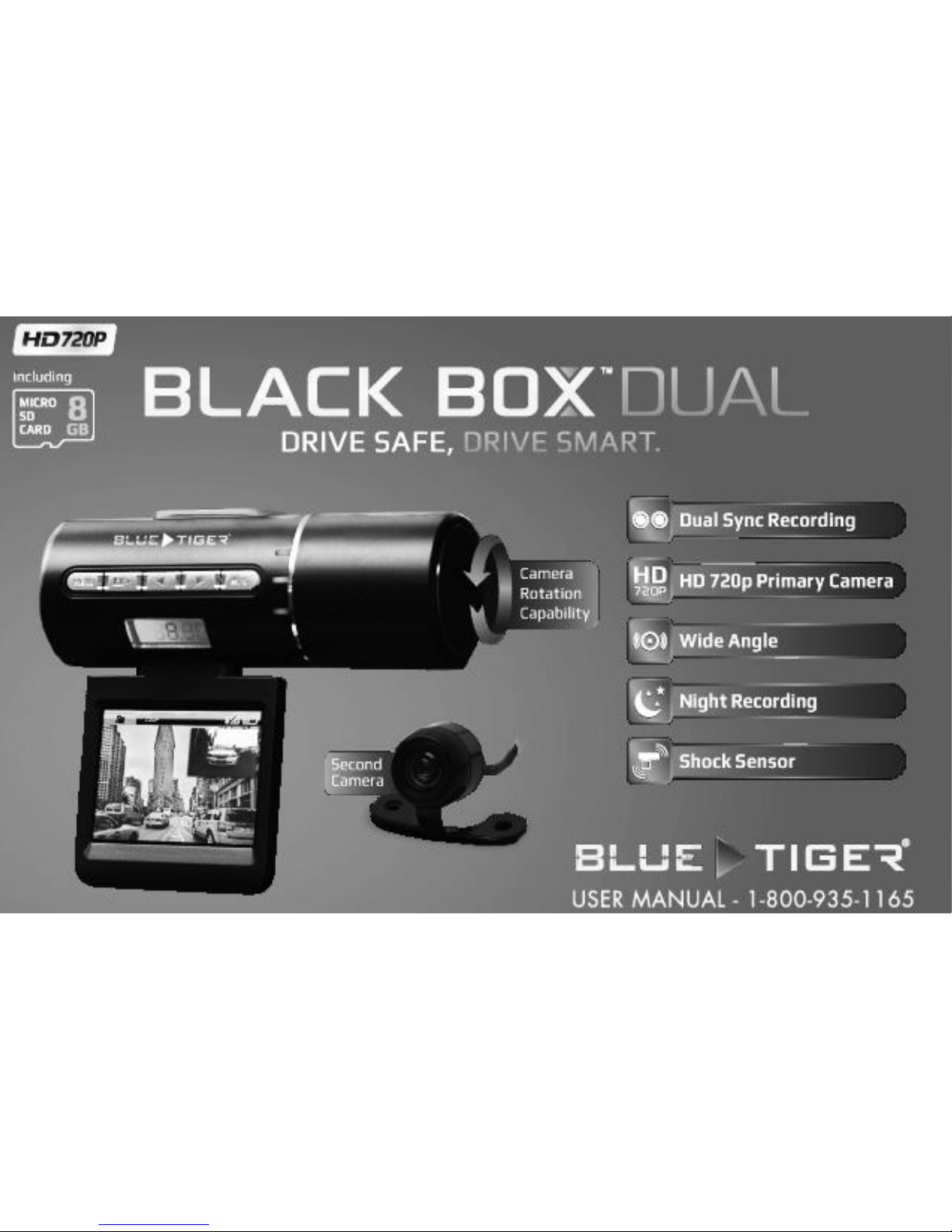
Thank you for purchasing the Black Box™ Dual by Blue Tiger®. This dash or windshield
mountable camera is your first line of defense in traffic incident litigation protection.
With two cameras covering different parts of the road, including a 720p HD front facing
camera, photograph capability, night recording capable, motion detection, voice record
and external SD memory.
Please take a few moments to review the contents of this manual in order to ensure
the best user experience.
Important Notes: Please install the memory card and preview screen BEFORE turning
camera on and do not unplug these devices while camera is turned on. Please plug
your camera into your vehicle power outlet while using.

If you have any questions please call us at 1-800-935-1165 Blue Tiger USA | www.bluetigerusa.com
3
Get to know the Black Box™ Dual:

1. Camera Lens
2. Night Recording LED
3. Bracket Slot
4. Speaker for Audio Playback
5. Detachable Menu Screen
6. Menu key (Long press disables
screen)
7. Camera/Ok Button
8. Up/Screen Flip
9. Down/720p and VGA Camera
preview switch
10. Power button / Mode button
11. LED Indicator Light
12. Time Display
13. Display Screen
14. Microphone
15. microSD Card Slot
16. Secondary Camera Input Slot
17. A/V Output
18. USB Interface Port
19. Reset Button

If you have any questions please call us at 1-800-935-1165 Blue Tiger USA | www.bluetigerusa.com
1
Basic Usage Instructions:
Before turning on your Black Box™ Dual, insert a compatible microSD card into the
memory card slot on the side of the camera under the plastic guard to the right of the
menu controls. Blue Tiger recommends using at least a Class 4 microSD HC name
brand memory card in order to get the best performance from your camera.
After the microSD has been installed, attach the secondary camera into the input slot,
and attach the screen to the device. Press the screen firmly until it clicks into place.
Then, turn the camera on using the Power/Mode button on the right side of the menu
controls. Press and hold for two seconds.
Once the camera has been turned on it will automatically enter record mode.
IMPORTANT NOTE: Never remove the microSD card while the camera is on. Doing so
may damage the memory card or the Black Box™ Dual Dash Camera.

If you have any questions please call us at 1-800-935-1165 Blue Tiger USA | www.bluetigerusa.com
2
Safe Operating Temperatures:
The Black Box™ Dual is designed for operating use within the temperature range of 30°
and 90° Fahrenheit. Operating or leaving the camera in environments outside of this
“safe zone” may cause permanent damage to your camera and will not be covered by
warranty.
It is recommended that you remove the camera from the windshield and place it
somewhere that is not in direct sunlight in circumstances like these.
For instance, leaving your camera mounted on your windshield while your vehicle is
parked and the temperature outside the vehicle is 85° F could cause permanent
damage to your camera, because the temperature inside the vehicle could climb to
above 90.

If you have any questions please call us at 1-800-935-1165 Blue Tiger USA | www.bluetigerusa.com
3
Power Modes:
Use built-in Polymer battery
The use of the battery is mostly recommended for circumstances in which still photos
are required. You may remove the camera from the power source in order to take
these photos.
Use included car charger
When the vehicle is started, the Black Box™ Dual will automatically come on and begin
recording, will also enter charging mode. While charging, the LED light will light up red.
Once charged, the battery icon on the screen will show fully charged.
Note: This device can only use a power source output of 5V.

If you have any questions please call us at 1-800-935-1165 Blue Tiger USA | www.bluetigerusa.com
4
Setting up the Date and Time:
In order to set up the date and time, press the menu button 3 times to select the
settings icon (the gear icon on the right), then use the left/right arrows to select “date
set” and use the camera/ok button to enter the date setting menu.
At this point, the year will be highlighted in red font. Use the left/right arrows to set
the correct year, and use the Mode/Power button to move to the next field, the
month field. Again, use the left and right arrows to select the correct month, and once
again, use the Mode/Power button to scroll to the next field, the day field.
Continue scrolling through each field until you have set the correct date and time for
each field. On your final press of the Mode/Power button, you will be back into
recording mode.

If you have any questions please call us at 1-800-935-1165 Blue Tiger USA | www.bluetigerusa.com
5
Installation Instructions:
1. Plug the secondary camera into the primary camera input port marked by the cable
end icon and labeled #16 in the diagram on page 2 of this user manual.
2. Attach the preview screen to the camera making sure that the screen is facing the
same direction as the button panel and pressing firmly until it clicks into place.
3. Making sure that the camera is off, insert the microSD card into the port.
4. Find a clear and secure place to mount the camera. Use a clean and soft cloth to
wipe off the surface that you are mounting the camera to and use the suction cup.
5. Connect camera’s USB terminal and car cigarette lighter to the power source.
6. Adjust the camera position to attain the best view.
Other manuals for Black Box
1
Table of contents
Other Blue Tiger Dashcam manuals


















