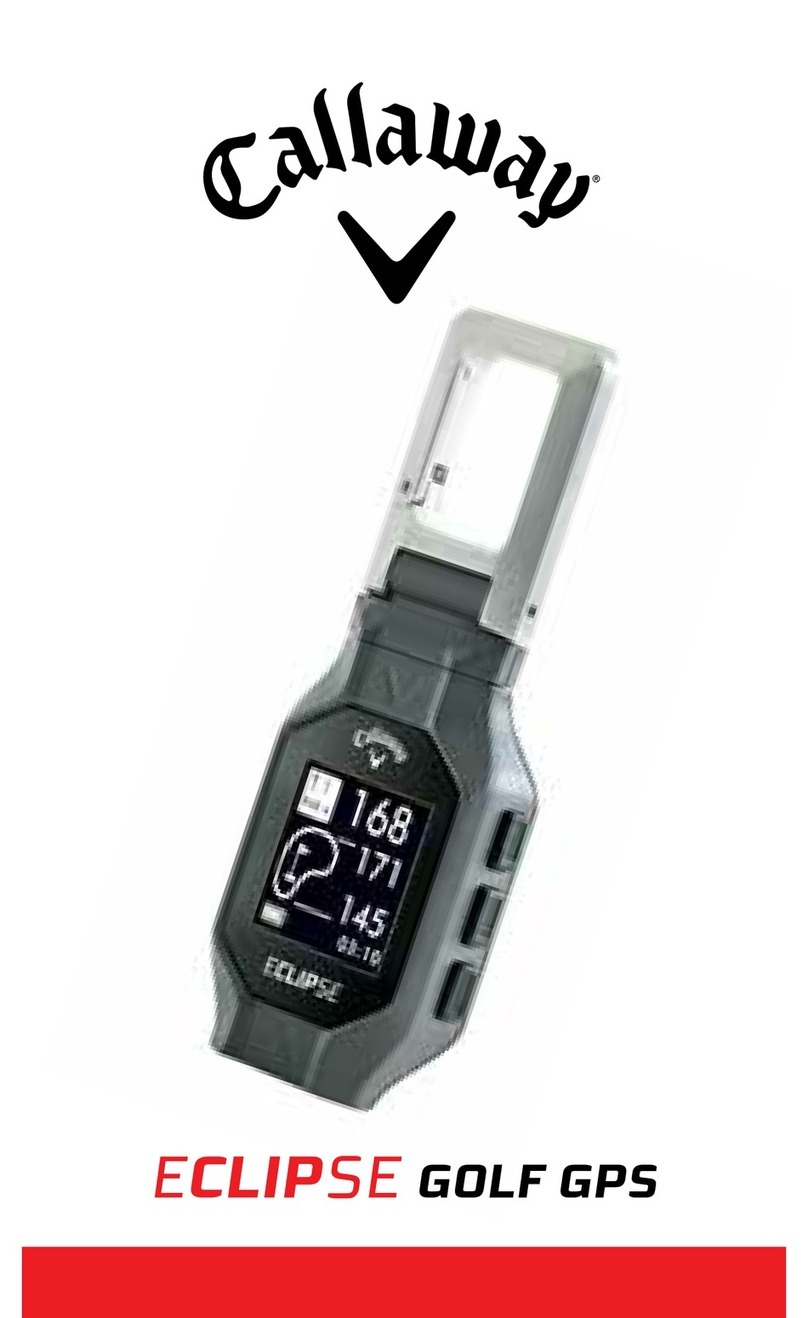
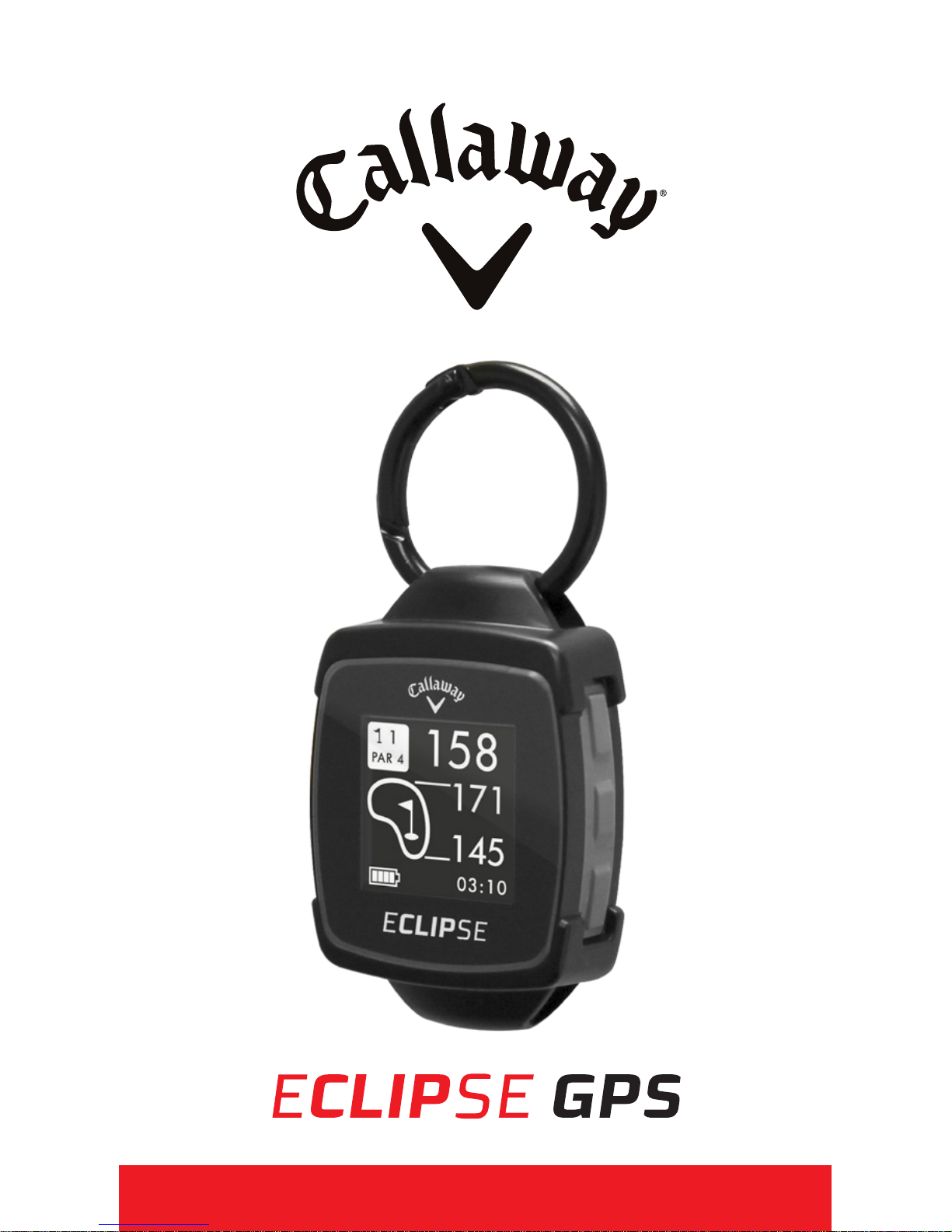
Callaway Eclipse User manual
INTRODUCTION
The Callaway ECLIPSE GPS delivers elite
performance on the course in a versatile and
unique design. Hit more greens and minimize
penalty strokes by knowing precise distances
to the front, center, and back of the green, as
well as distances to hazards and doglegs.
SPECIFICATIONS
Product Callaway ECLIPSE GPS
# of Courses 30,000+
Battery 300mAh Lithium Ion Polymer
Battery Life Up to 8 hours / Time: 38 Days
Weight 45 g.
Display Size 1.28” (128 x128 pixels)
Water Resistant Yes 1ATM Designation
2INTRODUCTION

CHARGING
1. Attach the magnetic pins on the charging
cord to the magnetic charging ports located
on the side of the watch.
2. Be sure the pins are aligned, then insert
the other end of the charging cord into a
USB port or AC adapter (not included).
3. When connection is
made, Battery Icon
bars will pulsate to
indicate charging.
Note: Battery Icon bars
will stop pulsating when
charging is complete.
ENGLISH 3

DESCRIPTION OF TERMS
• PRESS - Press & Release button quickly.
• HOLD - Press & Hold button until desired
screen appears or change happens.
WATCH DIAGRAM
A. [POWER ]- HOLD to Power On/O, PRESS
to turn Backlight On/O
B. Charging Ports
C. [UP ]- Scroll Up
D. [OK ]- PRESS to Toggle Screens, Select
Options - HOLD to access Main Menu.
E. [DOWN ]- Scroll Down
4HOW TO USE

ENGLISH 5
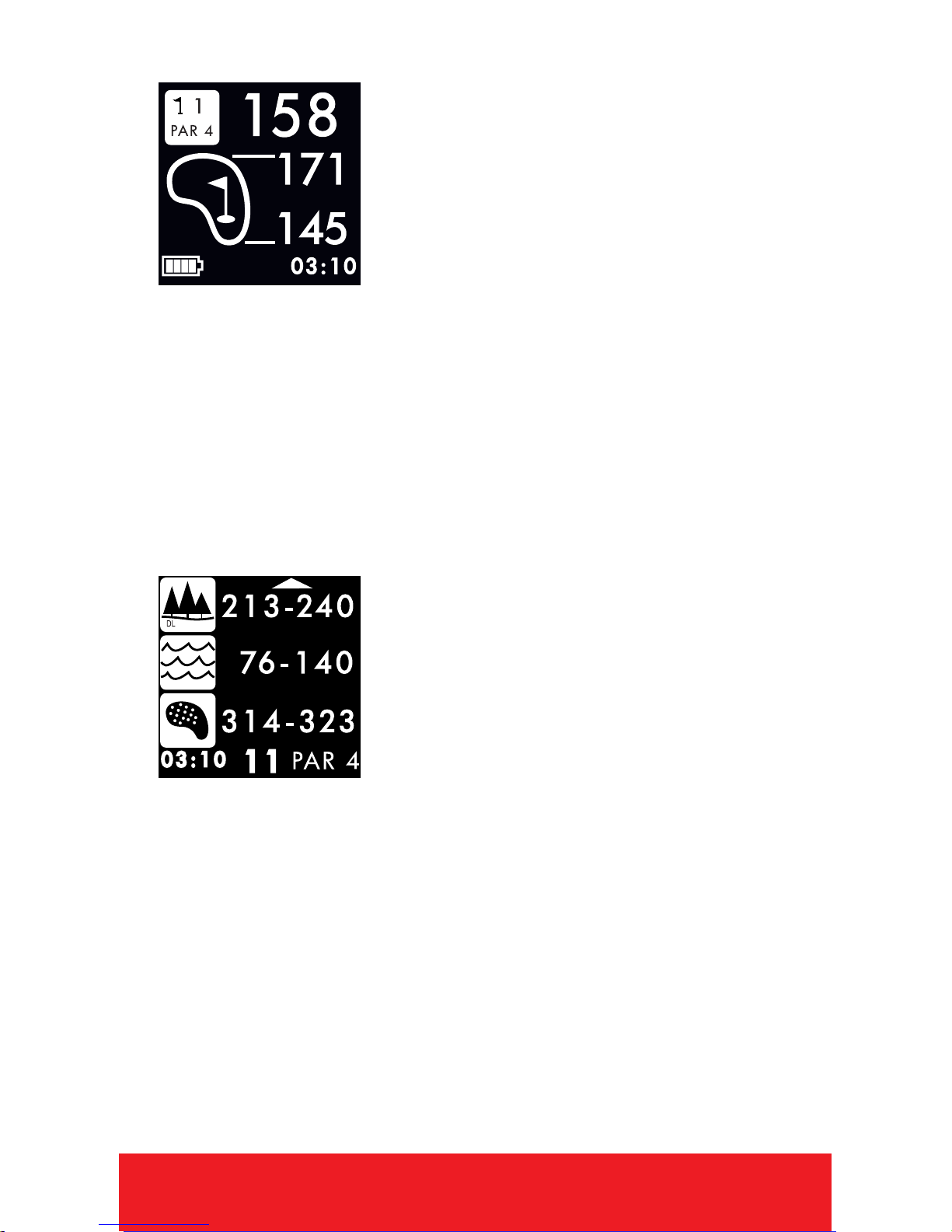
DISPLAY DIAGRAM
A. Distance to the Center of Green
B. Distance to the Back of Green
C. Distance to the Front of Green
D. Distance to front and back of Dogleg
E. Distance to layup or carry Water
F. Distance to layup or carry Bunker
PLAY MODE
HAZARD MODE
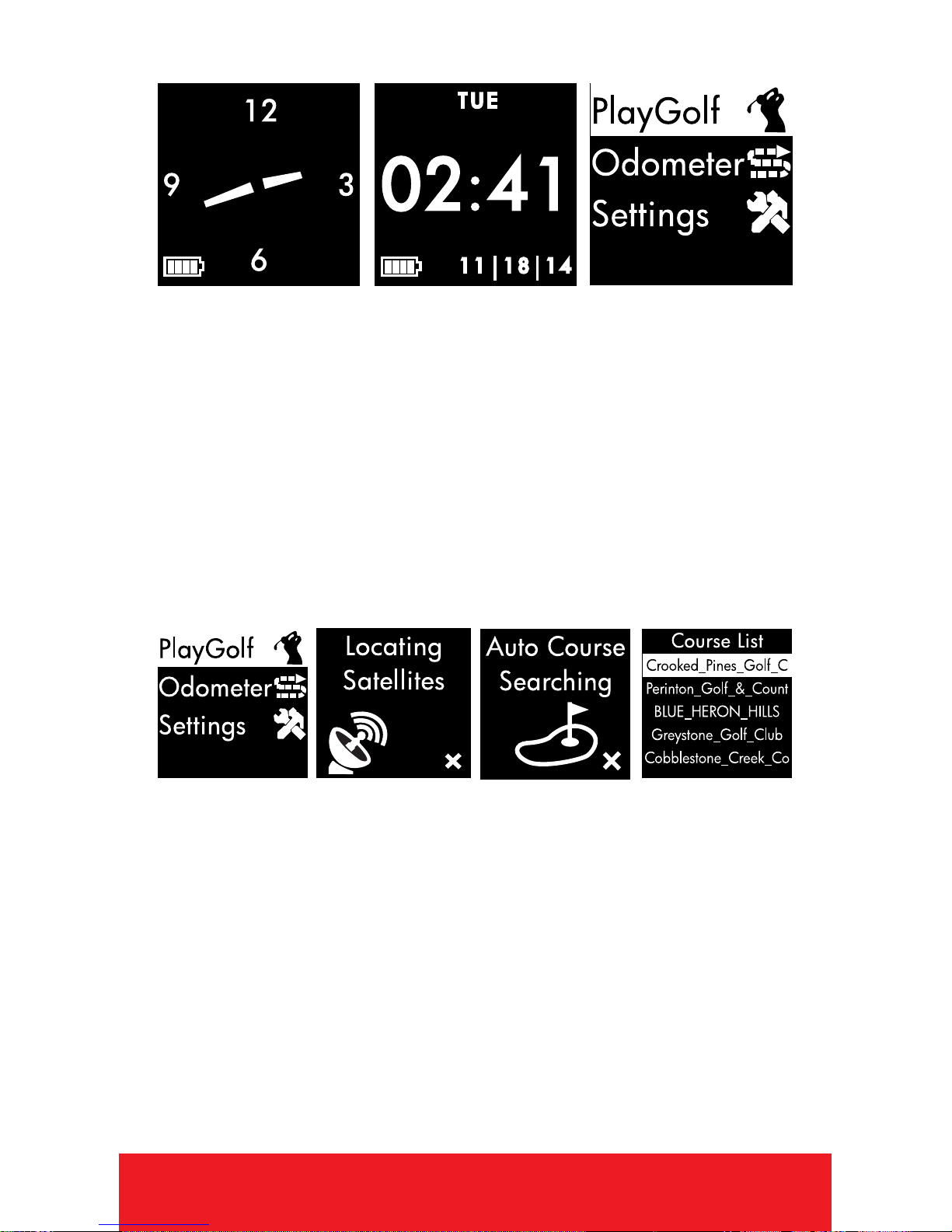
TIME MODE
1. PRESS [OK ]button to toggle between
Analog or Digital Time Display.
2. PRESS [POWER ]button to turn Backlight
On/O.
3. To set time and date, see Settings. (Pg. 14)
4. HOLD [OK ]button to access Main Menu.
AT GOLF COURSE
1. From Time Screen, HOLD [OK ]button to
access Main Menu.
2. PRESS [OK ]button to select Play Golf.
3. Device will begin searching for satellite
signal (HOLD [OK ]button to cancel).
4. Once satellite connection is established,
the nearest golf courses will be listed. Use
[UP/DOWN ]buttons to scroll to desired
course, PRESS [OK ]button to select course.
6HOW TO USE
ENGLISH 7
PLAY MODE
1. PRESS [OK ]button to toggle between
Hazard, Scorecard, and Shot Distance
Screens.
2. To exit Play Mode at any time,
HOLD [OK ]button.
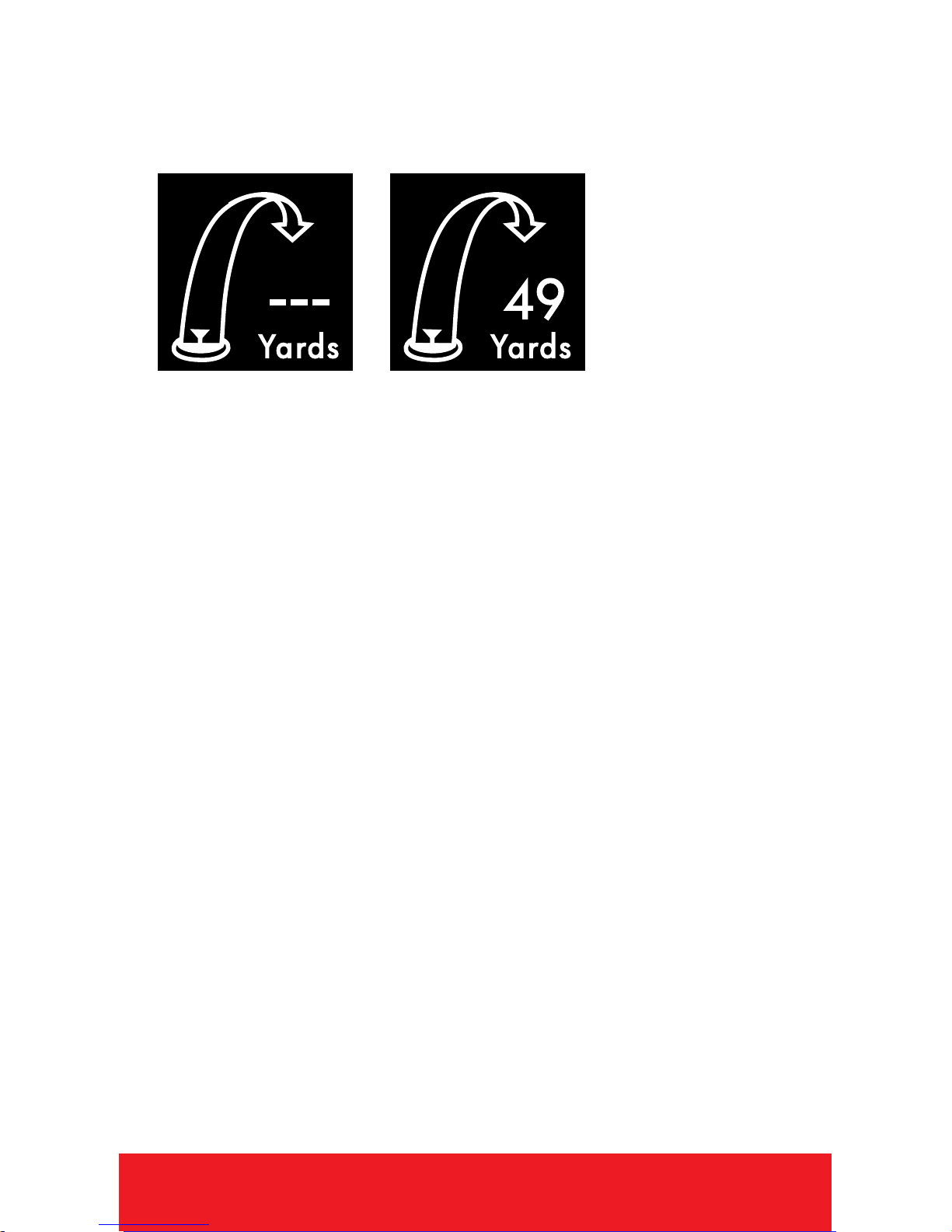
HAZARD VIEW
Note: If no hazards are
present, screen will
be blank.
1. PRESS [OK ]button to access the
Hazard Screen.
2. Only 3 hazards will show at a time. If a hole
has more than 3 hazards, scroll by using
[UP/DOWN ]buttons. (Hazards that are
behind you will not be displayed).
3. To exit, PRESS [OK ]button to view
Scorecard, Shot Distance (if enabled),
or return to Play Mode.
8HOW TO USE
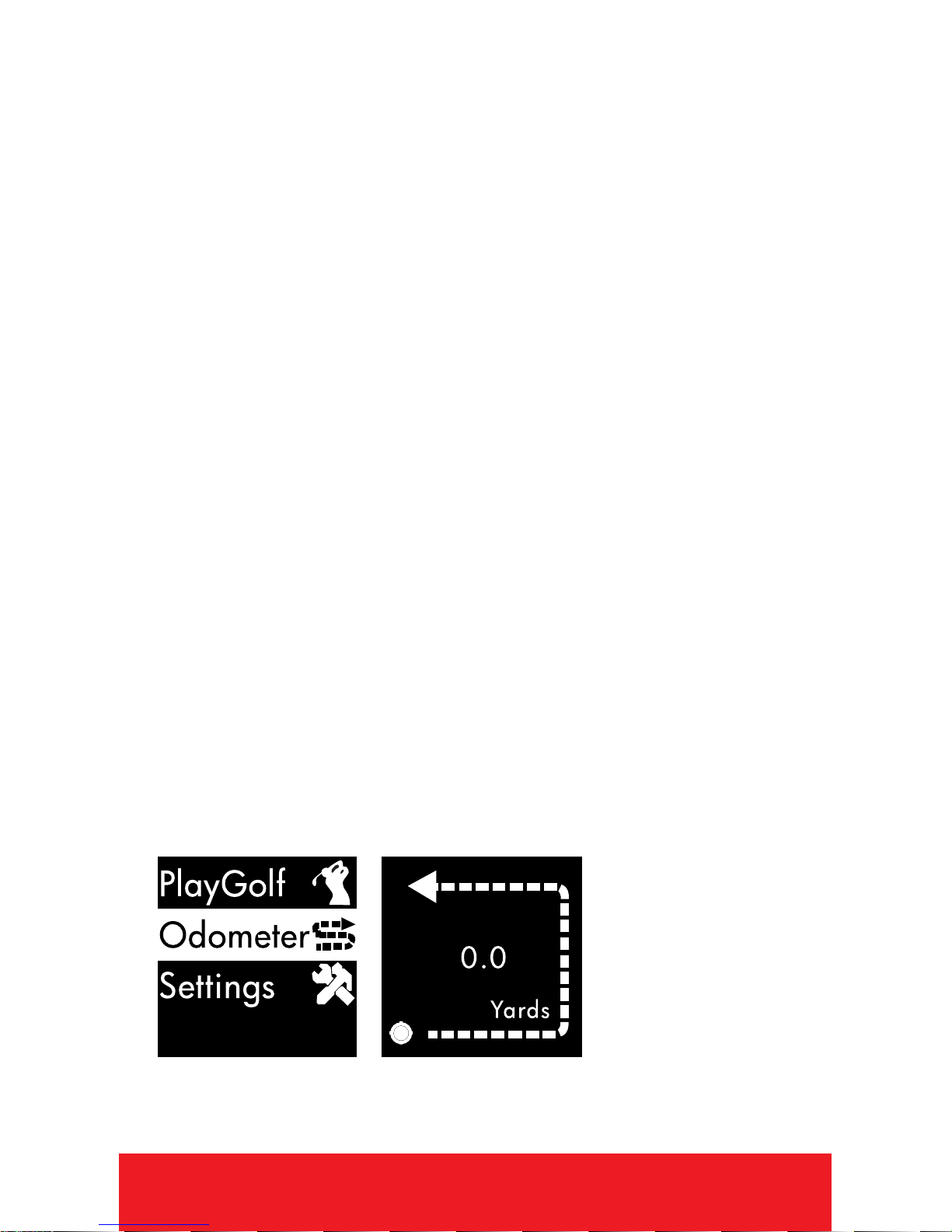
SHOT DISTANCE
Note: Shot Distance must be turned On
in Settings.
1. PRESS [OK ]button to access Shot
Distance.
2. To start measuring Shot Distance, PRESS
the [DOWN ]button.
3. As you travel to your ball, the distance will
begin calculating.
4. Once you arrive at your ball, the distance
displayed is the distance of your previous
shot (the distance you traveled).
5. To reset, PRESS the [DOWN ]button.
6. PRESS [OK ]button to view next/previous
screen.

ENGLISH 9
SCORECARD
Note: Scorecard must be turned On
in Settings.
1. PRESS [OK ]button to access Scorecard.
2. Use [UP/DOWN ]buttons until number of
total strokes for that hole is displayed.
3. HOLD the [DOWN ]button to scroll to Putts,
use [UP/DOWN ]buttons until correct
number of putts is displayed.
4. HOLD the [DOWN ]button to scroll to GIR
(Greens in Regulation). Use [UP/DOWN ]
buttons to select Y/N (Yes or No).
5. To exit, PRESS [OK ]button to return to
Play Mode.
AUTO-HOLE ADVANCE
1. The device will automatically switch to
the next hole if Scorecard is turned OFF. If
Scorecard is turned ON, a score must be
entered before the device will advance to
the next hole.
10 HOW TO USE
END ROUND
1. When nished with round, HOLD [OK ]
button to return to Main Menu.
2. If Scorecard is turned on, use the
[ UP/DOWN ] buttons to scroll to desired
option, PRESS [ OK ] to select.
• Save & Exit - Save Scorecard, end round,
and return to Main Menu.
• Discard & Exit - Discard Scorecard, end
round, and return to Main Menu.
•Cancel - Select to return to Play Mode.
ODOMETER
1. From Time Screen, HOLD [OK ]button to
access Main Menu.
2. Use [UP/DOWN ]buttons to scroll to
Odometer, PRESS [OK ]button to select.
Other manuals for Eclipse
1
Table of contents
Other Callaway GPS manuals