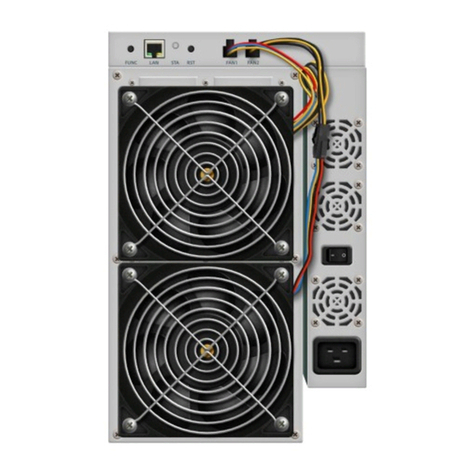
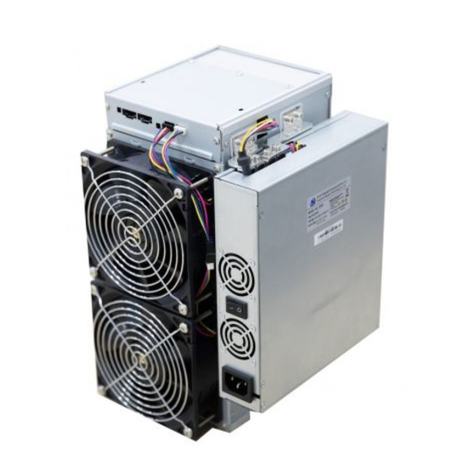
FUNC:Functional keys can be used to reset the miner back to the factory settings, enter the
configuration mode, and switch lighting status in operation, etc.
Indicator Lamps
➢The indicator lamp flashes in red several times after power-on
➢After device startup, the indicator lamp turns white for about three secs. During this
period, press the FUNC key, then device will enter the configuration mode.
➢The indicator lamp is green under normal mining condition.
➢The indicator is yellow during system preparation.
➢The indicator lamp is red when the system is overheated.
➢During system operation, the indicator lamp turns white by FMS software or manually
pressing the FUNC key, and the lamp reset to original color after the key pressed again.
Reset Mining to factory settings: Press the FUNC function key (before the red indicator lamp
flashing) when power on for five seconds till the white lamp flickers that means the success.,
and then press the RESET or power to restart.
Work Mode
The device has two work modes: “normal mode” and “configuration mode”.
Normal Mode
In normal mining mode, the device runs in this mode most of its life cycle, which network can
use DHCP (dynamic acquisition) or static IP, and the default is set to DHCP.
Configuration Mode
Press the FUNC key when the lamp is white (about three secs.) after startup, and the device will
enter this mode.
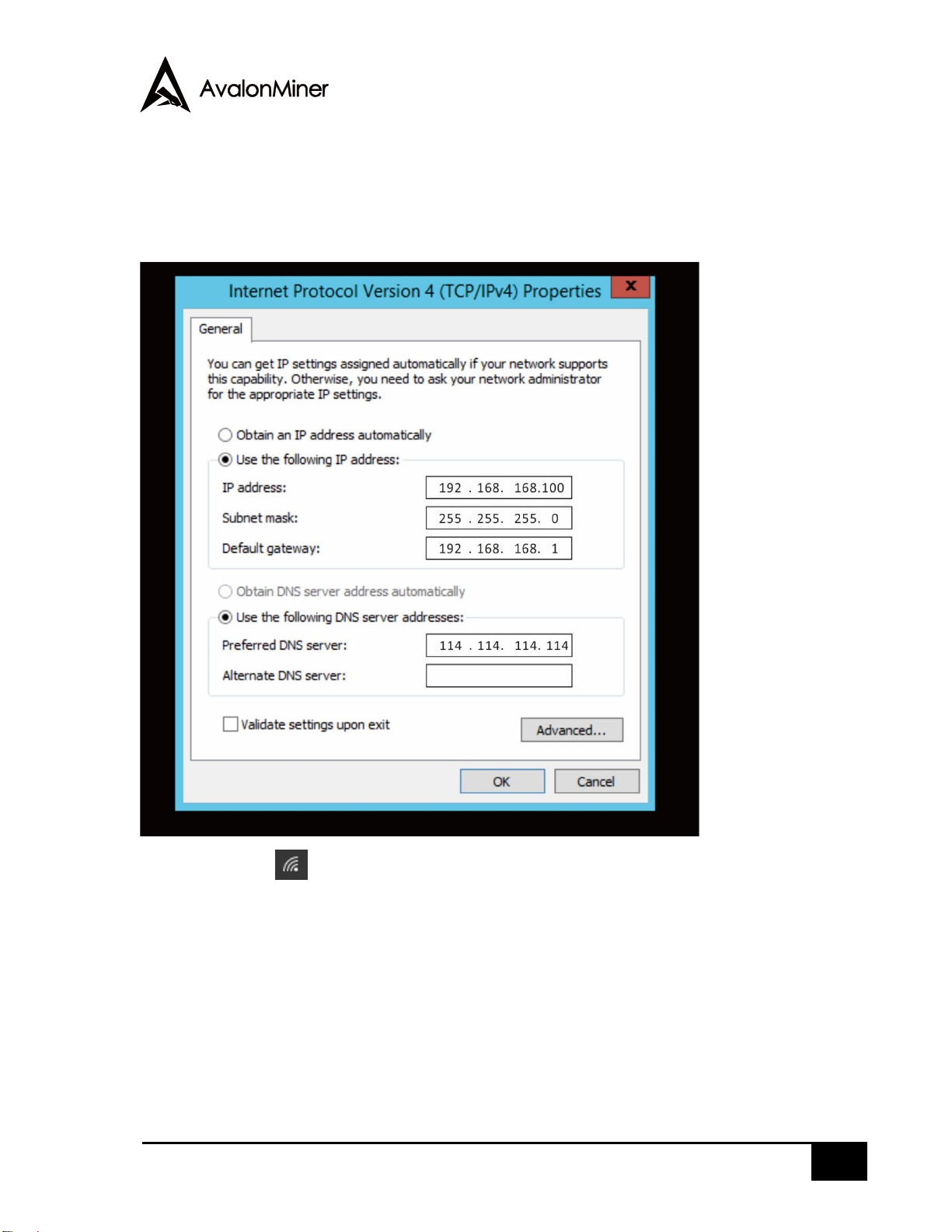
In this mode, the IP address is static (address: 192.168.168.168, subnet mask: 255.255.255.0).
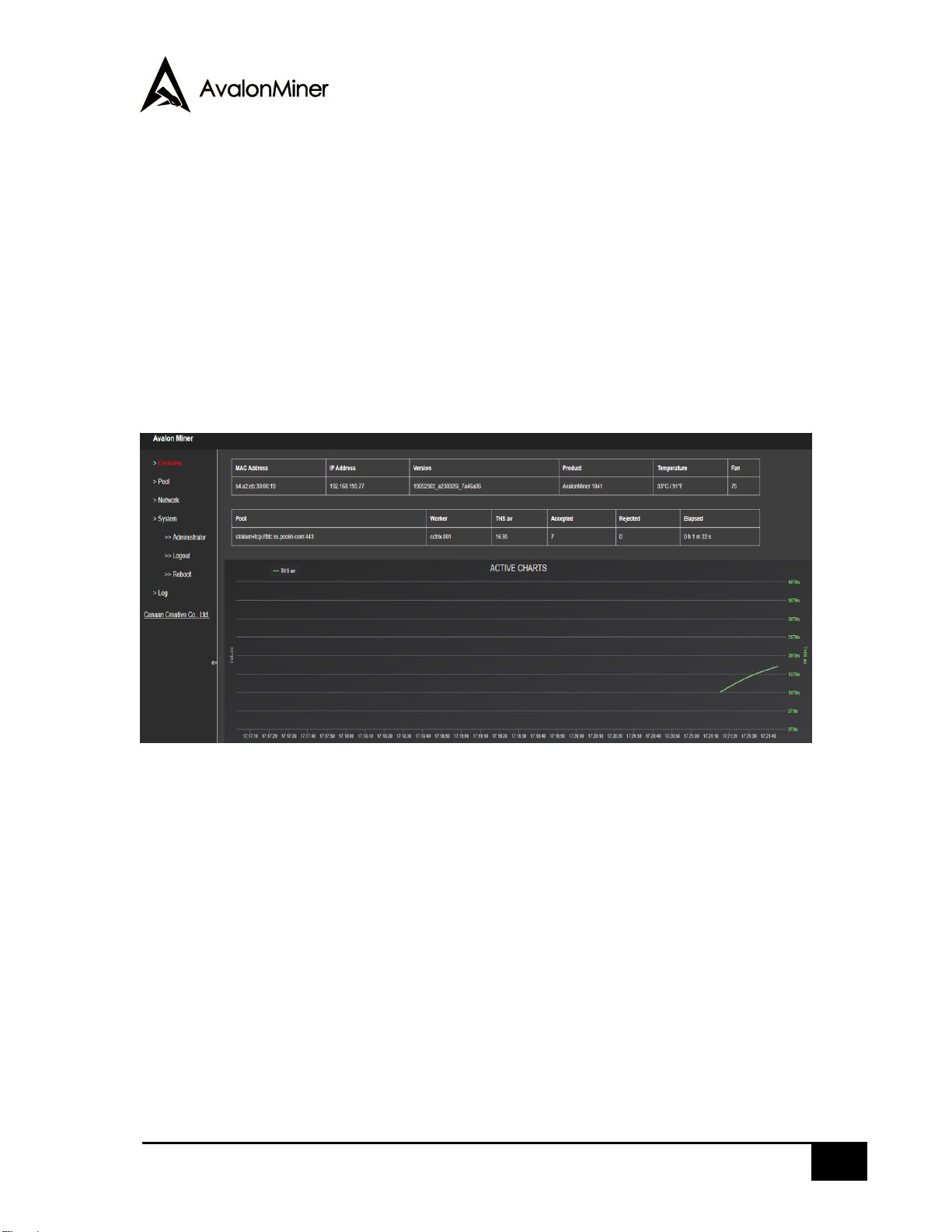
The built-in Web service of the device can be accessed through PC browser to configure
network, mining pool, password and other information.