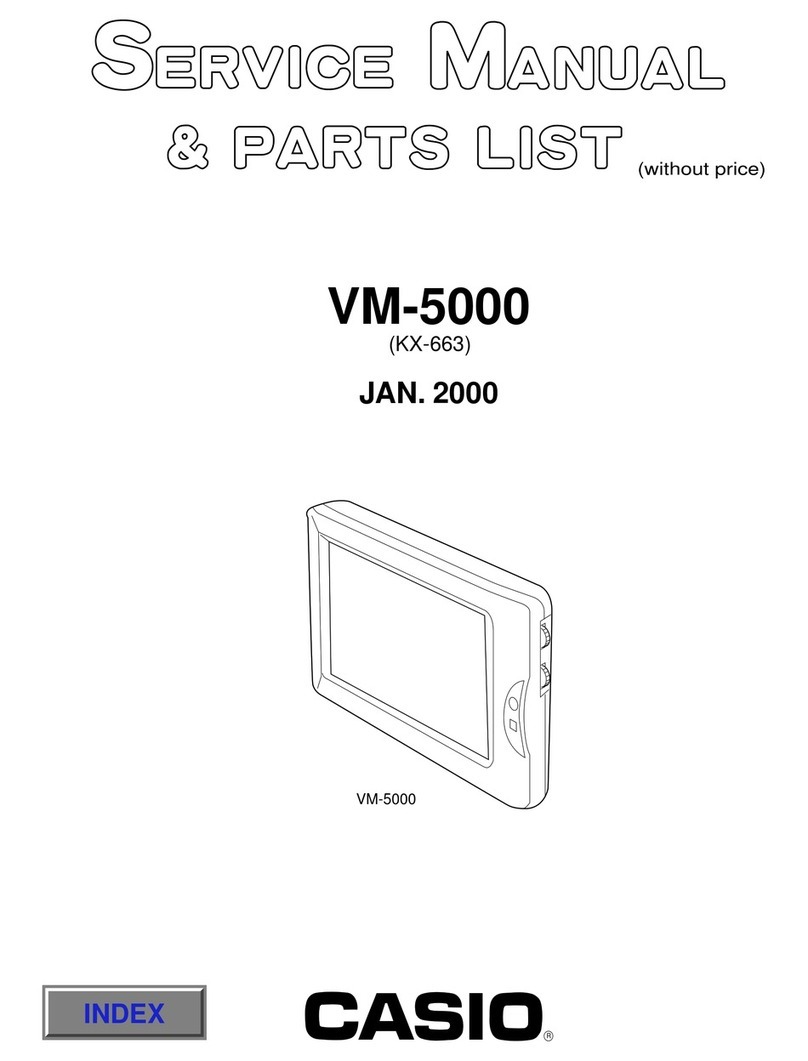
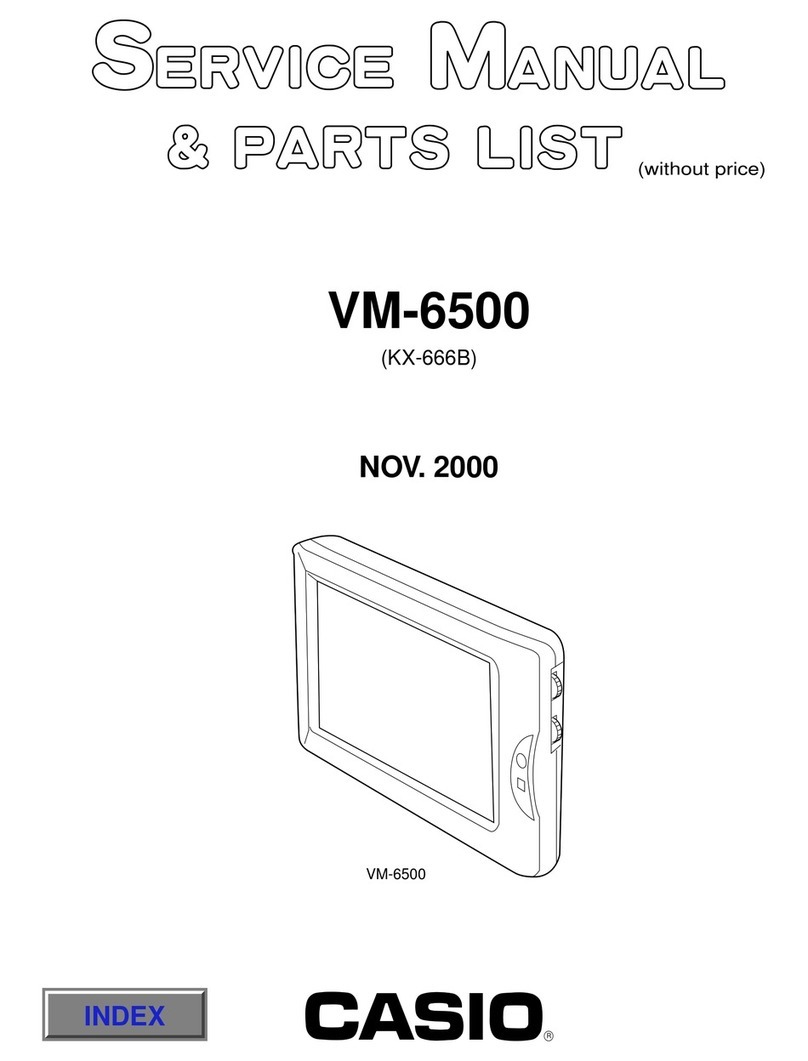
Casio VM-1000 Troubleshooting guide

R
VM-1000
APR. 1999
(without price)
(KX-661BXA)
INDEX

CONTENTS
1. SPECIFICATIONS ................................................................................................................... 1
2. ADJUSTMENT ......................................................................................................................... 2
2-1. Adjustments to be done................................................................................................... 2
2-2. Adjustments...................................................................................................................... 2
3. PRINTED CIRCUIT BOARDS.................................................................................................. 6
4. EXPLODED VIEW.................................................................................................................... 9
5. PARTS LIST........................................................................................................................... 11
6. SCHEMATIC DIAGRAMS...................................................................................................... 15

— 1 —
1. SPECIFICATIONS
Monitor (VM-102)
Display Element: High-resolution color LCD
Pixels: 224,640 (234 x 960)
Driver: TFT active matrix
Light Source: Internal backlight; high luminosity fluorescent lamp
Speaker: One (3.6cm) round speaker
Connection Cable: 16-pin RGB (Approximate Length: 2.5 m)
Operating Temperature: 0°C to 40°C
Storage Temperature: -20°C to 60°C
Dimensions: 6-1/8" (W) x 1" (D) x 4-5/8" (H)
15.5 (W) x 2.5 (D) x 11.8 (H) cm (excluding projections)
Approximate Weight: 18.0oz (510g) (including cables)
Video Terminal Unit (VU-100)
Monitor Terminal: 16-pin
Power Cord: Cigarette lighter plug (Approximate Length: 1.8m)
VIDEO IN: PIN plug
AUDIO IN: PIN plugs x 2 (L/R)
Power Supply: 12V DC (car battery, negative ground only)
Approximate Power Consumption: 8.8W (with 12V DC input)
Operating Temperature: 0°C to 40°C
Storage Temperature: -20°C to 60°C
Dimensions: 7-1/16" (W) x 4-13/16" (D) x 1-1/16" (H)
18.0 (W) x 12.3 (D) x 2.7 (H) cm (excluding projections)
Approximate Weight: 18.0oz (510g) (including cables)
Accessories: Two sets of cloth fasteners, audio/video cable (1.5m)
Center Console Box Stand (OS-25FT)
Dimensions: 3-5/8" (W) x 3-1/16" (D) x 2-13/16" (H)
9.2 (W) x 7.8 (D) x 7.1 (H) cm
Approximate Weight: 5.3oz (150g)
Accessories: Two sets of large cloth fasteners, one set of small cloth fasteners,
three cable clamps
Headrest Stand (OS-22R)
Stand Length: 15-3/4"
40.0cm (when extended)
Approximate Weight: 18.0oz (510g)

— 2 —
2. ADJUSTMENTS
2-1. Adjustments to be done
2-2. Adjustments
1. VCC2 adjustment
1) Adjust the output voltage of power supply so that CP120 voltage becomes 11.5 ±0.05V.
2) Adjust VR102 so that CP102 voltage becomes 5.0 ±0.02V.
Input Output
CP102
Power supply Set Digital multimeter
CP120
2. Contrast adjustment
1)Ground CP313
2)Apply 75% color bar signal to video input of the set.
3)Observe CP310 signal with an oscilloscope. Adjust VR310 so that
the amplitude between pedestal and white level is 0.6 ±0.1Vp-p.
Video
Input Output
CP310
Set GND
CP313
SGVideo Signal Oscilloscope
0.6 ±0.1Vp-p
Adjustments Necessary equipment Adjusting block
1. VCC2 voltage adjustment Power supply, Digital multimeter (FD730C) Video unit
2. Contrast adjustment Power supply, Pattern generator, Signal generator, Oscilloscope Video unit
3. Tint, Color adjustments Power supply, Pattern generator, Signal generator, Oscilloscope Video unit
4. VCC4-1 adjustment Power supply, Oscilloscope M-PCB
5. VCC9 adjustment Power supply, Oscilloscope M-PCB
6. VCO Free Run adjustment Power supply, Video PG, Frequency counter M-PCB
7. V-COM coarse adjustment Power supply, Oscilloscope M-PCB
8. V-COM fine adjustment Power supply, Video PG, V-COM jig, Oscilloscope M-PCB
9. Brightness adjustment Power supply, Video PG, Oscilloscope M-PCB
10. Monostable multivibrator adjustment Power supply, Pattern generator, Oscilloscope M-PCB

— 3 —
3. Tint/Color adjustment
1)Ground CP313 via 33k ohm resistor.
2)Unsolder (open circuit) IF pad HP200.
3)Apply 75% color bar signal to video input of the set.
4)Observe CP337 signal. Adjust VR300 (TINT) and VR301 (COLOR)
so that the difference between the four pulses is within 0.2V.
Video
Input Output
CP337
CP313
Set
Video signal Oscilloscope
GND
33kw
1234
Pulses 2 and 3 are adjusted by TINT
While pulses 1 and 4 are controlled byCOLOR.
4. VCC4-1 adjustment
1) Adjust power supply output so that CP172 voltage becomes 11.5 ±0.05V.
2) Connect a digital multimeter to CP166 and adjust VR161 so that the meter reading is 4.50 ±0.02V.
Output
CP166
Input
DC12V
Power supply Set + monitor Digital multimeter
5. VCC9 adjustment
1)Adjust power supply voltage so that CP172 voltage becomes 11.5 ±0.05V.
2)Connect a digital multimeter to CP163 and adjust VR161 so that the meter reading is 8.3 ±0.3V.
Output
CP163
Input
DC12V
Power supply Set + monitor Digital multimeter

— 4 —
6. VCO Free run adjustment
1)Adjust power supply voltage so that CP172 voltage becomes 11.5 ±0.05V.
2) Connect CP756 and CP757 (VCC4-2).
3) Connect a frequency counter to CP181 and adjust VR751 so that the counter reading is 15.73 ±0.1kHZ.
Output
CP181
CP757(VCC4-2)
CP756
Input
DC12V
Power supply Set + monitor Frequency counter
7. V-COM coarse adjustment
1) Adjust power supply voltage so that CP172 voltage becomes 11.5±0.05V.
2) Connect an oscilloscope to CP802. Observing the oscilloscope, adjust
VR850 so that pulse amplitude is 4.0±0.1V.
3) Adjust VR801so that pulse's "H" level is 0.1 ±0.5V.
Output
CP802
Input
DC12V
Power supply Set + monitor Digital multimeter
4.0 ±0.1V
DClevel=0.1 ±0.5V
8. V-COM fine adjustment
1) Adjust power supply so that CP172 voltage become 11.5 ±0.05V.
2) Apply black raster signal to the set through Video Input terminal and
turn the brightness control dial all the way to the maximum position.
3) Set the adjustment jig on the monitor as shown on the figure above.
4) observe the sensor amplifier output with an oscilloscope. Adjust VR801 so
that 60Hz component becomes minimum.
Set + monitor
Input
Video
Pattern generator
Photo sensor amplifier
Photo diode
Minimize the amplitude.

— 5 —
9. Brightness adjustment
1) Apply color bar signal to video input terminal.
2) Provide trigger pulse from CP802 to an oscilloscope.
3) Connect the oscilloscope to CP804 terminal. Observing the oscilloscope,
adjust VR805 so that the voltage level between
positive and negative pedestal is 4.0 ±0.1V.
4) Perform the same adjustment on CP803 with VR800.
5) Perform the same adjustment on CP805 with VR803.
Input
Video
Output
CP803~CP805
CP802
Set + monitor Oscilloscope
Pattern generator
Trigger
4.0 ±0.1V
10. Contrast adjustment
1) Apply color bar signal to video input terminal.
2) Provide a trigger pulse from CP802 to an oscilloscope.
3) Observing CP804 waveform with the oscilloscope, adjust VR804 so that
voltage level between pedestal and white level is 2.7 ±0.1V.
Input
Video
Output
CP804
CP802
Set + monitor Oscilloscope
Pattern generator
Trigger
2.7 ±0.1V
11. Monostable multivibrator
1) Apply color bar signal to video input terminal.
2) Connect CP760 to an oscilloscope as a trigger.
3) Observe CP760 and CP181 signals at the same time. Adjust VR750 so that
delay time between the two pulses is 1.0 ±0.6µsec. (in case of kx-650) and
0.0 ±0.8µsec. (in case of kx-660).
Input
Video
Output
CP181
CP760
Pattern generator Set + monitor Oscilloscope
Trigger
CP760
CP181
0.1 ±0.1µsec

— 6 —
3. PRINTED CIRCUIT BOARDS
650A-M-A PCB

— 7 —
661B-L PCB (Top View)
NOTE : Parts in the gray areas are not used.

— 8 —
661B-L PCB (Bottom View)
NOTE : Parts in the gray areas are not used.
This manual suits for next models
1
Table of contents
Other Casio Monitor manuals