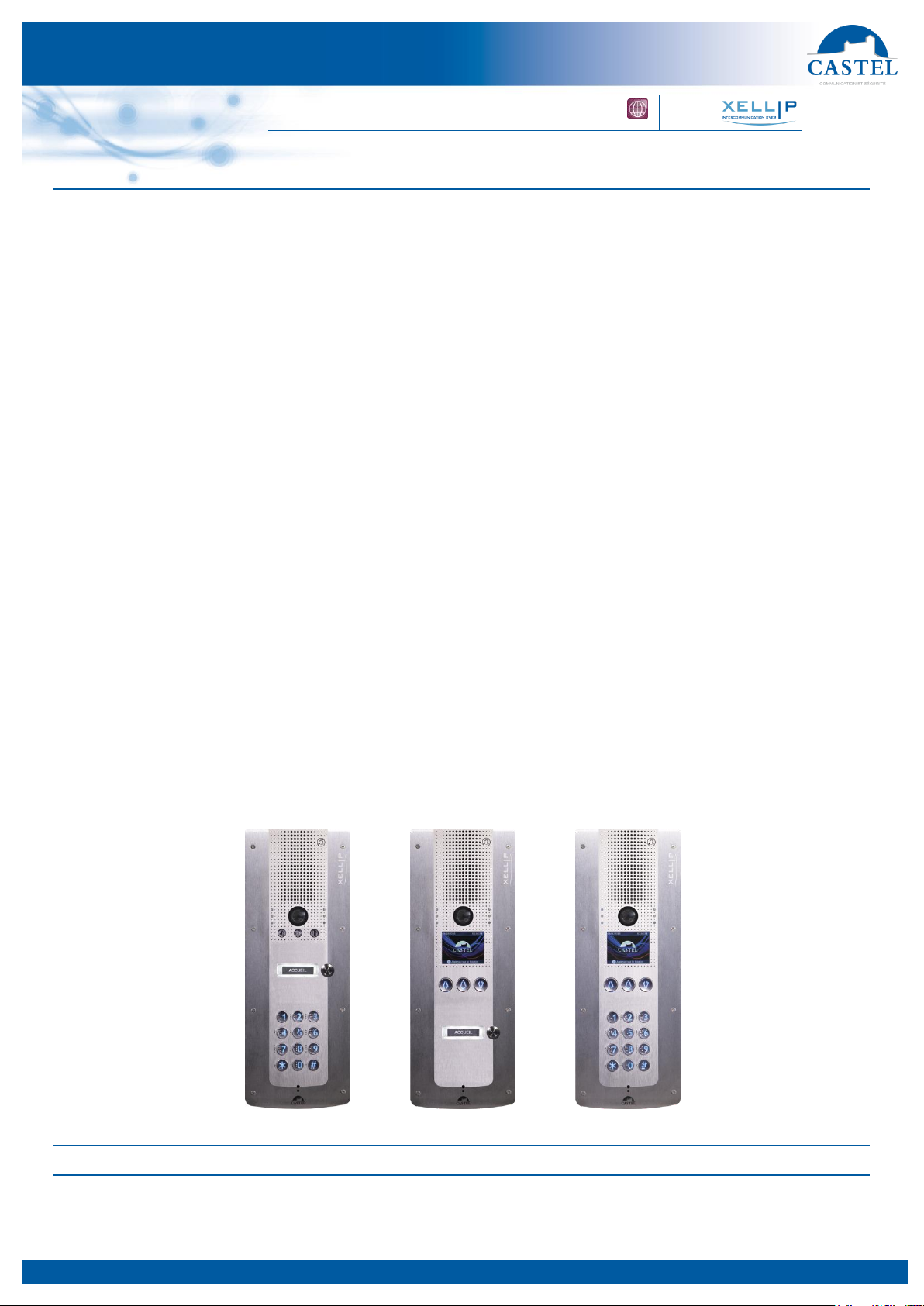
AUDIOVIDEOIPASCROLLINGAND/ORKEYPADDOORENTRYSTATION
Technical data sheet no. EN-604-0094B
Logical input functions (or flags)
The logical inputs enable two functionalities in particular:
Creation of a logical status from which actions can be conditioned in relationships.
Creation of a counter that will be updated according to events and depending on the value of this counter,
possibly trigger one or more actions.
Digital keypad functions
Enter a local access code
↘Programming from 1 to 15,000 access codes of 1 to 20 figures.
↘Programming action or actions associated with access authorisation and denial by logical relations.
↘Recognition of time slots
↘A message on the screen shows the authorisation or refusal of the code.
Dial a SIP call number
Do an alphanumeric search of the directory
Send a DTMF code during a call
Configuring relations
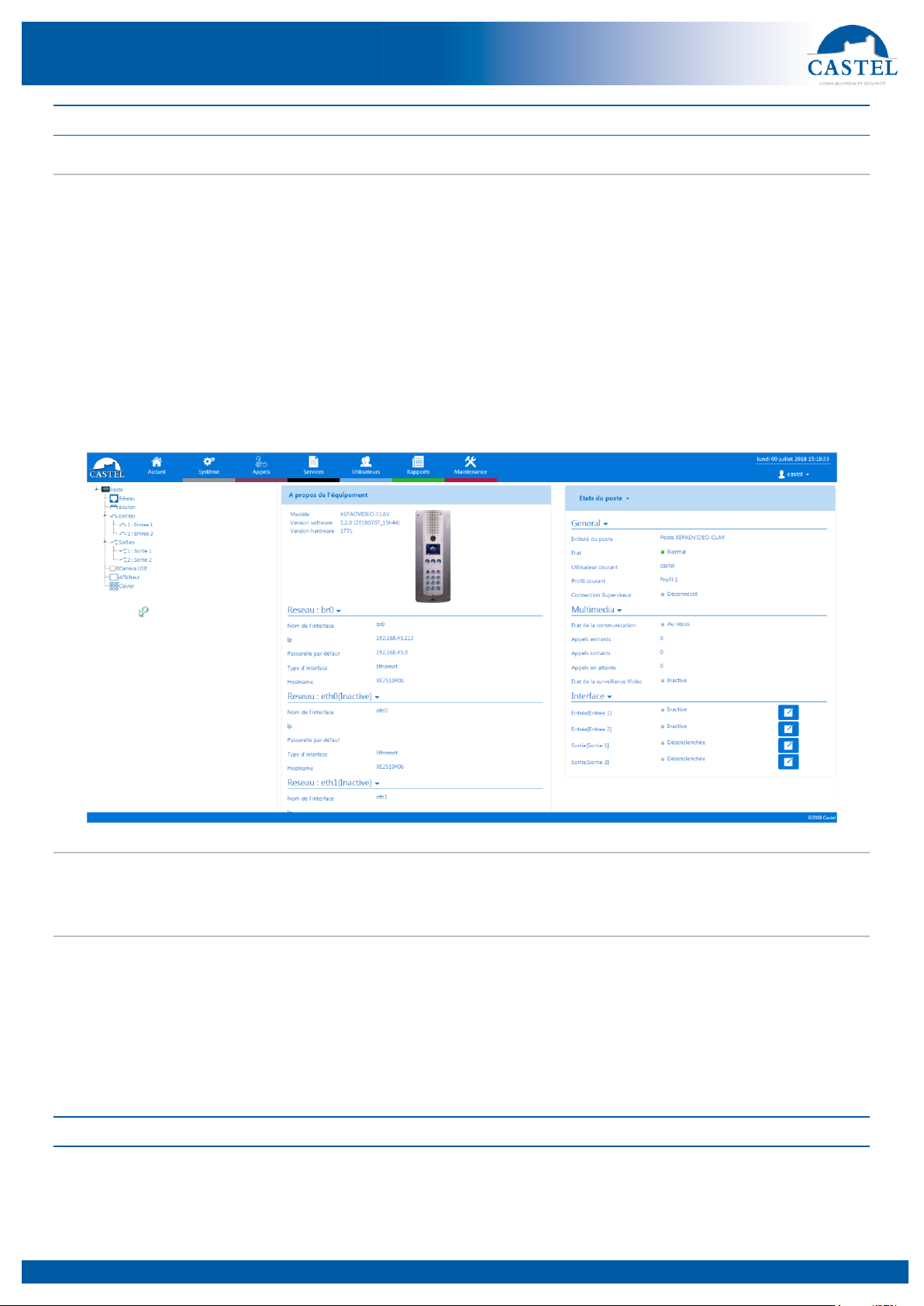
The Web server is where automatic controls, also called relations, are configured
There are two types of relations:
Time: used to trigger actions at identified time slots. There are three levels of priority for a time relation (high,
medium and low).
Logical:
↘Logical condition: used to trigger actions at certain status conditions (active, inactive, etc.). A logical
relation can integrate several conditions by operators such as AND, OR, NOT, XOR. Likewise, a logical
relation can trigger several actions.
↘Digital condition (Counting): used to perform actions by comparing the value of a counter with different
thresholds. It is also possible to add or subtract counter values and compare the result obtained.
Configuration of web server users (software users)
The Web server for the station can grant, modify or remove rights for users by specifying their login, password and
operating language.
Profile configuration
Station operating profiles can be created, modified or deleted. Each profile specifies a station priority, a configuration
of function buttons and access rights to the station.
The station can operate with a unique profile or with different profiles according to time slots.
Directory configuration
Station directory inputs can be created, modified or deleted.
It is possible to create inputs for simple calls or multiple calls
SNMP administration management
The station features an SNMP agent (Simple Network Management Protocol) that can respond to SNMP queries and
send notifications (TRAPS) to an SNMP manager.
From web pages, it is possible to:
Configure different communities (read/write)
Configure system data (sysContact and sysLocation)
Configure notifications (recipient, community, etc.)
Download MIB Castel
It supports the SNMPv1 and SNMPv2c versions.
Self-test function
The station has several tests to validate its operation:
HP/MIC self-test: can remotely test the right operation of the speaker and microphone. From the ‘advanced
parameters’ page, the levels of this test can be adapted according to the installation environment. This test can
be activated from the web server or by an SNMP command. The result of the test can be viewed from the web
server history and by an SNMP notification.
Mechanical button self-test: the detection of a locked mechanical button (contact made for more than 20 s) is
signalled by an SNMP notification and an event is signalled in the web server history.
Backup and recovery of system parameters
A full backup or recovery of the station parameters can be made (configuration, profiles, relations, directory, etc.
The door entry station can be reset to factory settings by pressing the reset button for 10 seconds when the station is
started up.