manuals.online logo
Brands
  1. Home
  2. •
  3. Brands
  4. •
  5. CD-R King
  6. •
  7. Camera Accessories
  8. •
  9. CD-R King PB-660A User manual

CD-R King PB-660A User manual

Popular Camera Accessories manuals by other brands

CamRanger CamRanger user manual

CamRanger

CamRanger CamRanger user manual

Custom Brackets HDV CAGE KIT Instructions for use

Custom Brackets

Custom Brackets HDV CAGE KIT Instructions for use

Aegis ABL052010P user manual

Aegis

Aegis ABL052010P user manual

Saft SRA Series Installation and operating instructions

Saft

Saft SRA Series Installation and operating instructions

Kodak TIB5200 technical information

Kodak

Kodak TIB5200 technical information

Videotec HEG instruction manual

Videotec

Videotec HEG instruction manual

Ikelite 6171.11 manual

Ikelite

Ikelite 6171.11 manual

Pentax Auto Bellows Slide Copier K user manual

Pentax

Pentax Auto Bellows Slide Copier K user manual

Nikon UT-1 user manual

Nikon

Nikon UT-1 user manual

dji RONIN 4D quick start guide

dji

dji RONIN 4D quick start guide

SLIK ABLE 300DX user manual

SLIK

SLIK ABLE 300DX user manual

Rebelcell 36V70 user manual

Rebelcell

Rebelcell 36V70 user manual

Trojan GC2 48V quick start guide

Trojan

Trojan GC2 48V quick start guide

Calumet 7100 Series CK7114 operating instructions

Calumet

Calumet 7100 Series CK7114 operating instructions

Ropox 4Single Series User manual and installation instructions

Ropox

Ropox 4Single Series User manual and installation instructions

Cambo Wide DS Digital Series Main operating instructions

Cambo

Cambo Wide DS Digital Series Main operating instructions

Samsung SHG-120 Specification sheet

Samsung

Samsung SHG-120 Specification sheet

Ryobi BPL-1820 Owner's operating manual

Ryobi

Ryobi BPL-1820 Owner's operating manual

manuals.online logo
manuals.online logoBrands
  • About & Mission
  • Contact us
  • Privacy Policy
  • Terms and Conditions

Copyright 2025 Manuals.Online. All Rights Reserved.

User Manual
Brand Series Model
52
Tips NumberVoltage
Winbook
Winbook
Winbook XP5 Pro Series
Winbook FX Series
Winbook Si Series
Winbook Z Series
Winbook X Series
Winbook J Series (all models)
XP Series
Winbook
Winbook XL2
Winbook X L3 Series
XL
19V L51/L51D
19V L53/L53D
1
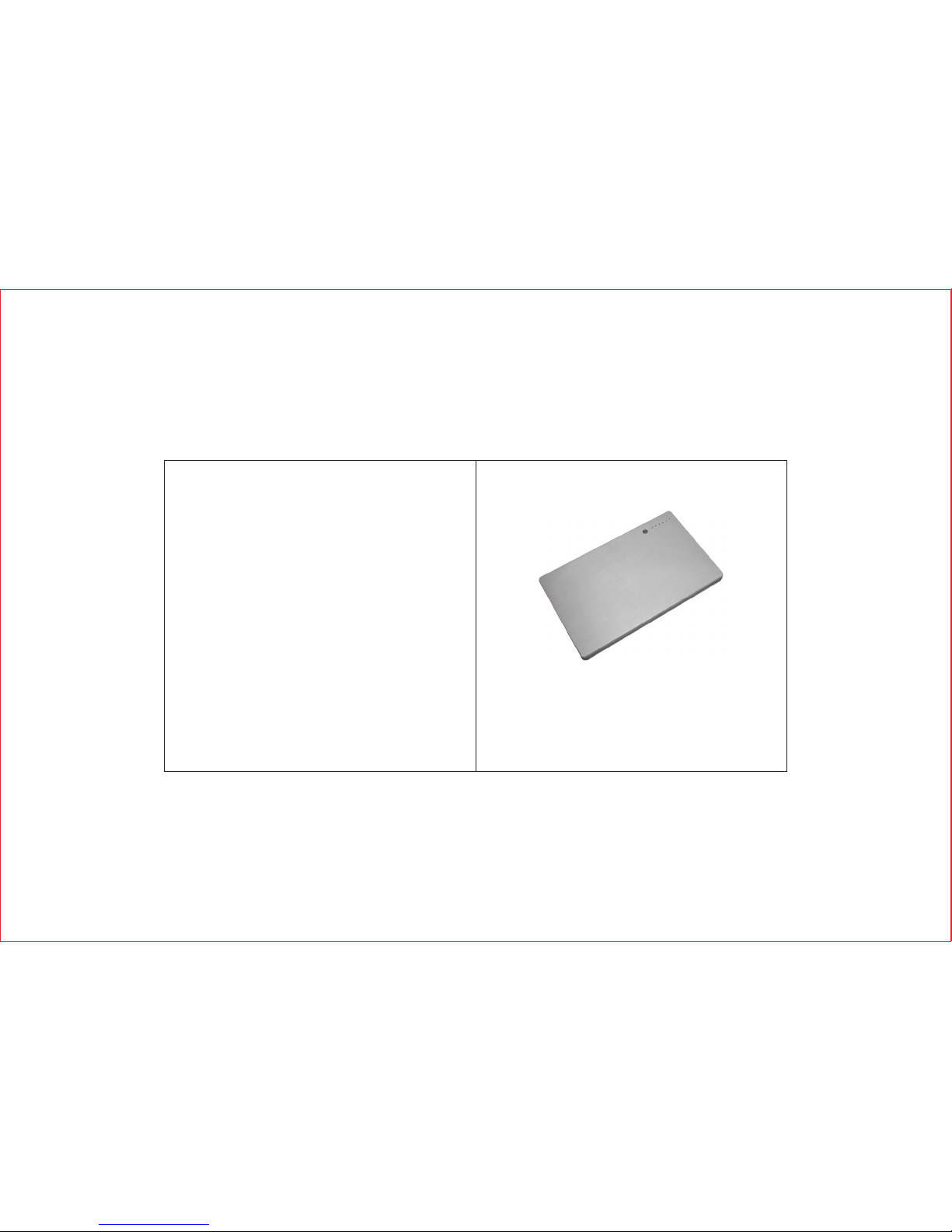
Thank you for purchasing our PB-660A . Please read the user
manual carefully before your operation and keep it in proper place
for your future reference.
Safety Precautions
In order to prevent the leakage, heat or explosion with battery,
please pay attention to:
Danger!
Battery leakage, explosion or fire may be caused if you do not read
the following precautions carefully.
※Do not throw battery into water or make it wet,
※Do not use or store battery near heat source (like fire or heater),
※Do not throw the battery into fire or heat the battery,
※Forbid the short circuit with the positive and negative polarities
of battery via lead or other metal objects, forbid to transport or
store the battery with necklace, hair clipper or other metal objects,
※Forbid striking, casting or shaking the battery,
※Forbid piercing the battery shell via nail or other sharp objects,
forbid to hammer or trample the battery,
※Forbid disassembling the battery in any way.
Warning!
Battery leakage, explosion or fire might be caused if you do not
read the following precautions carefully.
※Do not throw battery into microwave oven or pressured vessel;
User Manual
Remarks:
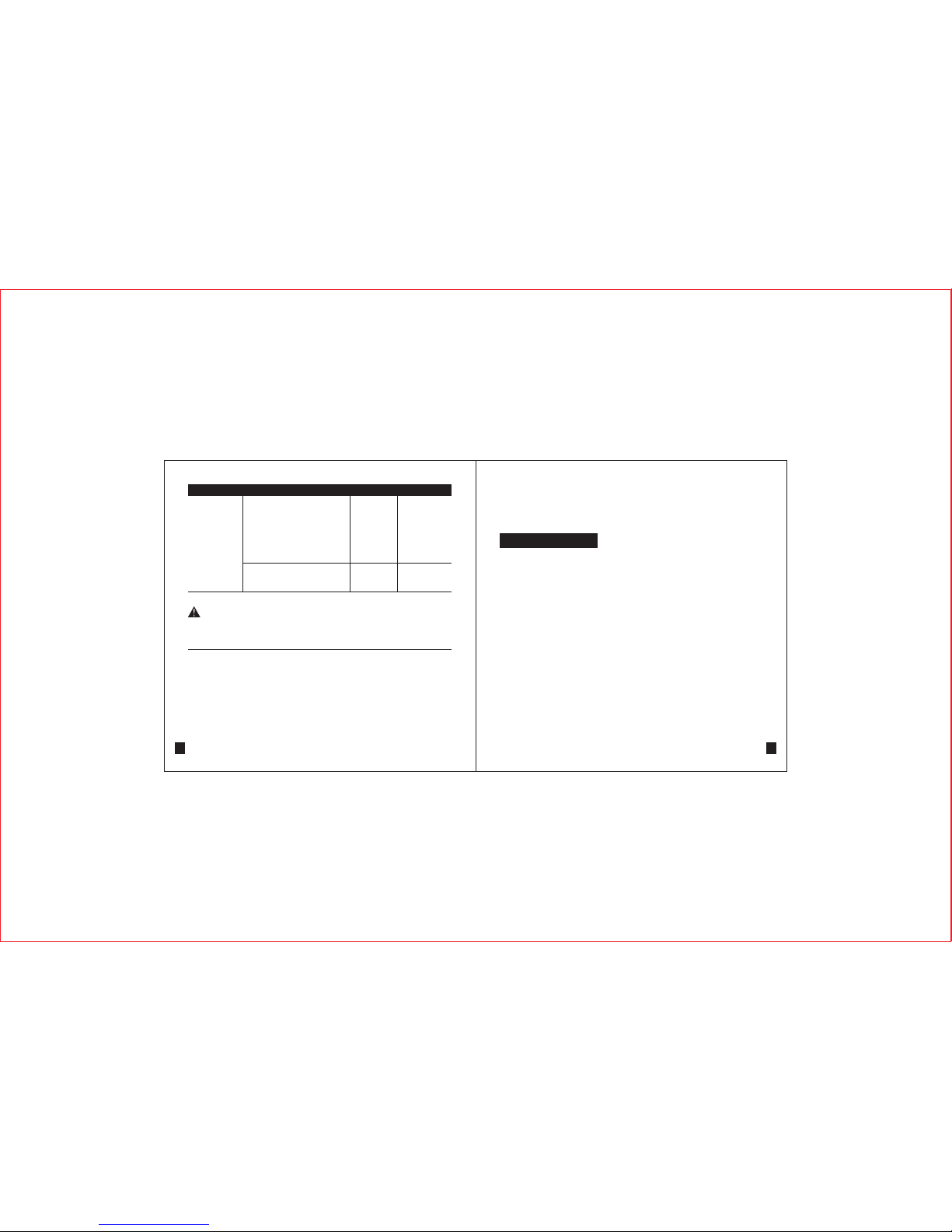
1. Above list is just a partial list, other for fitting other digital devices can be supplied according to customers'
requests and market demands.
2.Standard Tips: L01,L01D,L51,L51D,L52D,L53,L53D,L54,L54D,L55,L55D,L57,L57D,L61,L61D
3.Optional Tips: Other tips in the list or the tip specially developed according to customer's request.

51
Series Model Tips Number
Brand Series Model Tips NumberVoltage
Dreamboo A
Dreamboo F
Dreamboo T
Dreamboo U
Dreamboo X
TRIGEM 19V L01/L01D
Twinhead
19V L53/L53D
2
※Stop using when unusual smell, heating, distortion, color-change
or other abnormalities with the battery
※Move away from the fire when leakage or unusual smell with
battery;
※Leaked electrolyte may cause fire or explosion
※Do not wipe your eyes if the leaked electrolyte enters into, wash
with water and ask doctor for help immediately, the eyes may be
damaged if not treat timely.
Attention!
※Do not use the battery in extremely hot environment, like inside
the car with direct sunlight or in summer. Otherwise, the battery
will be overheated and lighted that will influence the battery
performance and shorten its service life.
※If you want to store the battery for long time (over three months),
you have to keep 50% of the rated capacity (charge once every
3 months), store it in a dry place with the temperature of -10℃ ~
40℃, and avoid the contact with corrosive objects and keep
away from the fire and heat sources.
※Teach the children how to use the battery according to the user
manual, and pay attention to guarantee their correct operations.
※If the battery leaks the electrolyte into skin or cloths, wash the-
affected area with flowing water, otherwise it will cause the skin
inflammation.
19V L53/L53D
Figaro 300TG
Figaro 500TZ. 500TG
Figaro P88T
Figaro 600
SlimNote 910CV
SlimNote 9133TV
SlimNote 9133TZ
SlimNote 9159TZ
SlimNote 9166TZ
SlimNote VX
SlimNote VXE
SlimNote VXE3
SlimNote Gx2
SlimNote 602TZ
Marco Polo
S Body
Power Slim 601TZ
Power Slim 600
19V L52D
VIEWSONIC
16V L53/L53D
Viewsonic Viewpad 1000
Viewsonic Viewpad 100 19V L53/L53D
Brand Series Model
50
Tips NumberVoltage
Toshiba
16V L55/L55D
Operations
1) How to use 3
Function illustrator
Tecra 500
Tecra 505
Tecra 510 including CDT
Tecra M1
Tecra M2
Tecra S1
Tecra 520
Tecra 530
Tecra 550
Tecra 700
Tecra 710
Tecra 720
Tecra 730
Tecra 730X
Tecra 740
Tecra 750
Tecra 780
Tecra 8000
Tecra 8100
Tecra 8200
Tecra 9000
Tecra 9100
4090XDVD
2545CDS 16V L52D
the press button for capacity indicating
and USB output changing
charging indicator
Capacity indicator
USB output port
Discharging
The sliding button between
16V/19V selection
Charging
49
Series Model Tips Number
Brand Series Model Tips NumberVoltage
Toshiba
16V L55/L55D
16V L55/L55D
Satellite 4280
Satellite 4300
Satellite 4600
Satellite 1800-S203
Satellite 1800-S253
Satellite 2250XCDS
Satellite 2250CDT
Satellite M30
Satellite Pro 400
Satellite Pro 405
Satellite Pro 410
Satellite Pro 415
Satellite Pro 420
Satellite Pro 425
Satellite Pro 430
Satellite Pro 435
Satellite Pro 440
Satellite Pro 445
Satellite Pro 460
Satellite Pro 465
Satellite Pro 470
Satellite Pro 480
Satellite Pro 490
Satellite Pro 490X
Satellite Pro CDX
Satellite Pro CDS
Step 1:
Read the user manual carefully to make sure the proper operation
with the battery pack.
Step 2:
Refer to the guidance of your notebook computer or check the
label on notebook computer to confirm the brand and model. Take
IBM T40 as an example.
4
IBM T40
Step 3:
Check the compatible list (packed with battery), select the correct
input and output tip and the voltage level according to the notebook
brand and model.
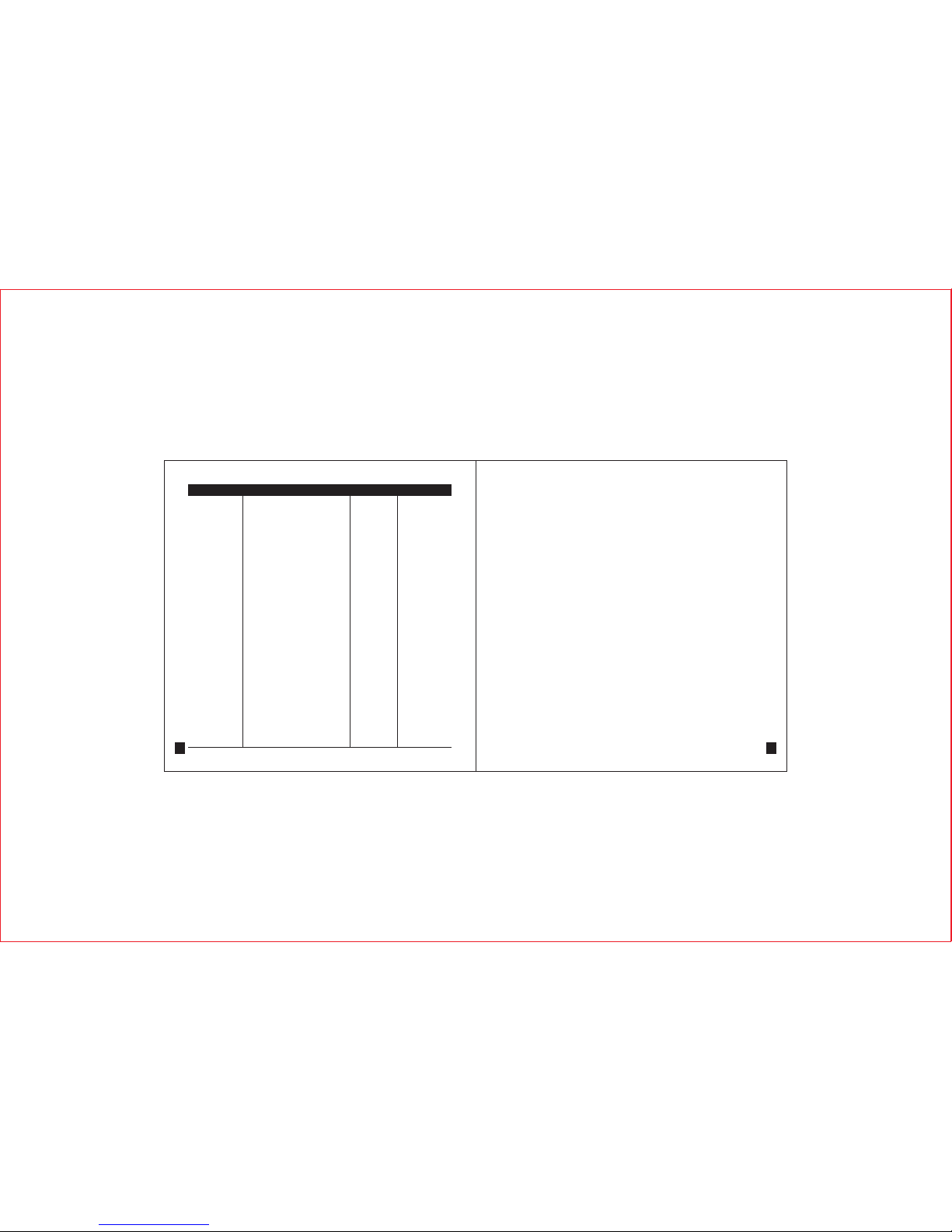
Brand
IBM
L53/L53D
Series Model Tip No.
ThinkPad
ThinkPad
Thinkpad A
ThinkPad
T
ThinkPad
X & R series
ThinkPad
Transnote
Voltage
16V
Brand Series Model
48
Tips NumberVoltage
Toshiba 16V L55/L55D
1555
Satellite 1800
Satellite 2000
Satellite 2100
Satellite 2140
Satellite 2180
Satellite 2210
Satellite 2280
Satellite 2500
Satellite 2590
Satellite 2600
Satellite 2615
Satellite 2655
Satellite 2675
Satellite 2700
Satellite 2715
Satellite 2800
Satellite 2805
Satellite 4000
Satellite 4010
Satellite 4020
Satellite 4030
Satellite 4060
Satellite 4080
Satellite 4090
Satellite 4100
Satellite 4200
Satellite
5
Step 4:
Set the battery pack's output voltage at proper level by pushing the
voltage switch.
Step 5:
Press the switch (in the middle) on battery pack, check LED
indicator. If only one or no indicator lights, it means the power is
not enough, you have to charge the battery pack fully firstly (refer
to how to charge).
Step6:
Make sure the battery pack is fully charged, connect the selected
output tip and output cable together, then insert one terminal of
output cable into DC OUT port of battery pack, and the other
terminal with output tip into DC IN port of your notebook (you can
not insert into in opposite port). Thus, the battery pack is ready for
power supply of your notebook computer.
The system adopts 5 indicators of LED1~LED5 to display different
power status. Press indicator switch (refer to illustration) when the
battery pack is in discharge or idle status, if you press the switch
POWER, the system will display the rest power of the battery for 4
seconds, details of indicator status are as follows (rest power is
R P):
Series Model Tips Number
Brand Series Model Tips NumberVoltage
Satellite T4600
Satellite T4700
Satellite T4700C
Satellite T4700CS
Satellite T4700CT
Satellite T4700
Satellite T4800
Satellite T4800CT
Satellite T4850CT
Satellite T4900
Satellite T4900CT
Satellite T4950CT
Toshiba
19V L52D
Satellite T200 thru 4100
Satellite 200
Satellite 220
Satellite 225
Satellite 305
Satellite 315
Satellite 320
Satellite 325
Satellite 330
Satellite 335
Satellite 440
Satellite 460
Satellite 470
Satellite 480
Satellite 490
16V L55/L55D
476
0%≤RP 20% 1LED
20%≤RP≤40% 2LEDS
40%≤RP≤60% 3LEDS
60%≤RP≤80% 4LEDS
80%≤RP≤100% 5LEDS
≤
The blink of the first LED means the power is less than 10% or the
battery group voltage is less than 10.3V. The power check is the
separated module which will not consume the battery energy if no
press on indicator button. When one the first LED blinks, the
battery pack enters the warning of low power, at the time, please
save the file and charge the battery pack in time.
2) How to charge:
Connect the selected input tip with the notebook original AC
adapter, then connect the terminal with input tip of the AC adapter
Step 7:
In case of large output power or abnormal use, the battery pack
will give an alarm when the internal temperature is too high. The
alarm is shown by the second LED light blinking. If it is continued
using, the battery pack will shut off automatically. And when the
internal temperature decreases to a safe degree, the battery pack
will turn on and unchain the safety protection automatically. Then
it can be used continuously. The above is normal phenomenon.
7
3) Main Output of Power:
Connect one terminal of the output cable to the output port of
battery pack (Output port refers to illustration), and the other
terminal to the device requiring charge(Note: make sure the
battery is at proper output voltage level before connection). If
the battery pack discharges, it will offer power supply to notebook
firstly and charge the built-in battery with small current, but the
battery using rate will be lower, so the better way is to supply
power to notebook after your take out the built-in battery.
Charge Tip Original Notebook AC adapter
with the input port of battery pack (input port refers to Illustration),
and connect the other terminal with electricity source to charge,
the indicator is in red during the charge and turns to green after
the charge. Do not discharge your notebook during the charge for
improving the charging efficiency. Otherwise, the charge time will
be longer.
Series Model
46
Tips NumberVoltage
16V L55/L55D
Protégé 7000
Protégé 7010
Protégé 7020
Protégé 7030
Protégé 7140
Protégé 7200
Protégé M200 Tablet
Protégé R100
Satellite
Satellite 1000
Satellite 1005
Satellite 1600
Satellite 1605
Satellite 1625
Satellite 1700
Satellite 3000
Satellite M30X
Satellite M35X
A85
19V L53/L53D
Satellite
Satellite T1900
Satellite T1910
Satellite T1950
Satellite T1960
Satellite T2400
Satellite T3400
Satellite T3600
Satellite T4500
T1850
19V L52D
Brand
Toshiba
45
Series Model Tips Number
Brand Series Model Tips NumberVoltage
Vaio FX
Vaio XG series
Vaio 580
Vaio 800
Vaio 161L
Vaio PCG-900
Vaio PCG-955A
Vaio PCG-9401
Vaio PCG-Z505
Vaio PCG-Z600
Vaio PCG-Z600
Vaio PCG-R600
Vaio QR Series
19V L54/L54D
SONY
Toshiba
16V L55/L55D
Libretto 20CT
Libretto 30CT
Libretto 50CT
Libretto 60CT
Libretto 70CT
Protégé 300
Protégé 320
Protégé 610
Protégé 620
Protégé 650
Protégé 660
Protégé 3400
Protégé 3600
16V L55/L55D
Weight: about 600g
Charge input: 15V~25V, 2.5A~4A adapter input
Discharge output: voltage: 5.5V, 16, 19V
Max. constant output power: 60W
Charge time: about 5 hours
Output Watthour no.: 66.6Wh/6000mAh
Cycle life: at least 300 times
Dimension: 220x130x15 mm
Specifications
8
Accessories
1) 7pcs input connecter tips
2) 1 output cable+8pcs output connecter tips
3) 1 user manual
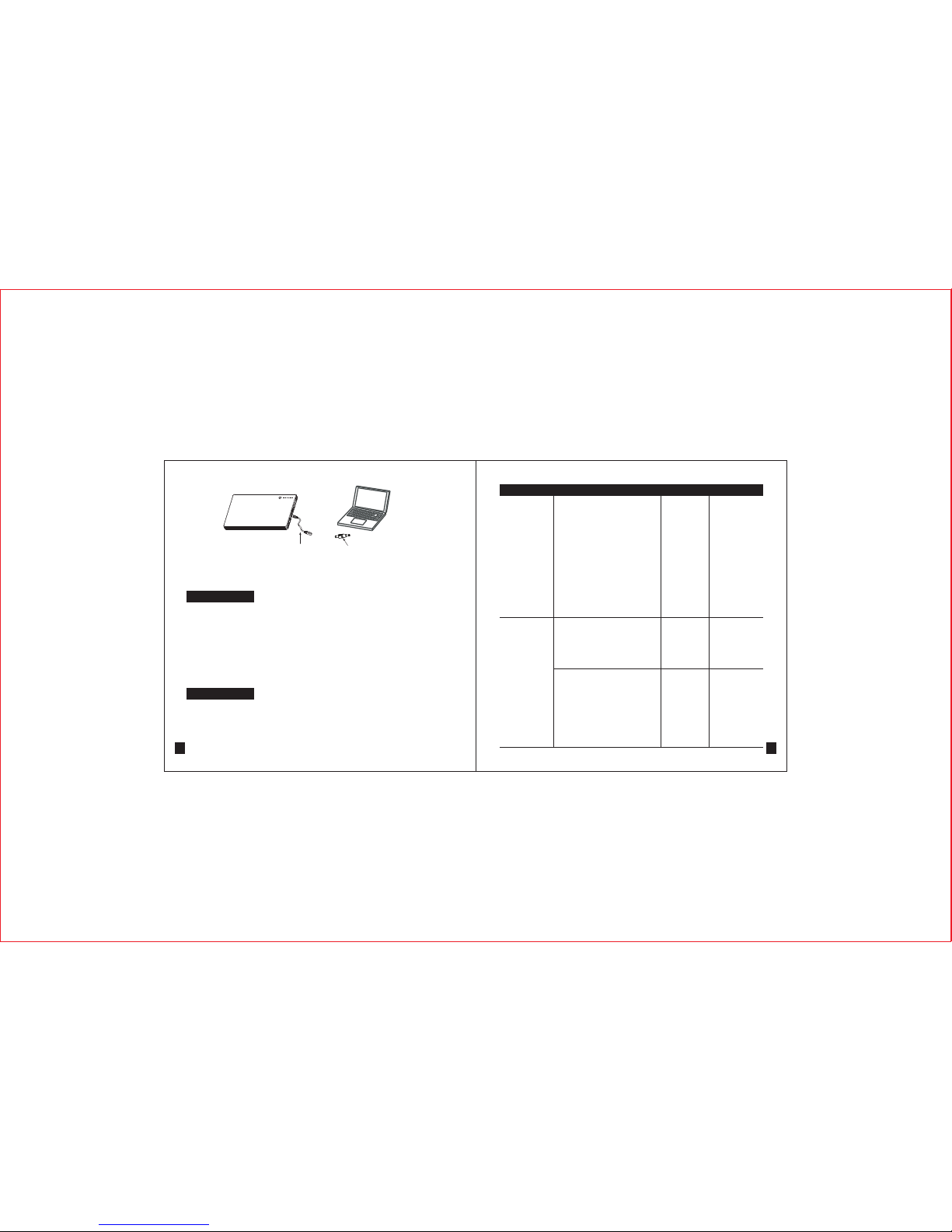
4) USB Output of Power Supply:
Connect USB input devices with battery pack, then press the
indicator switch to charge the devices.
Output Cable Output Tip
Specification of Tips
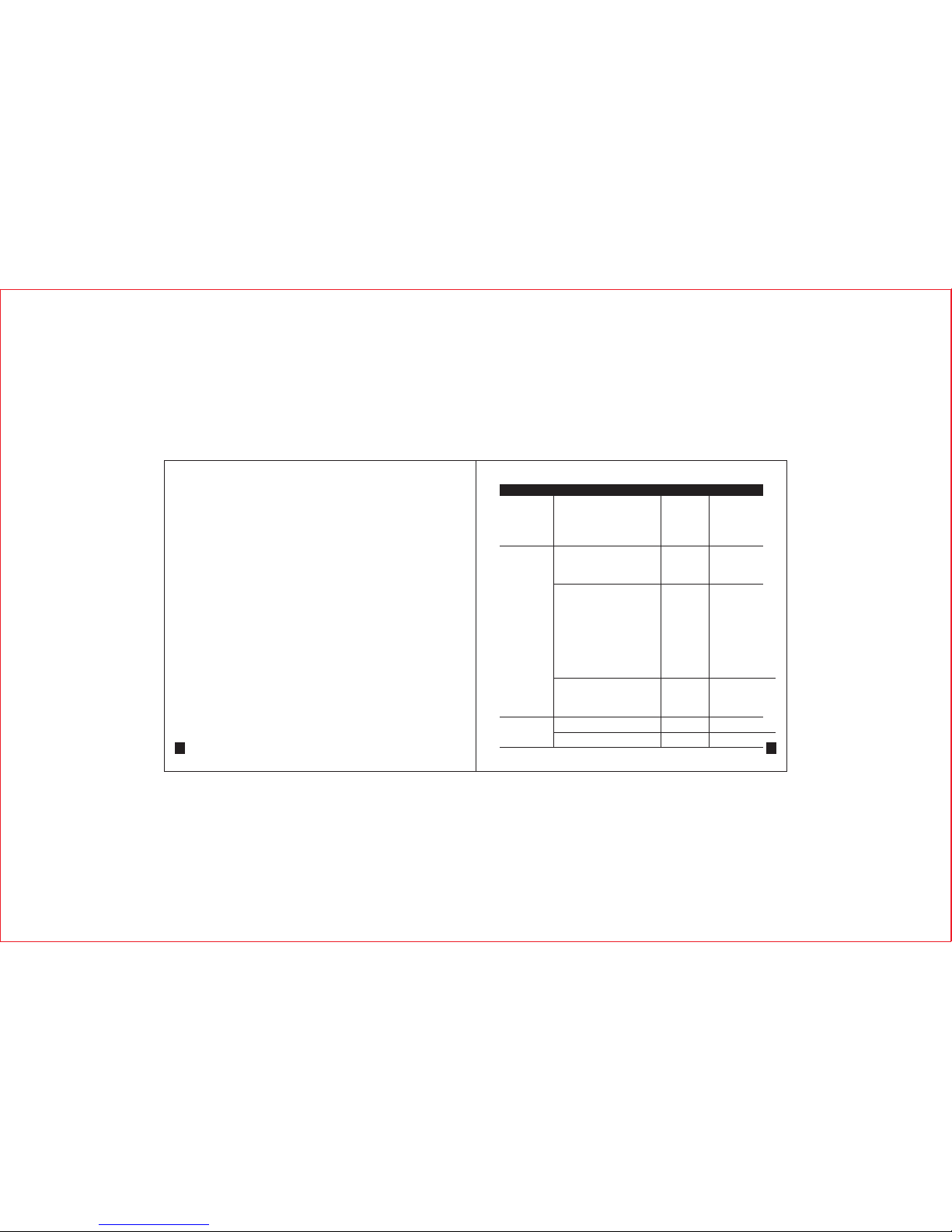
Model Picture Polarity Dimension
L01D
4.75x1. 7m m
L51D 5.5x1.7mm
L52D 5.5x2 .1m m
_
center+
_
center+
_
center+
9
Brand Series Model
44
Tips NumberVoltage
19V L54/L54D
SONY
Vaio
Vaio 818
Vaio 838
Vaio PCG-Z505
Vaio PCG-Z600
Vaio PCG-R600
Vaio QR series
Vaio PCG-430 thru 490
Vaio PCG-431
Vaio PCG-450
Vaio PCG-461
Vaio PCG-480
Vaio PCG-481
Vaio PCG-490
Vaio PCG-491
Vaio PCG-700
Vaio PCG-705C
Vaio PCG-707C
Vaio PCG-717C
Vaio PCG-719C
Vaio PCG-731
Vaio PCG-735
Vaio PCG-737
Vaio PCG-745
Vaio PCG-747
Vaio PCG-705 thru 748C
Vaio PCG-F
812