manuals.online logo
Brands
  1. Home
  2. •
  3. Brands
  4. •
  5. Coastal
  6. •
  7. Weather Station
  8. •
  9. Coastal WEATHERPAK User manual

Coastal WEATHERPAK User manual

Other Coastal Weather Station manuals
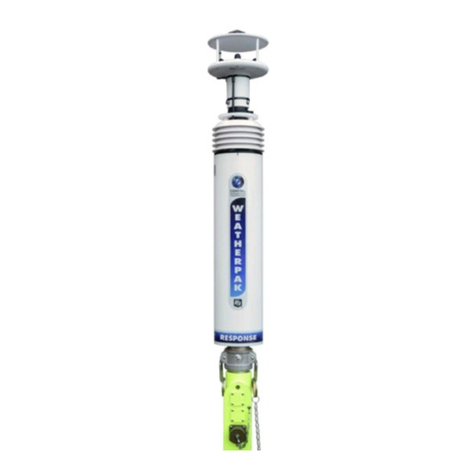
Coastal WEATHERPAK EOC Manual

Coastal

Coastal WEATHERPAK EOC Manual

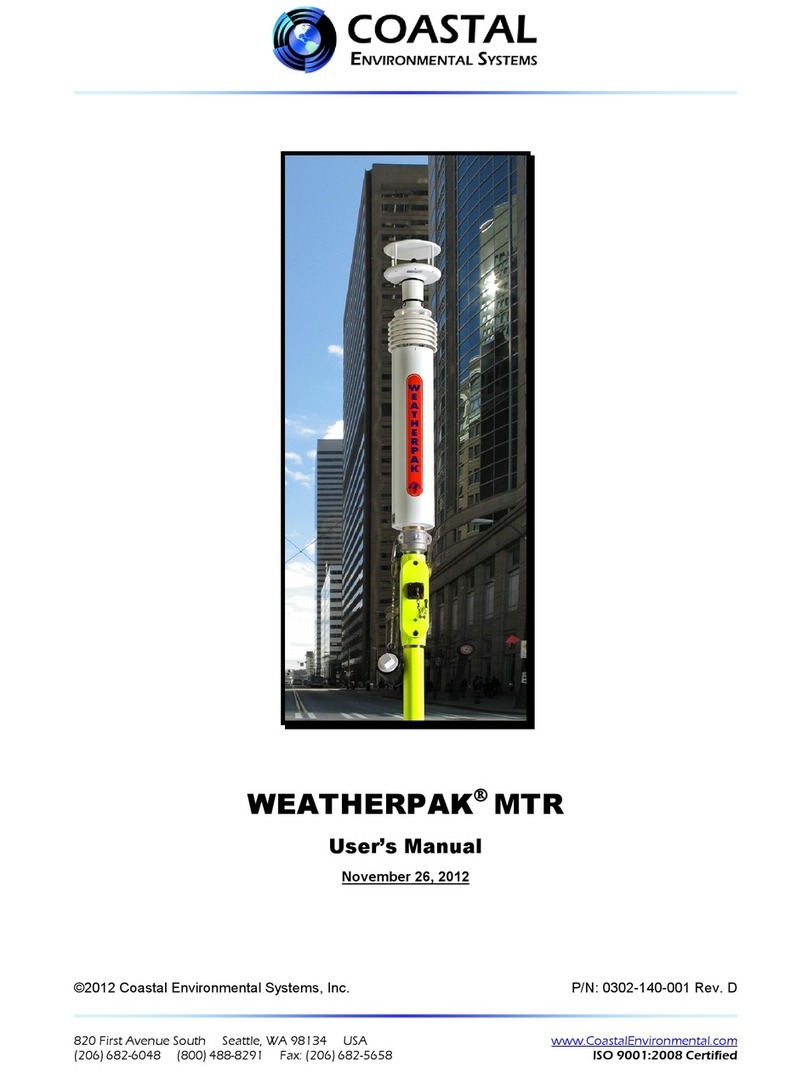
Coastal WEATHERPAK MTR User manual

Coastal

Coastal WEATHERPAK MTR User manual

Coastal WEATHERPAK TRx User manual

Coastal

Coastal WEATHERPAK TRx User manual

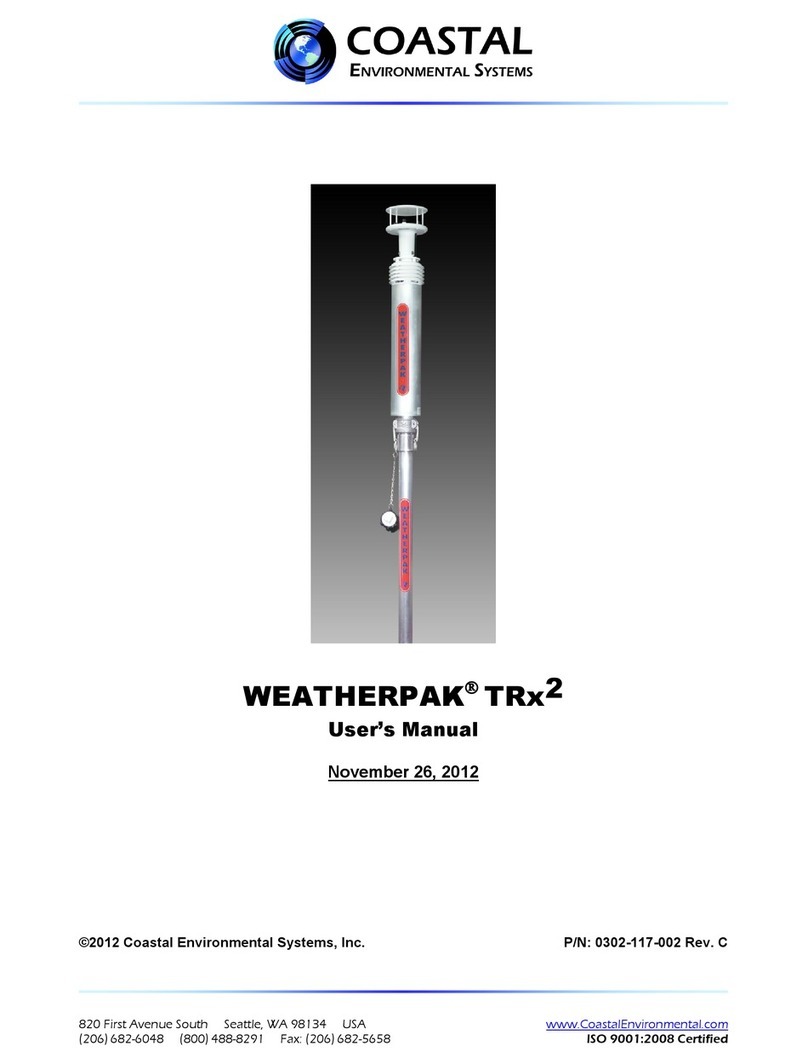
Coastal WEATHERPAK TRx2 User manual

Coastal

Coastal WEATHERPAK TRx2 User manual

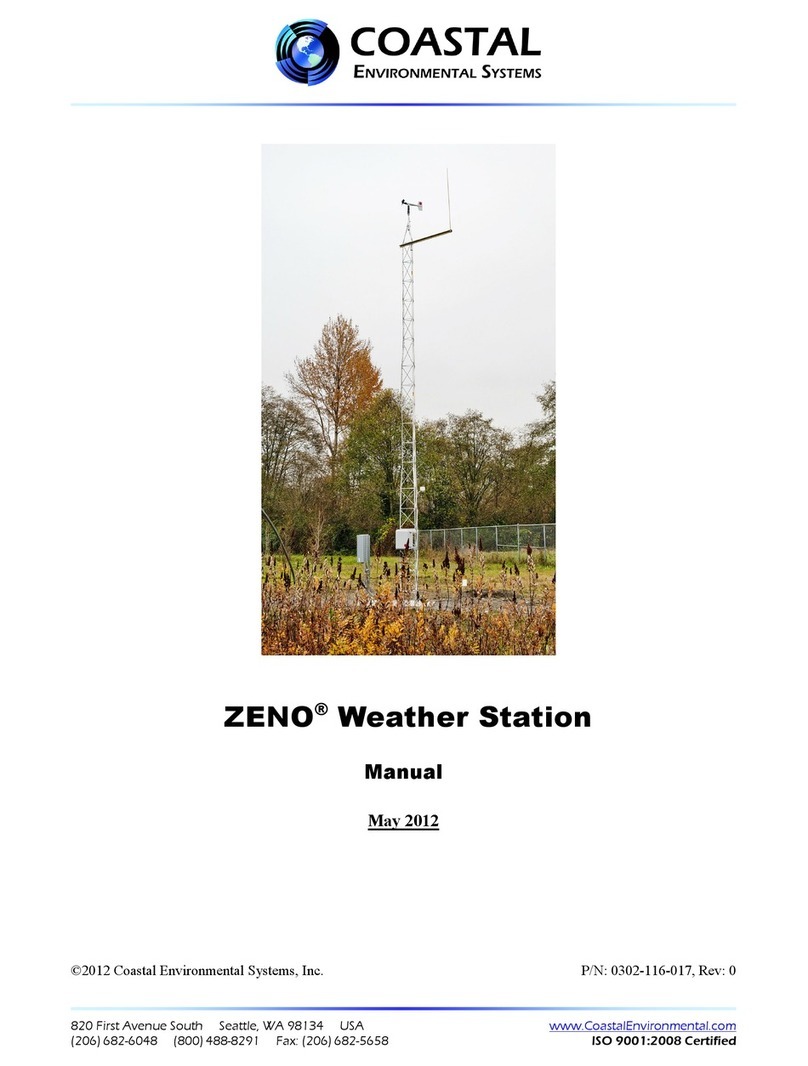
Coastal ZENO User manual

Coastal

Coastal ZENO User manual

Coastal C-5 SAM Setup guide

Coastal

Coastal C-5 SAM Setup guide

Coastal WEATHERPAK MTR Setup guide

Coastal

Coastal WEATHERPAK MTR Setup guide

Popular Weather Station manuals by other brands

Bresser 7000016000000 instruction manual

Bresser

Bresser 7000016000000 instruction manual

Auriol AHFL 433 A1 operating instructions

Auriol

Auriol AHFL 433 A1 operating instructions

Hyundai WS 2202 instruction manual

Hyundai

Hyundai WS 2202 instruction manual

NexSens G2-HYDROMET quick start

NexSens

NexSens G2-HYDROMET quick start

IROX HBVR761 UV-X user manual

IROX

IROX HBVR761 UV-X user manual

La Crosse Technology C86371 instruction manual

La Crosse Technology

La Crosse Technology C86371 instruction manual

ADE WS 1711 operating instructions

ADE

ADE WS 1711 operating instructions

WAREMA EWFS Weather station eco Operating and installation instructions

WAREMA

WAREMA EWFS Weather station eco Operating and installation instructions

Auriol z29592 Operation and safety notes

Auriol

Auriol z29592 Operation and safety notes

Auriol 296289 Operation and safety notes

Auriol

Auriol 296289 Operation and safety notes

Hyundai WS 2266 instruction manual

Hyundai

Hyundai WS 2266 instruction manual

La Crosse Technology WS-2210 Operation manual

La Crosse Technology

La Crosse Technology WS-2210 Operation manual

La Crosse Technology WS-811561 manual 

La Crosse Technology

La Crosse Technology WS-811561 manual 

Ventus W177 owner's manual

Ventus

Ventus W177 owner's manual

National Geographic VA Colour RC instruction manual

National Geographic

National Geographic VA Colour RC instruction manual

Instant Transmission MA 10410 instruction manual

Instant Transmission

Instant Transmission MA 10410 instruction manual

Lutron Electronics PHB-318 Operation manual

Lutron Electronics

Lutron Electronics PHB-318 Operation manual

Oregon Scientific Alizé BAR266 user manual

Oregon Scientific

Oregon Scientific Alizé BAR266 user manual

manuals.online logo
manuals.online logoBrands
  • About & Mission
  • Contact us
  • Privacy Policy
  • Terms and Conditions

Copyright 2025 Manuals.Online. All Rights Reserved.

820 First Avenue South, Seattle, WA 98134 Tel: +1 (800) 488-8291 / +1 (206) 682-6048 Fax: +1 (206) 682-5658 www.CoastalEnvironmental.com
Wind Sensor
Junction Box
Tower Top
Tower Base
KamLock Connector
Visibility
Sensor
Power Supply
(Battery Box)
Cloud Height Sensor
(Ceilometer)
Rain Gauge
This is a generic overview of a portable WEATHERPAKTM
3 meter tripod set-up. Your system may not include all of
the components listed, or may have different components.
Please refer to the assembly documentation provided with
your system or contact Coastal for assistance.
1. Select a level piece of ground about 4 meters in diameter. To
avoid compass error, place the WEATHERPAKTM at least 30
meters, laterally, from any mass of steel (trucks, buildings, etc). In
other words, mounting on top of a van is OK, but right next to it is
not an ideal location.
2. Assemble the lower tower section: Insert the three legs into the
tower base and secure with a turn clockwise, forming a tripod.
Place the tripod in the center of the 4-meter diameter area.
3. Secure the WEATHERPAKTM to the tower top: Line up the
slot on the WEATHERPAKTM bottom connector with the pin
slot in the KamLock connector. Carefully, but rmly, seat the
WEATHERPAKTM into the KamLock (the t is precision-machined
and may require an extra push). Push the arms of the KamLock
clamp down to assure proper installation.
4. Place the entire unit (upper tower section and WEATHERPAKTM)
onto the tripod and turn clockwise to secure. Hand tighten the
screw.
WEATHERPAKTM
4/9/12
3b
3a 3c
Tactical Weather Station Set-Up Guide
TM
820 First Avenue South, Seattle, WA 98134 Tel: +1 (800) 488-8291 / +1 (206) 682-6048 Fax: +1 (206) 682-5658 www.CoastalEnvironmental.com
5. Mount the Visibility Sensor to the top tower section, just below the junction box.
6. Place the Rain Gauge on level ground near the tower, but with nothing over the top. Remove the top funnel from the
sensor and verify that the tipping mechanism is able to move freely. Remove anything used to hold the tipping mechanism
in place during shipping.
7. Place the Cloud Height Sensor (Ceilometer) on level ground near the tower.
8. Mount the Power Supply (Battery Box) to the lower tower using the clamps on the rear of the enclosure as shown.
9. Connect all Sensor Cables to the Power Supply (Battery Box) as shown in the Wiring Diagram. Tighten by hand.
5 5 5
89
9
Tactical Weather Station Set-Up Guide
TM