BLACK OUT Mode
It is a remote switch , Press “BLACK OUT” one time,
it will open the IR remote model, and it will default to
color jump mode “CC12” , also will enter to the
previously saved mode if some mode has been
saved, press “BLACK OUT” one time again, it will
Exit the remote control function and save the current
settings.
AUTO Mode
Automatic mode will enable you to run the automatic
programs on the product.
To turn on Automatic mode:
1. Press “AUTO” on the remote controller.
2. Press “+” or “-” to choose between the different auto
programs.
SOUND Mode
Sound-Active mode will enable the product to respond
to the music.
To turn on Sound-Active mode:
1. Press “SOUND” on the remote controller.
2. Press “+” or “ - ” to choose between the different
sound programs.
FADE Mode
It is a color gradient mode.
1. Press “FADE” on the remote controller.
2. Press “FADE” again to turn off the Fade mode.
3. Press “+” or “- ” to either increase or decrease the
speed of the program.
MANUAL Mode
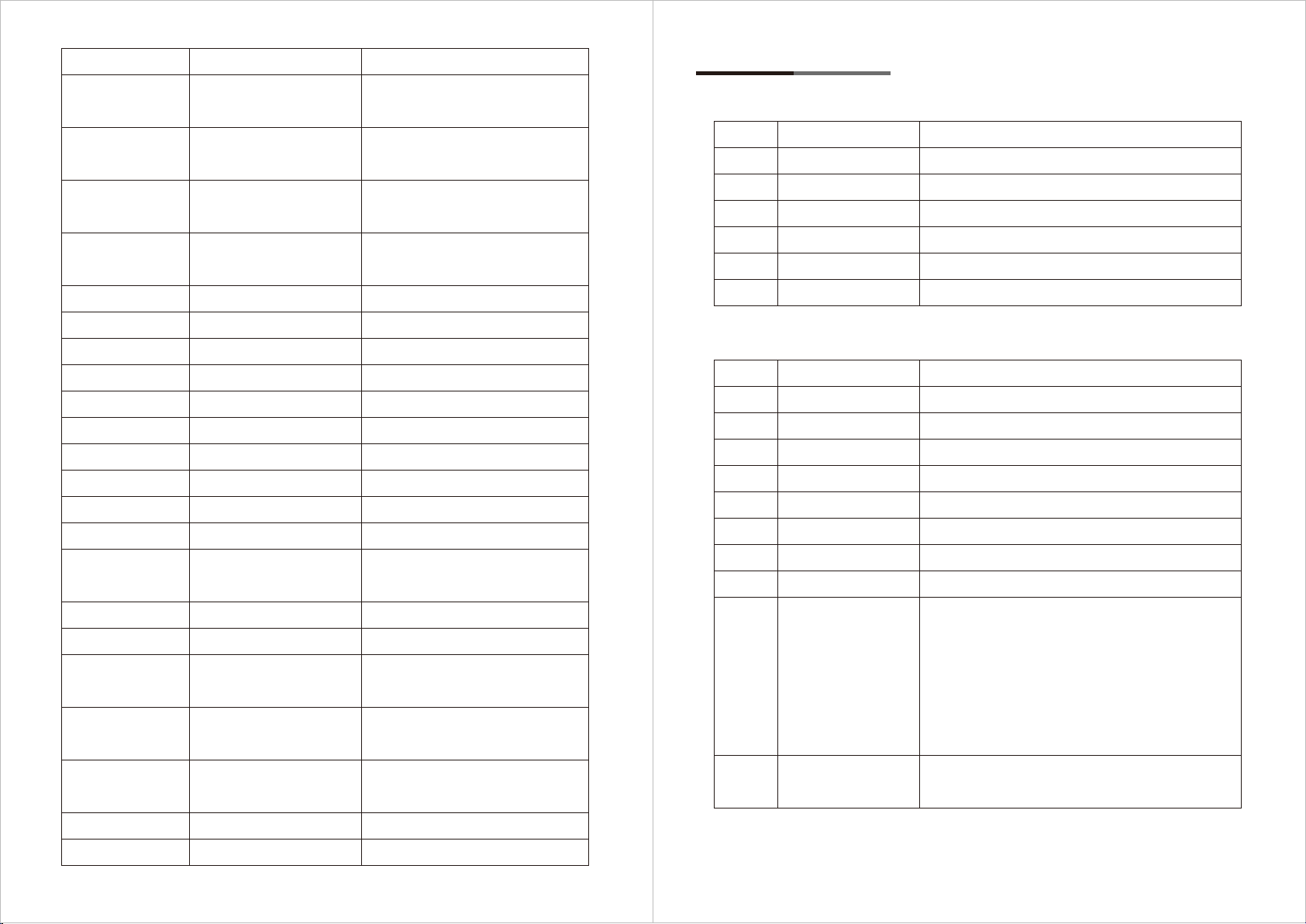
1. Press “MANUAL” one time ,, the menu display show “dIon”, turn on the remote controller.
2. Press “R”, “G”, “B”, “W”, “A” or “UV” (red, green, blue, white, amber, UV) to choose your
Wanted colour.press the 1st time, it is 20% brigtness, press the 2nd time, it is 40% birghtness
press the 5th time, it is 100% bightness.
Press the 6th time, turn off the manual color which you chosen.
7. Remote Controller Useing (Optional)
07
IRC REMOTE
% Mode
Adjust the birghtness of RGBWAUV color, press the 1st time, it is 10% brigtness, press the 2nd
time, it is 20% birghtness ......, press the 10th time, it is 100% bightness.
NUMBER 0~9
0-9 kinds Static color mode, press one time for your wanted color, Press “+” or “ - ” to either
increase or decrease brightness.
STROBE Mode
It should be worked with Auto mode /sound mode/fade mode/manual mode/0-9 static color model
together press the “STROBE” one time , it is 1/8 speed , press the 2nd time, it is 2/8 speed , press
the 8th time, it is 100% speed.
SENSITIVITY Mode
It is reset function, press it one time, enter the initial function press it once again, restore factory
settings, exit the remote control and enter A01.
SPEED Mode
This product does not support this feature for now.
08
Please use this remote controller within remote control range.
IRC REMOTE
5m