manuals.online logo
Brands
  1. Home
  2. •
  3. Brands
  4. •
  5. Comica
  6. •
  7. Microphone System
  8. •
  9. Comica BoomX-D PRO User manual

Comica BoomX-D PRO User manual

Other Comica Microphone System manuals

Comica Traxshot PRO User manual

Comica

Comica Traxshot PRO User manual

Comica CVM-WM200 User manual

Comica

Comica CVM-WM200 User manual

Comica CVM-WM100 PLUS User manual

Comica

Comica CVM-WM100 PLUS User manual

Comica STA-U1 User manual

Comica

Comica STA-U1 User manual

Popular Microphone System manuals by other brands

INIM SAGITTARIUS VW2W instructions

INIM

INIM SAGITTARIUS VW2W instructions

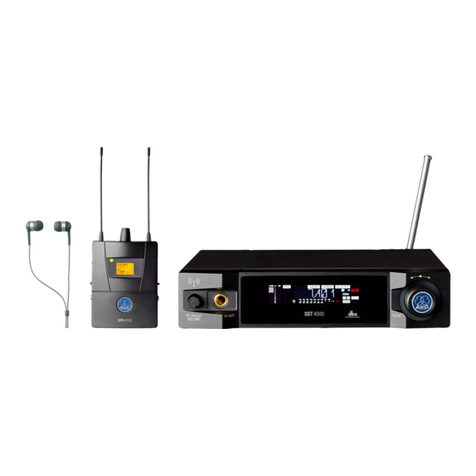
AKG IVM 4500 User instructions

AKG

AKG IVM 4500 User instructions

Earthworks Audio PM40 manual

Earthworks Audio

Earthworks Audio PM40 manual

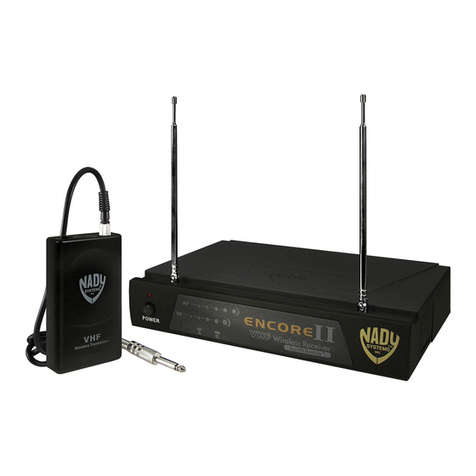
Nady Systems ENCORE 2 owner's manual

Nady Systems

Nady Systems ENCORE 2 owner's manual

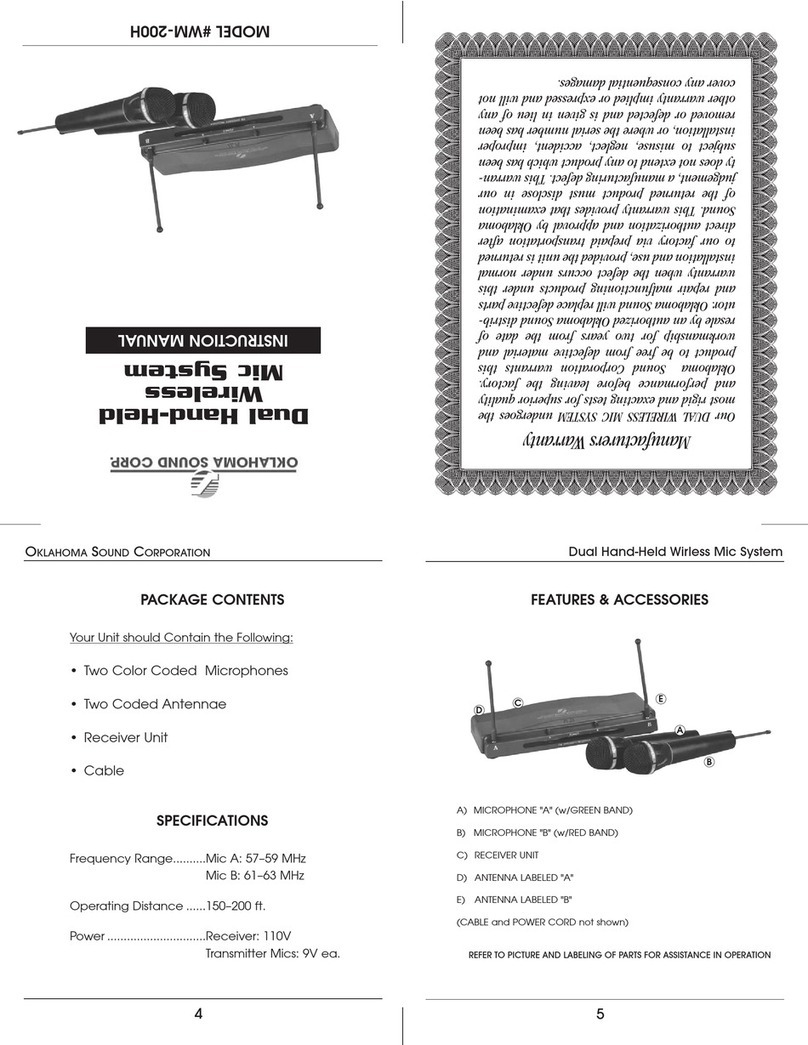
Oklahoma Sound WM-200H instruction manual

Oklahoma Sound

Oklahoma Sound WM-200H instruction manual

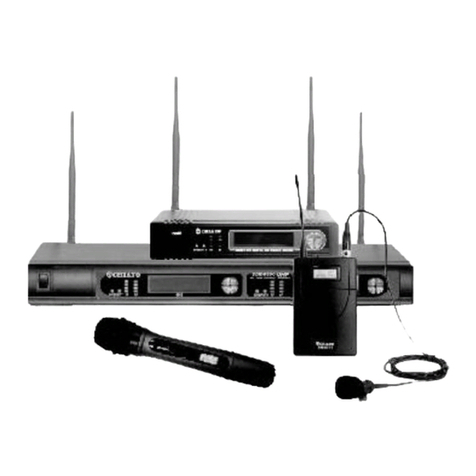
Chiayo SDR-8200 Operation manual

Chiayo

Chiayo SDR-8200 Operation manual

Paso R824 quick start guide

Paso

Paso R824 quick start guide

Naxa NAM-982 instruction manual

Naxa

Naxa NAM-982 instruction manual

Xvive U3 user manual

Xvive

Xvive U3 user manual

Tekon DUOS installation guide

Tekon

Tekon DUOS installation guide

Heyuan Intelligence IOT-G2S-01 user manual

Heyuan Intelligence

Heyuan Intelligence IOT-G2S-01 user manual

Devine WMD-IE user manual

Devine

Devine WMD-IE user manual

LG LF-D7150 owner's manual

LG

LG LF-D7150 owner's manual

LD U305 HBH 2 user manual

LD

LD U305 HBH 2 user manual

Chainway URA8 user manual

Chainway

Chainway URA8 user manual

ORATOR D860TD instruction manual

ORATOR

ORATOR D860TD instruction manual

Sennheiser Evolution Wireless Digital EW-DX EM 2 quick guide

Sennheiser

Sennheiser Evolution Wireless Digital EW-DX EM 2 quick guide

Shure UA844 user guide

Shure

Shure UA844 user guide

manuals.online logo
manuals.online logoBrands
  • About & Mission
  • Contact us
  • Privacy Policy
  • Terms and Conditions

Copyright 2025 Manuals.Online. All Rights Reserved.

BoomX-D PRO
User Manual
2.4G Dual-channel On-board Recording Wireless Microphone
FCC statement
This device complies with Part 15 of the FCC rules. Operation is subject to the following two conditions: 1) this
device may not cause harmful interference, and 2) this device must accept any interference received, including
interference that may cause undesired operation.
Note: This equipment has been tested and found to comply with the limits for a Class B digital device, pursuant to
part 15 of the FCC Rules. These limits are designed to provide reasonable protection against harmful interference
in a residential installation. This equipment generates uses and can radiate radio frequency energy and, if not
installed and used in accordance with the instructions, may cause harmful interference to radio communications.
However, there is no guarantee that interference will not occur in particular installation. If this equipment does
cause harmful interference to radio or television reception, which can be determined by turning the equipment o
and on, the user is encouraged to try to correct the interference by one or more of the following measures:
--Reorient or relocate the receiving antenna.
--Increase the separation between the equipment and receiver.
--Connect the equipment into an outlet on a circuit dierent from that to which the receiver is connected.
--Consult the dealer or an experienced radio/TV technician for help.
Changes or modifications not expressly approved by the party responsible for compliance could void the user’s
authority to operate the equipment.
FCC Radiation Exposure Statement
This device complies with FCC RF radiation exposure limits set forth for an uncontrolled environment. This transmit-
ter must not be co-located or operating in conjunction with any other antenna or transmitter.

IC
This device complies with Industry Canada’s licence-exempt RSSs. Operation is subject to the following two
conditions:
(1) This device may not cause interference; and
(2) This device must accept any interference, including interference that may cause undesired operation of the  
  device.
Le présent appareil est conforme aux CNR d'Industrie Canada applicables aux appareils radio exempts de
licence. L'exploitation est autorisée aux deux conditions suivantes:
(1) l'appareil ne doit pas produire de brouillage.
(2) l'utilisateur de l'appareil doit accepter tout brouillage radioélectrique subi, même si le brouillage est suscepti
  ble d'en compromettre le fonctionnement.
Foreword
Main Features
Thanks for purchasing COMICA BoomX-D PRO
. 2.4G Digital Dual-channel Wireless microphone, Global Free Frequency
. 48kHz/16bits Audio Recording, Intelligent Denoise
. Support On-board Recording with 8G Internal Memory(About 24 hours)
. Support Recording File's High-speed Transmission and Copy
. Support Digital&Analog Output Mode, Universal for Camera, Phone and Computer
. Safety Channel for Ultimate Flexibility in Post-production
. Visual Power, Audio Dynamic Monitor and Other Display Functions
. M/S Switch, Real-time Audio Monitor
. Internal and External MIC Two Input Modes
. RF Technology, Auto Freq. Adjustment, Stable Transmission
. Low Latency < 20ms, Working Range Up to 100m
. Designed with Multi-functional Belt Clip and Compact
1
Notice
Due to 2.4G wireless characteristics, it's better to keep face to face when use it, and don’t turn your back to the
receiver, otherwise it is easy to generate breakpoints, which is a normal phenomenon
Don't block the antenna position to avoid any poor signal generated
Please attention that it can not realize STEREO function when in single-channel and safety mode
When you need to continuously record, a new recording file will be saved every 2 hours of recording, and the
total recording time is 24 hours. When the 8G memory is full, the new recording file will overwrite the old recording
file
The recording and copy function can’t be used at the same time
3.5mm TRS-TRS Audio Cable is suitable for Canon, Nikon and other cameras with low sensitivity
3.5mm TRS-TRS Audio Output Cable with Impedance is suitable for Sony, Panasonic, Fujifilm and other cameras
with high sensitivity(3.5mm TRS-TRS Audio Output Cable with Impedance is recommended to be used if there is
sound explosive in recording )
This product belongs to high-precision instruments, please avoid falling, collision or pounding
Do not use this equipment in the vicinity of heat source or interference source, such as radiator, oven, refrigerator
or air conditioner
If the pick-up distance is close or when used outdoors, please put on the wind mu to prevent sound burst or
reduce wind noise
Do not use the equipment in rain or in a damp environment to avoid short-circuit danger
Please keep the product in a dry environment
2
Tips
1. BoomX-D PRO is universal for USB and 3.5mm interface devices. When used in smartphone, the system will
compulsorily choose BoomX-D PRO as audio input and output device
2. When used in computer, please follow the steps below:
①Insert BoomX-D PRO into the computer
②Click sound setting and set the “Comica_ BoomX-D_PRO” as the input and output device
Sound
Output
Choose your output device
Comica_BoomX-D_PRO
Input
Choose your input device
Comica_BoomX-D_PRO
Receiver (RX)Transmitter(TX)
Don't block the antenna position to avoid any poor signal generated
Antenna position Antenna position
3
Packing List
BoomX-D PRO D1 = TX + RX
(Black/White)
BoomX-D PRO D2 = TX + TX + RX
(Black/White)
Receiver (RX)Transmitter(TX)
Purchase Options:
Main Parts:
4
① 3.5mm Mic Audio Input Cable
② Wind Mu
③ 3.5mm TRS-TRRS Audio Cable(For Smartphone)
④ 3.5mm TRS-TRS Audio Cable(For Canon, Nikon, etc.)
⑤ 3.5mm TRS-TRS Audio Cable with Impedance(For Sony, Panasonic, Fujifilm, etc.)
⑥ 3 in 1 Charging/Output Cable (the orange cable can be used for charging and data transmitting,
the black cable can only be used for charging )
⑦ Reset Pin
⑧ Carry Case
⑨User Manual
⑩Warranty Card
The accessories of each combination include:
Accessories:
①+ ②+ ③+ ④+ ⑤+ ⑥+ ⑦+ ⑧+ ⑨+ ⑩
BoomX-D PRO D1=
①x2 + ②x2 + ③+ ④+ ⑤+ ⑥+ ⑦+ ⑧+ ⑨+ ⑩
BoomX-D PRO D2=
① ② ③
④ ⑤ ⑥ ⑦ ⑧ ⑨ ⑩
5
Components and Instruction
Transmitter (TX)
1. External Mic Locking Buckle
2. 3.5mm TRS Port of External Mic
3. Internal Mic
4. Power/Muting Button
5. Pair Button
6. Reset Hole
7. Belt Clip
8. USB-C Charging/Copy Port
9. REC Button
①②③
⑨
⑧
⑦
④
⑤
⑥
6