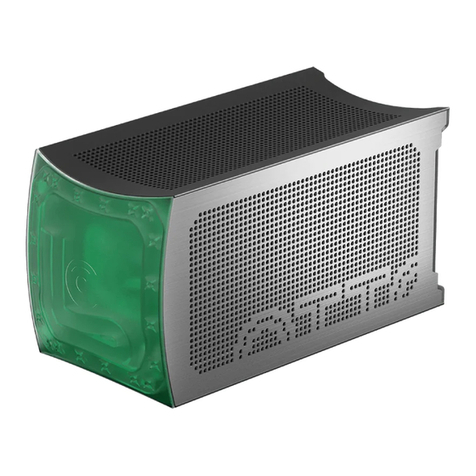
OTTO MASTER. QUICK START GUIDE 8
Before starting up your device for the rst time, check:
• connection of all cables
• coolant fullness
• there are no leaks
• all uid ports are closed
• ventilation openings are not blocked
• monitor and peripheral cables are connected
• power cord is plugged in
• button on the power supply in the ON position
Сonnecting monitor and peripheral devices (mouse, keyboard, wi antenna)
Connect peripheral devices via the appropriate connectors on the back
of the device.
Depending on a model you have, OTTO MASTER or OTTO SUPER, input
and output ports may vary, as well as their location (Pic 5, next page).
SETTING UP
3.1
3.2
3.