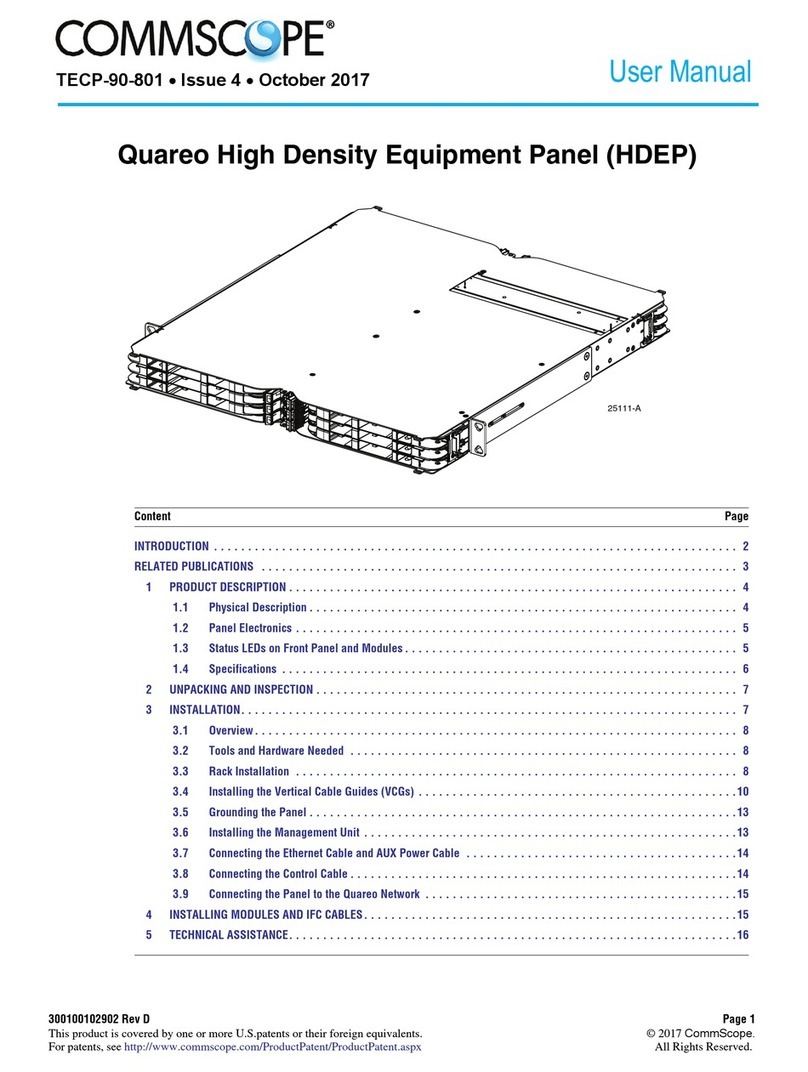
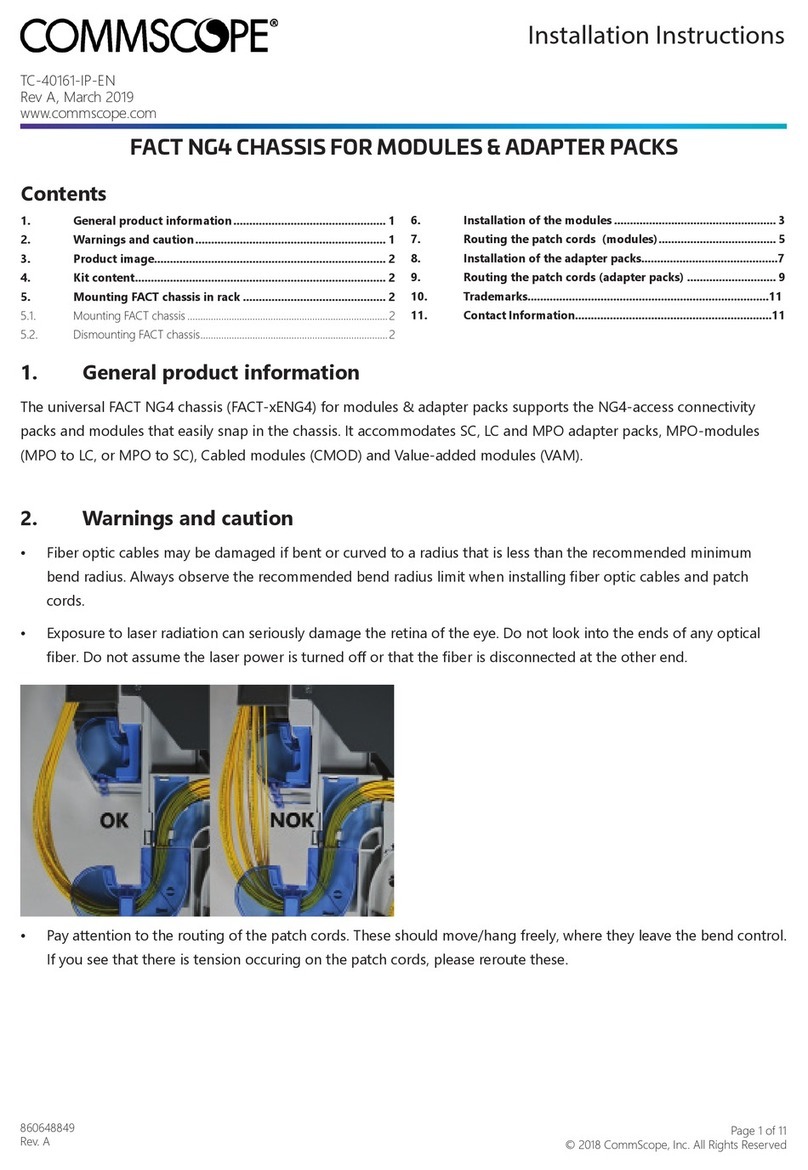
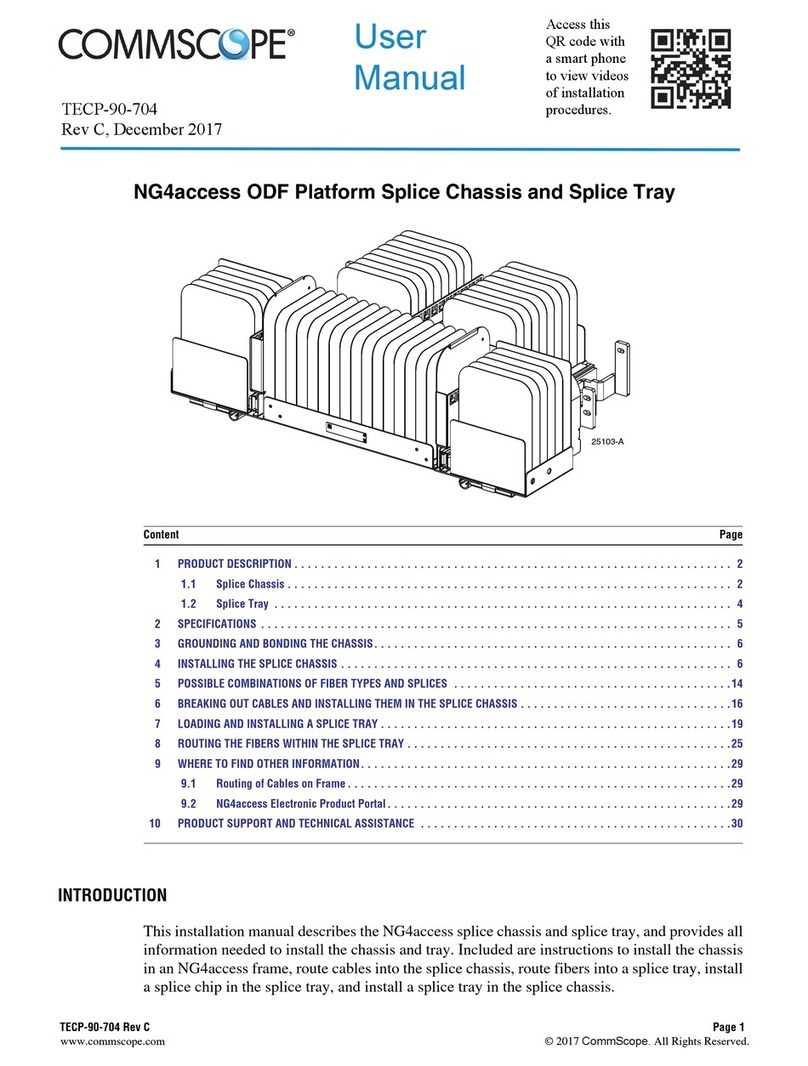
CommScope EHD User manual

300100117751 Rev A Page 1
www.commscope.com © 2016 CommScope. All Rights Reserved.
User Manual
INTRODUCTION ............................................................................. 2
Revision History........................................................................ 2
Trademark Information ................................................................... 2
Applicable Standards .................................................................... 2
Admonishments ........................................................................ 3
General Safety Precautions ................................................................ 3
1 PRODUCT DESCRIPTION .................................................................. 3
1.1 General Description ............................................................... 3
1.2 Major Components ................................................................ 3
1.3 Specifications ................................................................... 5
2 UNPACKING AND INSPECTION .............................................................. 5
3 CHASSIS INSTALLATION .................................................................. 5
3.1 Overview ....................................................................... 6
3.2 Tools and Hardware Needed ......................................................... 6
3.3 Mounting an Unloaded Chassis........................................................ 6
(continued)
Content Page
26379-A
TECP-91-006
Issue 4, July 2016 EH
D
Enhanced High Density (EHD) Chassis

TECP-91-006 • Issue 4 • July 2016
Page 2
© 2016 CommScope. All Rights Reserved.
3.4 Grounding the Chassis ............................................................. 10
3.5 Unpacking and Mounting a Chassis With a Preterminated Cable ................................ 10
4 GENERAL CABLE REQUIREMENTS ........................................................... 16
5 BLOCKING KIT RECOMMENDATION .......................................................... 16
6 OPERATION .......................................................................... 17
6.1 Sliding Out Blade to First Position ..................................................... 17
6.2 Accessing Connectors on Back of Adapter Pack ............................................ 17
6.3 Closing Blade ................................................................... 18
6.4 Removing Blade ................................................................. 18
6.5 Removing Fiber Cover ............................................................. 20
6.6 Re-Installing Fiber Cover ........................................................... 21
7 TECHNICAL ASSISTANCE ................................................................. 22
INTRODUCTION
This user manual describes the Enhanced High Density (EHD) Chassis, hereafter sometimes
called simply “the EHD chassis.” Included in this user manual are all procedures required in
installing the EHD chassis as well as operation procedures.
Revision History
Trademark Information
CommScope (logo), CommScope, and Enhanced High Density Chassis are trademarks
.
Applicable Standards
UL 60950-1, 2nd Edition, 2007-03-27 (Information Technology Equipment - Safety - Part 1:
General Requirements
CSA C22.2 No. 60950-1-07, 2nd Edition, 2007-03 (Information Technology Equipment -Safety
- Part 1: General Requirements)
Content Page
ISSUE DATE REASON FOR CHANGE
1 9/2015 Original.
2 10/2015 Added minimum cable bend radius and maximum patch cord size.
3 3/2016 Added applicable standards and chassis grounding instructions.
4 July 2016 Updated for front-access only design

TECP-91-006 • Issue 4 • July 2016
Page 3
© 2016 CommScope. All Rights Reserved.
Admonishments
Important safety admonishments are used throughout this manual to warn of possible hazards to
persons or equipment. An admonishment identifies a possible hazard and then explains what
may happen if the hazard is not avoided. The admonishments — in the form of Dangers,
Warnings, and Cautions — must be followed at all times.
General Safety Precautions
1 PRODUCT DESCRIPTION
1.1 General Description
The Enhanced High Density (EHD) Chassis is a pre-terminated fiber optic connector panel
intended for use in large data centers in a direct connect or interconnect environment. The EHD
chassis mounts in a 19-inch (48.26 cm) equipment rack with a 3-inch or 5-inch channel. In each
1RU of rack space, a fully loaded chassis provides 144 LC terminations using duplex LC
adapters.
The EHD chassis is designed for ease of installation and access. It is available with either left-
or right-side cable entry. The chassis features sliding blades (three per 1RU of rack space),
providing full access to adapters and connectors. Each blade can accommodate four adapter
packs.
The EHD chassis is available with either a black or sky white baked enamel exterior.
1.2 Major Components
Figure 1 shows the main components of the EHD chassis. They are as follows:
Danger: Danger is used to indicate the presence of a hazard that will cause severe personal
injury, death, or substantial property damage if the hazard is not avoided.
Warning: Warning is used to indicate the presence of a hazard that can cause severe personal
injury, death, or substantial property damage if the hazard is not avoided.
Caution: Caution is used to indicate the presence of a hazard that will or can cause minor
personal injury or property damage if the hazard is not avoided.
Caution: When mounting equipment in the rack make sure mechanical loading is even to avoid
a hazardous condition, such as loading heavy equipment in the rack unevenly. The rack should
safely support the combined weight of all equipment it supports.
Caution: This equipment is to be installed only in Restricted Access Areas (dedicated
equipment rooms, equipment closets, etc.) in accordance with Articles 110-16, 110-17, and 110-
18 of the National Electrical Code, ANSI/NFPA 70.

TECP-91-006 • Issue 4 • July 2016
Page 4
© 2016 CommScope. All Rights Reserved.
•Blade—holds adapter packs or cabled modules; slides out to two front access positions
and is removable from the front. There are three blades per 1RU of rack space.
Figure 1. EHD Chassis Main Components (2RU Model Shown)
•Fiber Cover—holds down fibers on each blade to prevent them from being inadvertently
snagged or misrouted.
•Grounding Location—is where a two-hole lug and ground wire are attached to connect
chassis ground PEM nuts to office ground. A two-hole lug is provided with the product;
the ground wire is not.
•Mounting Brackets—can be flipped around to provide either front- or rear-facing
mounting on a channel rack.
•Front Door—swings down to provide access to the interior of the chassis. The door
features a double hinged design that allows users to open the door without interfering with
equipment below the chassis on the same rack, or also to allow the door to lay flat for easy
access to the bottom blade.
•Designation Label—provides physical space for recording fiber designations.
•Duplex LC Adapter Pack—(shown for reference) mounts within the blade. Product
offerings for adapter packs include LC adapter packs in singlemode APC or UPC style.
Note: In this figure, the 2RU chassis is shown. Main components are analogous for other
RU sizes.
26380-A
DUPLEX LC
ADAPTER PACK
(SHOWN FOR
REFERENCE)
MOUNTING
BRACKET (2X)
BLADE (6X)
(FULLY REMOVED
FROM CHASSIS)
DESIGNATION LABEL
FRONT
DOOR
GROUNDING
LOCATION
FIBER
COVER (2X)

TECP-91-006 • Issue 4 • July 2016
Page 5
© 2016 CommScope. All Rights Reserved.
1.3 Specifications
Table 1 lists specifications for the EHD chassis. Table 2 summarizes the supported adapter
packs and modules for the EHD chassis.
2 UNPACKING AND INSPECTION
Unpack and inspect the various components as follows:
1. Inspect the exterior of the shipping container(s) for evidence of rough handling that may
have damaged the components in the container.
2. Unpack each container while carefully checking the contents for damage and verify with
the packing slip.
3. If damage is found or parts are missing, file a claim with the commercial carrier and notify
CommScope Customer Service. Save the damaged cartons for inspection by the carrier.
4. Refer to Topic 7 on Page 22 if you need to contact CommScope.
5. Save all shipping containers for use if the equipment requires shipment at a future date.
3 CHASSIS INSTALLATION
Table 1. EHD Chassis Specifications
PARAMETER SPECIFICATION REMARKS
Operating conditions 14F to +140F(10C to +60C)
Humidity 10% to 95% RH No condensation
Storage conditions 40F to +158F(40Cto+70C)
Dimensions (2RU) D x W x H
(with mounting brackets)
19.64 in. (49.9 cm) D x 19.09 in.
(48.5 cm) W x 3.5 in. (6.04 cm) H
Width without mounting brackets:
17.27 in. (43.9 cm)
Weight per 2RU 23.4 lbs. (1.06 Kg)
Table 2. EHD Chassis Supported Adapter Packs and Modules
DESCRIPTION
FRONT
CONNECTOR
TYPE
FRONT
PORT
COUNT
REAR CONNECTOR
TYPE
REAR
PORT
COUNT
FIBER
CONFIGURATION
LC Adapter Pack LC 24 LC 24 NA
Caution: This equipment is to be installed only in Restricted Access Areas (dedicated
equipment rooms, equipment closets, etc.) in accordance with Articles 110-16, 110-17, and 110-
18 of the National Electrical Code, ANSI/NFPA 70.

TECP-91-006 • Issue 4 • July 2016
Page 6
© 2016 CommScope. All Rights Reserved.
3.1 Overview
The EHD chassis is shipped on a spool, preterminated with 144 LC connectors per rack unit
(RU). It is available in both left- and right-cable-entry versions. A blocking kit is provided for
the purpose of splicing the provided cable into a splice bay such as the OMX.
After mounting, the chassis must be grounded. Use a #2 Phillips Screwdriver to tighten the M4
screws through the ground lug (provided) into the chassis ground PEM nuts, as described in
Topic 3.4 on Page 10. Ground cables are NOT provided with the chassis.
3.2 Tools and Hardware Needed
Use a #2 Phillips Screwdriver and the supplied #12-24 screws to secure the chassis to the
equipment rack.
3.3 Mounting an Unloaded Chassis
The chassis is to be installed in a 19-inch (482.6mm) equipment rack with a 3-inch or 5-inch
channel. Use the following procedure to mount the 1RU/2RU chassis.
1. Obtain the following tools and equipment:
• Phillips #2 screwdriver;
• Mounting hardware provided.
2. Determine whether the chassis will be installed on front or rear and whether on a 3-inch or
5-inch channel. Install the mounting brackets provided in the locations shown in the
following figures (which are representative of other RU sizes, also):
•Figure 2 for 2RU mounting on a 5-inch channel;
•Figure 3 for 2RU mounting on a 3-inch channel;
•Figure 4 for 1RU mounting on a 5-inch channel; or
•Figure 5 for 1RU mounting on 3-inch channel.
Note: The chassis is shipped with the mounting brackets already installed in the front
position. If a rear position is desired, remove the brackets and install them in the rear
position.

TECP-91-006 • Issue 4 • July 2016
Page 7
© 2016 CommScope. All Rights Reserved.
Figure 2. 2RU Mounting Bracket Positions (Front and Rear on 5-Inch Channel)
Figure 3. 2RU Mounting Bracket Positions (Front and Rear on 3-Inch Channel)
26381-A
2RU FRONT MOUNT ON 5 INCH CHANNEL
2RU REAR MOUNT ON 5 INCH CHANNEL CHANNEL
26381-A
2RU FRONT MOUNT ON 3 INCH CHANNEL
2RU REAR MOUNT ON 3 INCH CHANNEL CHANNEL

TECP-91-006 • Issue 4 • July 2016
Page 8
© 2016 CommScope. All Rights Reserved.
Figure 4. 1RU Mounting Bracket Positions (Front and Rear on 5-Inch Channel)
Figure 5. 1RU Mounting Bracket Positions (Front and Rear on 3-Inch Channel)
3. Hold the chassis up to the assigned mounting space and align the holes in the mounting
brackets with the holes in the equipment rack as shown in Figure 6. Secure the chassis to
equipment rack using the #12-24 screws provided. Torque these screws to approximately
27 pound-inches (3.1 Newton meters).
25640-A
1RU FRONT MOUNT ON 5 INCH CHANNEL
1RU REAR MOUNT ON 5 INCH CHANNEL CHANNEL
25638-A
1RU FRONT MOUNT ON 3 INCH CHANNEL
1RU REAR MOUNT ON 3 INCH CHANNEL
CHANNEL

TECP-91-006 • Issue 4 • July 2016
Page 9
© 2016 CommScope. All Rights Reserved.
Figure 6. Mounting the Chassis on the Equipment Rack (2RU Model Shown)
25642-A

TECP-91-006 • Issue 4 • July 2016
Page 10
© 2016 CommScope. All Rights Reserved.
3.4 Grounding the Chassis
A termination (for an M4 screw) is provided on the panel for a frame ground connection. The
connection must be made in accordance with local and national electrical codes. Use the
following procedure, referring to Figure 7.
1. Locate the ground location on the panel. At the grounding location, remove the protective
tape from the panel.
Figure 7. Grounding the Chassis
2. Using AWG 14 (1.6mm) solid copper wire, secure a crimp lug to one end of the ground
wire (installer provided). Secure the crimp lug to panel with two M4 screws. Torque the
screws to approximately 15 pound-inches (1.7 Newton meters).
3. Connect the other end of the ground wire to the earth ground conductor. Ensure this
connection is made using methods and hardware that meets all applicable local and
national electrical codes.
3.5 Unpacking and Mounting a Chassis With a Preterminated Cable
The pre-terminated chassis is shipped with the chassis mounted inside a spool containing the
cable. The stub end of the cable is unwound to a splice vault or other point of termination.
To unpack and mount a fully loaded chassis, use the following procedure.
Caution: Reliable earthing of rack-mounted equipment should be maintained. Particular
attention should be given to supply connections other than direct connections to the branch
circuit.
26275-A
2RU CHASSIS
1RU CHASSIS
2-HOLE LUG
SECURE
TO OFFICE
GROUND
SECURE
TO CHASSIS
PEM NUTS
Other manuals for EHD
1
Table of contents
Other CommScope Chassis manuals