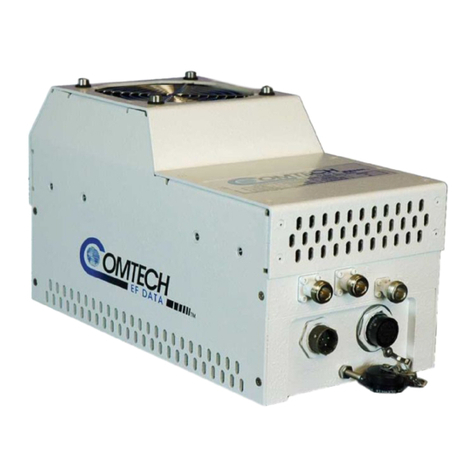
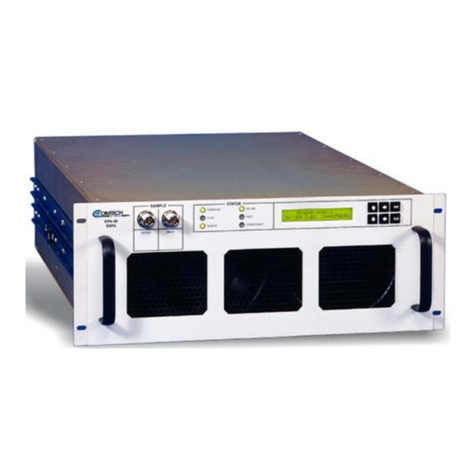
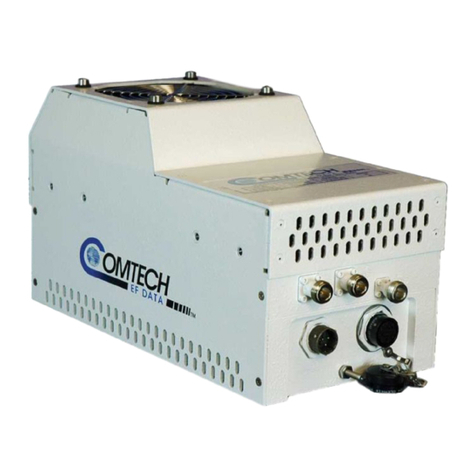
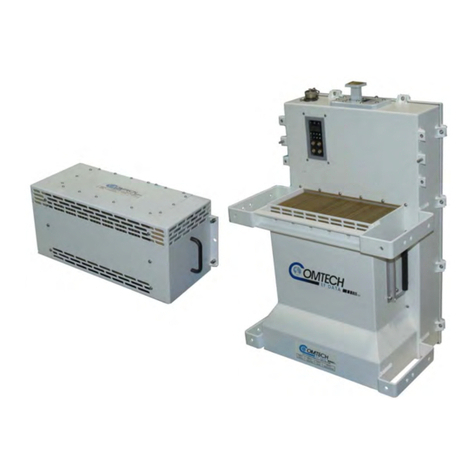
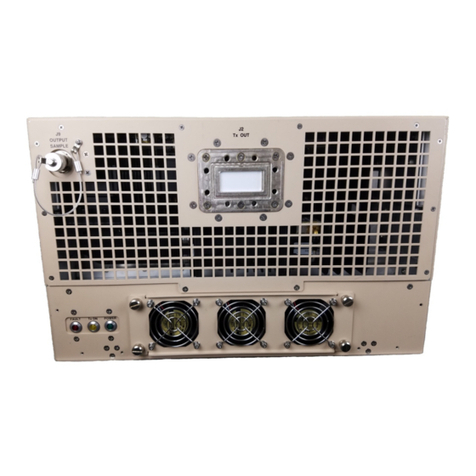
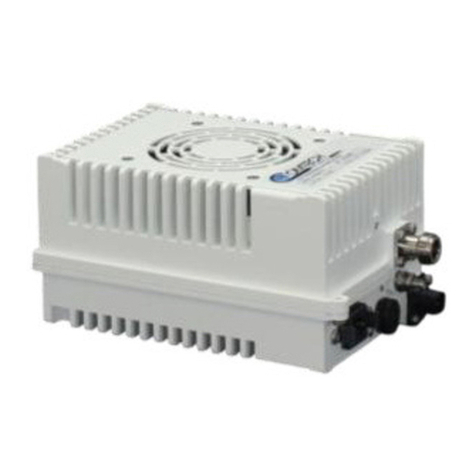
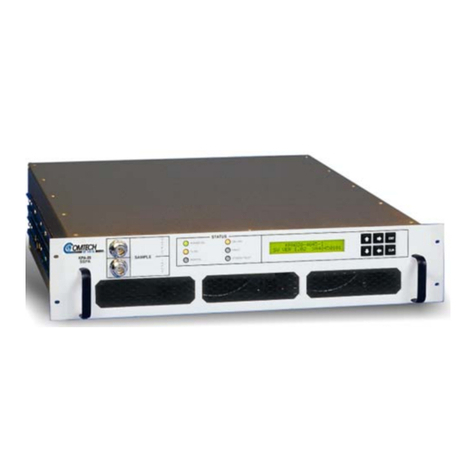
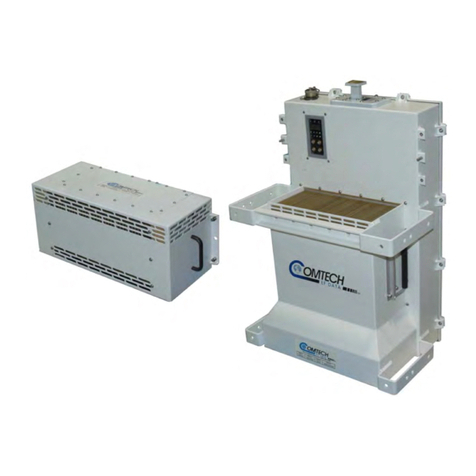
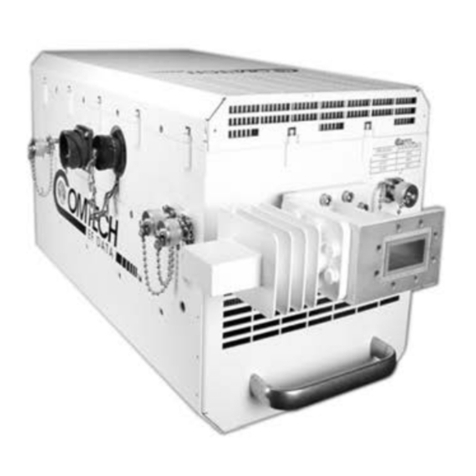
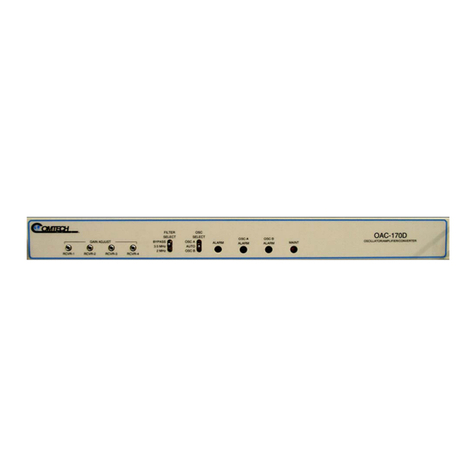
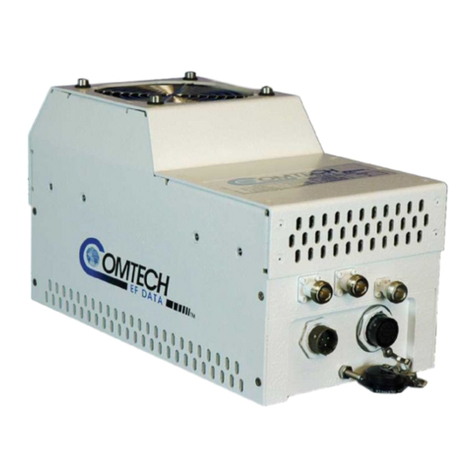
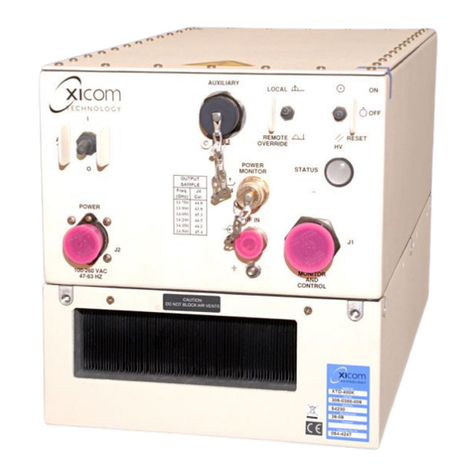
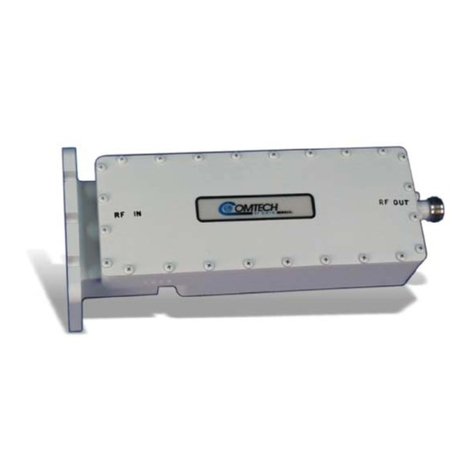
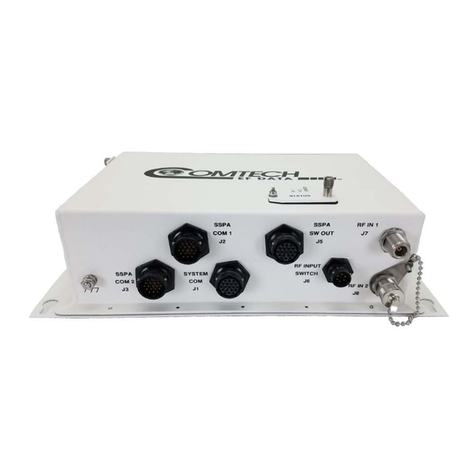
LPOD C-, X-, or Ku-Band Outdoor Amplifier / Block Up Converter (BUC) MN-LPOD / CD-LPOD
Table of Contents Revision 14
v
2.3.3 Connector ‘J3 | POWER IN’ AC Power Mains....................................... 2–5
2.3.3.1 LPOD PS 1, PS 1.5 ‘J3 | POWER IN’ AC Power Main .................. 2–6
2.3.3.2 LPOD PS 2 ‘J3 | POWER IN’ AC Power Main.............................. 2–6
2.3.4 Connector ‘J3 | POWER IN’ DC Power Mains....................................... 2–7
2.3.4.1 LPOD PS 1 ‘J3 | POWER IN’ DC Power Main.............................. 2–7
2.3.4.2 LPOD PS 1.5 ‘J3 | POWER IN’ DC Power Main........................... 2–8
2.3.4.3 LPOD PS 2 ‘J3 | POWER IN’ DC Power Main.............................. 2–8
2.3.4.4 LPOD PS 2 ‘J3 | POWER IN’ 48VDC Power Main Option ........... 2–9
2.3.5 Connector ‘J6 | COM1’ (Remote Communications and Discrete Control
Port) ............................................................................................................ 2–10
2.3.5.1 About Circular Connectors ...................................................... 2–11
2.3.6 Connector ‘J9 | OUTPUT SAMPLE’ (PS 2 ONLY) ................................. 2–12
2.3.7 Connectors ‘J10 | MODEM Rx’ and ‘J11 | LNB’ (Optional Interfaces)
............................................................................................................ 2–12
2.3.8 Ground Connector ............................................................................. 2–13
2.4 LPOD Standalone (Single-Thread) Installations................................. 2–14
2.4.1 Manpower Requirements .................................................................. 2–14
2.4.2 Typical Required Installation Tools..................................................... 2–14
2.4.3 Pole-Mounted Installations................................................................ 2–15
2.4.3.1 PL/12319-1 Universal Pole Mounting Kit................................. 2–16
2.4.3.2 KT-0000095 Single Unit Mounting Kit (LPOD PS 1, PS 1.5) ..... 2–19
2.4.3.3 KT-0000125 Single Unit Mounting Kit (LPOD PS 2) ................. 2–20
2.4.4 Spar-Mounted Installations (LPOD PS 1, PS 1.5)................................ 2–21
2.4.5 Shelf-Mounted Installations (LPOD PS 2)........................................... 2–23
2.5 Set the LPOD Power ON................................................................... 2–24
CHAPTER 3. FIRMWARE UPDATE....................................................3–1
3.1 Firmware Update Overview............................................................... 3–1
3.1.1 LPOD Firmware Update Procedure Summary...................................... 3–1
3.1.2 About Firmware Numbers, File Versions, and Formats....................... 3–2
3.2 Prepare for the Firmware Download.................................................. 3–2
3.2.1 Required User-supplied Items.............................................................. 3–2
3.2.1.1 LPOD Connections..................................................................... 3–3
3.2.2 Configure the Terminal Emulator Program .......................................... 3–4
3.2.3 Get the LPOD Management IP Address and Firmware Information ... 3–5