3Table of Contents
Table of Contents
1 Introduction 5
2 For your safety 6
3 Commissioning 8
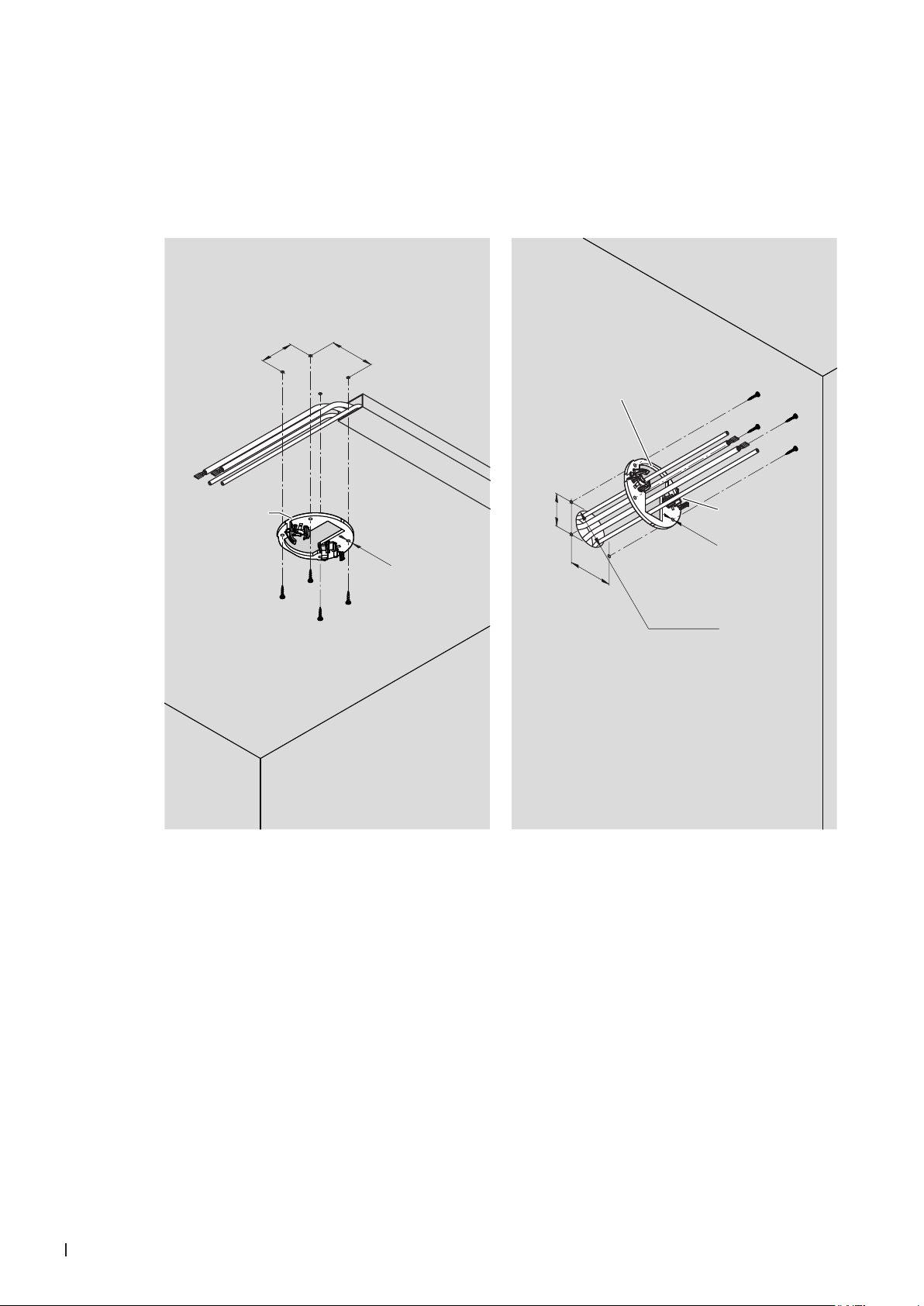
3.1 Installation of humidier units (ush-mounting) 8
3.2 Assembly and connection of the drain module (only with peripheral drainage) 14
3.3 Install water lter(s) and connect water hoses 17
3.4 Connection of the spray loop hoses to the central unit 19
3.5 Perform pressure test on the water system 19
3.6 Connecting the CAN bus cables to the central unit 20
3.7 Connection of the optional RO-HB reverse osmosis unit 24
3.8 Flush the water feed line and connect to the central unit 26
3.9 Connect the control cable(s) of the booster module in the central unit(s) 27
3.10 Connect the reverse osmosis system Condair RO-HB to the power supply 29
3.11 Connect the LAN cable to the central unit 29
3.12 Connect the central unit to the mains with the mains plug 29
3.13 Commissioning and transfer 29
3.13.1 Update of the control software before commissioning 29
3.13.2 Commission the system with the MN service application 29
3.13.3 Connect the gateway 35
3.13.4 User app 39
3.13.5 Transfer of the system 39
4 Service and replacement of components 40
4.1 Notes on servicing the Condair MN / service intervals 40
4.1.1 Taking water samples 41
4.1.2 Replacing UV lamp and check/clean quartz glass 43
4.1.3 Replacing the lter cartridge of the microlter 46
4.1.4 Replace water lter(s) 47
4.1.5 Disinfect water system 48
4.1.5.1 Depressurize the water system 48
4.1.5.2 Disinfect the water system of the Condair MN 51
4.1.5.3 Disinfect the Condair RO-HB reverse osmosis system 61
4.1.5.4 Put the system into operation 71
4.1.6 Check the air pressure of the ow tank of the Condair RO-HB reverse osmosis system 71
4.2 Reset the maintenance counter 72
4.3 Replacement of components 73
4.3.1 Preparing the system for component replacement 73
4.3.2 Resetting the system to normal operating mode after replacing components 73
4.3.3 Replacing the water sensor modules 74
4.3.4 Replacing the drain modules 75
4.3.5 Replacing the valve block 76
4.3.6 Replacing the inlet valve 77
4.3.7 Replacing the control box 78