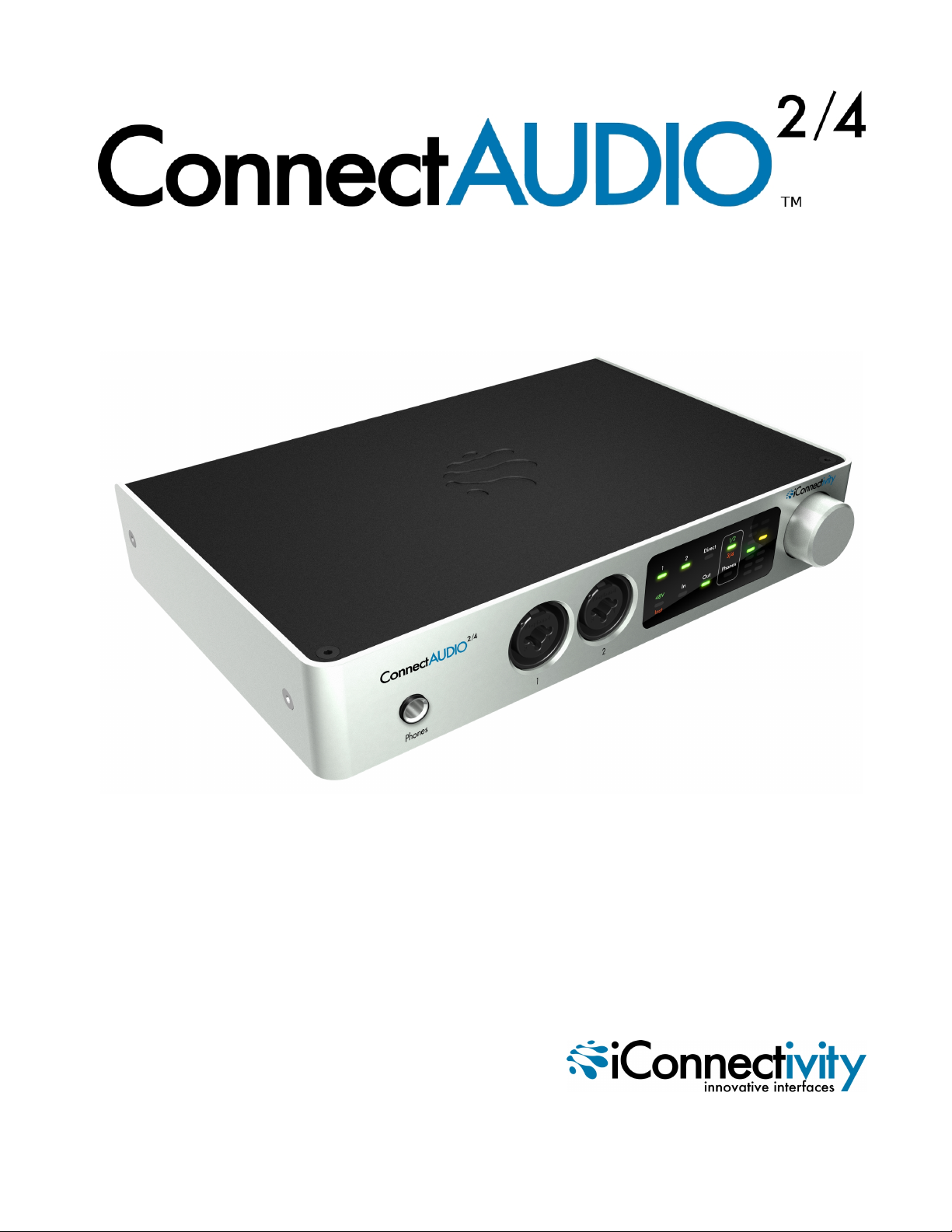
ConnectAUDIO2/4 User Manual
Controls
Interactive Touch Panel Display
The ConnectAUDIO2/4’s Interactive Touch Panel Display is a capacitive touch panel that provides the fol-
lowing features:
lEight touch zones for intuitive control over viewing and adjusting Inputs and Outputs, Direct Mon-
itoring, and enabling +48V phantom power for condenser microphones
lDual 8-stage LED meters and independent metering modes for select functions
lA Rotary Control Dial for setting gain/levels and adjusting the balance between inputs and USB
audio when in Direct Monitoring mode. The Rotary Control Dial also performs auxillary functions,
such as:
oCommiting Gain Settings to Memory:While in Gain Set mode, press the dial once to com-
mit the current settings to memory
oPowering down the unit:Press and hold the Rotary Control Dial until both meter columns
show red and yellow LED indicators at the top of the display. Then, release the Dial to power
the unit OFF. From the OFF state, press the Dial once to power the unit back ON.
Note: The Rotary Control Dial is continuous and can make fine or coarse adjustments depending on how
quickly you rotate the dial. Fine adjustments are recommended if there is a risk of signal overload.
Meter Modes and Levels
There are two primary meter display modes when selecting In,Out, or Phones on the panel. Successive
touches of the In,Out, or Phones buttons toggle between:
lSignal Level mode, indicated by the green LED. The LED meters display VU (signal level) and will
react to the input signal in real time.
lGain Set mode, indicated by the red LED. The LED meters display the gain setting and respond to
clockwise or counter-clockwise motion of the Rotary Control Dial.
A third meter mode is activated when Direct Monitoring is selected on the panel. Refer to the Direct Mon-
itoring section of this manual for more information.
10