manuals.online logo
Brands
  1. Home
  2. •
  3. Brands
  4. •
  5. Cortek
  6. •
  7. Keyboard
  8. •
  9. Cortek Gammec XForce Installation guide

Cortek Gammec XForce Installation guide

Other Cortek Keyboard manuals

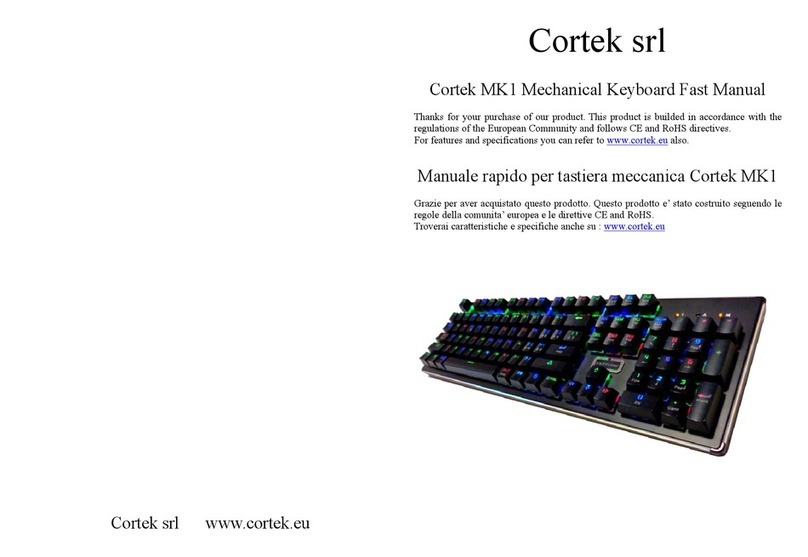
Cortek MK1 Installation guide

Cortek

Cortek MK1 Installation guide

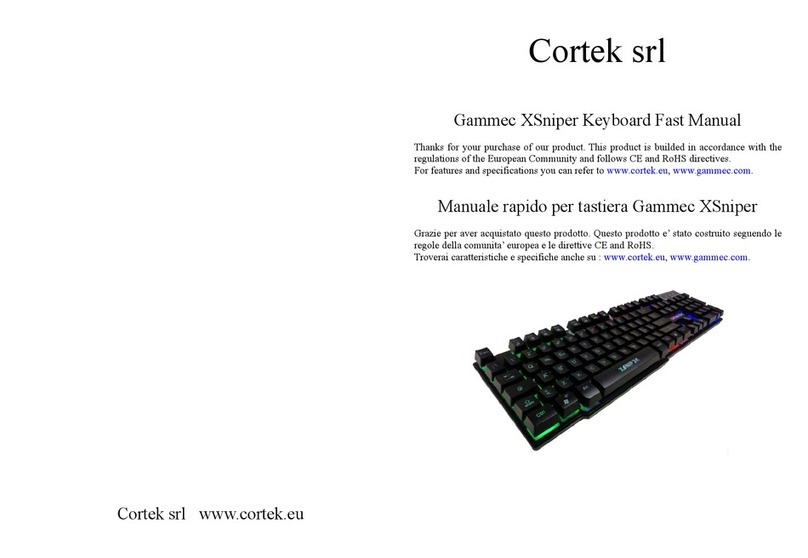
Cortek Gammec XSniper Installation guide

Cortek

Cortek Gammec XSniper Installation guide

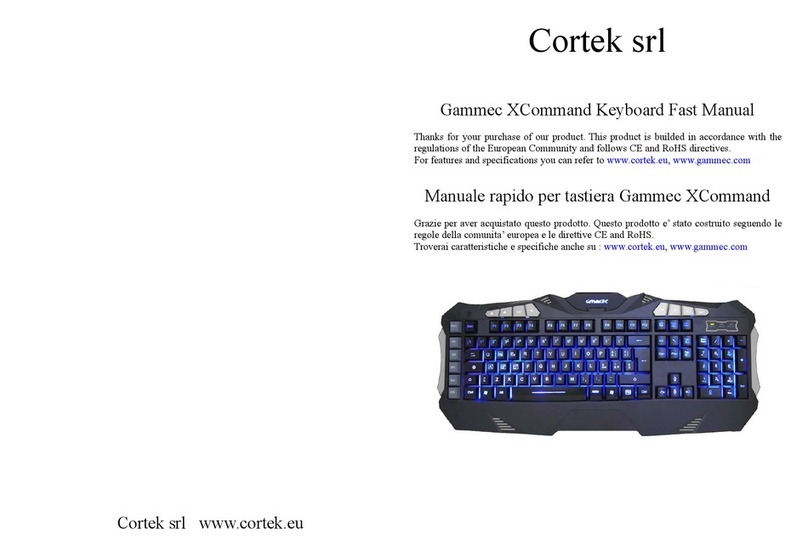
Cortek Gammec XCommand Installation guide

Cortek

Cortek Gammec XCommand Installation guide

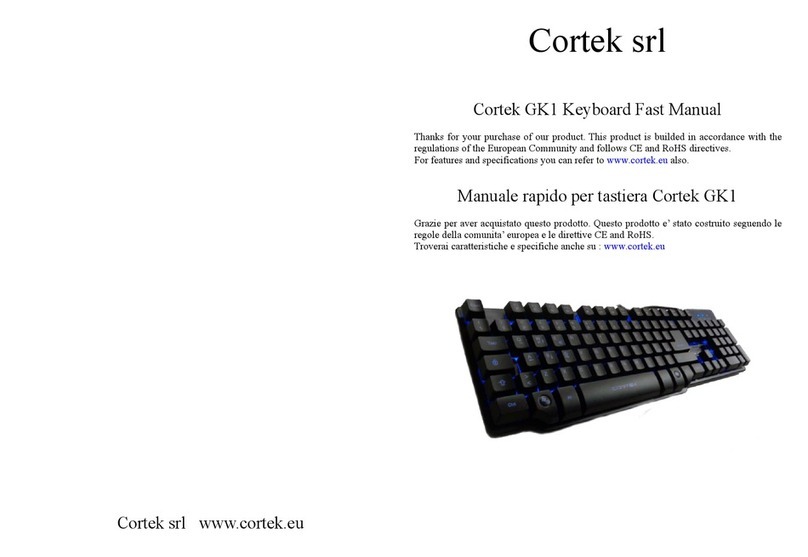
Cortek GK1 Installation guide

Cortek

Cortek GK1 Installation guide

Popular Keyboard manuals by other brands

Man & Machine Really Cool + user guide

Man & Machine

Man & Machine Really Cool + user guide

SteelSeries APEX PRO TKL Product information guide

SteelSeries

SteelSeries APEX PRO TKL Product information guide

Vortexgear POK3R user manual

Vortexgear

Vortexgear POK3R user manual

Logitech RUGGED LITE quick start guide

Logitech

Logitech RUGGED LITE quick start guide

Honeywell ADEMCO 5839 Installation and setup guide

Honeywell

Honeywell ADEMCO 5839 Installation and setup guide

PROZIS EZ user manual

PROZIS

PROZIS EZ user manual

Hama AK-120 Operating	 instruction

Hama

Hama AK-120 Operating instruction

Rodgers RK-76 owner's manual

Rodgers

Rodgers RK-76 owner's manual

Logic Controls KB5000 Series user manual

Logic Controls

Logic Controls KB5000 Series user manual

Rapoo E9270P quick start guide

Rapoo

Rapoo E9270P quick start guide

AbleNet Chester Creek USB Keyboard quick start guide

AbleNet

AbleNet Chester Creek USB Keyboard quick start guide

iKey DP-88 Specifications

iKey

iKey DP-88 Specifications

Logitech G413 TKL SE Complete Setup Guide

Logitech

Logitech G413 TKL SE Complete Setup Guide

Ultimate Technology 500 POS user guide

Ultimate Technology

Ultimate Technology 500 POS user guide

Mace MACALLY MERGOKEY user guide

Mace

Mace MACALLY MERGOKEY user guide

iKey KYB-42-KIOSK Specifications

iKey

iKey KYB-42-KIOSK Specifications

Akko MX108 user manual

Akko

Akko MX108 user manual

Viper V770 user manual

Viper

Viper V770 user manual

manuals.online logo
manuals.online logoBrands
  • About & Mission
  • Contact us
  • Privacy Policy
  • Terms and Conditions

Copyright 2025 Manuals.Online. All Rights Reserved.

Cortek srl www.cortek.eu
Cortek srl
Gammec XForce Keyboard Fast Manual
Thanks for your purchase of our product. This product is builded in
accordance with the regulations of the European Community and follows CE
and RoHS directives.
For features and specifications you can refer to :
www.cortek.eu,www.gammec.com
Manuale rapido per tastiera Gammec XForce
Grazie per aver acquistato questo prodotto. Questo prodotto e’ stato costruito
seguendo le regole della comunita’ europea e le direttive CE and RoHS.
Troverai caratteristiche e specifiche anche su :
www.cortek.eu,www.gammec.com
Generic informations
The Gammec XForce is a Gaming keyboard, with backlight in 3 colors. The
keyboard has ITALIAN layout.
The keyboard uses USB connection and is usable with all the more popular
operating systems. The circuits are optimized to minimize conflicts between
the keys even if pressed simultaneously (Anti-Ghost).
The keys are soft and quiet touch specially designed for long sessions of use.
Illumination
The XForce is equipped with backlight in 3 colors : red, green, orange.
It is a backlight of the entire base of the keyboard.
To set the various colors of the lighting must simultaneously press the FN key
and the Bl/Sc, this allows to move sequentially from one color to another and
also allows you to completely turn off the light.
The intensity of the light can be adjusted on 3 levels by simultaneously
pressing the FN+PgUp and FN+PgDn.
Gaming Configuration
The Gaming configuration is assured by :
3 colors backlight and laser Logo and Graphics.
Keys with soft, responsive feel and spacebar well 23mm high (compared to
13mm of a common standard keyboard).
Stability assured by the large size (keyboard dimension = 47.00cm x 19.50cm)
and a net weight of 610grams.
Informazioni generiche
La Gammec XForce e’ una tastiera Gaming, con retroilluminazione in 3 colori.
La tastiera ha layout ITALIANO.
La tastiera usa la porta USB e funziona con tutti i principali sistemi operativi.
I circuiti sono ottimizzati per ridurre al minimo i conflitti tra i tasti anche se
pigiati contemporaneamente (Anti-Ghost).
I tasti hanno tocco morbido e silenzioso appositamente pensato per lunghe
sessioni di utilizzo.
Illuminazione
La tastiera e’ dotata di retro illuminazione in 3 colori : rosso, verde, arancione.
Si tratta di retroilluminazione di tutta la base della tastiera.
Per settare i vari colori di illuminazione bisogna premere conemporaneamente
il tasto FN e il tasto Bl/Sc, questo permette appunto di passare in sequenza da
un colore all’altro e inoltre permette di spegnere totalmente l’illuminazione.
L’intensita’ dell’illuminazione puo’ essere regolata premendo
contemporaneamente i tasti FN+PagSU e FN+PagGIU.
Assetto Gaming
L’assetto Gaming della XForce e’ assicurato da :
Retroilluminazione in 3 colori e Logo e Grafica laser.
Tasti con digitazione morbida e precisa e con barra spaziatrice alta ben 23mm
(contro i 13mm di una comune tastiera standard).
Stabilita’ assicurata dalla base larga (dim tastiera = 47.00cm x 19.50cm) e da
un peso netto di 610grammi.