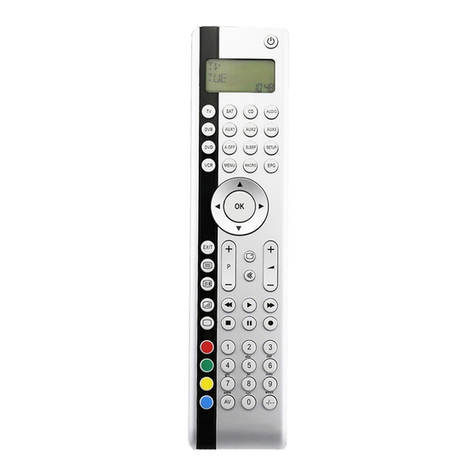
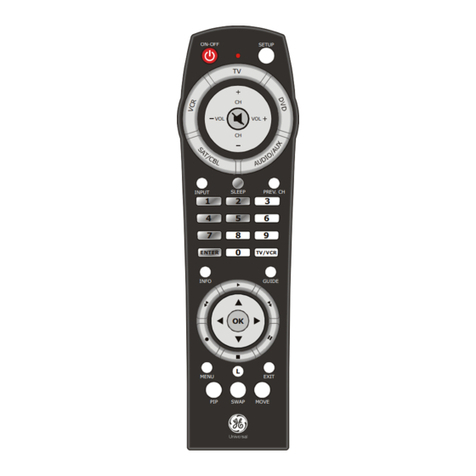
Creative Zen FM Wired Remote User manual

PN 03PF094000000 Rev.A
WARNING: Handling the cord(s) on this product may expose you to lead, a chemical
known to the State of California to cause cancer and birth defects or
other reproductive harm. Wash hands after handling.
FMPRESET
OFF
/
ON
T
U
N
E
FMPRESET+
+
T
U
N
E
FMPRESET
OFF
/
ON
T
U
N
E
FMPRESET+
+
T
U
N
E
FMPRESET
OFF
/
ON
T
U
N
E
FMPRESET+
+
T
U
N
E
FMPRESET
OFF
/
ON
T
U
N
E
FMPRESET+
+
T
U
N
E
Proper Handling
. Radio . Save
Preset
FM PRESET
OFF
/ON
T
U
N
E
FM PRESET ++
+
T
U
N
E
savesave
locklock
modemode
Lock Button
FM Wired Remote - Special Features
General display area
for song titles or
other information
Track Number/
Preset Number
Elapsed Time Counter
(HH:MM:SS) / Time
Battery
Radio Icon
Radio
Information
Status
indicator
Turning the player on or off
1. Press and hold /
ON
to turn the player on.
2. Press and hold (
OFF
) to turn the player off.
Changing modes
Press to enable or disable FM mode.
Presetting radio stations automatically in FM mode
1. Press FM preset + ( /
ON
) or FM preset
-
(
OFF
) to choose a channel
for saving a radio station in.
2. Press and hold to scan up or to scan down for radio stations.
Scanning stops when a station is detected. Press or to fine tune at
0.1 MHz steps.
3. Press to save the radio station as a preset channel.
Searching forwards / backwards for a preset channel in FM mode
1. Press FM preset + ( /
ON
) to go to the next preset channel.
2. Press FM Preset
-
(
OFF
) to go to the previous preset channel.
modemode
FM PRESET
OFF
/ON
T
U
N
E
FM PRESET ++
+
T
U
N
E
. Next FM Preset
. Turn On player
. Next Track
. Fine Tune Up
. Scan Up
. Previous Track
. Fine Tune Down
. Scan Down
. Previous FM Preset
. Turn Off player
Headphones
connector
Copyright © 1998-2004 Creative Technology Ltd. All rights reserved. All other brand and
product names listed are trademarks or registered trademarks of their respective holders
and are hereby recognized as such.
Quick Start
SAVESAVE
Product Registration
Enjoy a host of benefits by registering your product during installation, or at
www.creative.com/register. Benefits include:
·Service and Product Support from Creative
·Exclusive updates on promotions and events
Creative Knowledge Base
Resolve and troubleshoot technical queries at Creative's 24-hour self-help
Knowledge Base.
Go to www.creative.com and select your region.
Keep this document for future reference.
Warranty & Customer Support Services
For terms and conditions,warranty and other service details, visit our
website and online store at www.creative.com.