User Manual keyboardCUE 99
www.cuesystem.com
Page 4 of 16
1. Introduction
1.1. Overview ....................................................................
There simply isn’t anything that compares with the beautiful, elegant and powerful wired keyboardCUE
99. This tabletop programmable control panel device features a solid wood and stainless steel
enclosure and is available in mahogany, birch, white birch and oak finishes. The keyboardCUE 99
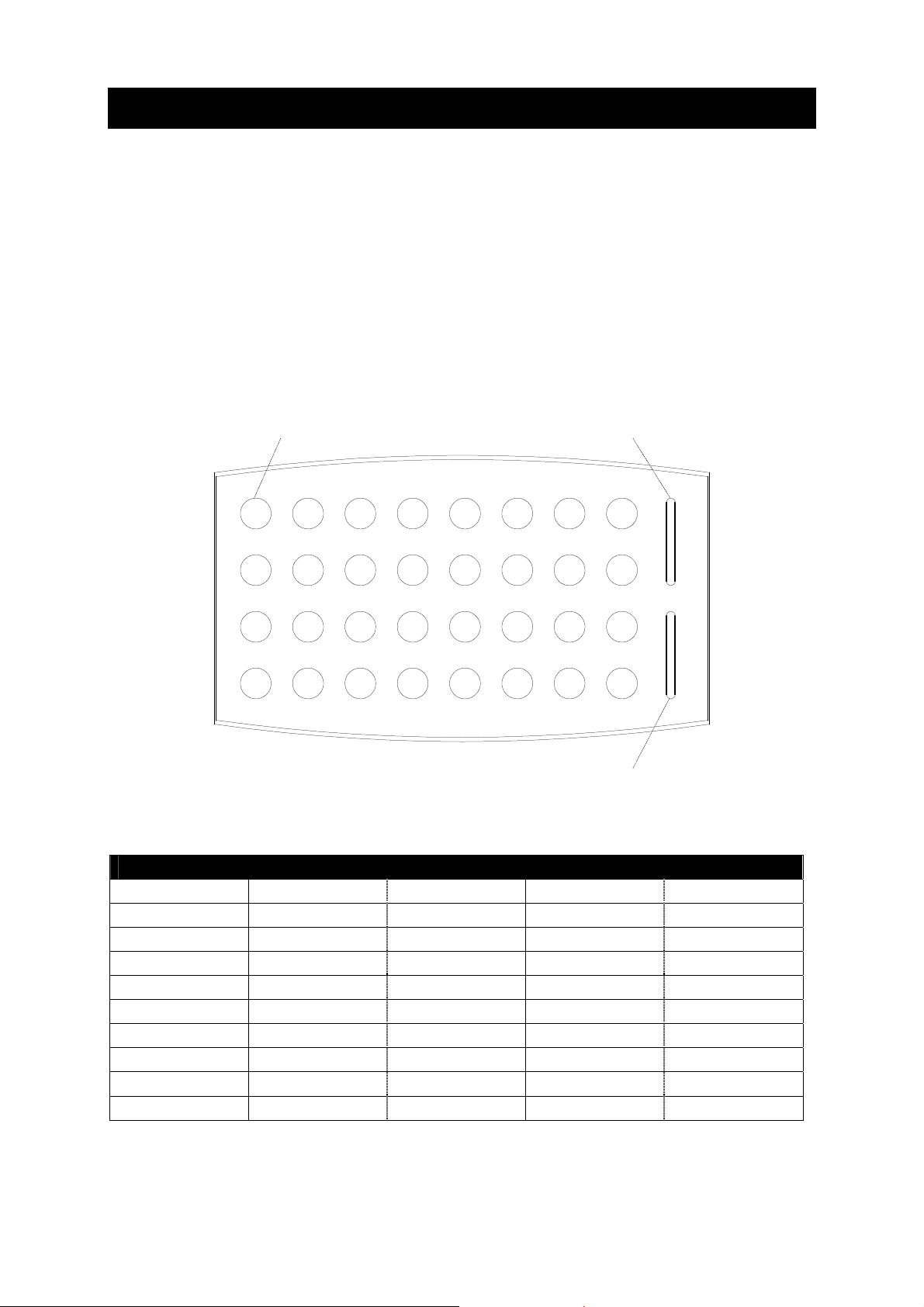
provides 32 buttons supported with two-color backlight and user changeable button labels that can be
printed on a laser printer and inserted into the keyboard. The full-function console keyboard may be
used as dedicated wired controller for audio, video and environmental functions.
1.2. Models........................................................................
This User Manual describes products itemized in table below.
Model Product code Description
keyboardCUE 99 CS0145 Tabletop keyboard, (32) buttons
1.3. Features .....................................................................
•Backlight buttons with programmable feedback indication
•16-LEDs bar graphs
•User changeable button labels
•Stainless steel front panel
•Wooden enclosure
•Tabletop installation
•System connection by CUEwire
1.4. Programming .............................................................
The keyboard is programmed using Cue Director programming tool. Control commands are
described in the Programming Manual CPL References, chapter Keyboards.