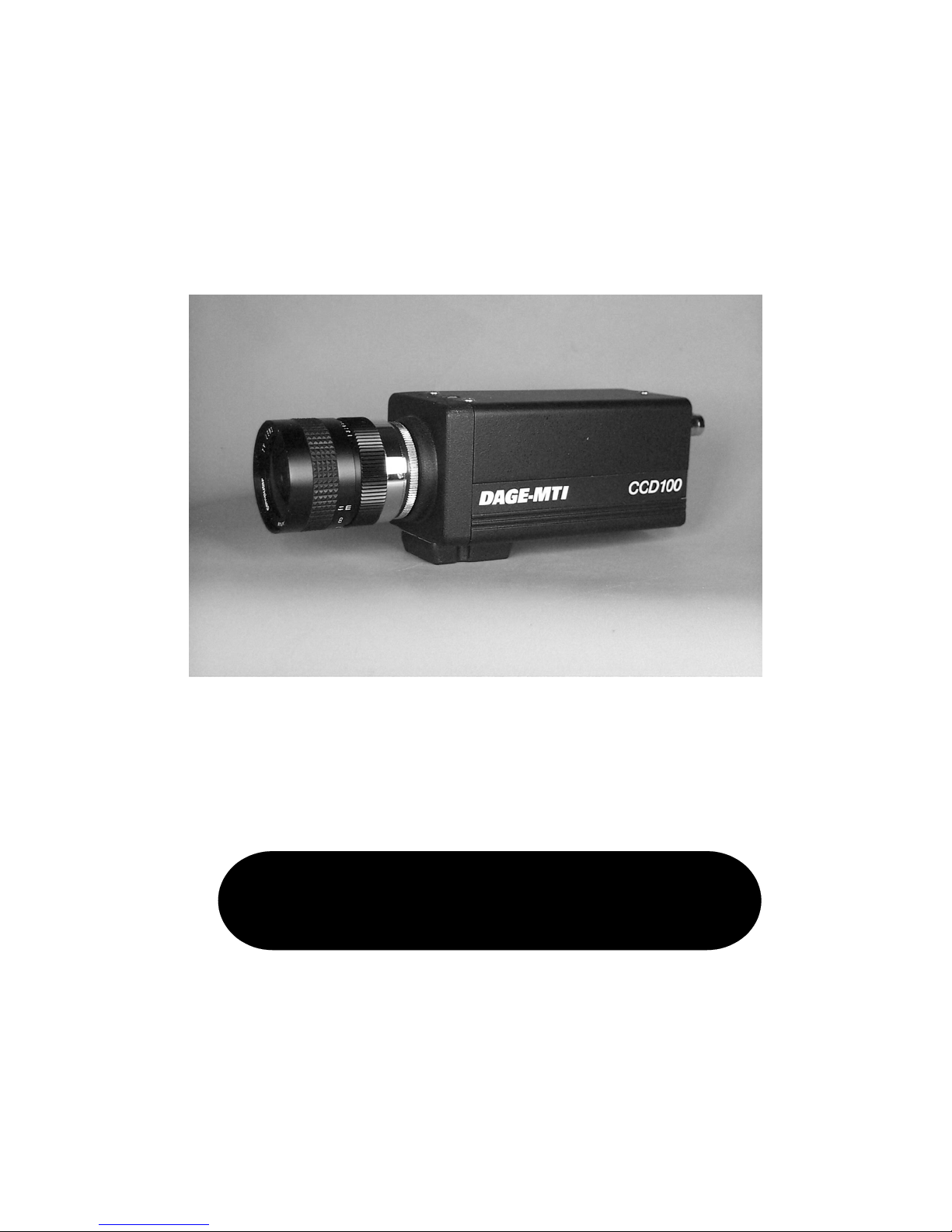
The CCD-100 can function in tandem with the Dage
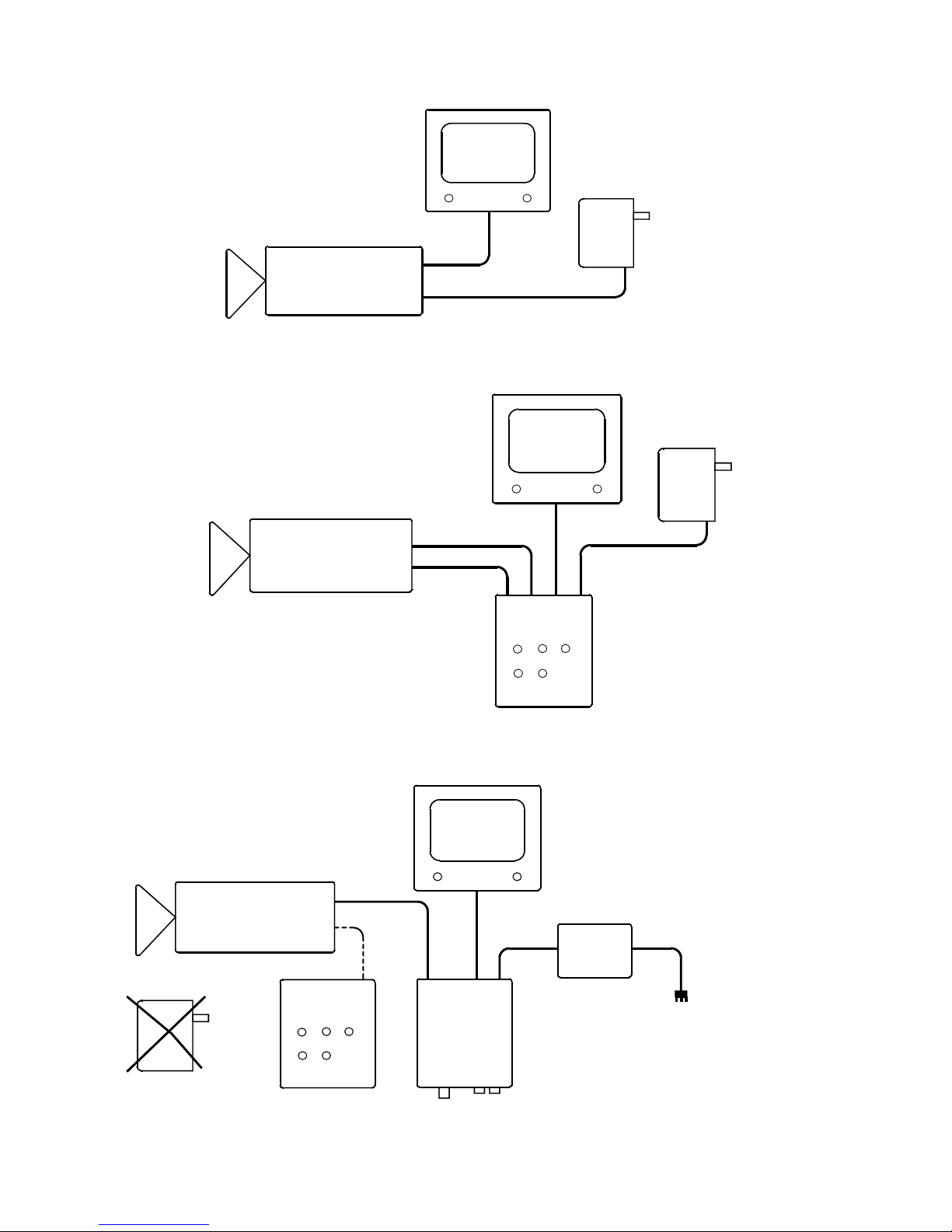
InvestiGater or independently. Figure 1 shows the CCD-100
independently. Attach the power supply to the POWER
connector on the CCD-100. Video output from the VIDEO
BNC is available for viewing with a monitor.
Figure 2 shows the CCD-100 with the optional RC-100
remote control. The POWER and VIDEO interconnects are
now made at the RC-100 and two cables, REMOTE and
GATE, connect the RC-100 to the CCD-100.
Figure 3 shows the CCD-100 connected with the Dage
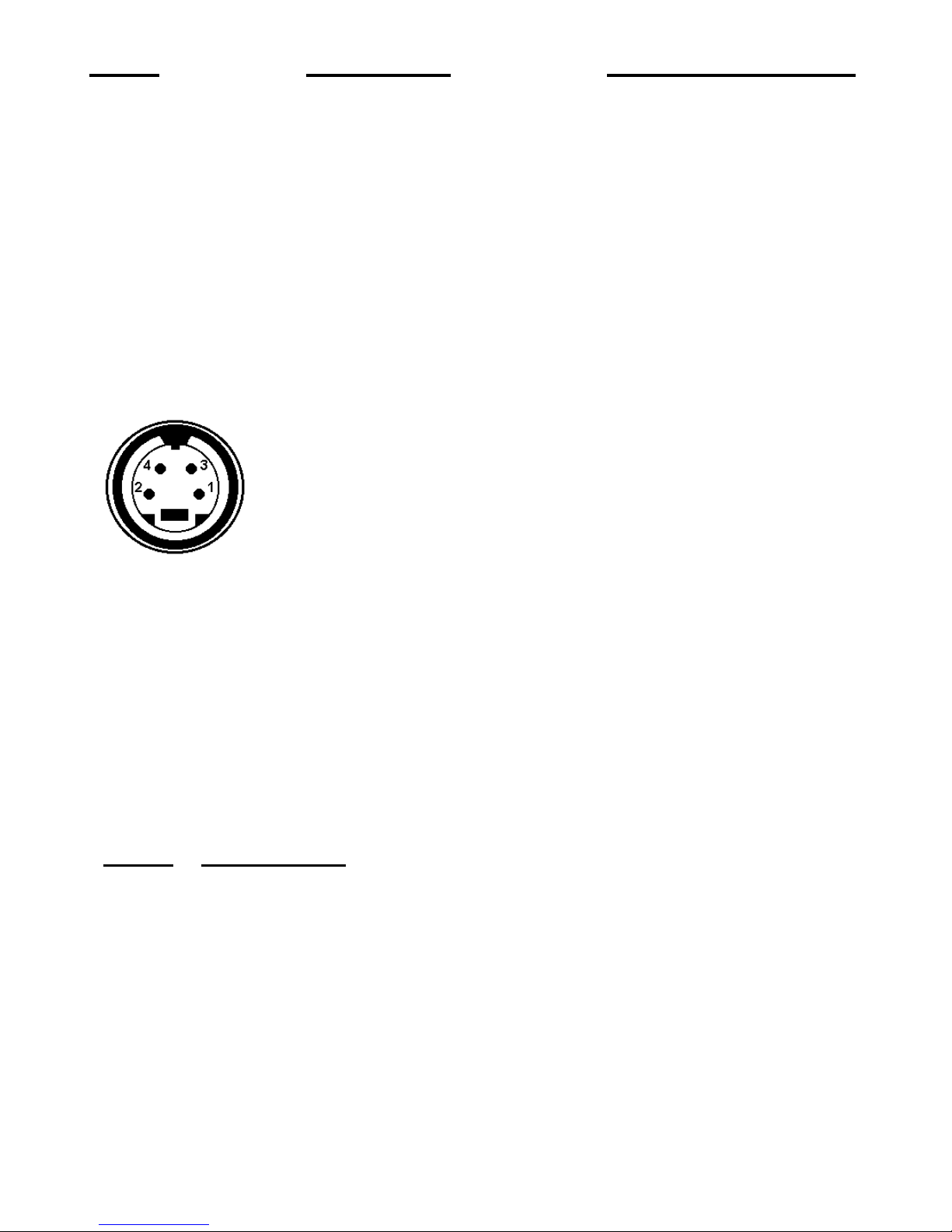
InvestiGater. A standard S-video cable, Dage P/N 737980-
01, provides video and the gate pulse between the InvestI-
Gater and the CCD-100. The InvestiGater’s power supply
provides power for both the CCD-100L and the InvestiGater,
therefore do not use the CCD-100’s power supply. The output
video of the Dage InvestiGater is available for viewing with
a monitor or for digitization by a computer.
A lens or microscope can be attached to the front of the
CCD-100. The camera is supplied with a removable C-mount
adapter. If a CS lens is to be used, the C-mount adapter
should be removed. Be sure not to remove the C-mount
adapter when unscrewing a lens or microscope from the
camera. The camera has an adjustable back focus that can be
changed through the use of a flat bladed screwdriver. The
adjustment is located on the top of the camera at the front.
Simply use the screwdriver to provide the correct back focus.
To achieve a picture, place the camera in the AUTO
BLACK and AUTO GAIN positions. This will ensure that the
camera will be able to provide an acceptable image regardless
of light level.