10 | Dolphin Blue | DB100, DB200 & DBL200 ranges
Adjusting the sensor with the remote control
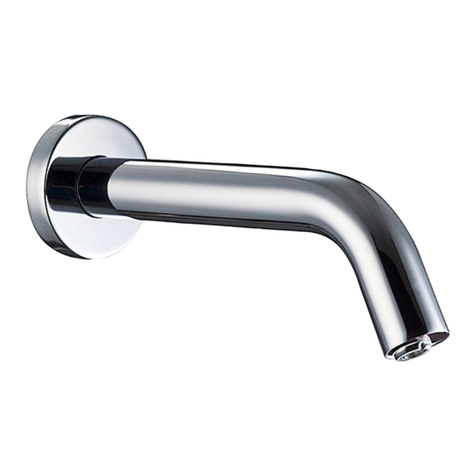
This tap was supplied with a Self Adjusting Sensor. The ideal detection range for
the specific location will be set automatically.
DETECTION RANGE: Only if necessary, use the remote control to
adjust the sensor range as follows: Shut off the water supply. Hold the
remote control straight in front of the sensor in a distance of about 6 - 8”
(15 - 20cm). Choose the function RANGE by pressing once at the range function button.
After pressing this function button, a quick flashing of the red light at the front of the
sensor will occur. At this stage, you can increase or decrease the sensor range by
pressing the (+) or the (-) buttons, every push will increase or decrease one level.
Note: Once you have changed the detection range with the remote control, this
distance will be remembered by the sensor, even if the power source is disconnected. To
get back to the self adjustment mode, use the ADJ button only.
Adjusting other settings with the remote control
SECURITY TIME: The Security time, prevents continuous running of water
due to reflections or vandalism. By default, if the sensor is covered for more
than 90 seconds the water flow will shut automatically. To resume regular
operation any obstruction must be removed.
Press the SEC button. Wait until a quick flashing of the red light of the sensor eye is
perceived. Then, press + to increase the security time and – to reduce it.
DELAY IN TIME: It is recommended to change the delay in time for flush
valves for urinals or toilets only.
If required, the delay in time can also be modified in taps as follows:
Press the IN button. Wait until a quick flashing of the red light of the sensor eye is
perceived. Then, press + to increase the delay in time and – to reduce it.
RANGE ADJUSTMENT