manuals.online logo
Brands
  1. Home
  2. •
  3. Brands
  4. •
  5. Duco
  6. •
  7. Fan
  8. •
  9. Duco DucoBox Energy Comfort Technical specifications

Duco DucoBox Energy Comfort Technical specifications

Other manuals for DucoBox Energy Comfort

1

Other Duco Fan manuals

Duco DucoBox Energy Premium User manual

Duco

Duco DucoBox Energy Premium User manual

Duco DucoBox Silent 325 User manual

Duco

Duco DucoBox Silent 325 User manual

Duco DucoBox Silent Series User manual

Duco

Duco DucoBox Silent Series User manual

Duco DucoBox Focus User manual

Duco

Duco DucoBox Focus User manual

Duco L8000013 Operating and maintenance instructions

Duco

Duco L8000013 Operating and maintenance instructions

Duco DucoBox Energy Premium User manual

Duco

Duco DucoBox Energy Premium User manual

Duco DucoBox Silent Series User manual

Duco

Duco DucoBox Silent Series User manual

Duco DucoBox Silent User manual

Duco

Duco DucoBox Silent User manual

Duco DucoBox Energy Premium Series User manual

Duco

Duco DucoBox Energy Premium Series User manual

Duco DucoBox Reno User manual

Duco

Duco DucoBox Reno User manual

Duco DucoBox Energy Comfort 325 User manual

Duco

Duco DucoBox Energy Comfort 325 User manual

Duco DucoBox Energy Premium User manual

Duco

Duco DucoBox Energy Premium User manual

Duco DucoBox Focus User manual

Duco

Duco DucoBox Focus User manual

Duco DucoBox Silent 400 User manual

Duco

Duco DucoBox Silent 400 User manual

Duco DucoBox Silent Series User manual

Duco

Duco DucoBox Silent Series User manual

Duco DucoBox Energy Comfort Operating and maintenance instructions

Duco

Duco DucoBox Energy Comfort Operating and maintenance instructions

Duco DucoBox Focus Series User manual

Duco

Duco DucoBox Focus Series User manual

Duco DucoBox Focus Series User manual

Duco

Duco DucoBox Focus Series User manual

Popular Fan manuals by other brands

Minka Group minkaAire Wave F843 instruction manual

Minka Group

Minka Group minkaAire Wave F843 instruction manual

Airflow Adroit DV50 instruction manual

Airflow

Airflow Adroit DV50 instruction manual

Vornado 270 Series owner's guide

Vornado

Vornado 270 Series owner's guide

comfort air TH-10D instruction manual

comfort air

comfort air TH-10D instruction manual

Livoo DOM386 instruction manual

Livoo

Livoo DOM386 instruction manual

Holmes BLIZZARD HAOF-90 owner's guide

Holmes

Holmes BLIZZARD HAOF-90 owner's guide

Taurus GRECO 16 ELEGANCE manual

Taurus

Taurus GRECO 16 ELEGANCE manual

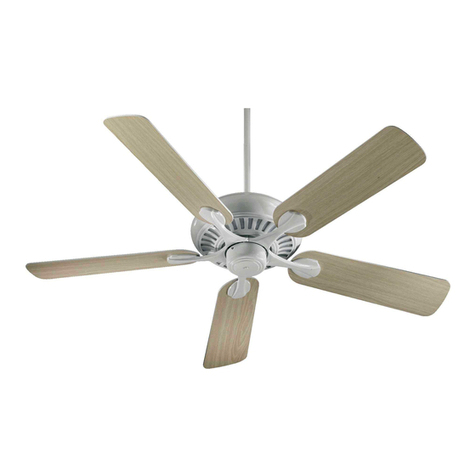
Quorum PINNACLE installation instructions

Quorum

Quorum PINNACLE installation instructions

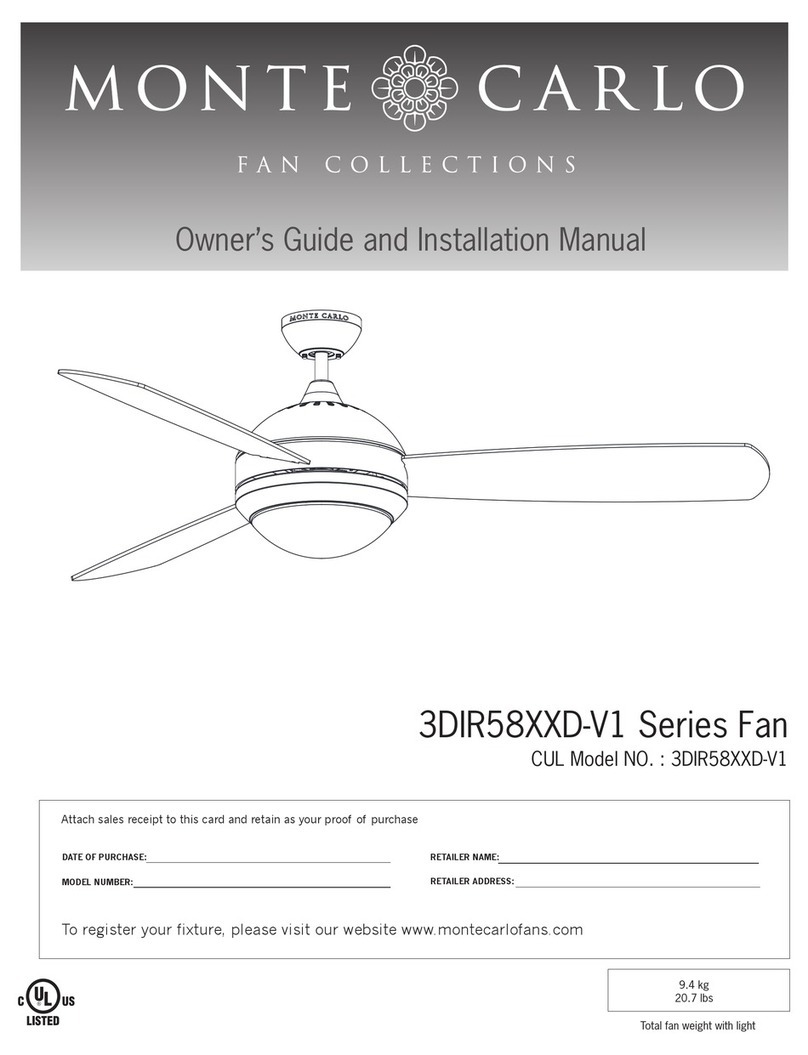
Monte Carlo Fan Company 3DIR58RBD-V1 Owner's guide and installation manual

Monte Carlo Fan Company

Monte Carlo Fan Company 3DIR58RBD-V1 Owner's guide and installation manual

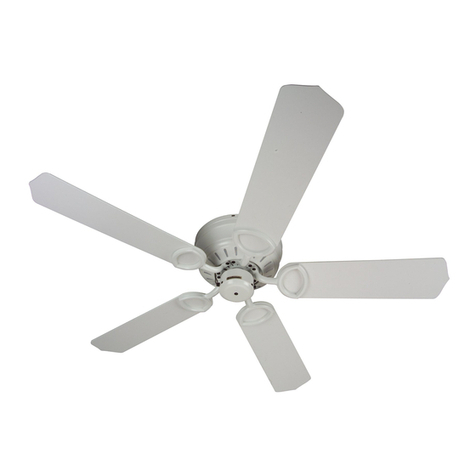
Craftmade UH52 installation guide

Craftmade

Craftmade UH52 installation guide

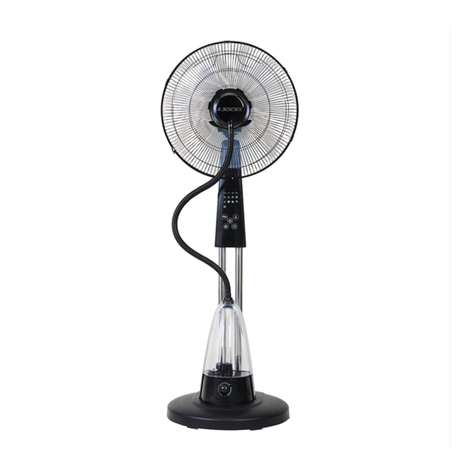
Jocel JVA030658 instruction manual

Jocel

Jocel JVA030658 instruction manual

MIKA MFB1211/GR user manual

MIKA

MIKA MFB1211/GR user manual

Harbor Breeze RLG52NWZ5L manual

Harbor Breeze

Harbor Breeze RLG52NWZ5L manual

Allen + Roth L1405 instruction manual

Allen + Roth

Allen + Roth L1405 instruction manual

ViM KUBAIR F400 ECOWATT Technical manual

ViM

ViM KUBAIR F400 ECOWATT Technical manual

HIDRIA R10R-56LPS-ES50B-04C10 user guide

HIDRIA

HIDRIA R10R-56LPS-ES50B-04C10 user guide

BLAUBERG Ventilatoren CENTRO-M 100 L user manual

BLAUBERG Ventilatoren

BLAUBERG Ventilatoren CENTRO-M 100 L user manual

Triangle Engineering HEAT BUSTER SPL Series owner's manual

Triangle Engineering

Triangle Engineering HEAT BUSTER SPL Series owner's manual

manuals.online logo
manuals.online logoBrands
  • About & Mission
  • Contact us
  • Privacy Policy
  • Terms and Conditions

Copyright 2025 Manuals.Online. All Rights Reserved.

1
Maintenance instructions
DucoBoxEnergy Comfort
In order to ensure that the ventilation system will operate correctly, the unit must be inspected and maintained at periodic inter-
vals at a number of points. A well-maintained unit has a positive impact on efficiency, runs quieter and boasts a longer service life.
Please contact your installer in the event of any irregularities.
Always pull the plug out of the power socket or isolate the unit from the power supply before carrying out mainte-
nance or repairs.
1.A A. Overview
By the user
Item What Period Action
Filters Check for contamination 3 months Clean filters
Replace filters 6 months Replace filters
Vents / grilles Check for contamination 6 months Clean the vents
Unit Check for abnormal noises 1 year Inform the installer
By the installer
Item What Period Action
Unit Check for abnormal noises 1 year Check the fan and valve(s).
Condensate drain Check for correctly operating
condensate drain + clean 1 year Clean condensate drain
Filters Replace filters 1 year Replace filters if necessary
Vents / grilles Check for contamination 1 year Clean vents if necessary
Fans Check + clean fans 4 years Clean fans
Heat exchanger Check + clean heat exchanger 2 years Clean heat exchanger
Bypass valve Check bypass operation 4 years Control + clean bypass valve
Housing Check 4 years Check + deal with damage or corrosion
phenomena
Ducts Clean supply ducts 5-6 years Clean ducting network
Clean exhaust ducts 8 years Clean ducting network
1.B User
Filters
See Duco ventilation systems user manual at www.duco.eu.
Vents
See Duco ventilation systems maintenance instructions and DucoVent Design maintenance instructions.
English
L2001513 Revision A (19.06.2020)
maintenance-instructions-DucoBox-Energy-Comfort-(en)
2
Unit
It is advisable in the event of any fault or abnormal operation to
refer to your installer and not carry out repairs yourself.
1.C C. Installer
Unit
1. Check the outside for damage.
The DucoBox Energy Comfort needs to be switched on for
this check. Keep clear of moving parts and beware of elec-
tric cables.
2. Switch the unit to the 3 settings and check whether the
DucoBox Energy Comfort speeds up and slows down correct-
ly in order to test the rpm setting.
Heat exchanger
1. Switch the unit off.
2. Remove the screws and take the front plate off the unit.
3. Mark the position of the heat exchanger to enable you to fit
it back in the same position.
4. Pull the heat exchanger out of the unit using the strip provi-
ded. Do not cut through the strip, it is there to pull the heat
exchanger out of the unit.
5. Check the heat exchanger to for contamination.
6. To remove dust or dirt, we immerse the heat exchanger in
warm water a few times, we can rinse it off with warm water
(40°C max.).
7. Shake the heat exchanger dry.
8. Fit the heat exchanger back into the unit once it is dry en-
ough.
9. Fit the front plate back onto the unit. Tighten the screws
sufficiently to ensure that the unit is sealed airtight.

Fans
1. Switch the unit off.
2. Remove the screws and take the front plate off the unit.
3. Mark the position of the heat exchanger to enable you to fit
it back in the same position.
4. Pull the heat exchanger out of the unit using the strip provi-
ded. Do not cut through the strip, it is there to pull the heat
exchanger out of the unit. This is necessary in order to gain
proper access to the bypass.
5. Use a vacuum cleaner and damp cloth to remove all the dust.
6. Fit the heat exchanger back into the unit.
7. Fit the front plate back onto the unit. Tighten the screws
sufficiently to ensure that the unit is sealed airtight.
Modulating bypass
1. Switch the unit off.
2. Remove the screws and take the front plate off the unit.
3. Mark the position of the heat exchanger to enable you to fit
it back in the same position.
4. Pull the heat exchanger out of the unit using the strip provi-
ded. Do not cut through the strip, it is there to pull the heat
exchanger out of the unit. This is necessary in order to gain
proper access to the bypass.
5. Check the bypass for contamination or damage and clean it
if necessary.
6. Fit the heat exchanger back into the unit.
7. Fit the front plate back onto the unit. Tighten the screws
sufficiently to ensure that the unit is sealed airtight.
Ducts
1. Remove the vents.
2. Check the air ducts visually for contamination. Dust and/or
grease can adhere to the first section of the duct.
3. Clean the ducts with a damp cloth and use a bio-degreaser
or soap water as appropriate. Do not use solvents!
4. With normal use, the exhaust air piping network needs to
be cleaned every 8years and the supply air piping network
every 5 to 6 years.
Condensate drain
1. Switch the unit off.
2. Remove the screws and take the front plate off the unit.
3. Mark the position of the heat exchanger to enable you to fit
it back in the same position.
4. Pull the heat exchanger out of the unit using the strip provi-
ded. Do not cut through the strip, it is there to pull the heat
exchanger out of the unit.
5. Check whether there is any water left in the condensate
drain and pour some water into the trap to check its operati-
on. By doing so you will also ensure that a (standard) trap is
filled to the optimum level in order to obtain an airtight sys-
tem (water in a trap can evaporate at higher temperatures).
6. Check the drainage path downstream for blockages if the
water does not drain off properly.
7. Fit the heat exchanger back into the unit.
8. Fit the front plate back onto the unit. Tighten the screws
sufficiently to ensure that the unit is sealed airtight.