manuals.online logo
Brands
  1. Home
  2. •
  3. Brands
  4. •
  5. Durite
  6. •
  7. Remote Starter
  8. •
  9. Durite 0-649-27 User manual

Durite 0-649-27 User manual

Other Durite Remote Starter manuals

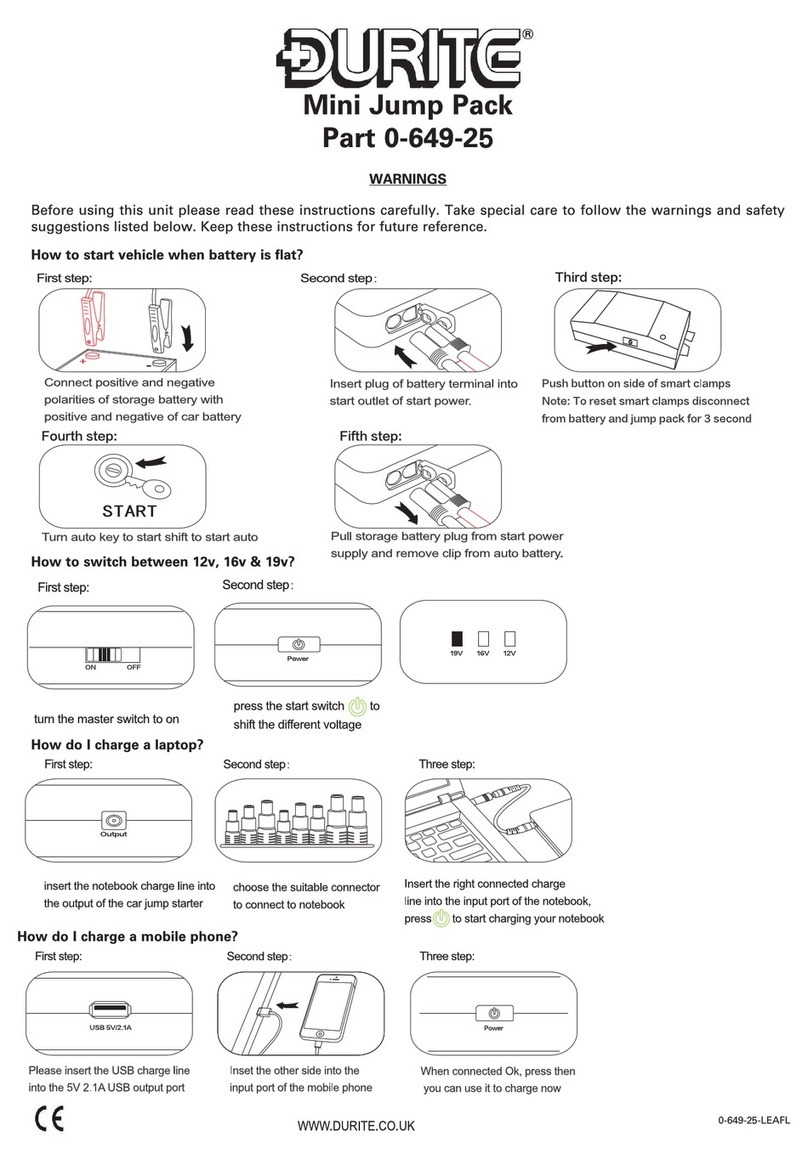
Durite 0-649-25 User manual

Durite

Durite 0-649-25 User manual

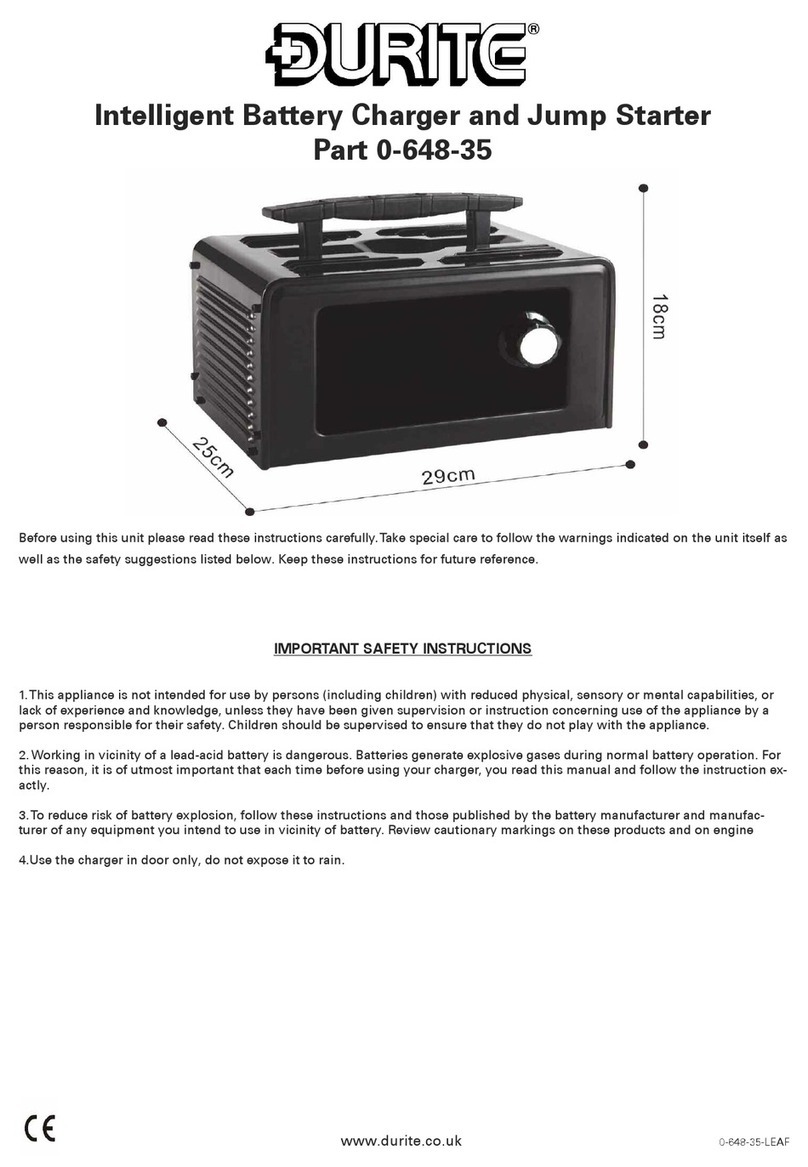
Durite 0-648-35 User manual

Durite

Durite 0-648-35 User manual

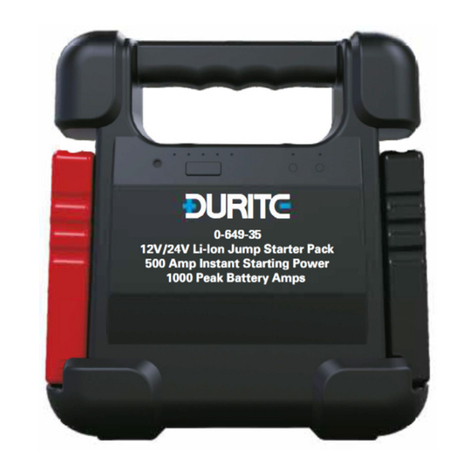
Durite 0-649-35 User manual

Durite

Durite 0-649-35 User manual

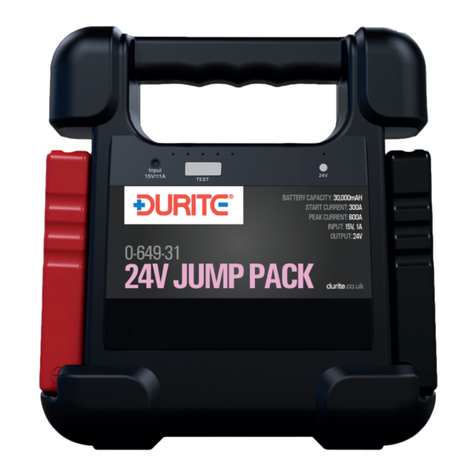
Durite 0-649-31 User manual

Durite

Durite 0-649-31 User manual

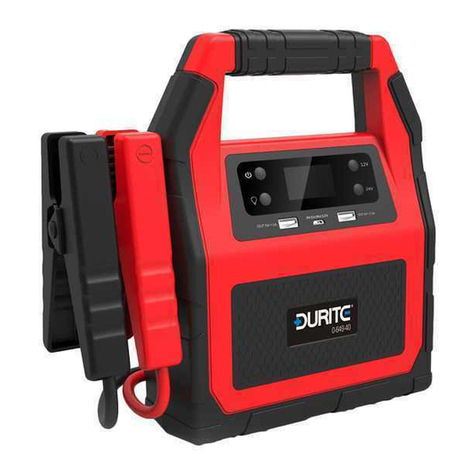
Durite 0-649-40 User manual

Durite

Durite 0-649-40 User manual

Durite 0-649-20 Manual

Durite

Durite 0-649-20 Manual

Durite O-649-70 User manual

Durite

Durite O-649-70 User manual

Popular Remote Starter manuals by other brands

FamilyTool FMT002JST instruction manual

FamilyTool

FamilyTool FMT002JST instruction manual

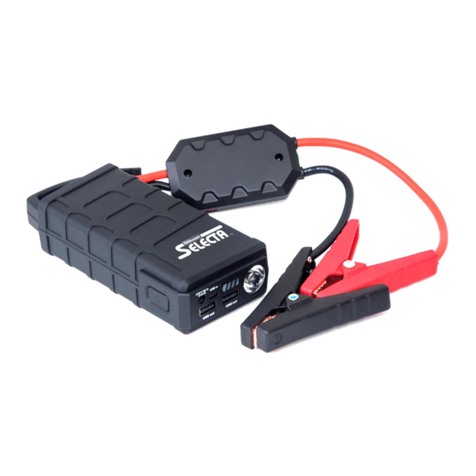
PowerJump LMD-021 user manual

PowerJump

PowerJump LMD-021 user manual

AstroStart 803U user manual

AstroStart

AstroStart 803U user manual

Linear ACCESS AK-21 Installation and programming instructions

Linear

Linear ACCESS AK-21 Installation and programming instructions

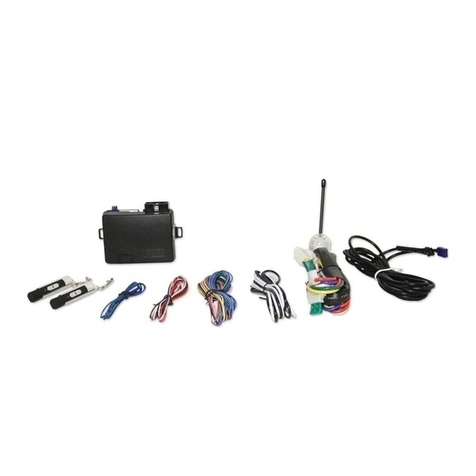
Soundstream TARANTULA RS.2 installation guide

Soundstream

Soundstream TARANTULA RS.2 installation guide

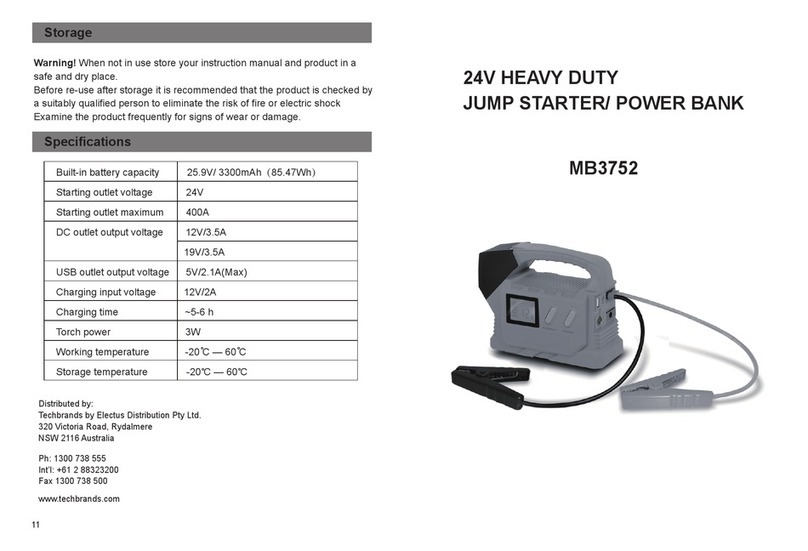
Jaycar Electronics MB3752 instruction manual

Jaycar Electronics

Jaycar Electronics MB3752 instruction manual

Ultra Start 72 Series owner's manual

Ultra Start

Ultra Start 72 Series owner's manual

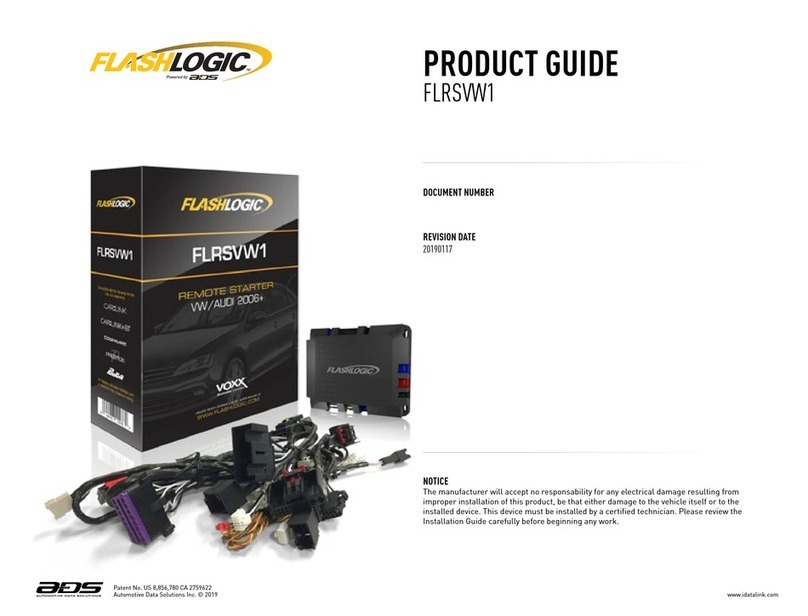
ADS FLASHLOGIC FLRSVW1 Product guide

ADS

ADS FLASHLOGIC FLRSVW1 Product guide

Black Widow Security BW RAS 400 installation manual

Black Widow Security

Black Widow Security BW RAS 400 installation manual

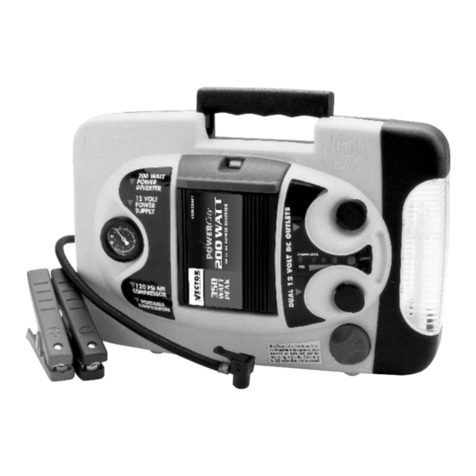
Vector Power City DK080706 Owner's manual & warranty

Vector

Vector Power City DK080706 Owner's manual & warranty

Code Alarm CA-535 owner's manual

Code Alarm

Code Alarm CA-535 owner's manual

EINHELL EGS 3600 Directions for use

EINHELL

EINHELL EGS 3600 Directions for use

Schumacher INSTANT POWER IP-75C owner's manual

Schumacher

Schumacher INSTANT POWER IP-75C owner's manual

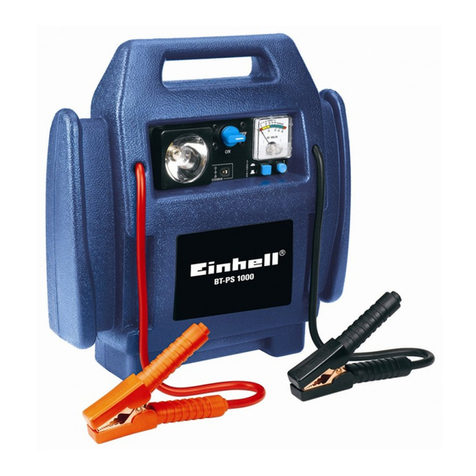
EINHELL BT-PS 1000 Directions for use

EINHELL

EINHELL BT-PS 1000 Directions for use

Mazda 0000-8F-H28 installation instructions

Mazda

Mazda 0000-8F-H28 installation instructions

DEI 450ESP owner's guide

DEI

DEI 450ESP owner's guide

Directed Electronics AutoCommand 28624TN Owner's installation guide

Directed Electronics

Directed Electronics AutoCommand 28624TN Owner's installation guide

AutoLoc AUTEC0 54309 User guide and installation manual

AutoLoc

AutoLoc AUTEC0 54309 User guide and installation manual

manuals.online logo
manuals.online logoBrands
  • About & Mission
  • Contact us
  • Privacy Policy
  • Terms and Conditions

Copyright 2025 Manuals.Online. All Rights Reserved.

7
Mini Jump Pack for 12VDC Vehicles
Part 0-649-27

%
How to switch between 12V, 16V, or 19V ?
How to jump start a car?
Connecting the jumper cable's Positive
clamp to the vehicle battery positive
terminal, and the Negative clamp to
the battery negative terminal.
The LED shall turn into solid green automatically, then you can move on to the 4th step.( Note: If the LED light is not
solid GREEN, 1. Please check if the product is over 50% power, also please check if the clamps were not reverse
connected. Otherwise, you need to activate the "Force to jumpstart mode" by holding the side button for 3 seconds,
then you shall see the LED light turn into solid GREEN, you can move to the 4th step at this moment.
Insert the jumper cable to the product's
jumpstart port.
Turn the ignition key to jumpstart Remove the jumper cable from
the product.
ON/OFF
ON/OFF
Slide the master switch to "ON"
position.
Press to switch 12V, 16V or
19V.
Third step:
Third step:
How to charge a laptop?
How to charge a cellphone?
How to turn on the LED torch light/SOS/strobe mode?
How to recharge the product?
Connect the charging cable to
the DC output port.
Connecting the USB charging
cable to the USB output port.
Connecting the charging pin
to the product's input port.
Hold for 3 seconds to turn on LED
torch light, press 1 time to switch to
SOS mode, press 1 time to switch to
strobe mode.
Plug-in the AC adapter to the wall
socket. Or you can use the 12V car
charger to recharge the product in
your car.
Slide the master switch to
"ON" position.
Connecting the cable with
cellphone.
Connecting the cable with the
connector, then insert it to
laptop's charging input port.
Choose the suitable connector.
Press
0-649-27-LEAFL0-649-27-LEAFL
12V 16V 19V
1. Never short circuit the unit by connecting the red (+) and black (-) clamps, this will permanently damage the unit
and will not be covered under warranty.
2. Never destroy the jump starter as the material inside may be hazardous.
3. Keep children away from the product.
4. Store in a dry place, do not expose to damp conditions or near corrosive materials.
5. If the jump starter expands stop use immediately and disconnect.
6. Please only operate the unit within the operating temperatures below.
7. Please do not turn over the vehicle for more than 3 seconds or damage to the jump pack, battery or leads could occur.
8. Please do not start the vehicle continuously, between starting twice you should allow an interval of at least
30seconds to 1 minute.
9. When the battery power of the unit is less than 10% please do not use the jump starter as it will damage the unit,
charge immediately.
10. Before first use charge for 3 hours or more.
11. Only use to jump start vehicle where 50% or more battery life is available from vehicle battery.
12. Please do not jump vehicle with engine larger than stated. In this case 4.0L DIESEL & 7.0L PETROL.
13. Never attempt to open the unit or repair. Always seek the professional advice from manufacturer.
14. MUST NOT BE USED TO JUMP START ANY VEHICLE WITH A LITHIUM ION BATTERY - RISK OF DAMAGE OR INJURY!
Capacity .............................................................
Battery Cell .......................................................
Output Voltage ...................................................
Start Current .....................................................
Peak Current ....................................................
USB Output x 2 .................................................
Charge Mode ....................................................
Cycle Lifetime ...................................................
Dimensions .......................................................
Operation Temperature .....................................
15,000mAh / 55.5Wh
Li-Polymer
12V/16V/19V (Max Current Draw 2.5A/3.5A/3.5A)
300Amps
600Amps
5V/2.1A
15V/1A
1000 Times
l 189 x w 84 x h 47mm
-20℃- +60℃
Parameters
<10.5V±0.5
>65±5 ℃
Item
Stand-by mode
Force to jumpstart mode
Short-circuit protection
Reverse polarity protection
Reverse charging protection
Low voltage protection
High temperature protection
Serial NO.
1
2
3
4
5
6
7
Description
Red and Green LED flashing alternatively, it will
turn into “Solid Green” after you connected
product with the vehicle battery correctly
Hold the “side button” to activate the Force to
jumpstart mode, the LED would turn into “solid
Green”
Red LED solid on and the buzzer beeps rapidly.
(Note: Do you attempt to short-circuit the
clamps when the LED is “Solid Green”)
Red LED flashing (Note: There is high current
charging back to the booster pack which is
harmful)
Red LED flashes 4 times per second, and the
buzzer beeps 1 times per second
Red LED solid on and the buzzer beeps 1 time
per second (Note: To prevent the product from
being over-discharged, which is harmful to the
lithium battery)
Red LED solid on and the buzzer beeps rapidly.
(Note: The clamps were reverse connected)
SMART JUMP LEADS LED INDICATION
0-649-27-LEAFL0-649-27-LEAFL
Mini Jump Pack for 12VDC Vehicles
Part 0-649-27
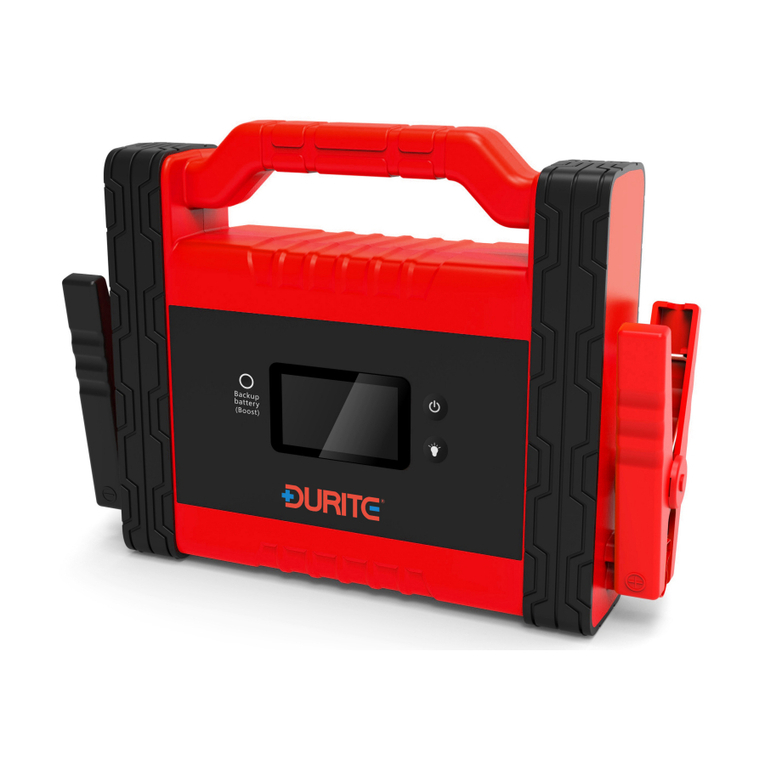
Mini Jump Pack for 12VDC Vehicles
Part 0-649-27