Using the baby unit
For optimal performance, place the baby unit in the room to be monitored in such a way as
to ensure the optimal surveillance of your baby or the elderly. You can also mount the baby
unit using the stand included (hardware to mount the stand to a wall or ceiling not
included).
Note: for safety reasons and for optimum sound transmission we recommend that you keep
the baby unit at least 1 meter (3 feet) from the baby.
Important! Never place baby unit in the baby's cot, bed or playpen!
Important! In case of audio or video interference press and release RESET button to switch
the baby unit to a different channel.
Using the parent unit
Insert parent unit in the PU cover/stand and select a flat surface to place the parent unit.
Note: the parent unit automatically turns on when power is supplied using the AC adapter or
via computer’s USB port.
The parent unit can also be powered on when the POWER/BACK button is pressed for 5
seconds. The welcome screen is displayed. After a short start-up phase the video from baby
unit is displayed or "CONNECTING CAMERA 1" message is displayed on the monitor screen.
Pressing POWER/BACK button for 5 seconds turns monitor off.
Note: if the baby unit is powered ON and within range but the monitor displays: “CONNECT-
ING CAMERA #”, please re-register baby unit. The baby unit can be registered via the Register
Baby Unit menu, see page 21.
When the parent unit is plugged into AC adapter or computer’s USB port, charging status
indicator LED will be blue indicating battery is getting charged.
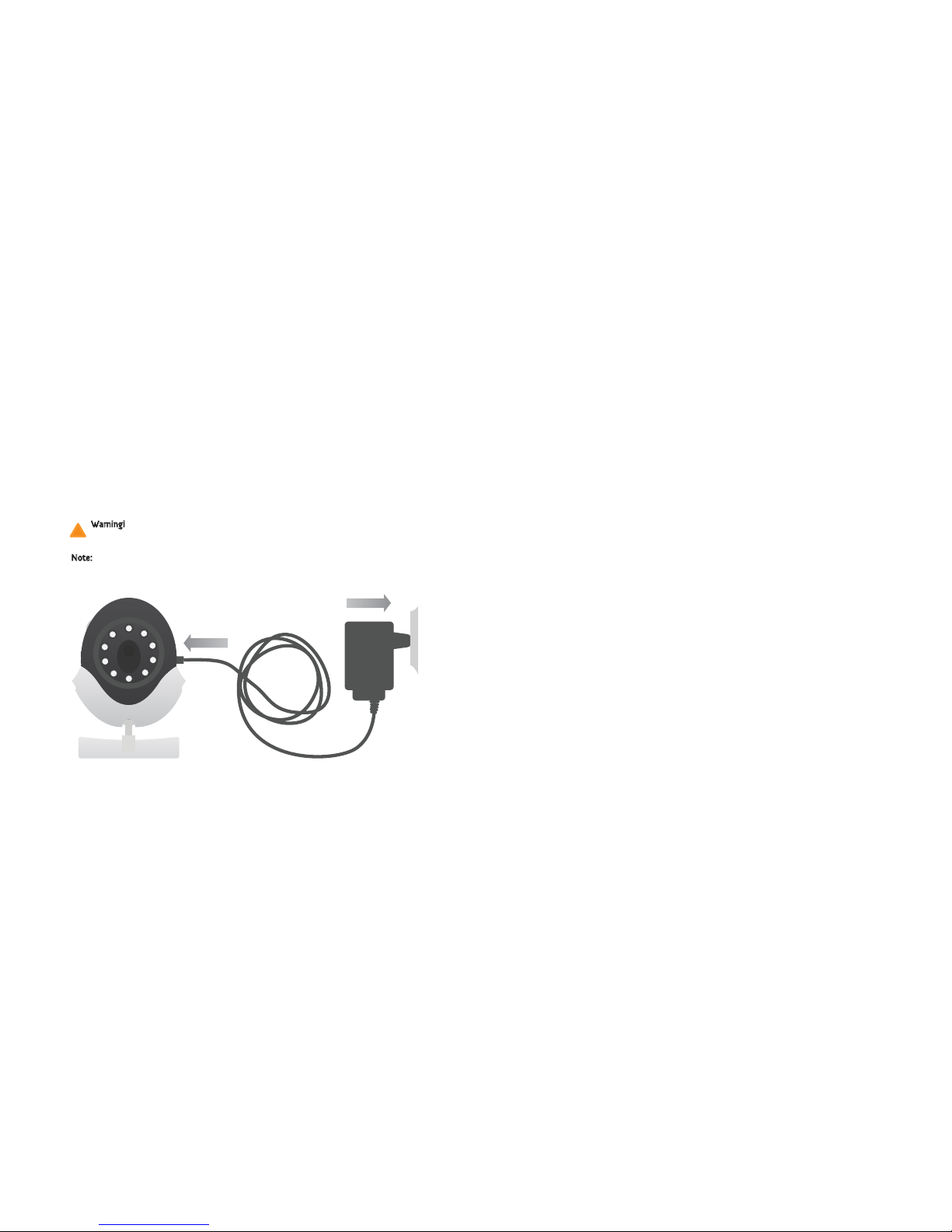
The baby unit can be powered with the AC adapter, the rechargeable battery, or via
computer 's USB port using a USB cable.
To use the rechargeable battery, the device shall be turned on without the AC adapter
plugged in.
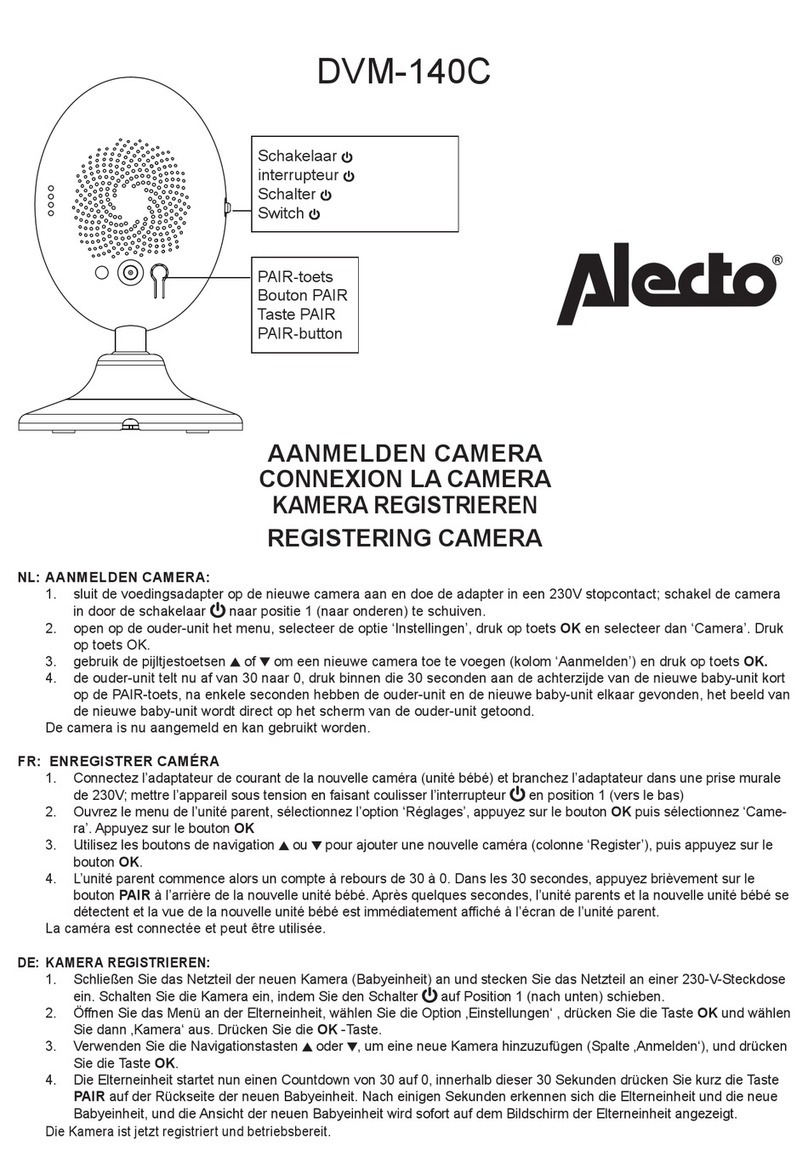
The baby unit turns on when the ON/OFF/PAIR button is pressed for 5 seconds. As
soon as the baby unit is powered on the power status LED turns solid green or flashes
green to indicate the baby unit is powered on. To turn baby unit off, press
ON/OFF/PAIR button for 5 seconds.
When the battery voltage falls below 3.6V, the power status LED turns red from green,
indicating the battery needs to be charged. The parent unit displays "Camera battery is
low" on the screen.
16 17