manuals.online logo
Brands
  1. Home
  2. •
  3. Brands
  4. •
  5. Engl
  6. •
  7. Musical Instrument Amplifier
  8. •
  9. Engl INVADER 100 User manual

Engl INVADER 100 User manual

This manual suits for next models

1

Other Engl Musical Instrument Amplifier manuals

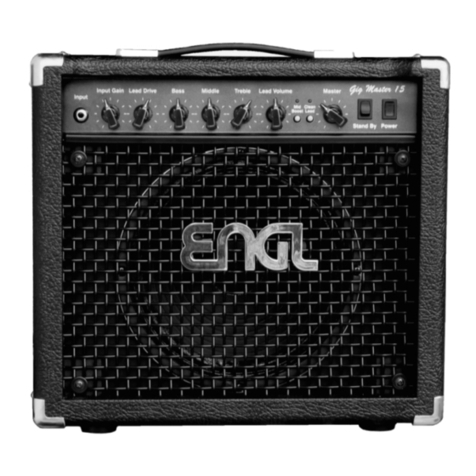
Engl Gig Master 15 User manual

Engl

Engl Gig Master 15 User manual

Engl Retro Tube User manual

Engl

Engl Retro Tube User manual

Engl E670 User manual

Engl

Engl E670 User manual

Engl Digitalamp User manual

Engl

Engl Digitalamp User manual

Engl Raider 100 User manual

Engl

Engl Raider 100 User manual

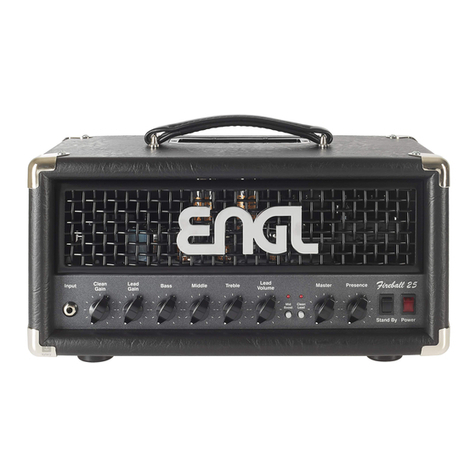
Engl Fireball 25 User manual

Engl

Engl Fireball 25 User manual

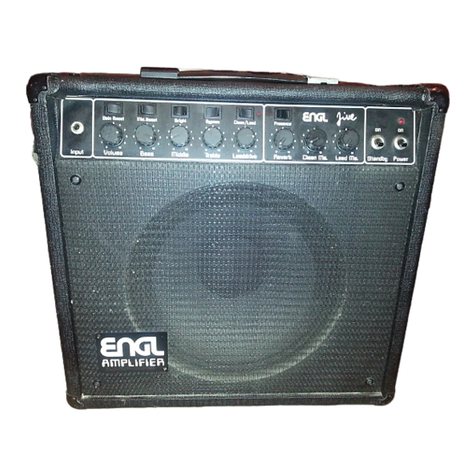
Engl Jive 30 User manual

Engl

Engl Jive 30 User manual

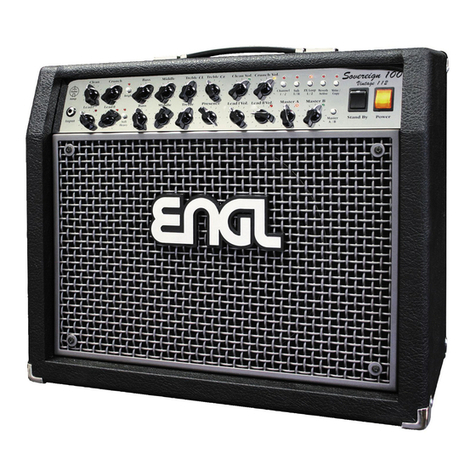
Engl SOVEREIGN 100 User manual

Engl

Engl SOVEREIGN 100 User manual

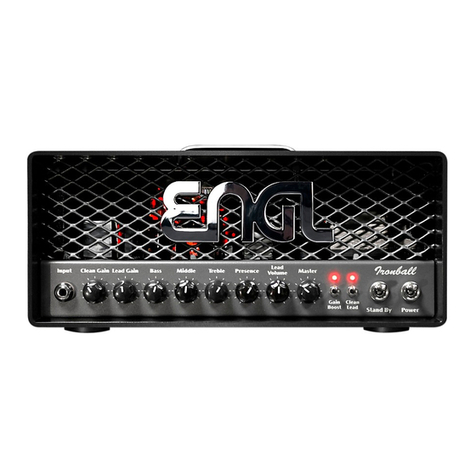
Engl Ironball User manual

Engl

Engl Ironball User manual

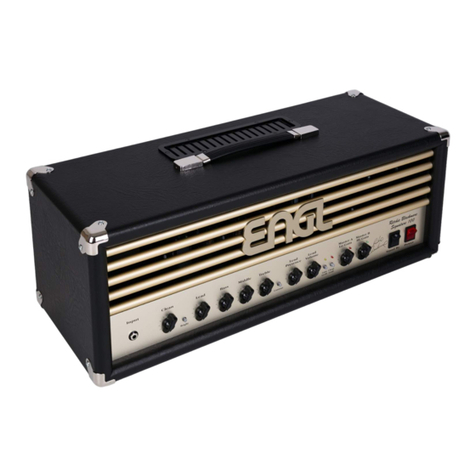
Engl Ritchie Blackmore Signature User manual

Engl

Engl Ritchie Blackmore Signature User manual

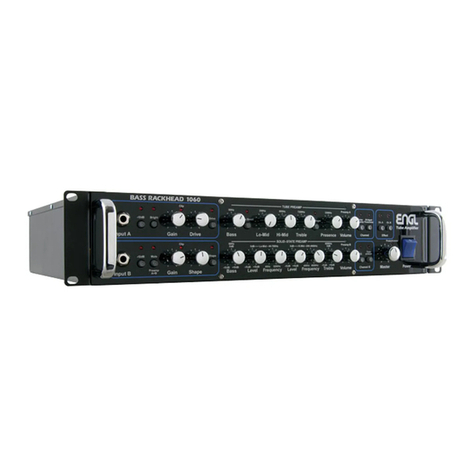
Engl RACKHEAD 1060 User manual

Engl

Engl RACKHEAD 1060 User manual

Engl Classic Tube 50 User manual

Engl

Engl Classic Tube 50 User manual

Engl Fireball User manual

Engl

Engl Fireball User manual

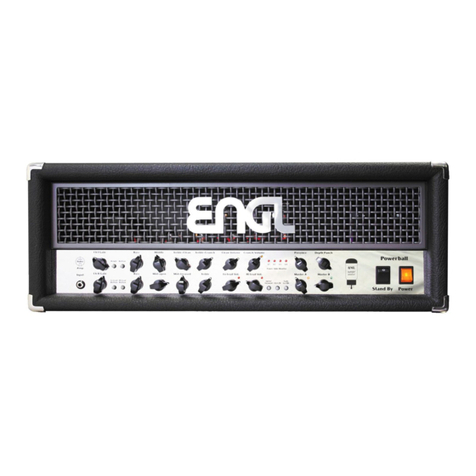
Engl Powerball User manual

Engl

Engl Powerball User manual

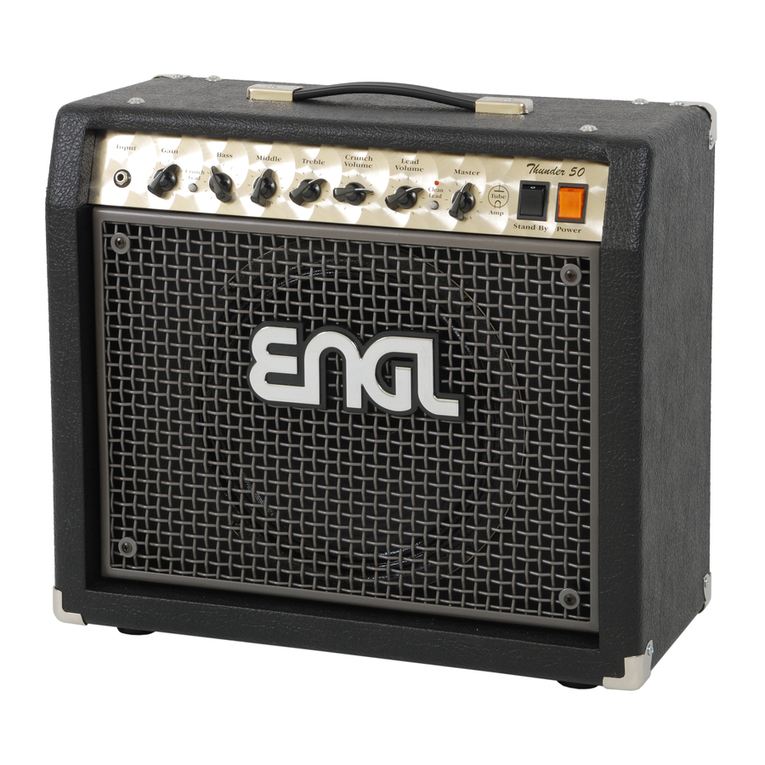
Engl Thunder 50 Type E322 User manual

Engl

Engl Thunder 50 Type E322 User manual

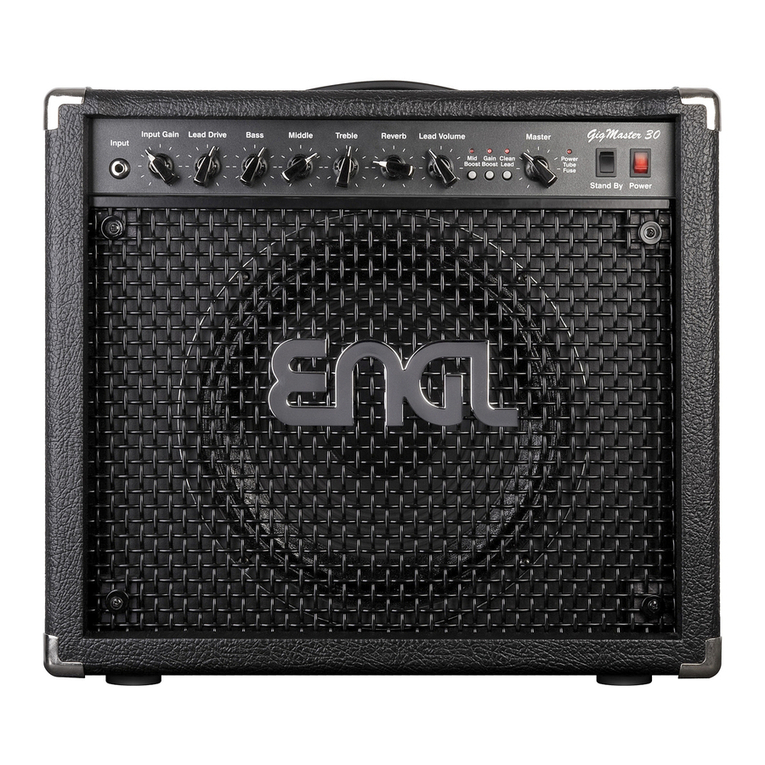
Engl Gig Master 30 User manual

Engl

Engl Gig Master 30 User manual

Engl Powerball-2 Service manual

Engl

Engl Powerball-2 Service manual

Engl E635 User manual

Engl

Engl E635 User manual

Engl Powerball-2 User manual

Engl

Engl Powerball-2 User manual

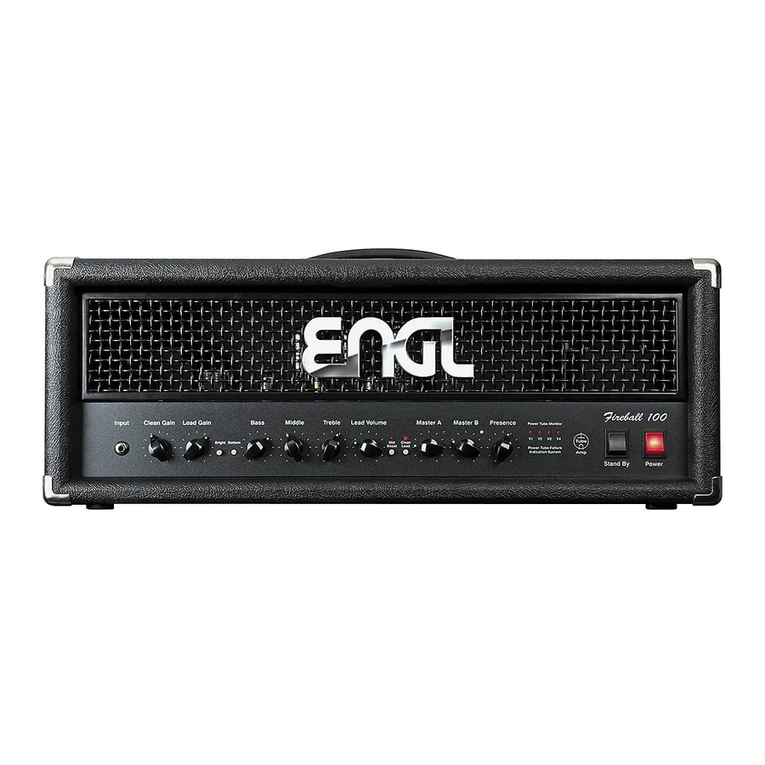
Engl Fireball 100 User manual

Engl

Engl Fireball 100 User manual

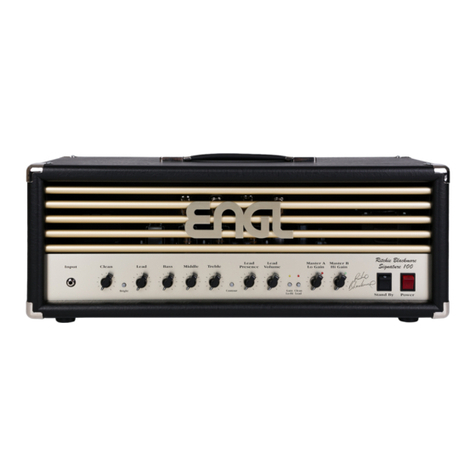
Engl Ritchie Blackmore Signature 100 User manual

Engl

Engl Ritchie Blackmore Signature 100 User manual

Popular Musical Instrument Amplifier manuals by other brands

Peavey Wiggy operating manual

Peavey

Peavey Wiggy operating manual

acus One Forstreet 10 quick start guide

acus

acus One Forstreet 10 quick start guide

Marshall Amplification MG10KK owner's manual

Marshall Amplification

Marshall Amplification MG10KK owner's manual

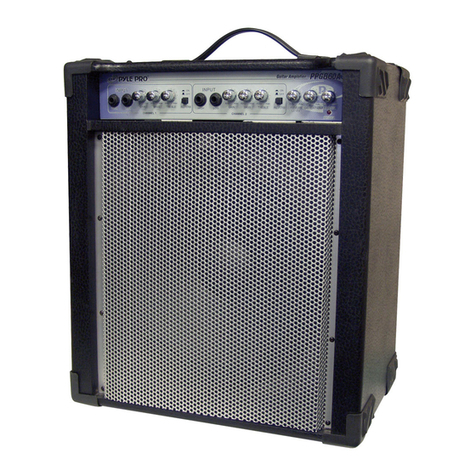
Pyle Pro PPG860A owner's manual

Pyle Pro

Pyle Pro PPG860A owner's manual

Laney BC30 user manual

Laney

Laney BC30 user manual

Vox Pathfinder 15SMR instruction manual

Vox

Vox Pathfinder 15SMR instruction manual

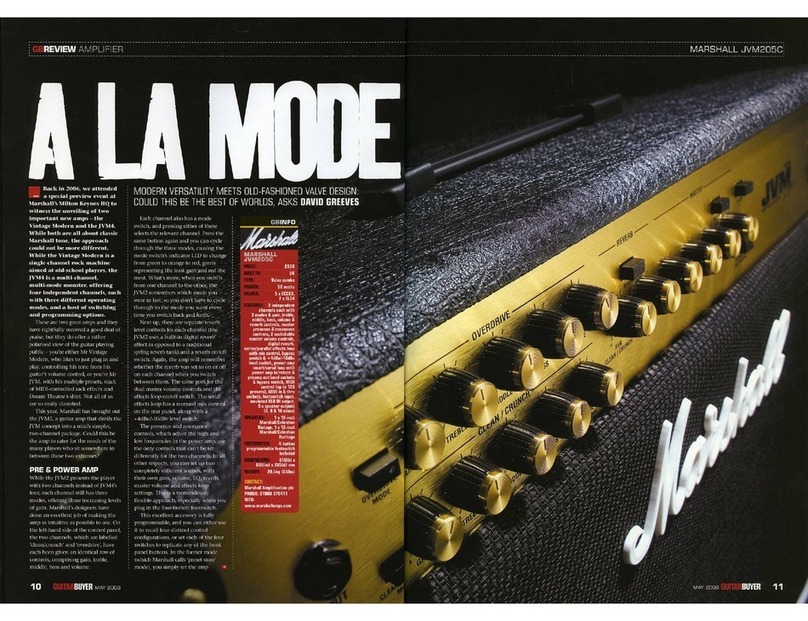
Marshall Amplification JVM205C brochure

Marshall Amplification

Marshall Amplification JVM205C brochure

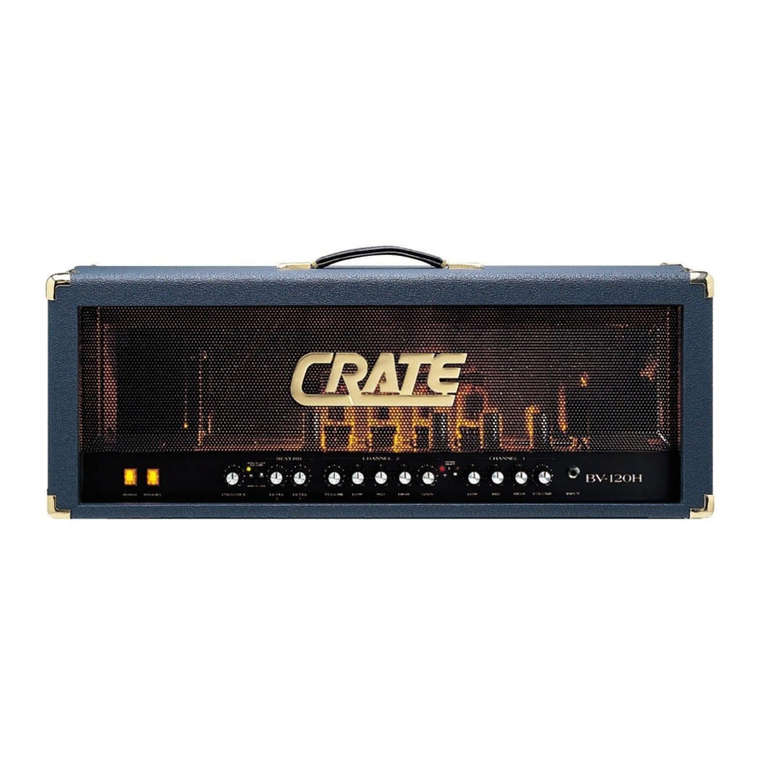
Crate Professional BV-120H user guide

Crate

Crate Professional BV-120H user guide

Peavey Basic 60 operating guide

Peavey

Peavey Basic 60 operating guide

Fender Bassman 1200 operating instructions

Fender

Fender Bassman 1200 operating instructions

ZT Club owner's manual

ZT

ZT Club owner's manual

Ibanez IFS2X owner's manual

Ibanez

Ibanez IFS2X owner's manual

Crate GLX1200H user guide

Crate

Crate GLX1200H user guide

Laboga THE BEAST user guide

Laboga

Laboga THE BEAST user guide

Falken1 Traveller Pro manual

Falken1

Falken1 Traveller Pro manual

Hughes & Kettner Bass Kick 303 manual

Hughes & Kettner

Hughes & Kettner Bass Kick 303 manual

Yamaha GA-10 owner's manual

Yamaha

Yamaha GA-10 owner's manual

Gibson GA5WTR Schematic diagram

Gibson

Gibson GA5WTR Schematic diagram

manuals.online logo
manuals.online logoBrands
  • About & Mission
  • Contact us
  • Privacy Policy
  • Terms and Conditions

Copyright 2025 Manuals.Online. All Rights Reserved.

Operator´s Manual
Please, first read this manual carefully!
4 Channel Full Tube
Guitar Amplifier
with MIDI-Control
INV
A
DER
Tube
Amp
Technology
Tube
Amp
Technology
Table of Contents
page
Introduction
Features and Functionality at a Glance
Contents
Front Panel Features:
Rear Panel Features:
Practical Info and Tips
Glossary
Troubleshooting
Technical Data,
Tube Map, Tube Exchange Service
Wiring of Principal Connectors
Remote Control Options
Front Panel Diagrams for Noting Settings
Note:
:
Handling and Care
Bright
Channel 1: Gain 1, Bass, Middle, Treble, Volume 1, CH 1
Channel 2: Gain 2, Bass, Middle, Treble, Volume 2, CH 2
Power Amp EQ: Presence A/B, Depth Boost
FX Loop I/II, Noise Gate
Input, Hi Gain
Channel 3: Gain 3, Bass, Middle, Treble, Volume 3, CH 3
Channel 4: Gain 4, Bass, Middle, Treble, Volume 4, CH 4
Power Amp section: Master A/B
Write/Copy, Amp Mute
Stand By, Power
Ground Lift Switch
Pre Out, Line Out
Poweramp Output: speaker options
Mains, Mains Fuse,
MIDI Section and Footswitch Ports
Detailed Specifications and Ratings
You'll find an ancillary pamphlet accompanying this owner's manual entitled
Instructions for the Prevention of Fire, Electrical Shock and Injury. Be sure to read it
before you plug in and power up the amp!
Technical specifications are subject to change without notice.
Noise Gate: Threshold Level
FX Loops I and FX Loop II: Send, Return, and Balance
Power Amp Output, 4, 8, 16 Ohms
Configuration table for Z-9 settings
CAUTION! Please read and heed the following:
Status-LED: Indications
4
5
6
6
6, 7
7, 8
8
9
10
10, 11
11, 12
12, 13
13, 14
14, 15
16
16 - 19
19
19, 20
20
20
21
21 - 24
24, 25
25
26
27, 28
29
30
31
32
33
34
3
Congratulations InVader tube-powered head
extraordinarily versatile state-of-the-art design
packing a powerful punch contemporary traditional vintage
tones finest tube flavors
on your choice! With the , you
now own an guitar amp. Featuring a
and , it delivers both and
in the and quality!
This marries the unrivalled tone of to
the awesome sound-shaping might of control features powered by
. This elegant combination puts at your fingertips
and an all but inexhaustible reservoir of compelling
variations all of which may be .
1. a logical control feature array, utmost and
;
2. and courtesy of the many
voicing options and special features, and 128 MIDI presets offering a bevy of
programming options;
sophisticated guitar amp all-tube technology
state-of-the-art
microchip circuitry a vast range of
great fundamental tones
controlled remotely via MIDI
ease of use remarkably intuitive
handling
excellent sound-shaping options greatest flexibility
The InVader amp offers - tweaked to
for various styles and playing techniques, for instance, Channel 3 for
and an power chords; Channel 4 for with an
. All four channels offer Lo Gain / Hi Gain switching, as well as
dedicated Gain and Volume knobs and a 3-band EQ for each channel that give you an
even greater range of sound-sculpting options. The tonal palette ranges from
to , and from with
to the kind of it takes to cut through in
.
What's more, the amp boasts a host of hip & practical features:
is a powerful option that has proven its merits in countless
ENGL amps (it has featured in E920 power amps since the late '80s and in the
legendary SAVAGE 120 head since '93!). Your head also sports
and a .
As an alternative to operating the amp remotely via a such as the
ENGL Z-15, you can also plug in an ENGL and manipulate
key functions directly. What's more, the amp comes with a stereo jack designed to take
an or a switching system for selecting the four channels. And
the certainly match the interior's impressive
appointments. This amp's elegant and stylish look is sure to turn heads wherever you
play.
3. in : , , and .
in every channel the count of .
and affords access to a wide range of
sounds. (that is, automatic frequency response adaptation to suit
the selected Gain stage and activated channel) fine-tunes two Gain stages to
give you a much wider range of sounds.
4. and knobs in each of the four channels and a
for let you dial in distinct tones with surgical precision.
four independent channels deliver different
tonal spectrums
fast & heavy riffs punchy lead tone
assertive midrange kick
vintage
clean classic grind creamy rock lead tone thick, lush tube overdrive
aggressive hi-gain lead sound contemporary
heavy styles
A/B Master switching
InVader Amp two
switchable effect loops programmable Amp Mute
MIDI foot controller
ENGL Z-4 dual footswitch
exterior's compelling visuals
fundamental sounds excellent tube quality Two
Gain stages double instant-access sounds Remote
MIDI Channel Gain Lo/Hi switching
EQ adapting
Separate Gain Volume 3-band EQ
channels 1, 2, 3 and 4
Z-9 Custom Foot Controller
Clean Crunch Lead
This affords you:
4

5. an that will give you years of
and .
-> : , , and with
separate Gain and Volume knobs.
-> for each of the basic channels: The Hi Gain feature
lets you activate directly two different gain settings for every channel.
> : one EQ for each Channel featuring
Bass, Middle and Treble.
-> for and : tuned to match
the given channels' tonal characteristics.
-> and are variable, switchable effect
loops. Each effect loop may be activated for each channel.
-> The power amp's and knobs are .
MIDI controller 7 accesses , and in addition
. These choices come in handy if you wish to use
the signal to .
ultra-advanced tone-generating machine
playing pleasure value to boot
Four basic channels
Two Gain variants
Four voicing sections
sound-shaping button
Two effect loops:
A B Master accessible via MIDI
is
MIDI-programmable
Pre Output tune your guitar
Features and Functionality at a Glance
Channel 1 Channel 2 Channel 3 Channel 4
Channel 1 Channel 2
FX Loop I FX Loop II
Amp Mute Amp Mute
-
Bright
-> and ports serve to integrate the amp into a MIDI system.
-> , accessible via 16 MIDI channels.
-> The InVader
The Serial Amp Control Port accepts the Custom Z-9 Footswitch (optional); use it
as a conventional switcher to select channels and two sound-shaping functions
directly. Then there's the MIDI In, which accepts the Z-9 for use as a simple MIDI
footcontroller or any other MIDI footcontroller. Finally, the amp is equipped with
a stereo jack that takes a dual footswitch, allowing you to switch the four
channels remotely.
-> for suppressing noise in ,
and .
Among the hallmarks of this fine amp are painstaking workmanship and finishing as
well as rigorously tested and carefully selected quality components. You'll find
guidelines on care and maintenance of tube amps on page 24. Under the heading Tips
from the designer, you'll come across practical tips on the aforementioned features
throughout the manual. All critical information concerning the operation of this amp
is preceded by "NOTE", "CAUTION", "Read and heed" or some other eye-catching
comment. We're calling your attention to these remarks for reasons of safety or other
compelling motives, so please give them due consideration.
Everyone at ENGL is confident that the
and are sure to delight you:
Though this amp head is relatively easy to handle and you're probably raring to give it
a go, I recommend that you read the owner's manual thoroughly before you power it
up. It is equipped with several safety features that require further explanation to
prevent malfunctions.
MIDI In Thru
Channel 2 Channel 3
Channel 4
128 MIDI presets
amp offers three different remote interface ports:
Programmable Noise Gate
InVader tube amp's extraordinary versatility
outstanding features Simply plug in, play and be inspired
by the tone of your new ENGL amp!
A few words of wisdom from the designer:
5
Contents:
1. ENGL InVader Tube Amp Head;
2. mains cord;
3. this manual;
4. a pamphlet entitled
.
At the back of the manual, you'll find fold-out diagrams of the front and rear panels.
As you're reading the descriptions of the amp's features, you'll gain a better
understanding of the topic of discussion if you unfold and refer to them as we go!
Channel 1 Gain control. This knob determines the preamp's input sensitivity for
Channel 1; use it to set the desired input level.
The amount of distortion depends on your guitar's pickups and the Gain (19) setting.
In Channel 1, single-coil pickups may begin saturating the preamp when the knob is set
to about the two o'clock position; pickups with very high output levels (humbuckers or
active pickups) will evoke mild overdrive at even lower settings. If you want squeaky
clean tone, simply back off the Gain knob accordingly.
If your guitar sports single-coils and you want to add some grit to your tone and bite to
your riffs, set the knob somewhere between 11 and 3 o'clock. For higher output pick-
Instructions for the Prevention of Fire,
Electrical Shock and Injury
Front Panel Features
A tip from the designer:
1 Bright
2 Gain 1
This feature boosts the upper end of the high frequency range in Channel 1 and
Channel 2. The red LED above this button lights up to indicate the Bright function is on.
This feature can also be switched via MIDI program change or Custom Z-9 Footswitch.
For a very crisp or glassy tone, activate the Bright feature. This setting brightens the
sound of humbucking or muddy pickups.
I matched to suit the two channels' Gain characteristics, which is why you get
different sounds when you activate it. Its effect is strongest in Channel 1's Lo Gain
range. As the name would indicate, the amp's gain level is lowest at this setting, so you
can activate to conjure sparkling clean sounds with Treble and Presence settings
as low as the 12 o'clock position.
This voicing option ups the twang factor inherent in certain types of guitars, and lets
you put a set of sonic cow horns on those that lack it.
is not nearly as aggressive in Channel 1's Hi Gain range. I toned it down to
prevent saturated sounds from growing too cutting or harsh, and tweaked it to deliver
a rich, pleasing overtone spectrum in finest tube-approved quality.
I also matched to Channel 2's tonal structure: Deactivate it for a more
pronounced midrange; activate it – particularly in Lo Gain mode – for a sweet, riff-
approved sound with a distinctively vintage tone!
The Bright functions in Channels 1 and 2, in combination with the two Gain choices Lo
and Hi, give you eight markedly different sounds, all accessible via MIDI!
A tip from the designer:
Bright
Bright
Bright
Bright
6
ups such as humbucking or active jobs, dial in settings between 9 and 1 o'clock and
activate .
This is the preamp voicing section's passive low-frequency EQ for .
This is the preamp voicing section's passive midrange frequency EQ for .
This is the preamp voicing section's passive high-frequency EQ for .
Determines the level for . Use this knob to adjust the volume of and
dial in the desired balance in comparison with the other channels' levels. Because this
knob is located pre effects loop, it also determines the effects send level for .
The green LED to the right of the knob lights up to indicate is on.
Gain control for . This knob determines the input sensitivity in Channel 2
mode; use it to dial in the desired amount of preamp distortion.
Single-coil pickups will evoke mildly overdriven sounds at settings somewhere
between 9 and 2 o'clock. Try settings between 8 and 12 o'clock for pickups with high-
output humbuckers or active pickups. Bear in mind the Hi Gain function. You can
activate it via an ENGL Custom Z-9 Footswitch or a preprogrammed MIDI preset to get
an even bigger, beefier crunch tone on the fly.
Extremely high gain and volume levels in Channel 2 can produce powerful
Hi Gain
Channel 1
Channel 1
Channel 1
Channel 1 Channel 1
Channel 1
Channel 1
Channel 2
A tip from the designer:
CAUTION:
3 Bass
4 Middle
5 Treble
6 Volume 1
7CH1
8 Gain 2
A tip from the designer:
To help you get acquainted with the amp's fundamental sounds, I recommend that
you set all tone controls to or slightly higher than the center or 12 o'clock position. For
higher-gain preamp sounds, your best bet is to turn the Treble knob down to prevent
the pickups and speakers from generating feedback (a setting in the 10-to -1 o'clock
range is recommended). You will find that grittier tones generally sound better with a
touch less treble because preamp saturation makes higher frequencies figure more
prominently in the signal. Bear in mind that you also have the Bright (1) button, as well
as the power amp (14) an (15) knobs, at your disposal for
shaping the frequency range. I suggest you get into the habit of dialing in lower Treble
settings. That way, you can program various MIDI presets with the Bright option
remotely and have plenty of tonal variations at your fingertips.
Push this button to activate preamp Channel 1 directly (in reciprocation with ,
, ). The green LED to the right of the Channel 1 Volume knob (6)
lights up to indicate is active. may also be activated via MIDI
program change, the ENGL Custom Z-9 Footswitch, or a dual footswitch.
Presence Depth Punch
Channel 2
Channel 3 Channel 4
Channel 1 Channel 1
7
feedback. Avoid feedback squeals; they can lead to hearing loss and damage
speakers! At higher volumes, back off the Gain, Treble and Presence levels in order to
prevent unchecked feedback!
This is the preamp voicing section's passive low-frequency EQ for .
This is the preamp voicing section's passive midrange frequency EQ for .
This is the preamp voicing section's passive high-frequency EQ for .
Determines the level for . Use this knob to adjust the volume of and
dial in the desired balance in comparison with the other channels' levels. Because this
knob is located pre effects loop, it also determines the effects send level for .
TheyellowLEDtotherightoftheknoblightsuptoindicate ison.
Channel 2
Channel 2
Channel 2
Channel 2 Channel 2
Channel 2
Channel2
A tip from the designer:
12Volume2
9 Bass
10 Middle
11 Treble
13 CH 2
14 Presence
15 Depth Punch
To help you get acquainted with the amp's fundamental sounds, I recommend that
you set all tone controls to or slightly higher than the center or 12 o'clock position. For
higher-gain sounds in , your best bet is to turn the Treble knob down to
prevent the pickups and speakers from generating feedback (a setting in the 10-to -1
o'clock range is recommended).
Each channel is equipped with a dedicated EQ so you can tweak its sound separately to
suit your taste and the given sonic scenario. Bear in mind that you also have the Bright
(1) button, as well as the two power amp Presence (14) and Depth Punch (15) knobs,
at your disposal for shaping the frequency range. Though this passive voicing section's
controls range is narrower than that of a comparable active system, its EQ curve is
tweaked specifically for its designated purpose, and will give you satisfying results.
Press this button to activate preamp directly (in reciprocation with ,
, ). The yellow LED to the right of the Channel 2 Volume knob (12)
lights up to indicate is active. may also be activated via MIDI
program change, the ENGL Custom Z-9 Footswitch, or a dual footswitch.
Power amp Presence knob. This knob determines the power amp's high frequency
response.
This control shapes the lo frequency response in the power amp stage and affects all
channels.
Channel 2
Channel 2 Chanel 1
Channel 3 Channel 4
Channel 2 Channel 2
8
16 FX LOOP I/II
17 Noise Gate
This button switches to and fro between and . The red LED above
the button lights up to indicate is on. You can also select loops via MIDI
program change or the ENGL Custom Z-9 Footswitch.
Both effect loops can be configured in series (that is, 100% processed signal when
is set to ) or in parallel (1% to 99% mix of preamp and effect signal when
is set somewhere between and ), or be bypassed altogether (0 % wet
balance when is set to ). You can connect an effect device to each of the
effect loops and switch from one effect device to the other using the FX Loop I/II
function, or employ just one of the two effect loops (for example, FX II Loop) and use
to activate the effect. In the latter case, serves as a bypass (set
its knob to the position). Note that in the signal path, and
controls are post and pre the power amp.
Press this button to activate an onboard and suppress excess noise in
channel 2, 3 or 4. Control the using the Level Threshold (48) knob on the
back of the amp. The LED above the button lights up to indicate the is
activated. This feature can also be switched via MIDI program change or the ENGL
Custom Z-9 Footswitch.
: The may open up inadvertently
when the is activated, a high-gain channel is selected, and the volume
exceeds the Threshold knob setting. At very high volume and gain settings, this may
generate instant feedback, particularly if your guitar is facing the speakers. Rather
than musical and controlled, this is the shrill, unpleasant and potentially harmful
variety of feedback squealing that sends your audience and fellow musicians packing.
Though the amp is not more susceptible to feedback when the is activated,
the fact that it suppresses extraneous noise means you can't hear those telltale signs
that feedback is swelling and consequently can't take measures to suppress it. For this
reason, make an extra effort to be careful when the is activated: Before
you approach the amp and speaker cabinet with your guitar in hand, turn the guitar's
volume knob to the far left position (to 0 so that no signal is audible) to prevent the
pickups and speakers from interacting!
Noise is a definite no-no in many situations. For example, studio etiquette demands
that you keep a lid on extraneous noise during short breaks. It's in the nature of high-
gain rigs to generate undesirable peripheral noise in overdriven channels. This is
attributable to the physical properties of an amp's constituent components, in
particular its active components. That's right; those cherished tubes are the culprits.
The Noise Gate is a tool that lets you silence this noise during breaks by way of signal
mute circuit. Note that electric guitars pick up interference signals, and these are
amplified tremendously at high gain levels in Hi Gain mode. The most common source
of noise is 50 or 60 hertz mains hum, particularly when the guitar is positioned near
transformers and power units. Because in worst-case scenarios this humming can
attain extremely high levels, the Noise Gate can hardly distinguish between the
musical signal and noise. This makes it hard to find the right Threshold setting. It is
FX Loop I FX Loop II
FX Loop II
Balance wet
Balance dry wet
Balance dry
FX Loop I/II FX Loop I
Balance dry Master A
Master B FX Loop Return
Noise Gate
Noise Gate
Noise Gate
Noise Gate
Noise Gate
Noise Gate
Noise Gate
A tip from the designer:
IMPORTANT note; please read and heed
A tip from the designer:
9
entirely possible for this humming and other noise to rise to a level that deactivates the
and therefore becomes audible. My advice is to stay as far away from
transformers and power units as space allows.
¼" unbalanced input jack. Plug your guitar in here using a shielded cord.
Depending on the type of cord and its shielding, you may occasionally encounter
interference from sources such as radio stations or powerful magnetic fields. When
this occurs, try connecting your guitar to the amp using different cords. What's more,
to minimize signal degradation due to high-frequency loss, use the shortest cords
feasible (as a rule, the shorter the cord, the less susceptible it is to high-frequency
attenuation).
Pressing this button ups input sensitivity, thereby increasing the amplification factor
and the amount of distortion in all four preamp channels , , and . The
LED above this button lights up to indicate is active. This feature can also be
switched via MIDI program change or Custom Z-9 Footswitch.
Obviously, the difference between Lo and High Gain is the latter gives you more
preamp juice. But I also tuned frequency response to suit each channel's gain structure,
which is a long-winded way of saying the four channels give you eight great sonic
choices. Depending on the selected channel and Gain knob setting, the spectrum
ranges from pristine clean to ultra saturated lead tone, rich in overtones and gain
reserves for screaming solos and crashing power chords. Whatever tones your style,
genre and whims may demand, you'll find it between these two extremes. The options
are too numerous to mention, so switch back and forth between Lo and High Gain in
each of the four channels to get to know their tonal characteristics and make the most
of these eight fundamental sounds.
Gain control for Channel 3. This knob determines Channel 3's input sensitivity; use it to
dial in the desired amount of saturation level.
This is the preamp voicing section's passive low-frequency EQ for .
Noise Gate
CH1 CH2 CH3 CH4
Hi Gain
Channel 3
A tip from the designer:
20 Gain 3
18 Input
19 Hi Gain
21 Bass
Depending on Gain knob and Gain option (19) settings, Channel 3's gain ranges from
middling to extreme, which translates to big power chords and mean leads. Note that
Channel 3's midrange is scooped - that is, not as dominant as Channel 4's - lending
Channel 3 a distinctive tone quite unlike the other.
Extremely high gain and volume levels in Channel 3 can produce powerful
feedback. Avoid feedback squeals; they can lead to hearing loss and damage
speakers! At higher volumes, back off the Gain, Treble and Presence levels in order to
prevent unchecked feedback!
CAUTION:
10