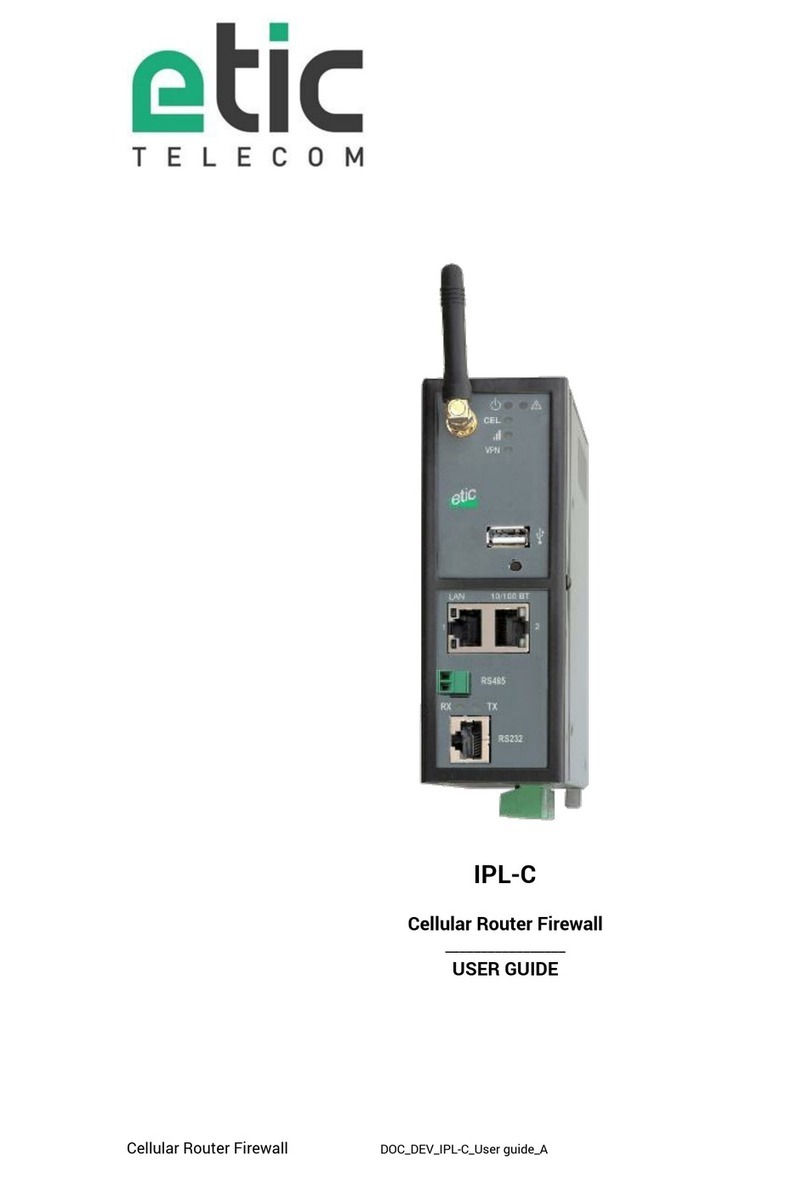
ETIC IPL-E User manual

IPL-E IPL-A IPL-C
Ethernet ADSL Cellular Routeur Firewall
_________________
SETUP GUIDE
_________________
Document reference : 9 234 9- 1

The IPL family of IP routers is manufactured by
ETIC TELECOM
13 Chemin du vieux chêne
3824 MEYLAN
FRANCE
TEL : + 33 4-76- 4-2 -
Hotline : + 33 4-76- 4-2 - 5
FAX : + 33 4-76- 4-2 - 1
E-mail : hotline@etictelecom.com
web : www.etictelecom.com

Ethernet ADSL Cellular Routeur Firewall Setup Guide 9 234 9- 1
Page 3
CONTENT
CONTENT ................................................................................................................................... 3
OVERVIEW ................................................................................................................................. 7
SUBJECT OF THE MANUAL ............................................................................................... 7
MAIN FEATURES OF THE IPL ROUTERS ............................................................................. 7
IPL ROUTER ORGANISATION ............................................................................................. 9
PREPARING THE SETUP ........................................................................................................... 11
FIRST SETUP .................................................................................................................. 11
PROTECTING THE ACCESS TO THE ADMINISTRATION WEB SERVER ............................... 11
HTTPS SET-UP MODIFICATIONS THROUGH THE WAN INTERFACE .................................. 12
RECOVERING THE FACTORY LAN IP ADDRESS ................................................................ 12
RESTORING THE FACTORY SET-UP ................................................................................. 12
SAVING OR RESTORING A SET OF PARAMETERS ............................................................ 13
IPL ROUTER SET-UP ................................................................................................................ 15
ETHERNET / WAN INTERFACE SETUP .............................................................................. 16
ADSL INTERFACE SETUP ................................................................................................. 18
CELLULAR INTERFACE SETUP ......................................................................................... 2
3.1 SIM 1 or SIM 2 set-up ......................................................................................... 2
3.2 Using the SIM cards 1 and 2 ............................................................................... 21
3.3 Cellular connection control ................................................................................. 22
WIFI INTERFACE SETUP .................................................................................................. 23
LAN INTERFACE SETUP ................................................................................................... 24
5.1 Overview ............................................................................................................ 24
5.2 Ethernet & IP menu ............................................................................................ 25
5.3 WiFi access point set-up .................................................................................... 27
5.4 Device list set-up ............................................................................................... 28
5.5 DHCP server menu ............................................................................................. 29
M2ME_CONNECT CONNECTION SET-UP .......................................................................... 3

CONTENT
Page 4
Setup Guide 9 234 9- 1 Ethernet ADSL Cellular Routeur Firewall
IPL ROUTER SETUP
REMOTE ACCESS CONNECTION ...................................................................................... 31
7.1 Advantages of a remote access connection ........................................................ 31
7.2 Types of remote access connections .................................................................. 33
7.3 HTTPS connection and portal for smartphones, tablets or PCs ............................ 34
7.3.1
Overview .......................................................................................................................... 34
7.3.2
Set-up ............................................................................................................................... 35
7.3.3
Operation ......................................................................................................................... 35
7.4 OpenVPN remote user connection ...................................................................... 36
7.5 OpenVPN connection for smartphones ............................................................... 36
7.6 PPTP connection ................................................................................................ 37
7.7 L2TP / IPSec connection .................................................................................... 37
USER LIST ....................................................................................................................... 38
ASSIGNING RIGHTS TO REMOTE USERS ......................................................................... 4
IPSEC VPNS SET-UP ....................................................................................................... 41
1 .1 Overview ............................................................................................................ 41
1 .2 IPSec VPN connection set-up ............................................................................. 42
OPENVPN TYPE VPN CONNECTION ................................................................................ 47
11.1 Overview ............................................................................................................ 47
11.2 Set-up principles ................................................................................................ 49
11.3 OpenVPN server set-up ...................................................................................... 5
11.4 Setting up an outgoing connection ..................................................................... 52
11.5 Setting up an ingoing VPN connection ................................................................ 54
IP ROUTING ..................................................................................................................... 55
12.1 Basic routing function ........................................................................................ 55
12.2 Static routes ...................................................................................................... 55
12.3 RIP protocol ....................................................................................................... 57
NETWORK ADDRESS TRANSLATION (NAT) ...................................................................... 58
PORT FORWARDING ........................................................................................................ 58
14.1 Overview ............................................................................................................ 58
14.2 Set-up ................................................................................................................ 59

CONTENT
Ethernet ADSL Cellular Routeur Firewall Setup Guide 9 234 9- 1
Page 5
… IPL ROUTER SETUP
ADVANCED NAT .............................................................................................................. 6
15.1 Overview ............................................................................................................ 6
15.2 Set-up ................................................................................................................ 61
DYNDNS OR NOIP SET-UP ............................................................................................... 62
16.1 Overview ............................................................................................................ 62
16.2 Set-up ................................................................................................................ 62
FIREWALL SET-UP .......................................................................................................... 64
17.1 Overview ............................................................................................................ 64
17.2 Main filter .......................................................................................................... 65
17.2.1
Main filter organisation ................................................................................................ 65
SERIAL TO IP GATEWAY CONFIGURATION ....................................................................... 67
18.1 Overview ............................................................................................................ 67
18.2 Modbus gateway ................................................................................................ 69
18.2.1
Glossary......................................................................................................................... 69
18.2.2
Selecting a Modbus client or a Modbus server gateway .......................................... 69
18.2.3
Modbus server gateway ............................................................................................... 7
18.2.4
Modbus client gateway ................................................................................................ 71
18.3 RAW TCP gateway .............................................................................................. 72
18.3.1
Raw client gateway ...................................................................................................... 72
18.3.2
Raw server gateway ..................................................................................................... 73
18.4 RAW UDP gateway ............................................................................................. 74
18.4.1
Overview ........................................................................................................................ 74
18.4.2
Set-up ............................................................................................................................ 74
USB GATEWAY ................................................................................................................ 76
19.1 Overview ............................................................................................................ 76
19.2 Set-up ................................................................................................................ 76
ALARM EMAIL OR A SMS ................................................................................................ 77
SNMP TRAPS .................................................................................................................. 78
ADDING A CERTIFICATE INTO THE ROUTER ..................................................................... 78

CONTENT
Page 6
Setup Guide 9 234 9- 1 Ethernet ADSL Cellular Routeur Firewall
MAINTENANCE ........................................................................................................................ 79
« PING » TOOL ................................................................................................................. 79
« WIFI » SCANNER TOOL ................................................................................................. 79
FIRMWARE UPDATE ........................................................................................................ 79

Ethernet ADSL Cellular Routeur Firewall Setup Guide 9 234 9- 1
Page 7
OVERVIEW
Subject of the manual
This manual describes how to set-up the IPL family of routers manufactured by ETIC TELECOM
That manual applies in particular to the models listed below :
Ethernet interfaces IP router IPL-E
ADSL router IPL-A
Cellular LTE-UMTS-GPRS router IPL-C
WiFi router IPL-EW
ADSL & cellular router IPL-DAC
Cellular backup router IPL-DEC
Main features of the IPL routers
IP routing
The IPL family of routers provides an extended panel of routing functions among which :
Static routes
Source and destination address translation
Port forwarding
RIP and OSPF
DynDNS.
IPSec & OpenVPN VPNs
The IPL routers are able to establish IPSec or OpenVPN VPNs.
IPSec will be preferred when it is the solution selected for a system for security reasons for instance or if the
IPL ETIC TELECOM router must establish a VPN towards another router providing only IPSec.
OpenVPN will be preferred for its ease of use because it is transported by TCP or UDP.
Firewall
The IPL router incorporate an SPI firewall.
It is divided in three filters : The Deny of Service filter to prevent Internet attacks, the main filter to filter
source & destination IP addresses, and the remote user filter.

OVERVIEW
Page 8
Setup Guide 9 234 9- 1 Ethernet ADSL Cellular Routeur Firewall
Remote access server for PC, tablet or smartphone
The IPL routers provide a powerful and flexible remote access service.
PPTP, L2TP/IPSec, OpenVPN or HTTPS remote access connections can be set-up.
Remote users are authenticated, and particular access rights can be assigned to each remote user
according to his identity.
The HTTPS web portal identifies each remote user and displays the list of the web servers o which he can
access.
VRRP redundancy
VRRP is a short distance Ethernet protocol between two routers for instance.
It allows to replace one router when it fails by another one.
Optional WiFi interface
The IPL routers provide optionnaly a 2.4 & 5 GHz WiFi interface.
That WiFi interface can be used either as an access point or as a client.
SNMP
The IPL routers incorporate a MIB which make possible to collect the status of each router.
DHCP server
The IP can behave like a DHCP server on the LAN interface.
Emails – sms
The digital input allows to send an email or an SMS (cellular routers).
Serial gateway
The IPL routers provide optionally serial RS232, RS485, RS422 interfaces and gateway s.
The following gateways solutions are provided :
Raw TCP client or server.
Raw UDP
Telnet
Modbus master or slave.
Unitelway

OVERVIEW
Ethernet ADSL Cellular Routeur Firewall Setup Guide 9 234 9- 1
Page 9
IPL router organisation
The IPL router connects to the Internet or a private network on one hand (WAN interface), and to a machine
network on the other hand (LAN interface).
ADSL router IPL-A
WAN interface
Depending on the model, the IPL routers provide the following WAN interfaces to reach te Internet or a
company network :
WAN interface of the IPL routers
IPL-E IPL-EW IPL-A IPL-AW IPL-C IPL-CW
Ethernet
ADSL
Cellular
WiFi
WAN interface of the IPL-D routers
That models provide backup functions
IPL-DEC IPL-DAC
Ethernet
ADSL
Cellular
LAN interface
Depending on the model, the IPL routers provide 1 to 4 switched Ethernet ports to connect the devices of
the machine.
That interface dedicated to connect a machine network is called the LAN interface.
Serial gateway location
The optional serial gateway is loacetd at the LAN IP address of the IPLrouter.

OVERVIEW
Page 1
Setup Guide 9 234 9- 1 Ethernet ADSL Cellular Routeur Firewall
Remote access server location
The remote users can connect to the WAN interface of the router.
Firewall
The deny of service filter protects against Internet attacks.
The main filter filters IP frames between the LAN interface on one hand and the WAN interface or
transmitted inside a VPN or transmitted inside a remote user connection on the other hand.
The remote users filter, identifies the remote users and assigns individual rights
Other manuals for IPL-E
1
This manual suits for next models
2
Table of contents
Other ETIC Firewall manuals