manuals.online logo
Brands
  1. Home
  2. •
  3. Brands
  4. •
  5. Extron electronics
  6. •
  7. Amplifier
  8. •
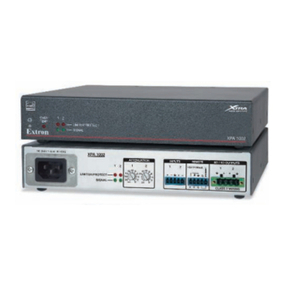
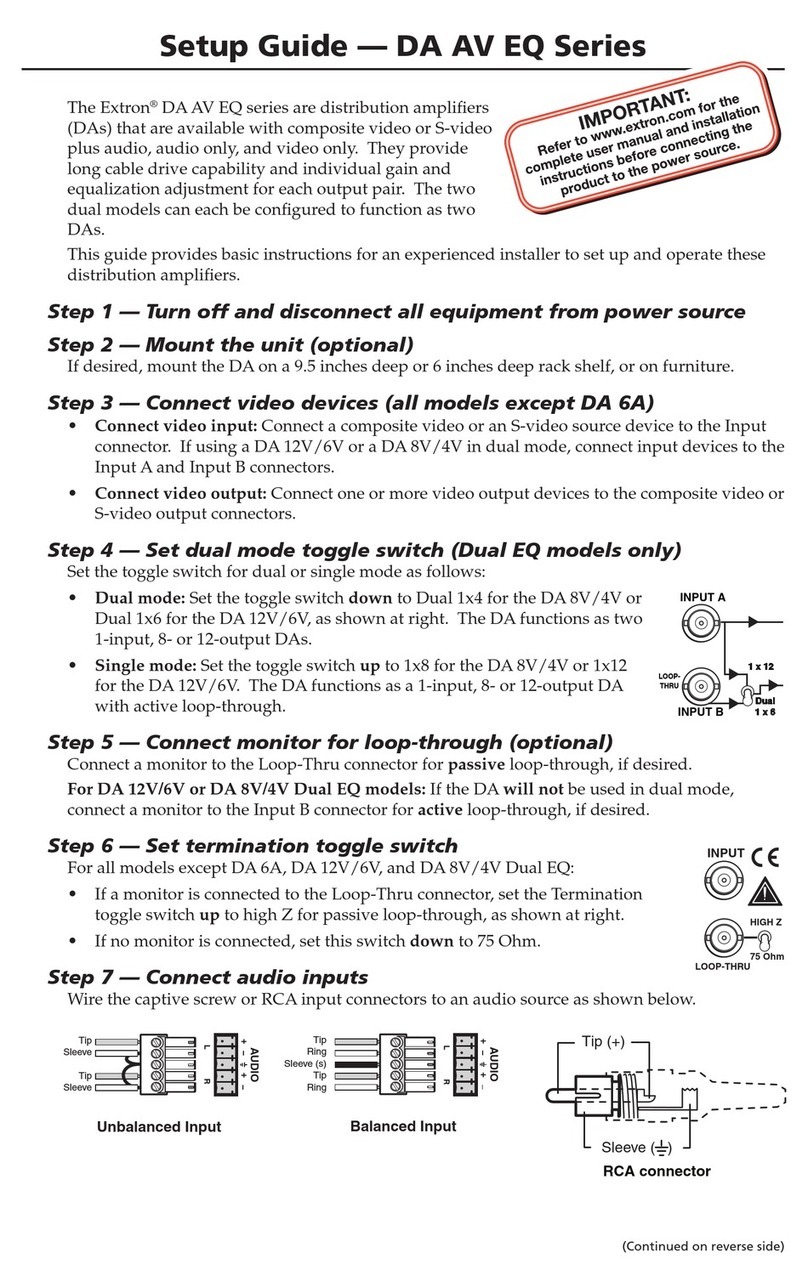
  9. Extron electronics XTRA Series User manual

Extron electronics XTRA Series User manual

Other manuals for XTRA Series

3

This manual suits for next models

6

Other Extron electronics Amplifier manuals

Extron electronics Distribution Amplifiers DVI DA4 Plus User manual

Extron electronics

Extron electronics Distribution Amplifiers DVI DA4 Plus User manual

Extron electronics CVDA 6 EQ MX User manual

Extron electronics

Extron electronics CVDA 6 EQ MX User manual

Extron electronics VersaTools MDA 2V EQ User manual

Extron electronics

Extron electronics VersaTools MDA 2V EQ User manual

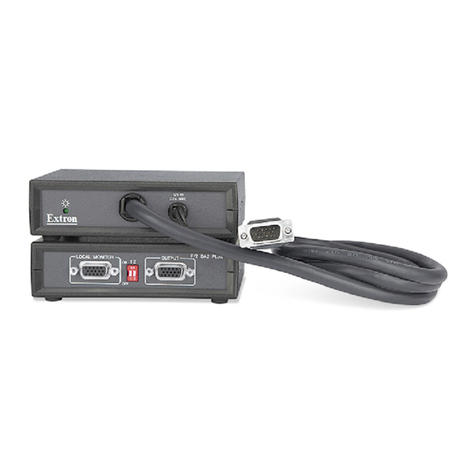
Extron electronics P/2 DA2 Plus User manual

Extron electronics

Extron electronics P/2 DA2 Plus User manual

Extron electronics P/2 DA2xi MT User manual

Extron electronics

Extron electronics P/2 DA2xi MT User manual

Extron electronics HDMI DA2 User manual

Extron electronics

Extron electronics HDMI DA2 User manual

Extron electronics DVI DA2 User manual

Extron electronics

Extron electronics DVI DA2 User manual

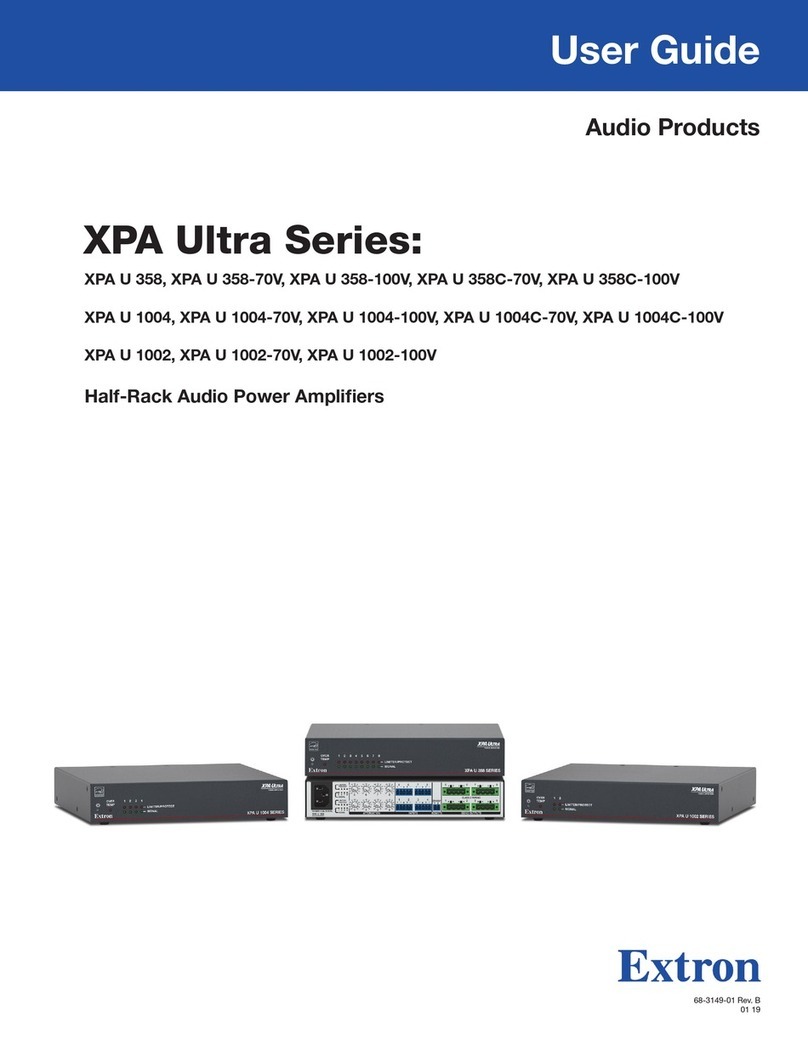
Extron electronics XPA Ultra Series User manual

Extron electronics

Extron electronics XPA Ultra Series User manual

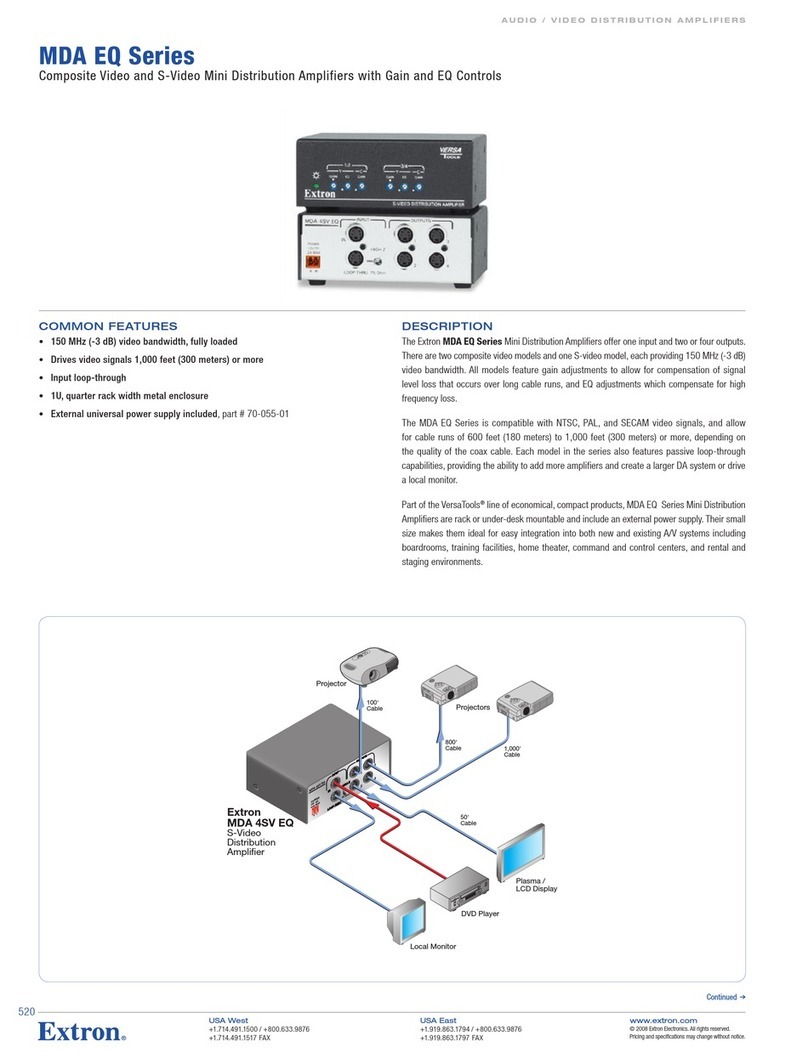
Extron electronics MDA 4V EQ User manual

Extron electronics

Extron electronics MDA 4V EQ User manual

Extron electronics P/2 DA2xi MT User manual

Extron electronics

Extron electronics P/2 DA2xi MT User manual

Extron electronics MDA 5SVA RCA User manual

Extron electronics

Extron electronics MDA 5SVA RCA User manual

Extron electronics P/2 DA2xi MT User manual

Extron electronics

Extron electronics P/2 DA2xi MT User manual

Extron electronics HDMI DA2 User manual

Extron electronics

Extron electronics HDMI DA2 User manual

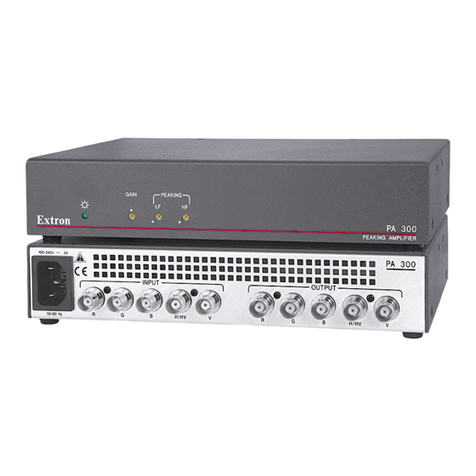
Extron electronics PA 300 User manual

Extron electronics

Extron electronics PA 300 User manual

Extron electronics NetPA U 8001 SUB User manual

Extron electronics

Extron electronics NetPA U 8001 SUB User manual

Extron electronics PA 300 User manual

Extron electronics

Extron electronics PA 300 User manual

Extron electronics VersaTools 5SV User manual

Extron electronics

Extron electronics VersaTools 5SV User manual

Extron electronics MPA 152 User manual

Extron electronics

Extron electronics MPA 152 User manual

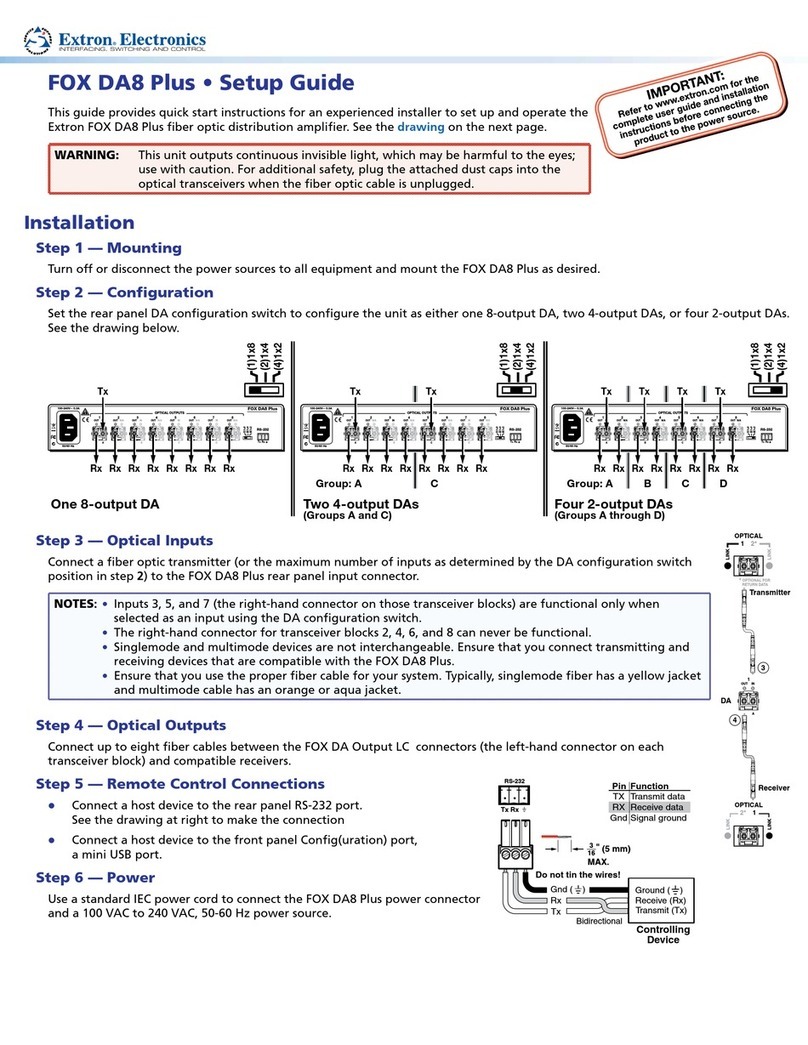
Extron electronics FOX DA8 Plus User manual

Extron electronics

Extron electronics FOX DA8 Plus User manual

Extron electronics DA 6V EQ User manual

Extron electronics

Extron electronics DA 6V EQ User manual

Extron electronics MDA 5V User manual

Extron electronics

Extron electronics MDA 5V User manual

Extron electronics MPA 401-70V User manual

Extron electronics

Extron electronics MPA 401-70V User manual

Extron electronics P/2 DA8 A User manual

Extron electronics

Extron electronics P/2 DA8 A User manual

Extron electronics P/2 DA2 D User manual

Extron electronics

Extron electronics P/2 DA2 D User manual

Popular Amplifier manuals by other brands

Magnat Audio EDITION FOUR Owner's manual/warranty document

Magnat Audio

Magnat Audio EDITION FOUR Owner's manual/warranty document

Inter-m PA-2000A Operation manual

Inter-m

Inter-m PA-2000A Operation manual

Yamaha TX6n owner's manual

Yamaha

Yamaha TX6n owner's manual

Peavey TNT 150 user guide

Peavey

Peavey TNT 150 user guide

Bosch LBB 1903/10 Installation and user instructions

Bosch

Bosch LBB 1903/10 Installation and user instructions

Avocent Emerge DA1200D Installer/user guide

Avocent

Avocent Emerge DA1200D Installer/user guide

Redgum RGi35 operating instructions

Redgum

Redgum RGi35 operating instructions

Cambridge Audio AXA25 user manual

Cambridge Audio

Cambridge Audio AXA25 user manual

Alpine MRP-M200 owner's manual

Alpine

Alpine MRP-M200 owner's manual

Technical Pro H1502UrBT user manual

Technical Pro

Technical Pro H1502UrBT user manual

FMS EMGZ307 operating manual

FMS

FMS EMGZ307 operating manual

Racal Instruments 5601 user manual

Racal Instruments

Racal Instruments 5601 user manual

Valcom V-1094A Technical specifications

Valcom

Valcom V-1094A Technical specifications

Cambridge Audio 851D user manual

Cambridge Audio

Cambridge Audio 851D user manual

QSC 3800 Specifications

QSC

QSC 3800 Specifications

NAD C300 owner's manual

NAD

NAD C300 owner's manual

Rotel RMB-1077 owner's manual

Rotel

Rotel RMB-1077 owner's manual

Peavey Monitor 300 Series operating guide

Peavey

Peavey Monitor 300 Series operating guide

manuals.online logo
manuals.online logoBrands
  • About & Mission
  • Contact us
  • Privacy Policy
  • Terms and Conditions

Copyright 2025 Manuals.Online. All Rights Reserved.

IMPORTANT:
Go to www.extron.com for the complete
user guide, installation instructions, and
specifications before connecting the
product to the power source.
XTRA™Series Half-Rack Audio Power Amplifiers • Setup Guide
(XPA 1002, XPA 1002 Plus, XPA 1002-70V, XPA 1002-100V, XPA 2001-70V, XPA 2001-100V)
WARNING: Installation and service must be performed by experienced personnel only.
AVERTISSEMENT : L’installation et l’entretien doivent être effectués par le personnel autorisé uniquement.
This guide provides startup instructions for an experienced installer to set up and operate the XPA 1002 or XPA 2001 series audio
power ampliers. All references are to the XTRA Series Half-Rack user guide which can be found on www.extron.com.
Step 1 — Powering Down Equipment
Be sure that power to the amplier is turned off rst.
NOTE: Adjust the audio level to =(full attenuation) prior to powering the amplier in step 7.
Turn off all other equipment and disconnect the power cables. Verify that the amplier is disconnected from the power source
before proceeding.
Step 2 — Mounting and Applications
For diagrams of typical application examples, see Application Examples in the user guide. For further mounting instructions, see
Mounting the XTRA Series Amplifier in the user guide.
Step 3 — Captive Screw Audio Cable Wiring
NOTE: Control signal ground pins may be labeled as , , or “G”. Audio ground pins may be labeled as or .
The wiring and function are the same, whichever way your product is labeled.
Wire the source output to the amplier input 3.5 mm captive screw connectors as shown in the following illustration.
NOTE: The output power of the XPA 1002 and XPA 1002 Plus can be effectively doubled by using only one source channel
and bridging the output. The XPA 1002 and XPA 1002 Plus output 200 watts @ 8 ohms in bridged mode (see Bridged
Mono Output in the user guide for wiring instructions when bridging the XPA 1002 or XPA 1002 Plus).
Do not tin the wires!
XPA 1002, XPA 1002 Plus
XPA 1002-70V/100V
Unbalanced Dual Mono Input
Tip
Sleeve
LR
XPA 1002, XPA 1002 Plus
XPA 1002-70V/100V
Balanced Dual Mono Input
Tip
Ring
Sleeve
LR
Unbalanced Stereo Input
Tip
Sleeve
Sleeve
Tip
LR
Balanced Stereo Input
Tip
Ring
Tip
Ring
Sleeves
LR
NOTE: For mono input on the XPA 1002-70V/100V and 2001-70V/100V models, only the left channel needs to be wired; no
jumpering to the right channel is needed. The left and right inputs of these models are summed internally to mono.
Step 4 — Speaker Wiring
Wire the speakers to the output connector of the amplier using the included 4 pole
(XPA 1002, XPA 1002 Plus, XPA 1002-70V/100V) or 2 pole (XPA 2001-70V/100V) captive
screw connector as shown to the right. XPA 1002,
XPA 1002 Plus
X
PA 1002-70V/100V
12
XPA 2001 Series
68-2354-50 Rev. B
06 14
Extron Headquarters
+800.633.9876 Inside USA/Canada Only
Extron USA - West Extron USA - East
+1.714.491.1500 +1.919.850.1000
+1.714.491.1517 FAX +1.919.850.1001 FAX
Extron Europe
+800.3987.6673
Inside Europe Only
+31.33.453.4040
+31.33.453.4050 FAX
Extron Asia
+65.6383.4400
+65.6383.4664 FAX
Extron Japan
+81.3.3511.7655
+81.3.3511.7656 FAX
Extron China
+86.21.3760.1568
+86.21.3760.1566
FAX
Extron
Middle East
+971.4.299.1800
+971.4.299.1880 FAX
Extron Korea
+82.2.3444.1571
+82.2.3444.1575 FAX
Extron India
1.800.3070.3777
Inside India Only
+91.80.3055.3777
+91.80.3055 3737
FAX
© 2014 Extron Electronics All rights reserved. www.extron.com
Step 5 — Setting the High Pass Filter (HPF)
On XPA 1002-70V/100V and XPA 2001-70V/100V models, use a Tweeker to toggle the high pass lter
switch between off (no ltering) and 80 Hz (default). Setting the switch to 80 Hz prevents the saturation of
speaker input transformers by low frequency signals.
NOTE: The high pass lter switch may be labeled one of two ways (see the images to the
right). The function is the same, whichever way your product is labeled.
Step 6 — Control Wiring
On the XPA 1002, XPA 1002 Plus, XPA 2001-70V, and the XPA 2001-100V models, the 3.5 mm 5-pin
captive screw remote control port (shown to the right) is used to control volume and standby mode
through contact closure. Standby mode turns off all output, although the XPA is still receiving power.
For detailed wiring instructions, see the user guide.
NOTES:
• Set the volume control on the connected control device to maximum and ensure that
the amplier is not forced into standby mode via the standby pin.
• The remote control port may be labeled one of two ways (see images to the right).
The wiring and function are the same, whichever way your product is labeled.
On the XPA 1002-70V and XPA 1002-100V models, the 3.5 mm 2-pin captive screw remote control port
(shown to the right) controls the standby mode only.
Step 7 — Powering On Equipment
ATTENTION: The amplier must be powered on last.
ATTENTION : L’amplicateur doit être mis sous tension en dernier.
Reconnect all power cables and switch on all other equipment before powering on the power amplier.
The front panel power LED of the amplier lights green.
Step 8 — Adjusting Attenuation
Adjust the audio attenuation using the rear panel adjustment potentiometers as shown below
(see Rear Panel Features and Operation in the user guide for more information).
NOTE: On some models, this adjustment is referred to as “level”. The function is the
same, whichever way your product is labeled.
XPA 1002 Series XPA 2001 Series
0
2
4
6
8
10
12
18
14
26
∞0
2
4
6
8
10
12
14
∞
21
ATTENUATION
0
2
4
6
8
10
12
18
14
26
∞
ATTENUATION
LEVEL
12
0 0
LEVEL
0
XPA 1002 XPA 2001 Series
Step 9 — Checking the LEDs
Check the limiter/protect and signal LEDs located on the front and rear panels if problems are encountered
(see Rear Panel Features and Operation in the user guide for more information).
REMOTE
G
GCV
10V 50mA
STANDBY
HPF
80 Hz
OFF
or
80 Hz
HPF
OFF
REMOTE
STANDBY
G
12345
STANDBY
VOL/MUTE

10V 50 mA