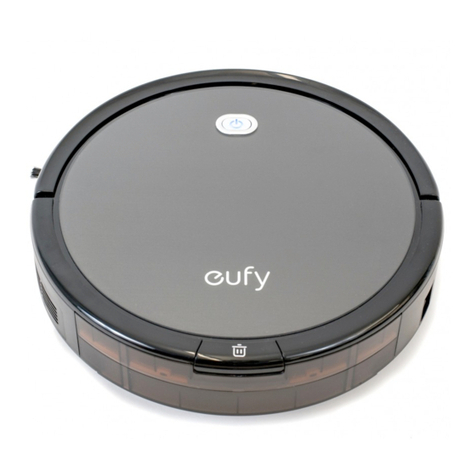
(3) If the battery is low during the cleaning process, and you have turned on
the "Resume Cleaning" feature before cleaning, please let the robot
automatically return to the charging dock to charge and automatically resume
cleaning when the battery is charged to 80%, do not perform any human
controls/commands during the charging process;
-After use:
(1) After following the above steps, if the cleaning process goes well, the robot
will automatically return to the charging base after cleaning, and the full map
will be automatically created. A straightforward way to determine whether the
map was created successfully: the map that was created successfully is colored
and automatically divides the room. If the map creation was unsuccessful, the
map is grayed out;
(2) Once the map is successfully created, please manually save the map in
"Map Management". If the map is not saved, the robot will recreate the map
the next time it cleans, causing the original map to be lost.
Q2: Why does the robot fail to create/save a map?
A: (1) Before mapping, make sure that the robot has enough battery power
and that it starts from the charging dock (i.e. ensuring it is being charged),
which will allow the robot to return to the charging dock more easily and
improve the success rate of creating the map;
(2) Before mapping, tidy up the room and remove the obstacles that may
disturb the mapping on the floor;
(3) You can save the map only after the robot completes a full cleaning session
and successfully returns to the charging dock. During mapping, do not
forcibly terminate the cleaning task, manually recall the robot or move the
robot back to the charging dock;
(4) Dark environments may affect the operation of the robot. Please start
mapping in the morning or keep the room illuminated, and try to ensure that
the indoor light does not change greatly before the completion of mapping;
(5) A large area carpeted environment may cause the Driving Wheels to slip,
causing the robot to lose its way;
(6) We recommend that you follow the robot while it is mapping and remove
any obstacles to avoid mapping failure;