Identification
These instructions have been made to support
the users of the cable blowing machine
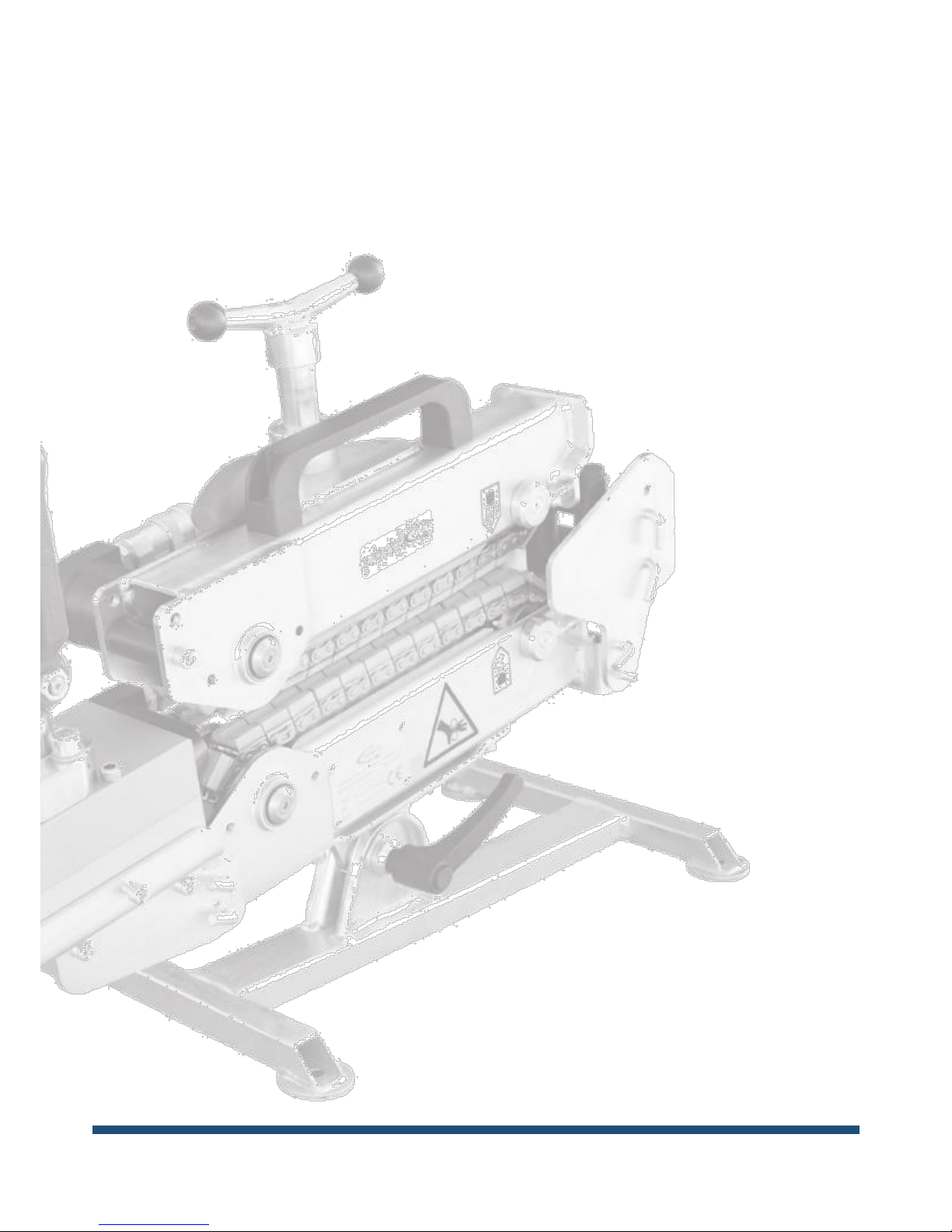
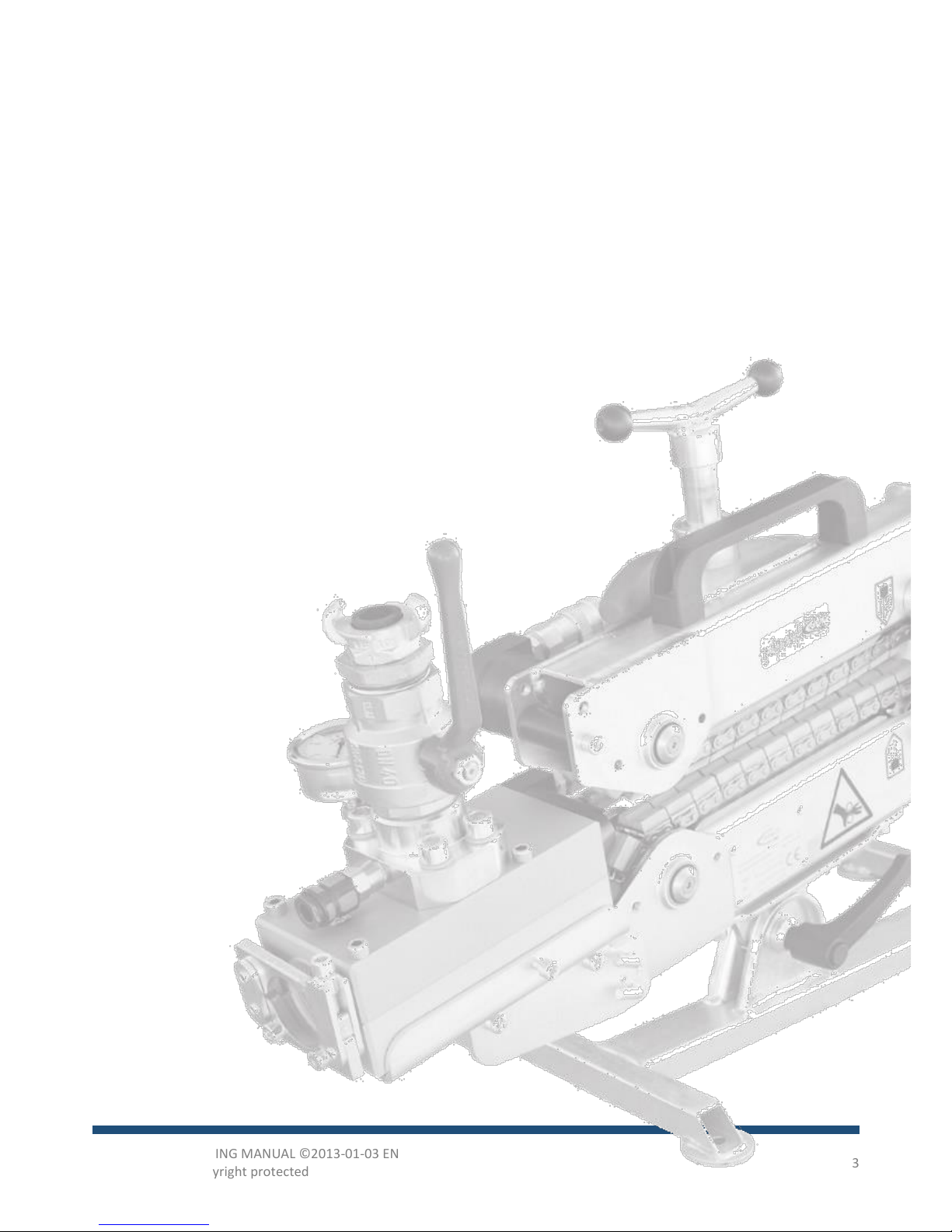
PowerFlow. The machine type can be identified
by the type plate on the machine. The type
plate provides information about serial
number, year of production and name and
address of the manufacturer.
It is recommended to read this instruction
carefully and become familiar with the
functionality and maintenance of the cable
blowing machine before use.
Application
The cable blowing machine PowerFlow is
constructed for blowing fiber optic cables into
ducts. An example might be a 12 mm cable
into a 40 mm duct.
Always use format parts designed for the
actual diameter of cable and duct.
It is very important to use the correct format
parts. If the format parts do not fit the duct,
dangerous situations may occur.
Mounting
Depending on the facilities, mount the air
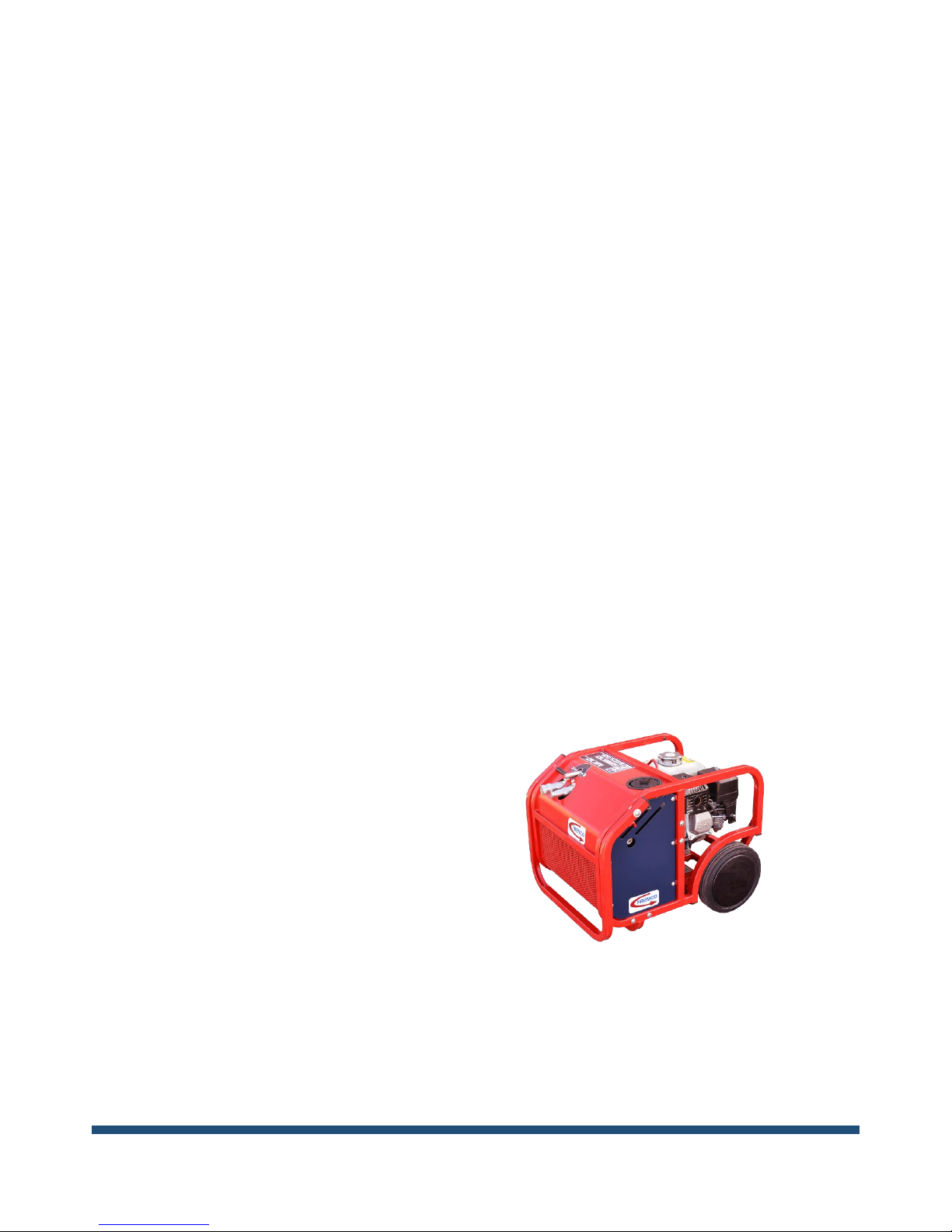
compressor or water pump and the hydraulic
MultiPower Pack in inserting direction in front
of the manhole. Check oil and fuel, and test-
run equipment.
Arrange the PowerFlow in front of the manhole
and guide the duct out of the hole and into the
Powerflow. If the duct cannot reach the
PowerFlow, extend the length with an extra
piece of duct and a connector. Connect the
hydraulic MultiPower Pack to the hydraulic
control unit.
Make sure to place the Powerflow machine on
a stable foundation and to fasten it to
withstand the forces, which occur during use.
These push/pull forces can be up to 125 kg.
Be careful to avoid any dirt on the surfaces
when mounting the duct into the blowing
junction block. Tighten the four screws equally
so that the two halves are pressed completely
together.
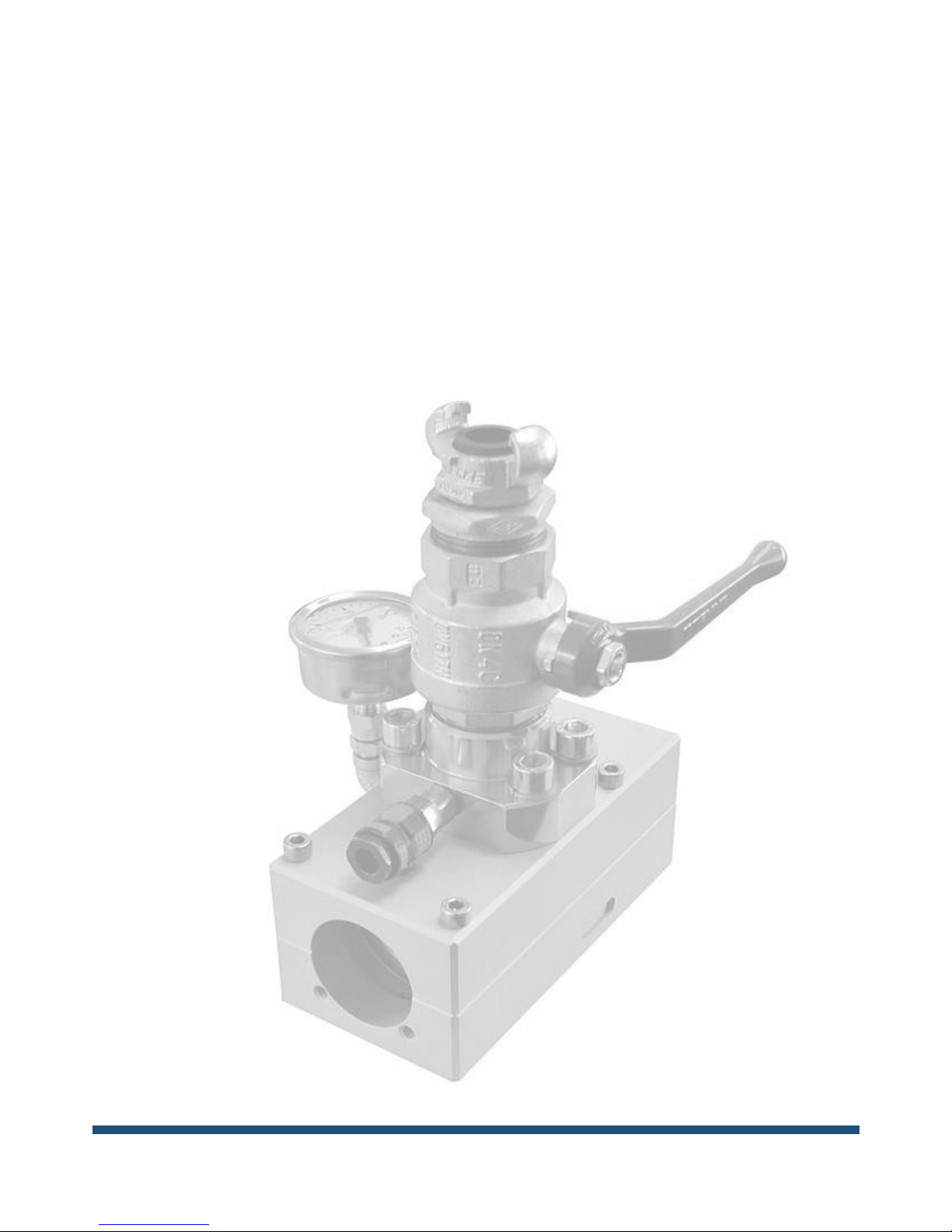
The cable seals in the black nylon part of the
blowing junction block must fit tightly around
the cable –the hole in the cable seal should be
no more than 0.5 mm larger than the diameter
of the cable. Use one to three cable seals
depending on the expected pressure. New
cable seals should always be installed after
each cable blowing to secure maximum
sealing.
The hydraulic control unit controls the direction
(forward/back), speed and push/pull force.
Use the joystick on the hydraulic control unit to
control start/stop and direction.
Speed can be adjusted by turning the screw
marked “Speed”. By turning the screw to the
left, pressure is reduced.
With the screw marked “Force”you can adjust
the maximum force to be transferred to the
cable. The pressure, and with it the force, is
increased when the screw is turned to the right.
Use the manometer to read the pressure and
thereby the push/pull force.
CAUTION: Do not use excessive
force, as this can damage the fiber
cable.