manuals.online logo
Brands
  1. Home
  2. •
  3. Brands
  4. •
  5. Furukawa electric
  6. •
  7. Industrial Electrical
  8. •
  9. Furukawa electric FITELNINJA NJ001 User manual

Furukawa electric FITELNINJA NJ001 User manual

Other manuals for FITELNINJA NJ001

1

Other Furukawa electric Industrial Electrical manuals
Furukawa electric S153 Ver.2 User manual

Furukawa electric

Furukawa electric S153 Ver.2 User manual

Furukawa electric FITELNINJA NJ001 User manual

Furukawa electric

Furukawa electric FITELNINJA NJ001 User manual

Popular Industrial Electrical manuals by other brands
Murata GRM0335C1E3R9BA01 Series Reference sheet

Murata

Murata GRM0335C1E3R9BA01 Series Reference sheet

ARCAIR N6000 Automatic System Safety and operating instructions
ARCAIR

ARCAIR N6000 Automatic System Safety and operating instructions

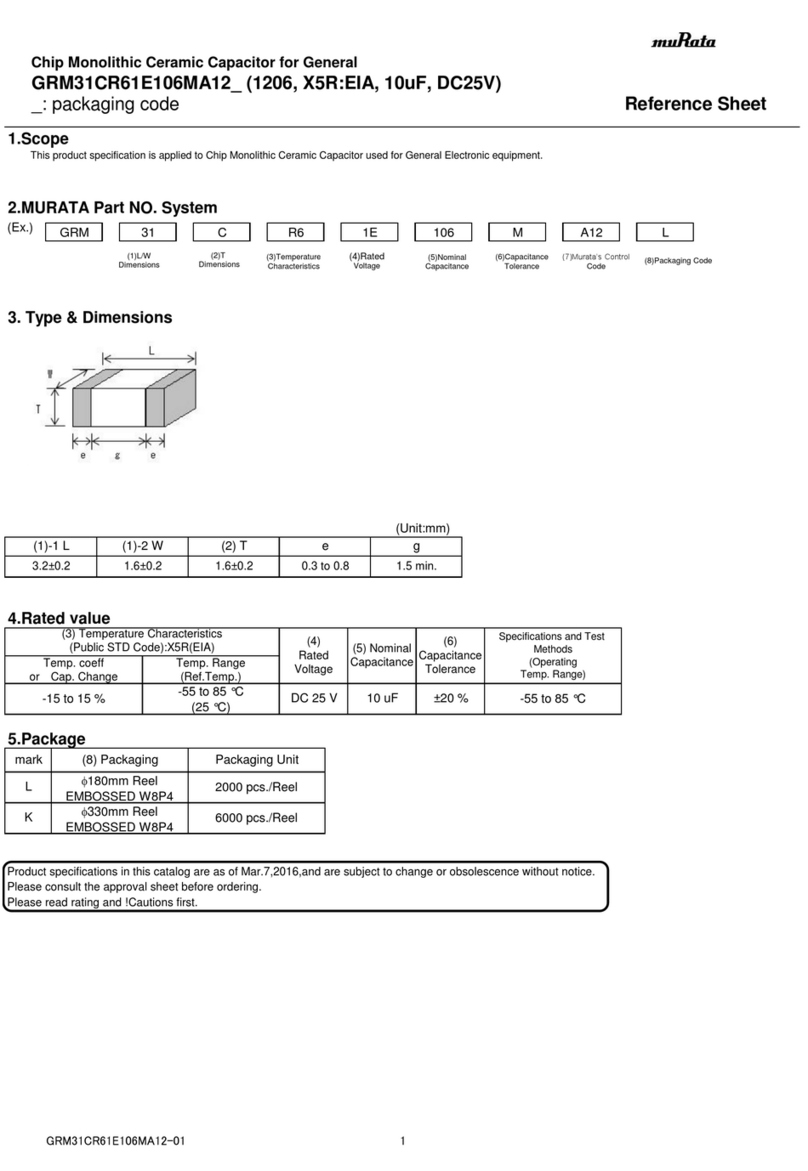
Murata GRM31CR61E106MA12 Series Reference sheet
Murata

Murata GRM31CR61E106MA12 Series Reference sheet

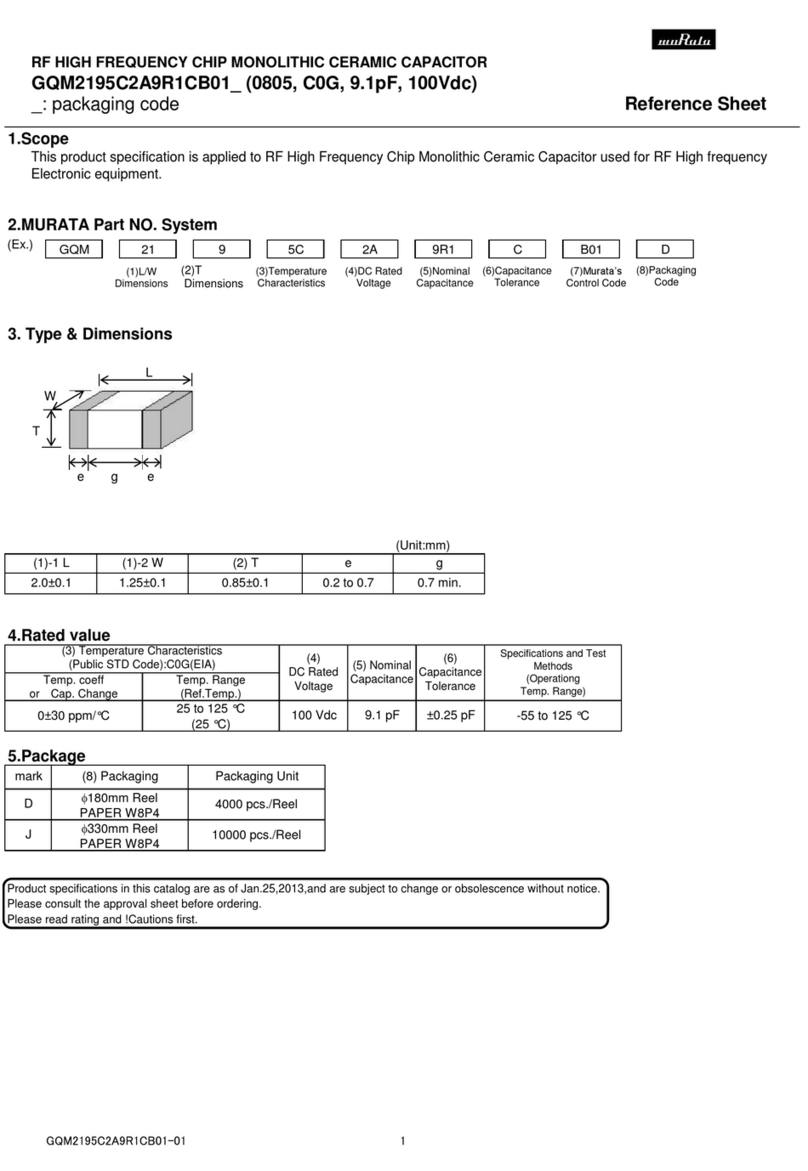
Murata GQM2195C2A9R1CB01 Series Reference sheet

Murata

Murata GQM2195C2A9R1CB01 Series Reference sheet

MFJ MFJ-918 quick start guide

MFJ

MFJ MFJ-918 quick start guide

Abtech HVJB Series Installation, operation & maintenance instructions
Abtech

Abtech HVJB Series Installation, operation & maintenance instructions

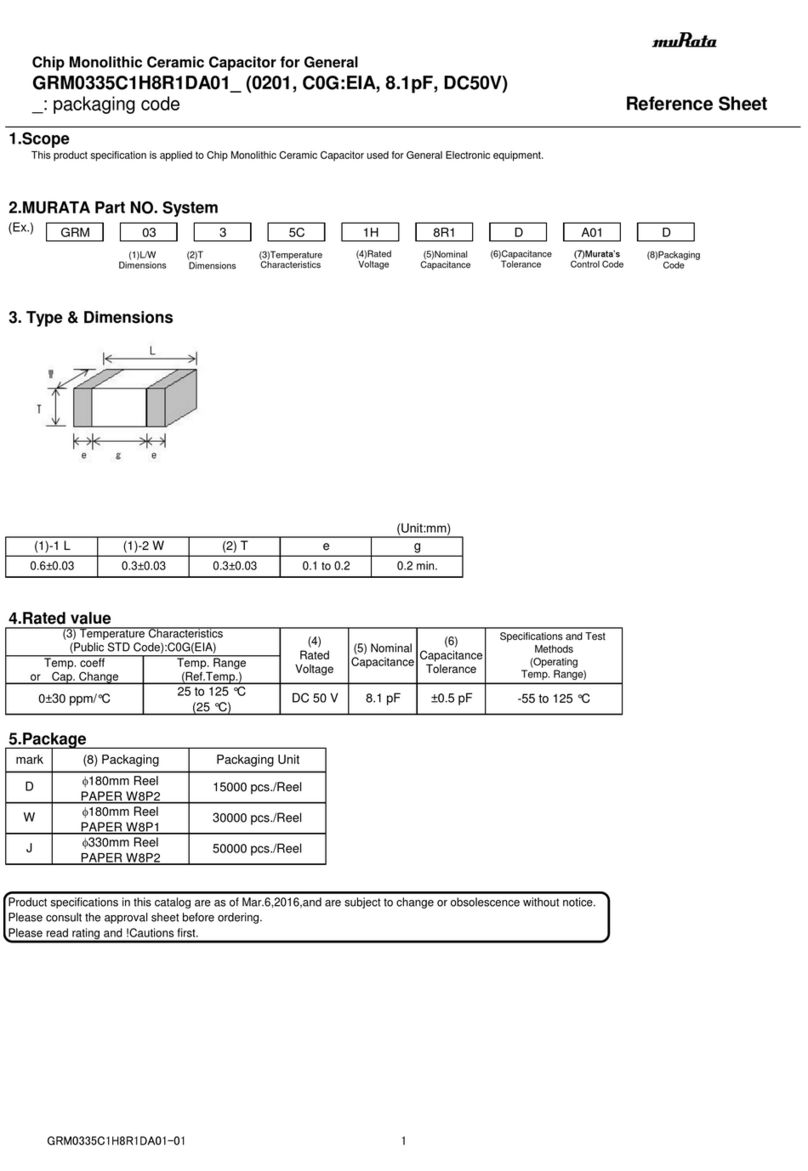
Murata GRM0335C1H8R1DA01 Series Reference sheet
Murata

Murata GRM0335C1H8R1DA01 Series Reference sheet

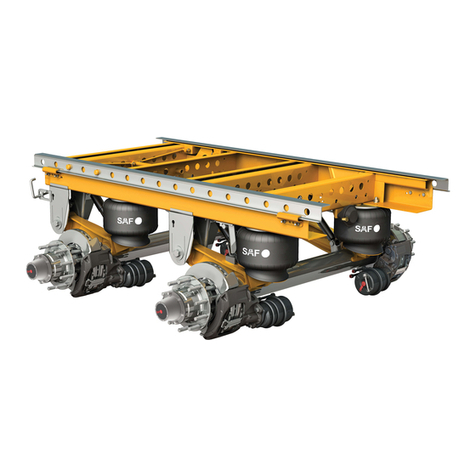
SAF-HOLLAND CBX 5415.5 Installation and operation manual
SAF-HOLLAND

SAF-HOLLAND CBX 5415.5 Installation and operation manual

Eaton Ulusoy HMH24-04 user manual

Eaton

Eaton Ulusoy HMH24-04 user manual
Murata GJM0335C1E4R4BB01 Series Reference sheet

Murata

Murata GJM0335C1E4R4BB01 Series Reference sheet

Newlong NP-7H NSTRUCTION MANUAL/PARTS LIST
Newlong

Newlong NP-7H NSTRUCTION MANUAL/PARTS LIST

Stahl 8575/12 operating instructions

Stahl

Stahl 8575/12 operating instructions
SI Pegasus installation instructions

SI

SI Pegasus installation instructions
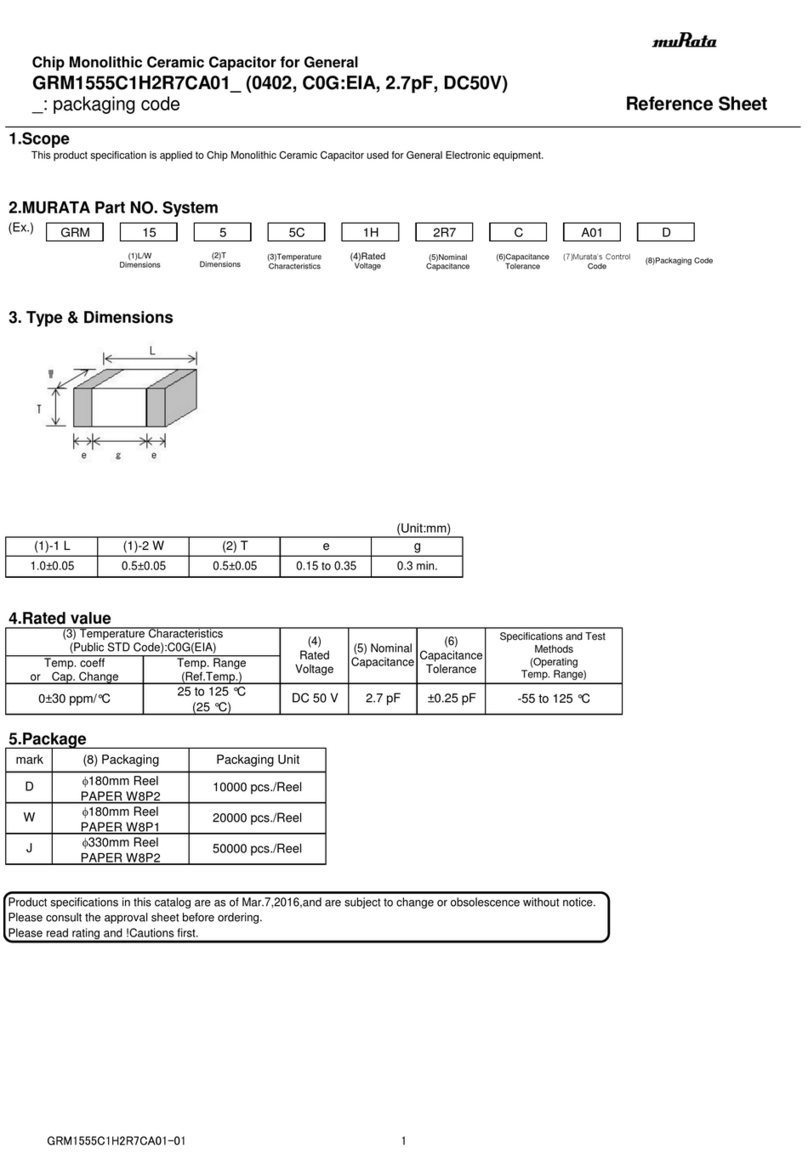
Murata GRM1555C1H2R7CA01 Seies Reference sheet
Murata

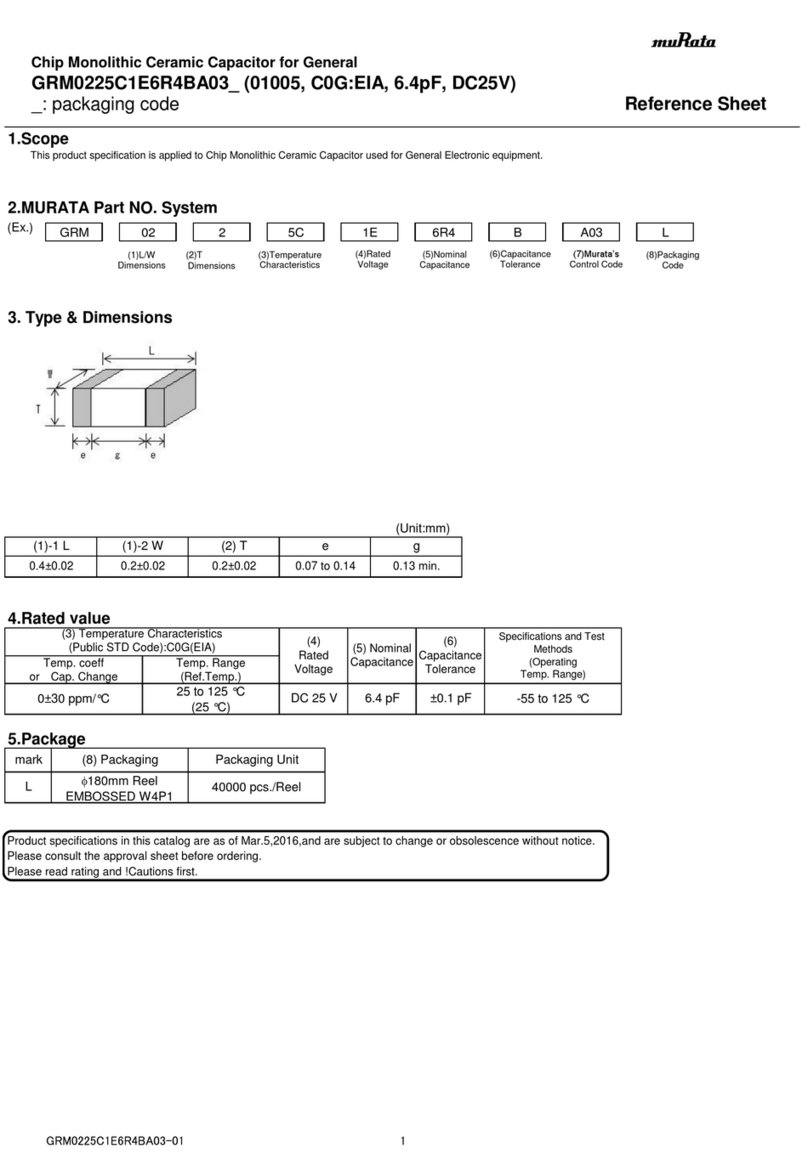
Murata GRM1555C1H2R7CA01 Seies Reference sheet

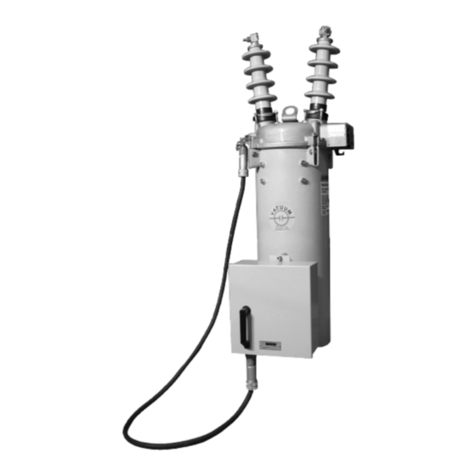
Murata GRM0225C1E6R4BA03 Series Reference sheet
Murata

Murata GRM0225C1E6R4BA03 Series Reference sheet

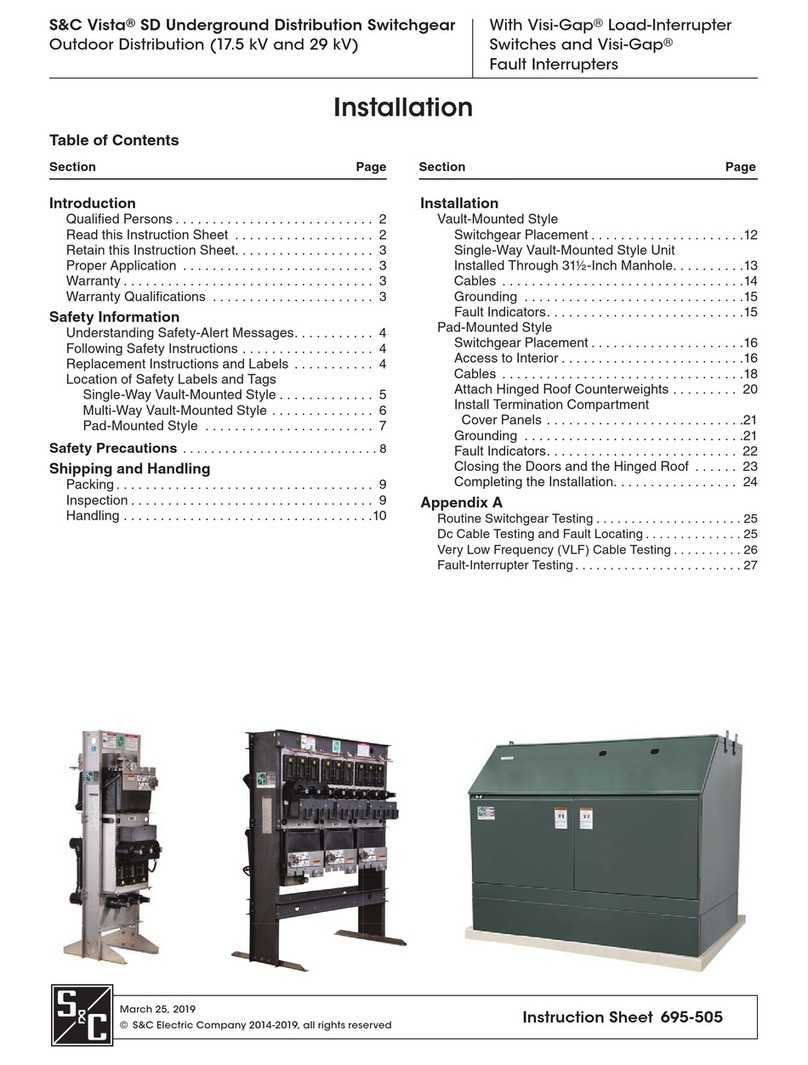
Cooper Power Systems VXE15 Installation and operation instructions
Cooper Power Systems

Cooper Power Systems VXE15 Installation and operation instructions

S&C Vista SD manual

S&C

S&C Vista SD manual

Murata GRM0335C2A7R3CA01 Series Reference sheet

Murata

Murata GRM0335C2A7R3CA01 Series Reference sheet

manuals.online logo
manuals.online logoBrands
  • About & Mission
  • Contact us
  • Privacy Policy
  • Terms and Conditions

Copyright 2025 Manuals.Online. All Rights Reserved.

FITELNINJA NJ001
Quick Reference guide
FTS-B495
Issue 3
①Turn on power.
< Fiber Preparation >
Stripping the fiber coating
S210 Fiber Stripper
Fiber Cleaning
Fiber Cleaving
Lint-free
tissue with
ethanol
Place fiber on Single
Fiber Adapter.
Hold the fiber tightly.
Then move S210
into the direction
indicated by the
arrow mark.
Safety Instructions
Before operating this product, please read the user’s manual of safety
instructions. The safety instructions are to help you use this product in a
safe and correct way, and to prevent danger or injury to yourself or others.
Single Fiber Adapter
Splicing Procedure
End.
⑫Remove the fiber.
⑪Press key.
⑩Place fiber to heater.
⑨Slide protection sleeve over
spiced point.
⑧Remove spliced fiber.
⑦Press key.
⑥Set fibers to the splicer.
⑤Prepare the fibers.
④Insert protection sleeve.
③Perform Arc Check.
※Please see “Arc Check” for
details.
②Select applicable program.
Setting the fiber on the splicer
The edge of the fiber coating should
match with the edge of the tight holder.
Edge of the coating
Press the lever.
FITELNINJA NJ001
Quick Reference guide
Select applicable
heater program.
Enter “All Programs”.
< Fusion Program>
Enter “Fusion PRGM”
in menu.
< Heater Program>
Enter Heater PRGM
in menu.
Select applicable
fusion program.
Open the windshield
and set the fibers.
Then enter
“Arc Check”.
Splicer automatically
feeds the fibers and
discharges an arc.
The results are indicated.
If the results are negative,
the machine will
automatically adjust the
arc power. Please perform
the arc check again.
Procedure of Changing Program
Arc Check
Arc Check is the function to adjust the arc power in order to ensure optimal splicing
results. Electrode wear and environmental conditions such as temperature, humidity,
and altitude, may affect the arc power.
Please perform the Arc Check at the beginning of each daily operation.
FITELNINJA NJ001
Quick Reference guide
To ensure optimal splicing results
< Cleaning V-groove>
< Cleaning Fiber Clamp>
Maintenance
< Cleaning Electrodes>
< Cleaning Lens Cover>
Clean V-groove by a cleaning brush and
a cotton swab soaked with ethanol.
Run fiber across V-groove to
remove dust in V-groove.
Clean Fiber Clamp by
using cotton swab soaked
with ethanol.
Loosen the screw and remove the lid of
electrode. Then replace with a new one.
After replacement, press the key 10 times
with closing windshield to remove the dust.
< Replacement of Electrodes>
Stick the tip of an
electrode into the electrode
sharpener and turn/twist the
electrode 3-4 times.
Fiber Clamp
Electrode Sharpener
Cleaning brush
Remove both electrodes and V-groove.
Then clean Lens Cover by using cotton
swab soaked with ethanol.
Lens Cover
FITELNINJA NJ001
Quick Reference guide
Power Key
Turn the power on/off.
Start Key
Start/Pause/Restart
the splicing process
Heating Key
Start/Stop
the heating process
Up/ Down/ Left/ Right Key
Move the cursor and
change the value
Function 1 Key
Select the function shown on the
right bottom corner of LCD.
Function 2 Key
Select the function shown on the
left bottom corner of LCD.
Selected Splice
program
Selected Heater
program
Splice Process
Fiber View
Current Function
of Function Keys
Fusion Splicer
Operation Keys
Screen Indication
Date and Time
Status
Splice Count
Storage Space of Hard Carrying Case
AC Power Cable
AC Adapter
Spare Electrodes