manuals.online logo
Brands
  1. Home
  2. •
  3. Brands
  4. •
  5. GAMDIAS
  6. •
  7. Keyboard
  8. •
  9. GAMDIAS HERMES E1B User manual

GAMDIAS HERMES E1B User manual

Other GAMDIAS Keyboard manuals

GAMDIAS POSEIDON M3 User manual

GAMDIAS

GAMDIAS POSEIDON M3 User manual

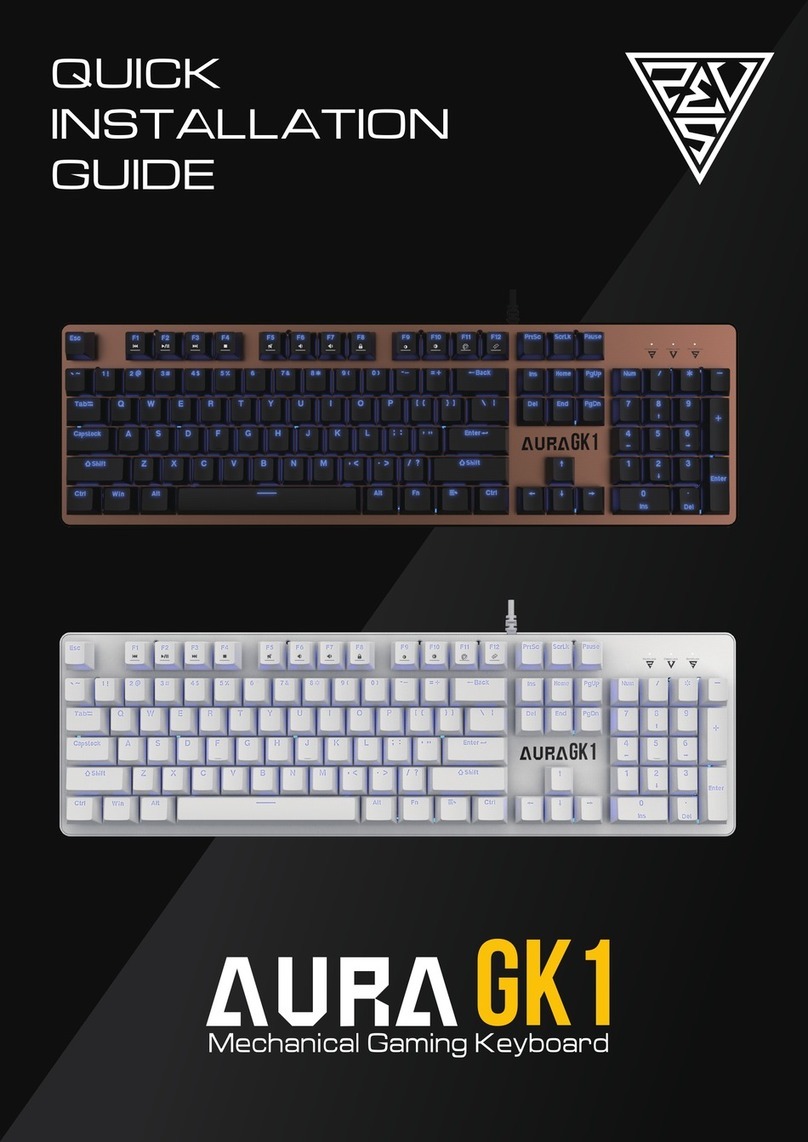
GAMDIAS AURA GK1 User manual

GAMDIAS

GAMDIAS AURA GK1 User manual

GAMDIAS ARES P2 User manual

GAMDIAS

GAMDIAS ARES P2 User manual

GAMDIAS AURA GK2 WB User manual

GAMDIAS

GAMDIAS AURA GK2 WB User manual

GAMDIAS HERMES P3 User manual

GAMDIAS

GAMDIAS HERMES P3 User manual

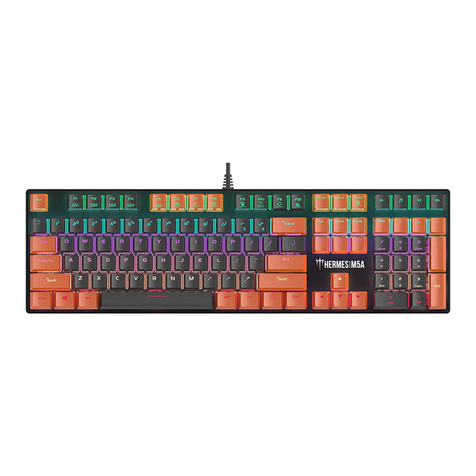
GAMDIAS HERMES M5A User manual

GAMDIAS

GAMDIAS HERMES M5A User manual

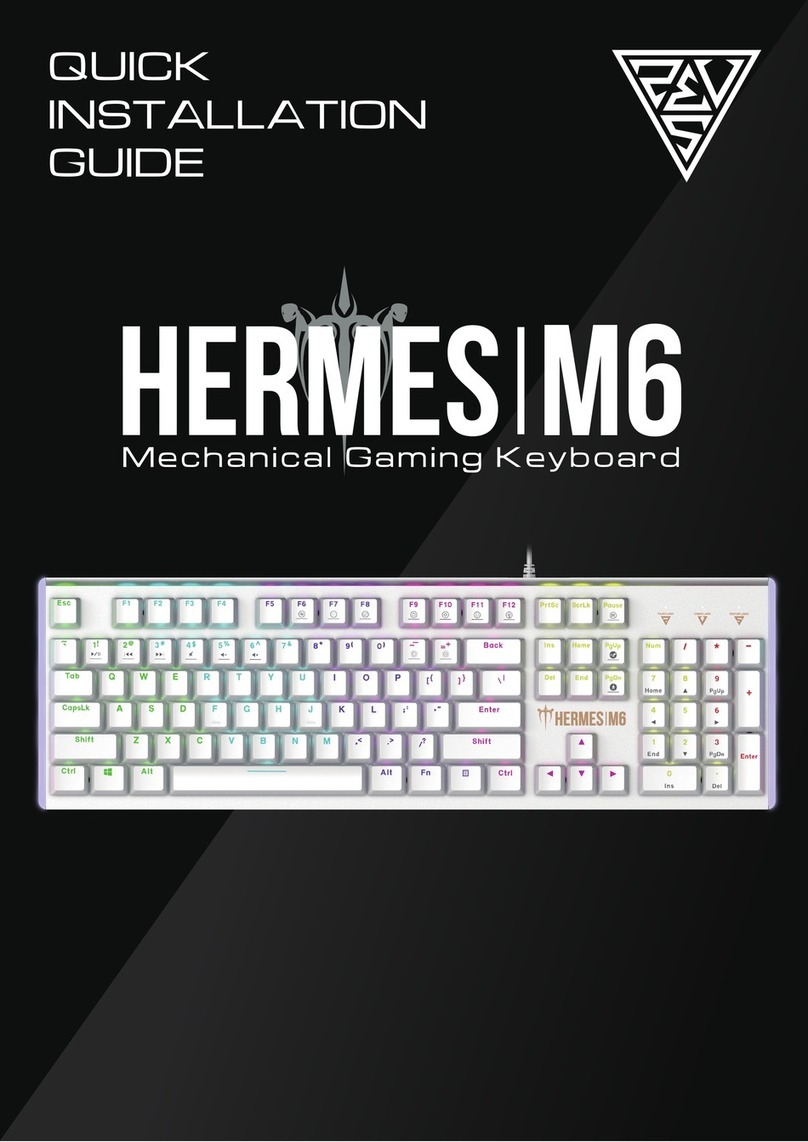
GAMDIAS HERMES M6 User manual

GAMDIAS

GAMDIAS HERMES M6 User manual

GAMDIAS HERMES M4 Hybrid User manual

GAMDIAS

GAMDIAS HERMES M4 Hybrid User manual

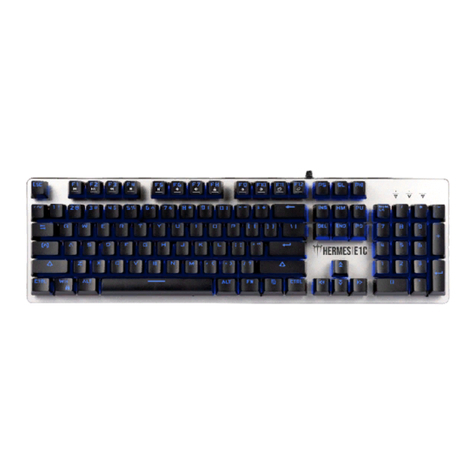
GAMDIAS HERMES E1C User manual

GAMDIAS

GAMDIAS HERMES E1C User manual

GAMDIAS HERMES User manual

GAMDIAS

GAMDIAS HERMES User manual

GAMDIAS HERMES LITE User manual

GAMDIAS

GAMDIAS HERMES LITE User manual

GAMDIAS HERMES E1A User manual

GAMDIAS

GAMDIAS HERMES E1A User manual

GAMDIAS HERMES E4 User manual

GAMDIAS

GAMDIAS HERMES E4 User manual

GAMDIAS HERMES P1B User manual

GAMDIAS

GAMDIAS HERMES P1B User manual

GAMDIAS HERMES M1A User manual

GAMDIAS

GAMDIAS HERMES M1A User manual

GAMDIAS HERMES E3 User manual

GAMDIAS

GAMDIAS HERMES E3 User manual

Popular Keyboard manuals by other brands

Man & Machine Really Cool + user guide

Man & Machine

Man & Machine Really Cool + user guide

SteelSeries APEX PRO TKL Product information guide

SteelSeries

SteelSeries APEX PRO TKL Product information guide

Vortexgear POK3R user manual

Vortexgear

Vortexgear POK3R user manual

Logitech RUGGED LITE quick start guide

Logitech

Logitech RUGGED LITE quick start guide

Honeywell ADEMCO 5839 Installation and setup guide

Honeywell

Honeywell ADEMCO 5839 Installation and setup guide

PROZIS EZ user manual

PROZIS

PROZIS EZ user manual

Hama AK-120 Operating	 instruction

Hama

Hama AK-120 Operating instruction

Rodgers RK-76 owner's manual

Rodgers

Rodgers RK-76 owner's manual

Logic Controls KB5000 Series user manual

Logic Controls

Logic Controls KB5000 Series user manual

Rapoo E9270P quick start guide

Rapoo

Rapoo E9270P quick start guide

AbleNet Chester Creek USB Keyboard quick start guide

AbleNet

AbleNet Chester Creek USB Keyboard quick start guide

iKey DP-88 Specifications

iKey

iKey DP-88 Specifications

Logitech G413 TKL SE Complete Setup Guide

Logitech

Logitech G413 TKL SE Complete Setup Guide

Ultimate Technology 500 POS user guide

Ultimate Technology

Ultimate Technology 500 POS user guide

Mace MACALLY MERGOKEY user guide

Mace

Mace MACALLY MERGOKEY user guide

iKey KYB-42-KIOSK Specifications

iKey

iKey KYB-42-KIOSK Specifications

Akko MX108 user manual

Akko

Akko MX108 user manual

Viper V770 user manual

Viper

Viper V770 user manual

manuals.online logo
manuals.online logoBrands
  • About & Mission
  • Contact us
  • Privacy Policy
  • Terms and Conditions

Copyright 2025 Manuals.Online. All Rights Reserved.

《English》
Thank you for purchasing the GAMDIAS™ HERMES E1B mechanical keyboard. The
HERMES E1B focuses on the basic features users demand and applies this to the
distinct design elements of the HERMES series. This small, lightweight and
easy-to-use keyboard allows for extended use and flexibility.
System Requirements
●Windows ® XP/ Vista / 7 / 8 / 10
●PC with USB ports
Introduction to HERMES E1B Keyboard Configuration
A. Seven multimedia shortcut keys: Previous track, play/pause, next track, stop ,
mute, decrease volume, increase volume
+
B. Game mode: Press [Fn + F8] once to lock the Windows key so there will be no
response when they are pressed. Press again to unlock the keys
+
C. Keyboard backlight brightness level adjustment: Under the constant light mode,
use [Fn + F10]increases brightness,[Fn + F9] decreases brightness. There are 4
phases for brightness level adjustment; OFF / 50% / 70% / 100%
+ /
D. Lighting mode: There are two lighting modes, Press [Fn + F11] to switch to
7-color breathing modes, Press [Fn + F12]to switch to 7-color constant light
modes.
+ /
Register your GAMDIAS™ HERMES E1B Mechanical Keyboard
Please visit www.GAMDIAS.com for online product registration