3 KSA700 Series User Guide
CONTENTS
1Introduction......................................................................................................................................... 4
1.1 General description and product range....................................................................................... 4
1.2 Safety precautions and warnings................................................................................................ 4
2The Control Panel ............................................................................................................................... 5
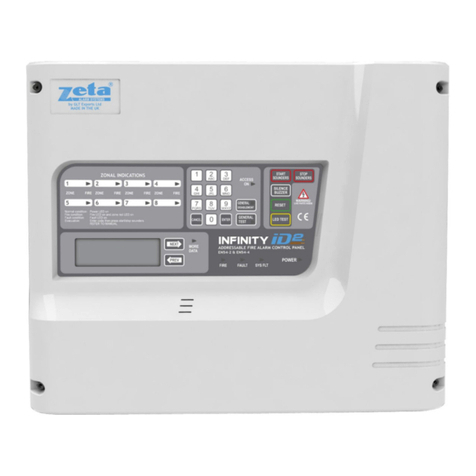
2.1 General view of the control panel ...............................................................................................5
2.1.1 KSA701 ....................................................................................................................... 5
2.1.2 KSA702 / 705 .............................................................................................................. 6
2.2 Keyboard functions ..................................................................................................................... 7
2.2.1 Keys ............................................................................................................................7
2.2.2 Keypad ........................................................................................................................ 7
2.2.3 LED indicators ............................................................................................................. 7
2.3 Access levels and passwords .....................................................................................................8
3The User Menu.................................................................................................................................... 9
3.1 Introduction and menu access ....................................................................................................9
3.2 The main menu........................................................................................................................... 9
3.2.1 Configure..................................................................................................................... 9
3.2.2 Test ............................................................................................................................. 9
3.2.3 Time .......................................................................................................................... 10
3.2.4 Enable / Disable ........................................................................................................ 10
3.2.5 Print...........................................................................................................................13
3.2.6 View........................................................................................................................... 13
4What to do in case of alarm or fault ................................................................................................ 15
5Maintenance...................................................................................................................................... 16
5.1 By the user ............................................................................................................................... 16
5.2 By the maintenance company................................................................................................... 16
6Appendices ....................................................................................................................................... 17
6.1 Appendix 1: Applicable standards............................................................................................. 17