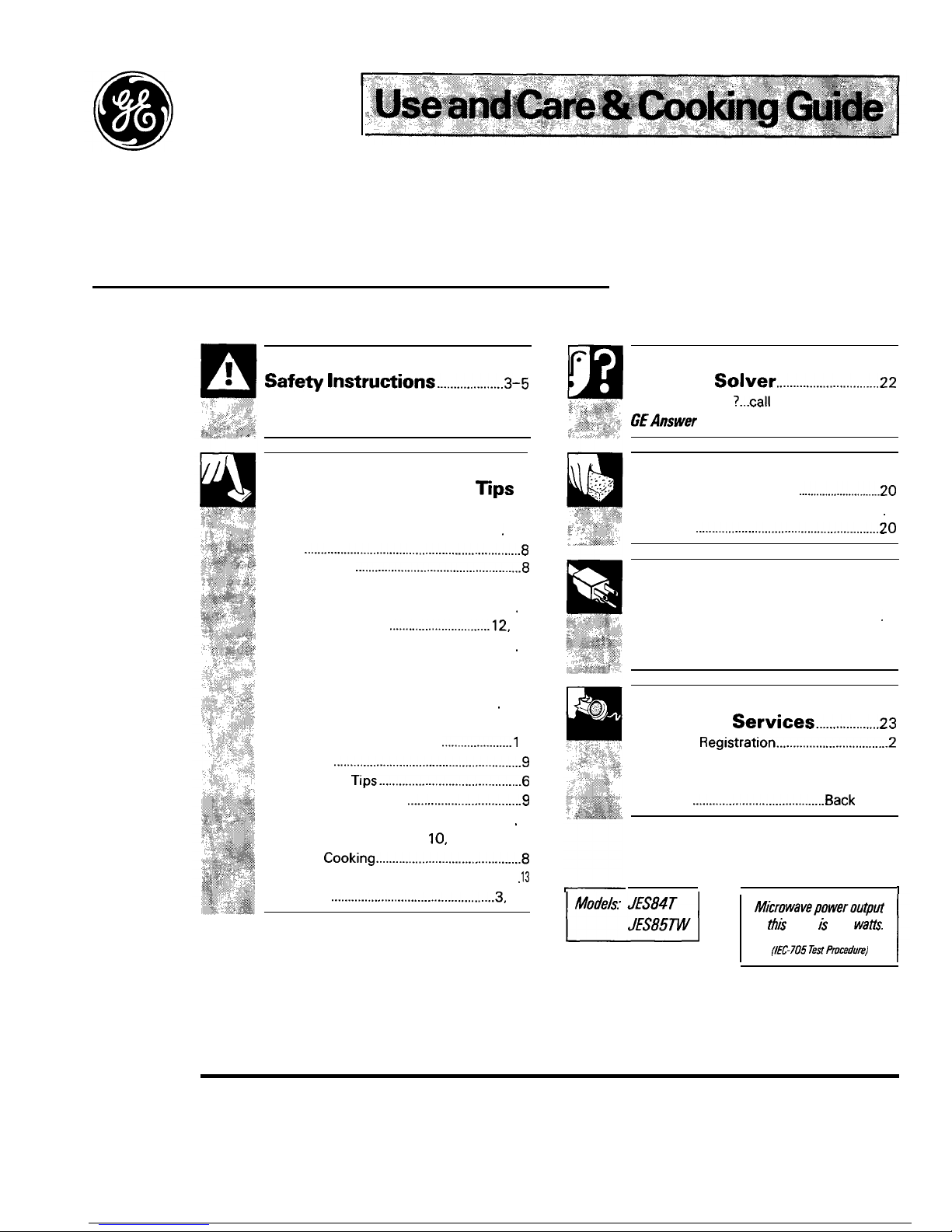
YOUR TOUCH CONTROL
PA~L
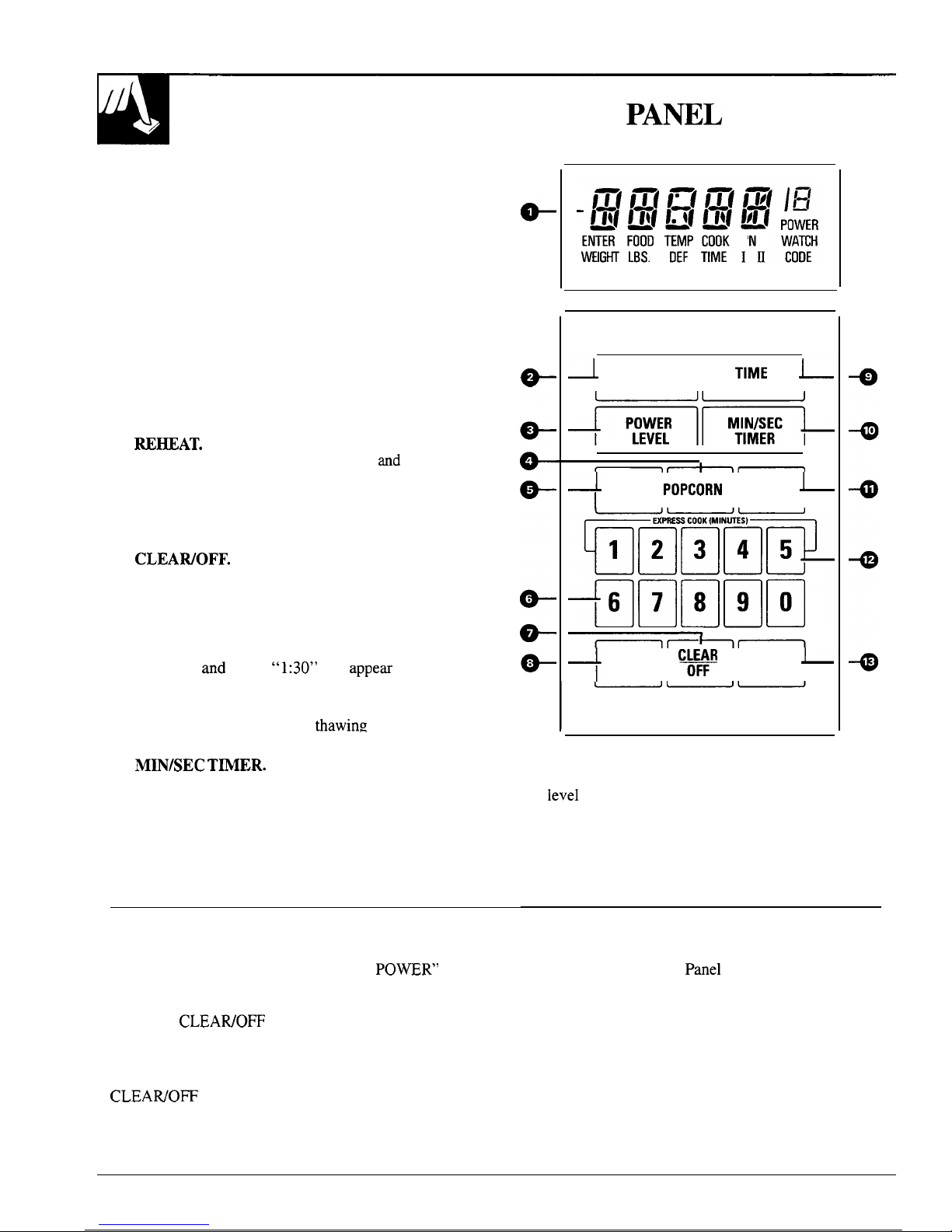
The Touch Control Panel allows you to set the oven
controls with the touch of a finger.
It’s designed to
be easy to use and understand.
1.
2.
3.
4.
5.
6.
7.
8.
9.
DISPLAY.
Displays time of day, time or
temperature during cooking functions, power
level being used, cooking mode and instructions.
TIME COOK 1 & 2.
Microwave for a selected
amount of time using automatic power level 10.
POWER LEVEL.
Touch this pad after you enter
the cooking time if you want to change from
automatic power level 10 (High).
POPCORN.
Touch this pad, then START to cook
prepackaged microwave popcorn weighing 3.0 to
3.7 ounces.
~HEAT.
Use Reheat for quick reheating of a
variety of foods using different times
and
power
levels.
NUMBER PADS.
Touch these pads to enter
cooking, defrosting time, time of day, power level,
Auto Codes or food weights for Auto Defrost.
CLEAWOFF.
When touched, it shuts off the
oven and erases all settings (except time of day).
CLOCK.
Touch this pad to enter time of day
or check time of day while microwaving. To set
clock, first touch CLOCK pad and then enter time
of day. For example, if time is 1:30, touch number
pads 1, 3,
and
O and “1:30” will
appem
in display.
Then touch START or CLOCK pad. To reset or
change time, simply repeat above process.
TIME DEFROST.
Gentle
thawing
at automatic
power level 3 (Low).
10.
MIN/SEC
T~ER.
This feature uses no
microwave energy. It functions as either a
kitchen timer, as a holding period after defrost
or as a delay timer before time cooking.
11. AUTO DEFROST.
Touch this pad and food
weight, then START. The oven automatically sets
power levels and defrosting time.
When You Plug in the Oven
The display panel displays five 8’s, “18
PO~R”
and
all of the oven functions. After 15 seconds, all lights
disappear and “RESET’ appears in the upper portion.
Touch the
CLEAWOFF
pad, set the Clock and oven is
ready for use.
If power is disrupted at any time, the above sequence
recurs, and you must reset Clock after touching the
CLEAWOFF pad.
8
I
~
TIME COOK
TIME
~
1&2
DEFROST
I
——
*—
1
AUTO
~
I
REHEAT
popcoRN
DEFROST I
+
CLOCK
C*
II
START
~
12. EXPRESS COOK.
Touch the number 1 through
5 pads for 1 to 5 minutes of cooking at power
level
10. For example, touch 2 then START for
2 minutes at power level 10.
13.
START.
After all selections are made, touch this
pad to start the oven.
Program Cooking
Use your Touch Control
Panel
to Time Cook with
choice of power levels from 1 (lowest) to 10 (highest);
to Auto Defrost, with the oven setting the power levels
and cooking or heating times; to time kitchen tasks
with the Minute/Second Timer; and to set the clock.
Create your own programs to suit your individual
cooking style. For example: use the Minute/Second
Timer to delay the start of Time Cook or program a
hold time between Time Defrost and Time Cook.