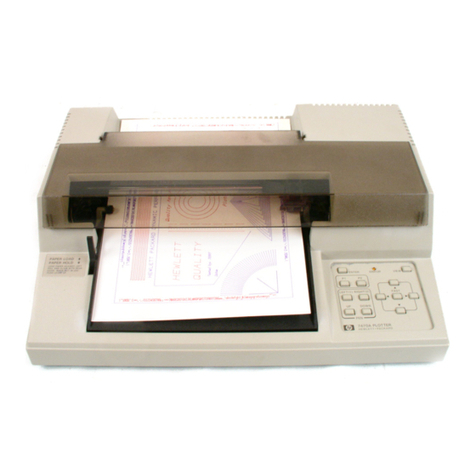
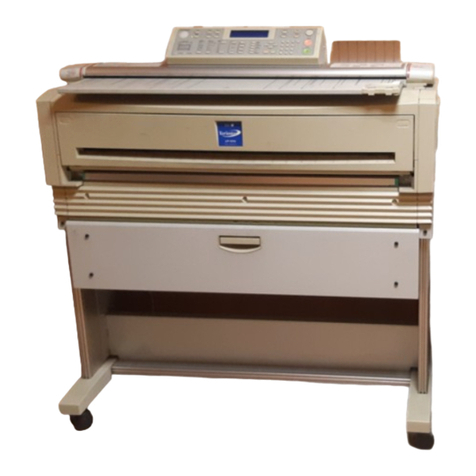
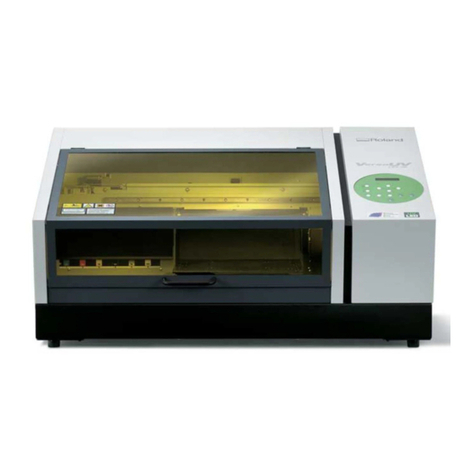
User guide – Plotter Flexipen 120/165
Plan
2
Contents:
Plotter Flexipen 120/165
1General specifications..................................................................................................... 3
1.1 Technical Data....................................................................................................... 3
1.2 Technical specifications................................................................................................. 3
1.3 Other recommendations................................................................................................. 4
1.4 Steps to be taken for the plotter’s first installation.......................................................... 4
2Plotter description and plotter assambly.............................................................. 5
2.1 Plotter components........................................................................................................ 5
2.2 Plotter assembly............................................................................................................. 5
3 Plotter Charging.............................................................................................................. 6
4Control panel...................................................................................................................... 7
5How to mount the paper.................................................................................................... 9
5.1 How to arrange the paper roll on the feed bar ............................................................... 9
5.2 How to fix paper on the recovering bar.......................................................................... 10
6Printing head...................................................................................................................... 11
6.1 Refill device.................................................................................................................... 11
6.2 How to put on the refill inside the device.................................................................. 12
6.3 How to put on the 3 ml “JUMBO” refill inside the device ........................................... 12
7 Installing and use the software......................................................................................... 13
7.1 Installing the Gemini PLT Spooler program for plotter................................................... 13
7.2 Using the Gemini PLT Spooler program................................................................... 14
7.2.1 General presentation............................................................................................. 14
7.2.2 The program main window.................................................................................... 14
7.2.3 Configuring ( setting) the program......................................................................... 15
7.2.4 Plotter calibrate..................................................................................................... 18
7.2.5 Plotting.................................................................................................................. 19
8 Maintenance....................................................................................................................... 20
8.1Lubricating....................................................................................................................... 20
8.2 Cleaning......................................................................................................................... 20
8.3 Recalibrate..................................................................................................................... 20
8.4 Check the plotting quality............................................................................................... 20
9 Troubleshooting................................................................................................................. 21
9.1 Common ttroubleshooting ............................................................................................. 21
9.2 General ttroubleshooting............................................................................................... 22
9.3 Plotting quality troubleshooting...................................................................................... 22