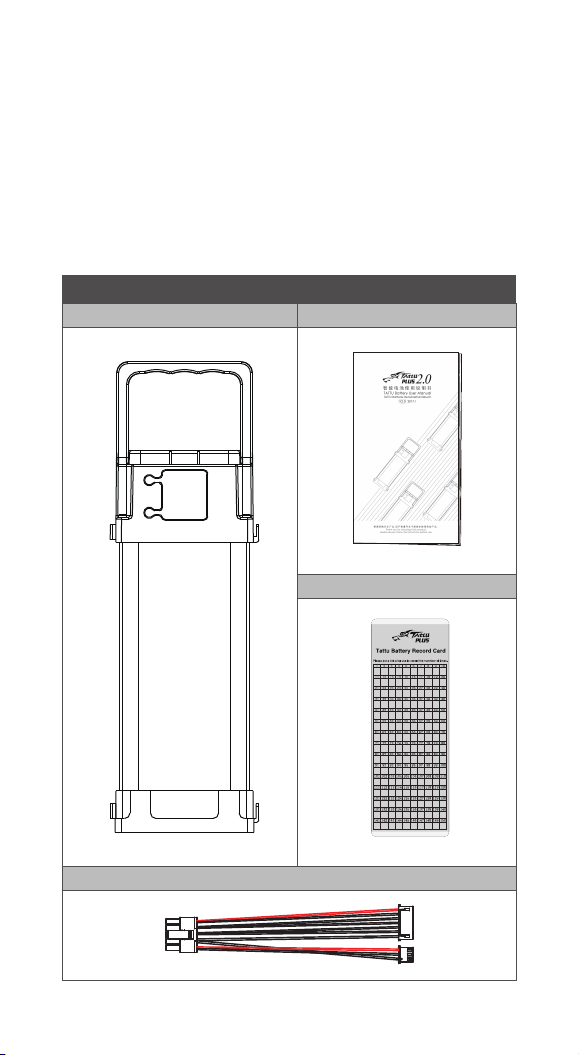
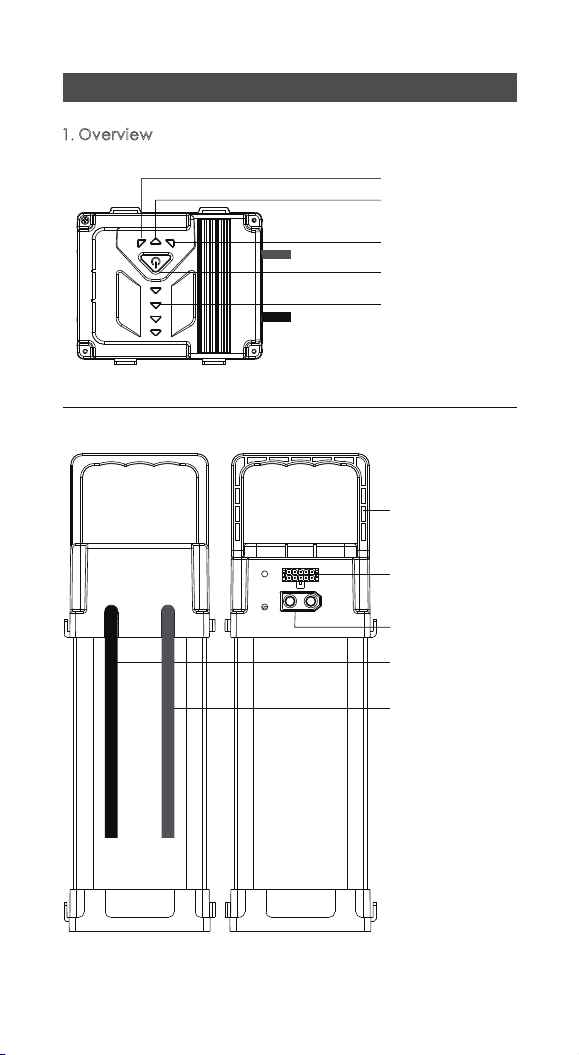
Charge Level Indicator
Charge %
0%~25%
26%~50%
51%~75%
76%~99%
100%
LED1
FLASHING
FLASHING
FLASHING
FLASHING
FLASHING
FLASHING
FLASHING
FLASHING
FLASHING FLASHING
OFF
OFF OFF OFF OFF
OFF
OFF
OFF
OFF
OFF
LED2 LED3 LED4
④ Charging
·
Short press the button for 1 second, then long press for 3
seconds to activate the charging port.
·
When charging, the LEDs will flash, showing the charging
status.
·
When all LEDs turn OFF during charging, your battery is
fully charged. Disconnect the battery from the charger.
⑤ Overheat Protection:When charging,if the
temperature exceeds 70℃(158°F),the charging
protection circuit will activate and charging will stop. To
resume charging allow the battery to cool down. Once
coolplease restart the batteryby powering it off and
on.
⑥ Low Temperature Protection: If the temperature of the
battery is below 10℃(50°F),the charging protection
circuit will activate and charging will stop. To restore this
function, please restart the battery.
⑦
Over Voltage Protection: When the charging current is
<20A , if any single cell voltage is over 4.225V,
charging will stop. To restore this function, please restart
the battery.
⑧
Over Voltage Protection: When the charging current is
<40A , if any single cell voltage is over 4.25V, charging
will stop. To restore this function, please restart the
battery.
⑨
Over Current Protection: When charging, if the charging
current is over 40A, the charging will be cut off. To
restore this function, please restart the battery.
·
Normal Temperature Range Storage: If the charge level
is higher than the best storage level and the temperature
is less than 60℃(140°F), the battery will start self-
discharging to a reasonable storage level after a defined
time. Self-discharge will stop at a predetermined voltage.
⑩
Intelligent Storage: Storage Mode will be auto-activated.
2017 TATTU PLUS 07
When the battery is fully charged, the LED1 to LED4 will be all ON and will go
OFF after 10 mins.