Page 8 Grind’n Brew®Coffee Systems
Brewing
IMPORTANT: Brewers are factory set for the correct grind and brew times for average situations. You
should not need to make adjustments in the field.
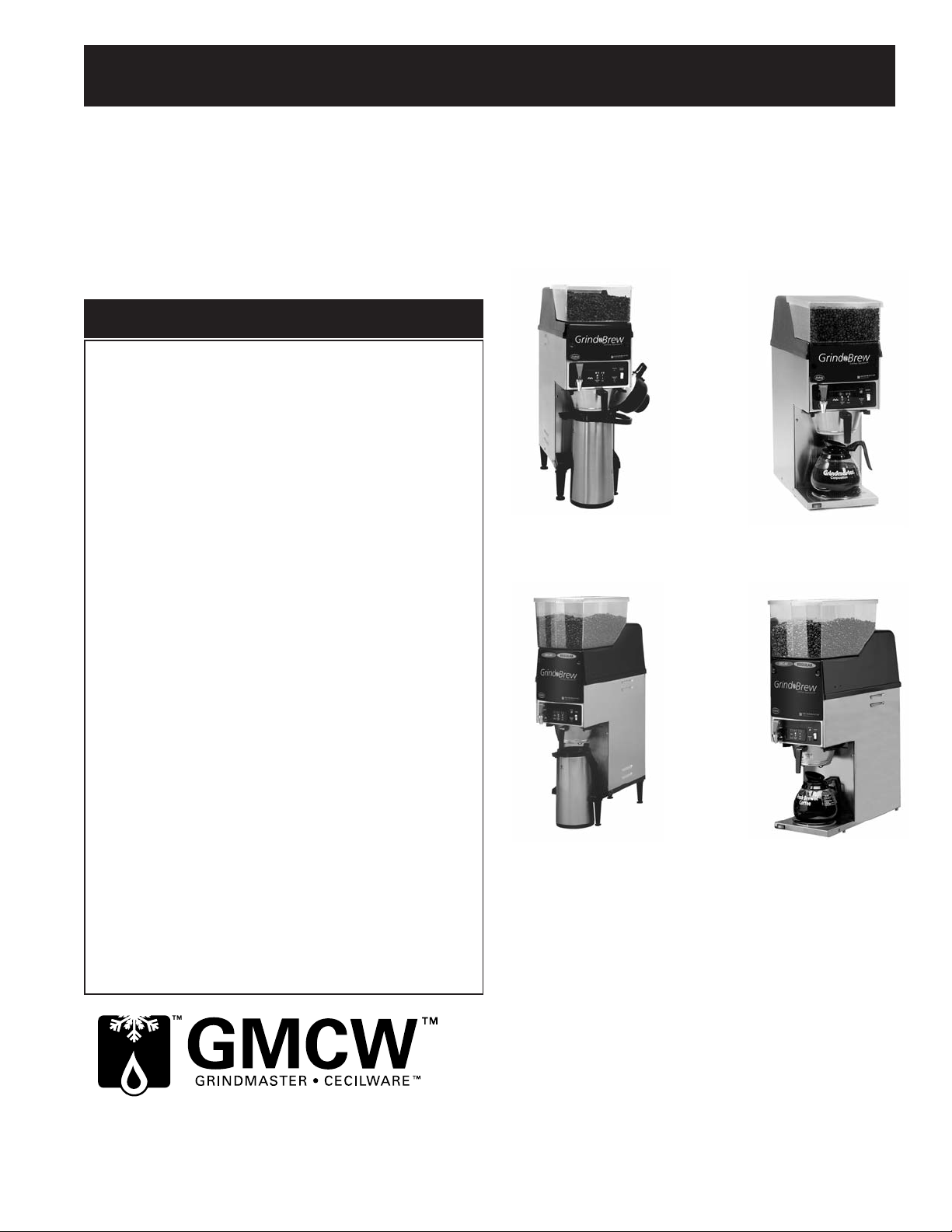
1. Make sure that a new paper filter is in the brew basket and the brew basket is in place in the brewer.
2. Place beans in the hopper.
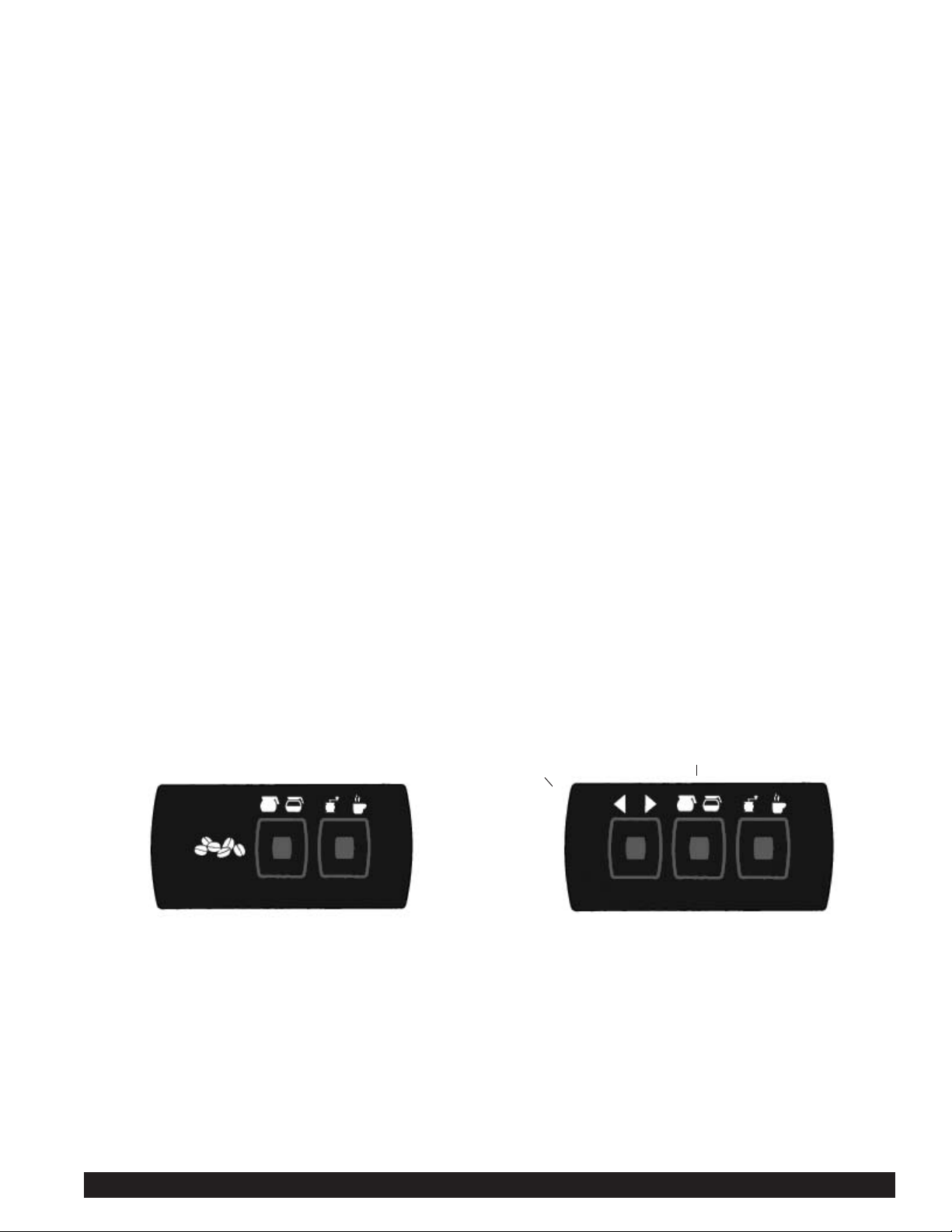
3. Choose to “Grind and Brew”. Press the far right touchpad so “Grind and Brew” lights are lit.
4. Choose the Portion Size. Press the middle touchpad until desired volume is lit.
5. Choose Decaf or Regular coffee (only applicable to dual bean Grind’n Brews without RFID Sensor). Press left
touchpad.
Arrow will either point left or right for Decaf or Regular.
6. Place a decanter or airpot under the brew basket, depending on the model.
7. Press Start. You will see the coffee bean level go down slightly. You will hear the coffee grind. Coffee is automati-
cally ground, portioned and placed in brew basket. Then ground coffee is automatically brewed. The Ready light
will now blink, indicating that grinding and brewing are in progress. This will take 3-4 minutes for a 1/2 gal. pot.
Portions are factory set. A stop function is added to the start switch. When this switch is depressed, it allows the
unit to stop during the selected grind, brew or grind and brew functions.
After brewing a pot, the tank must reheat. Reheat time is 5 1/2 - 8 minutes for 120V brewers. Remember that the
brewer will not function (although the grinder will) until the Ready light is on, indicating that the water is hot
enough to brew. A flashing green light indicates that the brewer is reheating or that there is a cycle in progress.
Do not remove the brew basket while the light is flashing. The brew basket must be removed before a new
brew can be initiated. This feature ensures that the operator discards the old coffee grounds and installs a new
coffee filter.
1. Make sure that a new paper filter is in the brew basket and the brew basket is in place in the brewer.
2. Place beans in the hopper.
3. Choose to “Grind and Brew”. Press the far right touchpad so “Grind and Brew” lights are lit.
4. Choose the Portion Size. Press the middle touchpad until desired volume is lit.
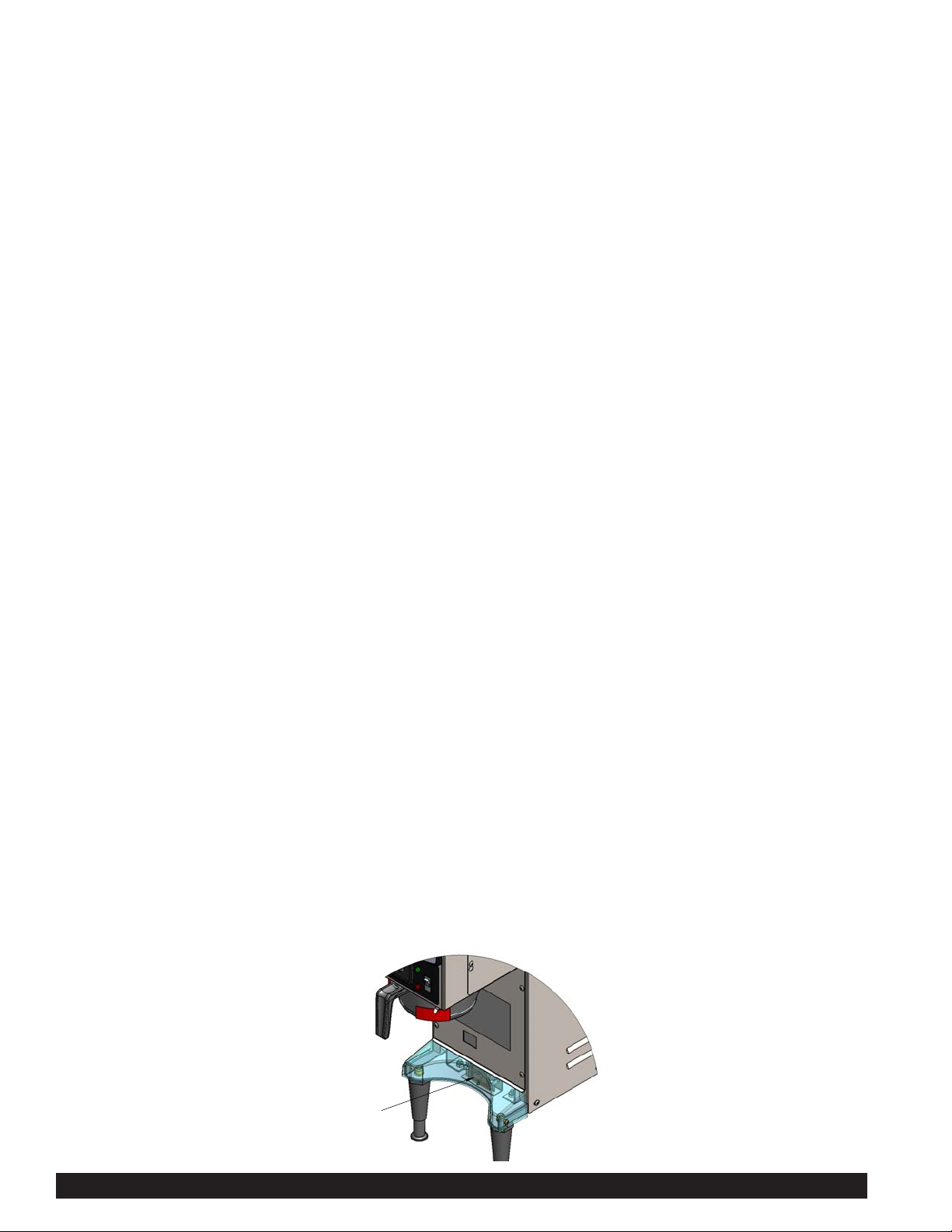
5. Place an airpot with the RFID tag under the brew basket aligning the tag with the sensor.
6. If a valid tag is read, a light under one of the hoppers will flash indicating which hopper will be used for grinding
and brewing. If satisfied with the choice press Start and the brewing cycle will begin. You will see the coffee
bean level go down slightly. You will hear the coffee grind. Coffee is automatically ground, portioned and placed in
brew basket. Then ground coffee is automatically brewed. The Ready light will now blink, indicating that grinding
and brewing are in progress. This will take 3-4 minutes for a 1/2 gal. pot. Portions are factory set. A stop function
is added to the start switch. When this switch is depressed, it allows the unit to stop during the
selected grind, brew or grind and brew functions.
After brewing a pot, the tank must reheat. Reheat time is 5 1/2 - 8 minutes for 120V brewers. Remember that the
brewer will not function (although the grinder will) until the Ready light is on, indicating that the water is hot
enough to brew. A flashing green light indicates that the brewer is reheating or that there is a cycle in progress.
Do not remove the brew basket while the light is flashing. The brew basket must be removed before a new brew
can be initiated. This feature ensures that the operator discards the old coffee grounds and installs a new coffee
filter.
RFID Grind Select Brewing Option
%(+,1'%/$&.