Charging from Solar
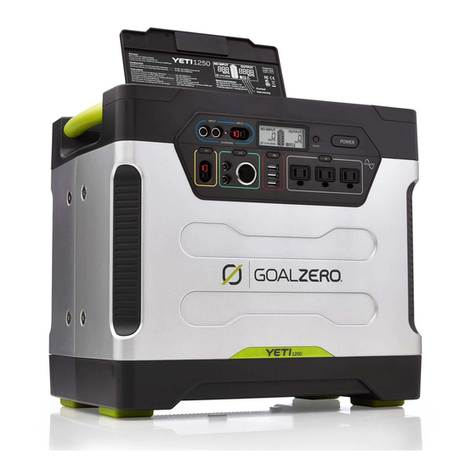
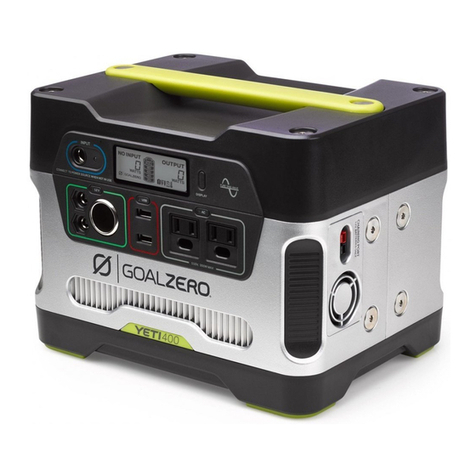
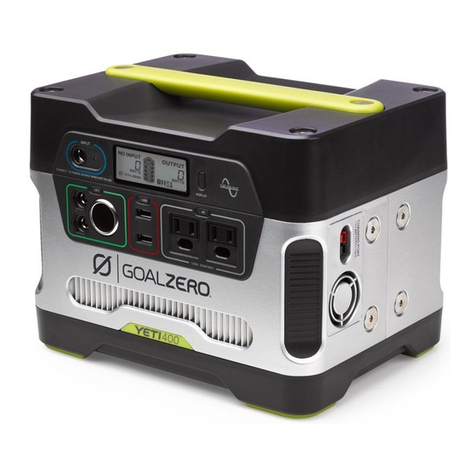
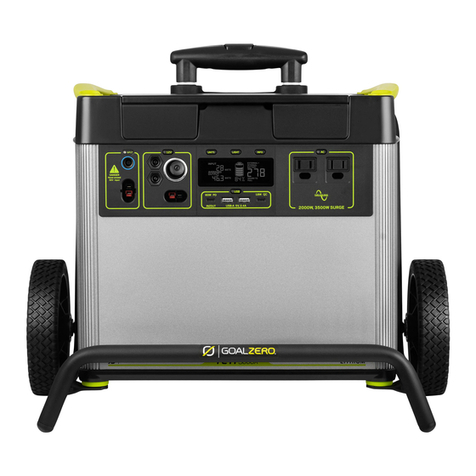
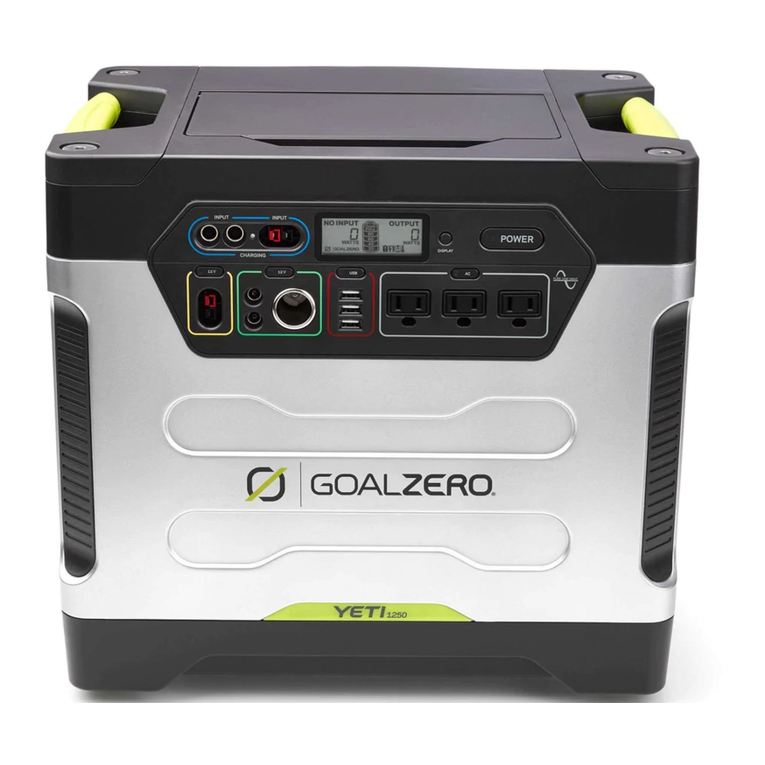
There are three different inputs you can use when charging your Goal Zero Yeti from solar, two of
which are located in the “INPUT” area on the left side of the Goal Zero Yeti faceplate and a third one
located inside the storage compartment under the top lid. One of the front ports and the port inside
the storage compartment are round 8mm ports designed to be used with Goal Zero Solar Panels or
wall charger. Each 8mm input port can handle up to 120W. The Anderson Power Pole port is designed
to be used with larger or higher power solar panels and can handle 600W of power, which is the total
capacity for power across all input ports.
1. Place your solar panel where it will get as much direct sunlight as possible.
2. Insert the blue-ringed solar panel plug into one of the INPUT ports, either on the front of the Goal
ZeroYetior in the storage compartment under the top lid. You will know the Goal ZeroYetiis charging
when the blue LED light next to the INPUT port lights up, and the battery segments in the BATTERY
DISPLAY are blinking. The Goal ZeroYetiis fully charged when all battery segments stop blinking and
remain solid.
3. You can also connect the Goal ZeroYetito solar panels using the Anderson Power- Pole port
and the appropriate adapter (if necessary), next to the 8mm charging port.
4. Youcan chainmultiple Goal ZeroSolarPanels togetherto reduce solarrecharge times. YourGoal
ZeroYetiis capable of takingin 120Wof inputthrough the 8mm portsand no morethan600Wof solar
through the APP port.
IMPORTANT NOTE: When solar recharging your Goal Zero Yeti Lithium, take note of the
voltages of the solar panels and do not exceed 50V.Individual solar panels, or solar panels
chained in series in excess of 50V cannot be used with the Goal Zero YetiLithium and can
cause serious damage to the unit. For help on chaining solar panels, call our Customer
Solutions Center at 888-794-6250.
How to use your Goal Zero Yeti:
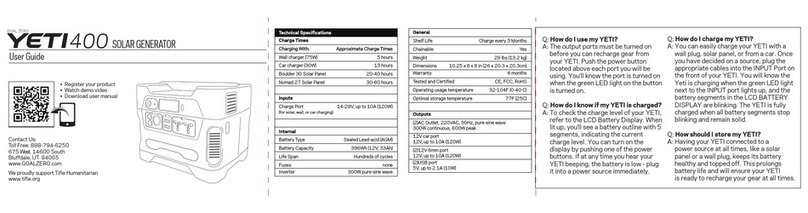
1. Press the power button located above each port you will be using. **When not using
certain ports, make sure to turn them off to conserve power.
2. You’ll know the port is turned on when the white LED light on the button is
illuminated.
3. Plug in your gear for power anywhere life takes you.
4. If possible, keep your Goal Zero Yeti plugged into a power source when not in use.
5. You can charge your Goal Zero Yeti, and run your gear at the same time.
Best-Use Strategy:
WhencharginggearwithyourGoalZeroYeti,takenoteof the BATTERYDISPLAY.Ifyouplugin devices that have a
highpowerrequirement (a large refrigerator),the charge levelof your Goal ZeroYeti can dropveryquickly and
you may not get exactly 6000Whof capacity.Also,especially whenusingthe AC poweroutput,the GoalZero
Yetiwillbe convertingthe energy from the DC powerof the battery to theAC powerneededby yourdevice.
AlthoughyourGoalZeroYetihas
a highly efficient inverter, there is still some energy lost in theconversion and you will notget the full rated
capacity of the battery. If you’re experiencing shorter runtimes, you may want to check the device’s power
requirements,seeTROUBLESHOOTINGforhelp.
Using your Goal Zero Yeti
NOTE:If you are inputting from solar panels into multiple portsyou can onlycombine inputs if the panels
beingusedare the samevoltage. Panels thatoutput different voltages willnot be ableto combine through
different ports.If you areusingpanelswithdifferent voltages intotwoor moreof the inputports,the Yeti
willselectthe singlehighestsolarinput available. Also,solarandAC inputs will not be ableto be
combined. Ifyou are inputtingfrom botha solarpaneland awall outlettheYetiwillselect the higherof the
twoinputs.
7
6