8
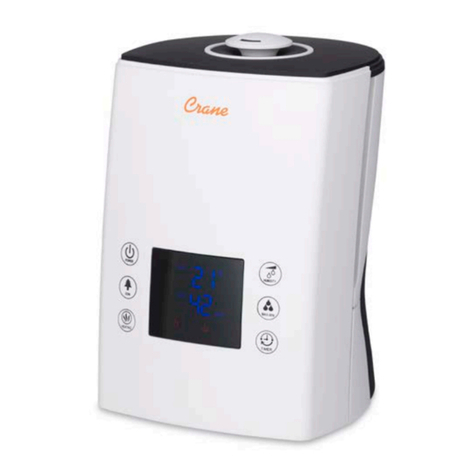
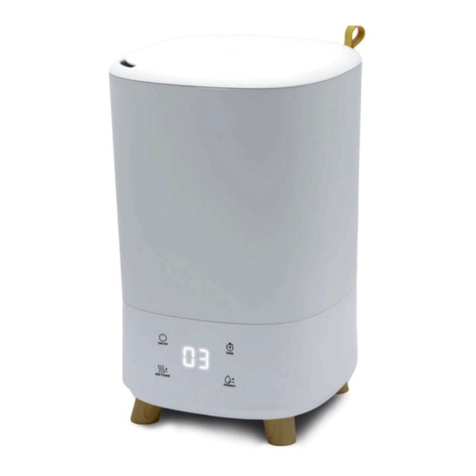
9. Touch the symbol MAX / MIN , AUTOmode is cancelled and the
mist output is in the first speed. You may select 3 desired levels of
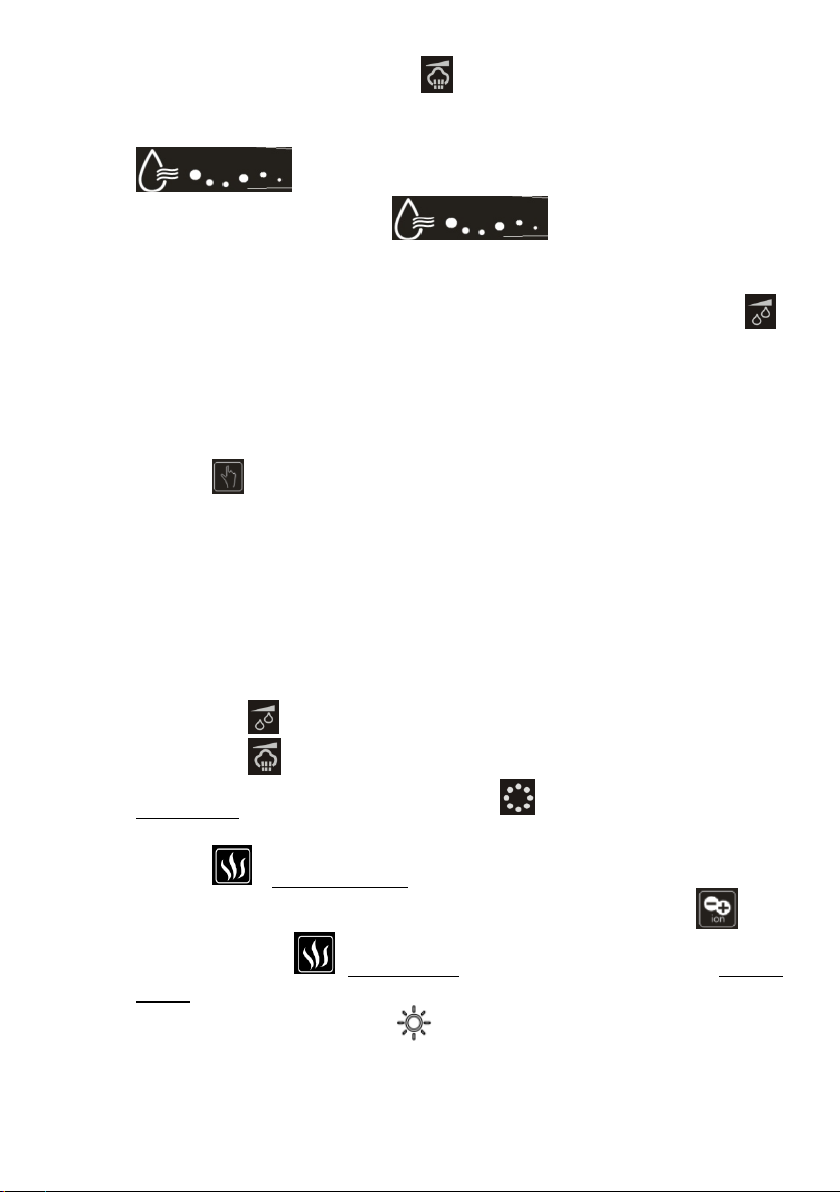
mist volume. The corresponding mist output symbol
shows on the display with different running speed.
In mist output level 1, the is running in low speed,
level 2 is running in middle speed, level 3 is running in high speed.
Touch the symbol again, to choose AUTO mode.
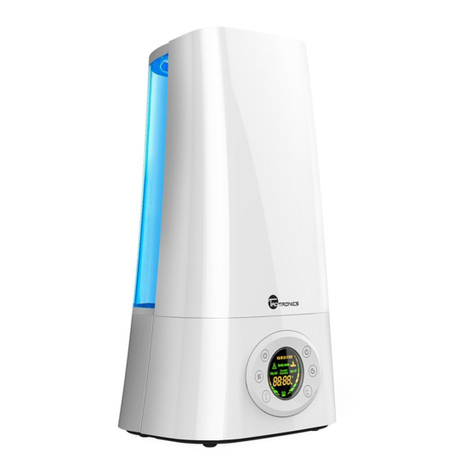
10. Constant humidity: Before you touch the symbol HUMIDITY ,
LED display shows the current humidity. You may set the humidity
arranged from 40%RH to 75%RH. Touch once, it will increase by
5%RH. When it reaches 75%RH, touch again, it will show “Co” and
flash for 3 seconds to exit humidity setting function and back to Auto
mode. After you set the expected humidity, the display shows the
symbol , the machine will keep the memory and confirm after 5
seconds. 5 seconds later, the symbol %RH will blink and LED
display shows the current humidity. Touch again, it shows the
expected humidity setting. If the expected humidity is less than the
current humidity, the machine will be in sleeping state. But if the
expected humidity is 3% higher than the current humidity, the
humidify function will work. Mist output speed cannot be setting
during the constant humidity model.
There is a shortcut for humidity setting. Touching the symbol
HUMIDITY is to increase humidity, meanwhile touching symbol
MAX / MIN can reduce humidity.
11. First touch the symbol DEGERMING , the warm mist will come
out after 10~15 minutes. On the LED display, it shows the Heating
symbol . Second touch, the Plasma generator works as well.
On the LED display, it shows both the Plasma symbol and
Heating symbol . Third touch, Heating function will off. Fourth
touch to stop both functions.
12. Touch the symbol LIGHT , the brightness of blue decoration
light in the bottom and the water tank indication light dimmed.Touch