5
Unscrew
Welcome to the GoVideo Family!
We would like to welcome you to the GoVideo Family.
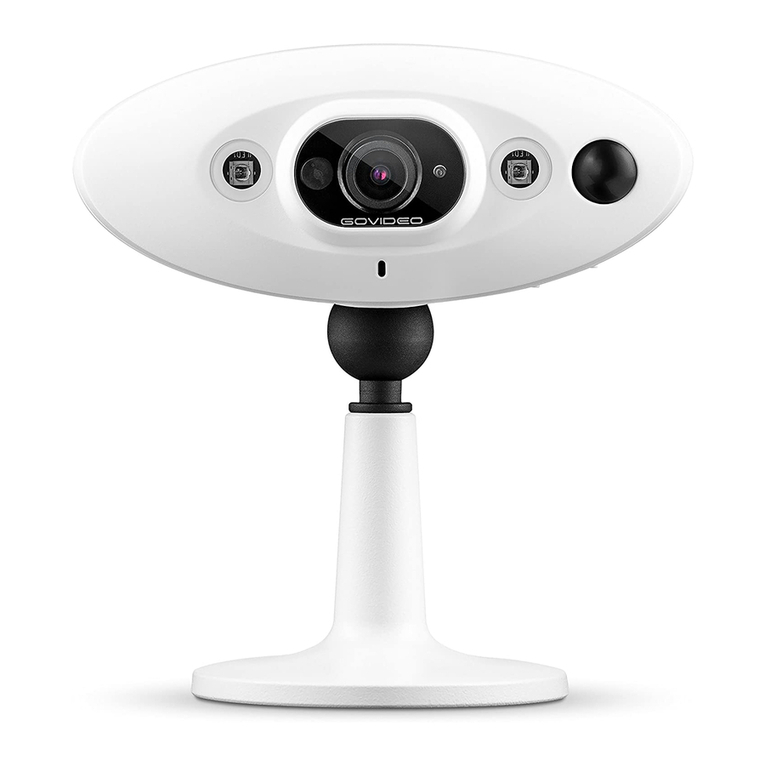
By this me you have opened the box, now let’s get to know Noa.
In the box you should nd
the following items:
(If the camera is not slow ashing blue, press the reset buon for 3
seconds. See the diagram.)
Once unscrewed, ip camera up.
(You will need a pin to push reset buon)
Direcons for preparing your camera:
1. Remove all the pieces from their plasc bags.
2. Unscrew the camera from the base.
3. Open the baery bay inside the camera.
4. Insert the baeries. Polarity is shown on the lid.
5. Close baery lid and slide clip closed.
6. Screw base back onto the camera.
7. Wait 1 Minute. You should see a slow ashing
blue LED light.
1 camera 1 mounng
plate
1 bag of screws4 CR123A
baeries
Reset Buon