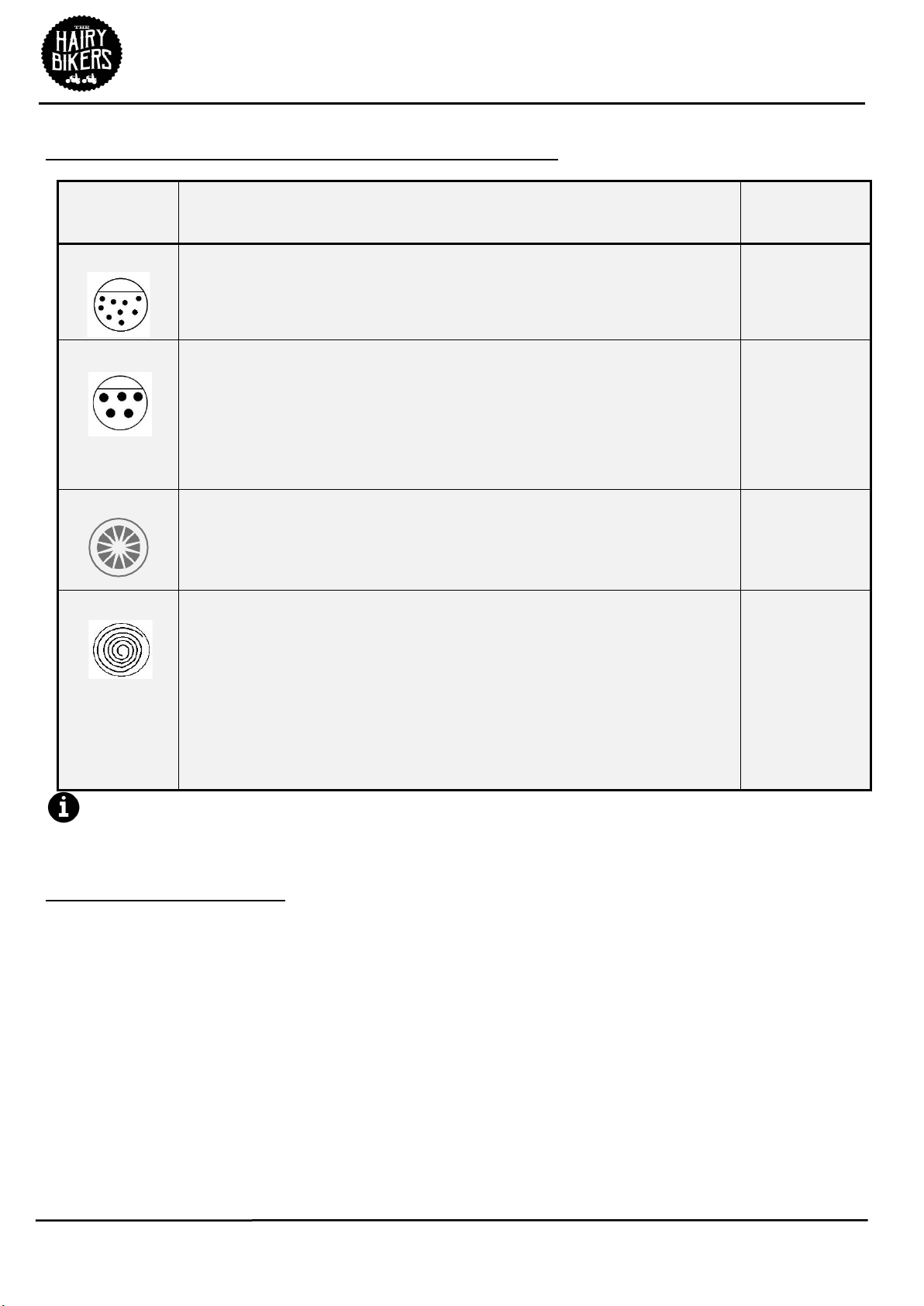
9.Using the table above press the Mode Button (16) to select from Smooth (hot
soup), Chunky (hot soup) or Juice (cold smoothies, cold soups, milkshakes, etc.).
The function indicator above chosen program will light continuously.
10.Press the Select/ON/Off Button (17) to start the Soup maker on the selected
programme. The LED Display (15) will show the programme time and the
current status of the unit.
11.Once the programme has finished,
the Soup maker will beep for 60 seconds
and the screen will display the ‘completed’ icon (see above), the four
function Indicators 11, 12, 13 & 14 will also flash.
12.
Unplug the Soup maker from the mains.
13.Remove the lid using the Lid Handle (1) being careful to avoid any steam
emitted. (use of oven gloves is recommended).
14.Hold the Soup maker by the Jug Handle (5) pour and serve.
If the consistency of the blend is not satisfactory, select Blend Function by using
the Mode Button (16). Press the Select/ON/Off Button (17) to pulse blend food
to the desired consistency. Switch the unit off, by pressing and holding the
Select/ON/Off Button (17).
Using the Scales
1.Before using, place the soup maker on a solid, level surface.
2.Press the ON/ZERO Button (20), the display will then go
through its brief power on routine and then settle to show
that it is ready to weigh as shown to the right.
3.To cycle between the units of measure simply press the Unit
Button (18) to select from g, ml, lb:oz or oz.
4.Place the ingredients to be weighed into the Jug of the soup
maker.
5.If required press the ON/ZERO Button (20) to use the ‘TARE’
function. This function allows you to weigh another item
consecutively after weighing the first item without the need
to remove it from the Jug of the soup maker. The ‘TARE’
symbol will show in the bottom left of the Scale LED Display
(19) as shown right.
6.After weighing the scale will power off automatically after
approximately 2 minutes when left.