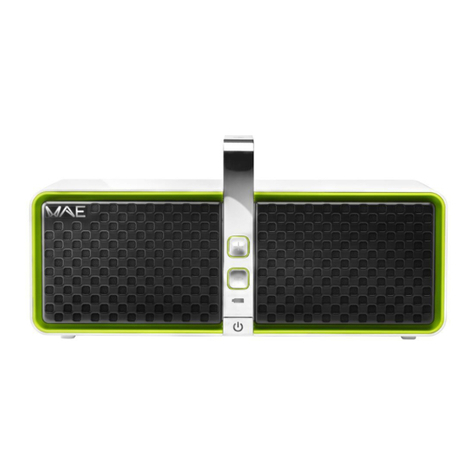
BTP02
User Manual – 9/12
3. TROUBLESHOOTING
doesn't power up
•The battery may be empty. Connect the speaker to an electrical outlet to
charge the battery and power the speaker.
•Make sure that the electrical outlet that your speaker is connected to is
appears to be
connected (the
Bluetooth®
indicator light (1) is
lit), but no sound is
•Turn off all Bluetooth® devices in the area or deactivate their Bluetooth®
feature, then reconnect the device that you want to use for playback.
•Turn off the Hercules speaker by moving the ON/OFF switch (6) to OFF,
then power it up again by moving the ON/OFF switch (6) to ON.
Bluetooth® device
can be heard on the
speaker
•Make sure that your speaker's sound isn't deactivated and that the volume
setting isn't on minimum.
•Make sure that the Bluetooth® source is active and that the volume
setting is high enough.
•Your Bluetooth® device may be out of range: move it closer to the device.
•Turn off the Hercules speaker by moving the ON/OFF switch (6) to OFF,
then power it up again by moving the ON/OFF switch (6) to ON.
auxiliary source can
be heard on the
speaker
•Make sure that the device connected to the auxiliary input is powered up
and playing a track.
•Increase the volume setting on the device connected to the auxiliary input.
•Increase the speaker's volume setting.
speaker to a paired
Bluetooth® device
•If your device requests a password, enter 4 zeros (0000).
•Turn off the Hercules speaker by moving the ON/OFF switch (6) to OFF,
then power it up again by moving the ON/OFF switch (6) to ON.
•Remove the Hercules WAE® speaker from the list of paired devices
stored on your Bluetooth® device (for more information, please refer to
your speaker's user manual). Then, pair the speaker and the device
Hercules speaker
with my Bluetooth®
device
•Press the speaker's Bluetooth® pairing button (8) to activate the pairing
mode.
•Make sure that the Bluetooth® feature is active on the device that you
want to connect.
•Your Bluetooth® device may be out of range: move it closer to the device.
•Make sure that your Bluetooth® device supports the audio transfer feature
(AD2P protocol).
•Move your Bluetooth® device and/or the speaker away from any other
device liable to cause interference: cordless telephones, microwave
ovens, WiFi routers and all other Bluetooth®.
•If possible, turn off all other Bluetooth® devices in the area or deactivate
their Bluetooth® feature.
•Turn off the Hercules speaker by moving the ON/OFF switch (6) to OFF,
then power it up again by moving the ON/OFF switch (6) to ON.
•Delete the speaker's pairing table. Press and hold the Volume + (2) and
Volume – (3) buttons simultaneously for 10 seconds. The indicator light
turns off, then starts flashing quickly.
in auxiliary mode
•Lower the volume setting on the auxiliary source.
•
Make sure that the 3.5 mm mini-jack is correctly inserted in the connector.